
 English
Design review is where a project either stays on track or quietly goes off the rails. Everyone gathers around a drawing, people point at different parts of it, and someone tries to capture what was decided. On paper and on a standard monitor, that process is slow and the markups get lost.
An interactive flat panel changes the room. The drawing goes up at full size, everyone can see it, and the markups happen directly on the drawing and get saved with it. For a design or engineering team, that's not a nice screen — it's a working tool.
How design and engineering teams use a large interactive panel
The jobs break down into a few familiar patterns:
CAD and drawing review — a large assembly or floor plan goes up at full size and the team marks it up together.
Client walkthroughs — a designer walks a client through options on a large screen instead of a laptop turned sideways.
Prototype and concept review — renders, photos and references are pulled up side by side for comparison.
Markup capture — annotations are saved with the file, so decisions don't disappear when the meeting ends.
The common requirement across all of these is accuracy. A drawing has fine lines, small dimensions and tight tolerances, and the panel has to render them faithfully.
The specs that matter for design work
Design and engineering put a few specifications under a spotlight:
Resolution. A floor plan or assembly drawing is dense with fine detail. 4K (3840 × 2160) is the practical baseline — anything lower and the small dimensions start to blur at viewing distance.
Touch precision. When you're circling a specific weld or dimension on a drawing, the touch point has to land where your finger is. Sub-millimetre accuracy and low response time are the difference between a clean markup and a frustrating one.
Color and contrast. Rendering a client's brand colors or reviewing a material finish means the panel can't be washing out the colors. An anti-glare coating matters too — design studios have light.
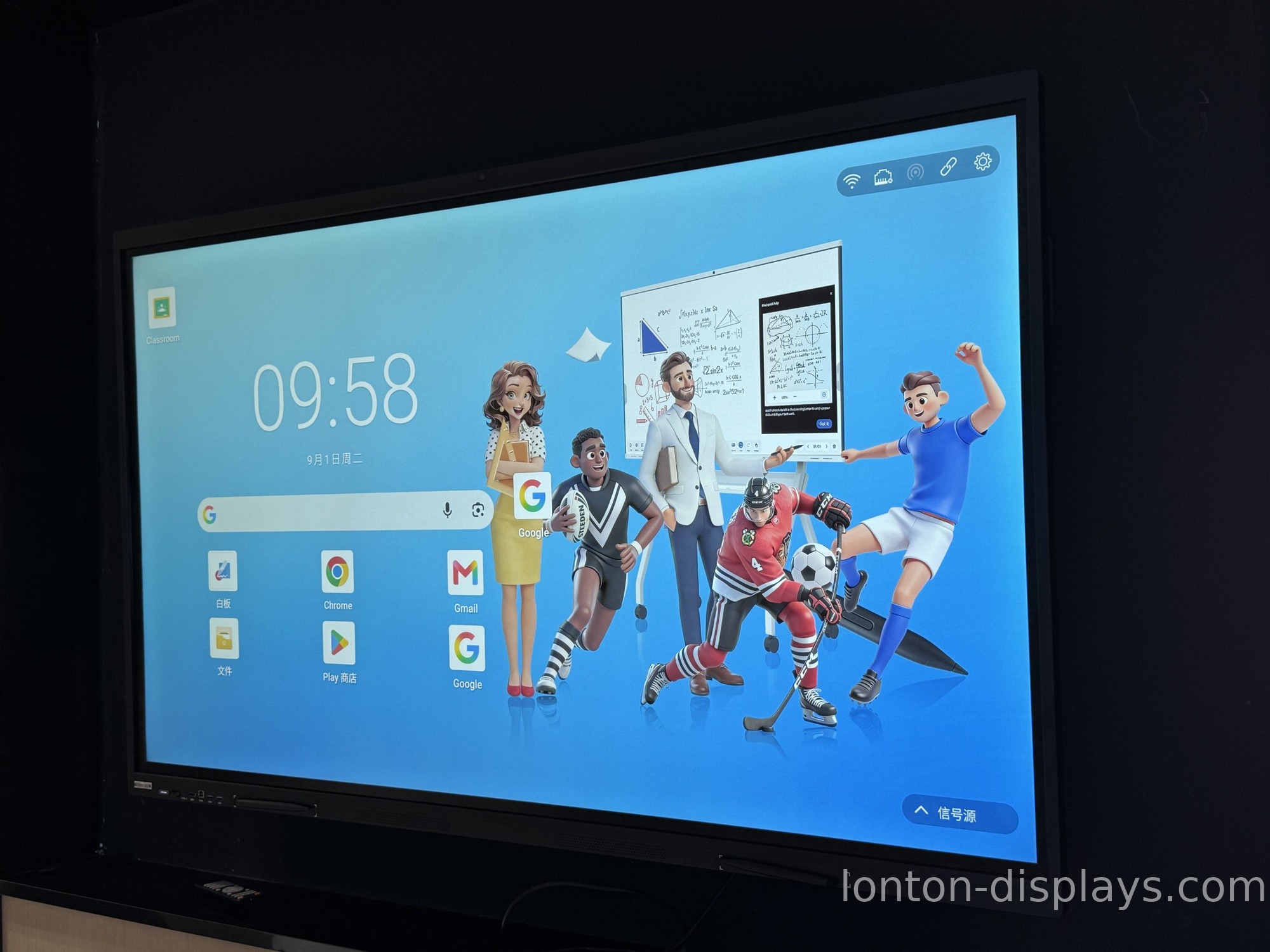
Why touch accuracy is the make-or-break spec
Here's the thing that separates a panel that works for design from one that doesn't: the touch layer has to be precise enough to annotate a dense drawing, not just click large buttons.
A 40-point infrared touch surface with ±1 mm accuracy and under 10 ms response time can keep up with someone circling a dimension or drawing a revision mark in real time. A cheap panel with soft touch precision will have the mark landing a few millimetres from where the finger is — on a floor plan, that's the difference between marking the right wall and the wrong one.
This is also where the handwriting recognition we cover in our AI handwriting recognition guide becomes useful: a rough sketch can be cleaned into shapes and text on the spot.
How Lonton supports design and engineering teams
Lonton has been manufacturing interactive flat panels since 2005, and the precision that design work demands is built into the hardware rather than bolted on. Our panels use 40-point infrared touch with ±1 mm accuracy and under 10 ms response time, on 4K UHD panels with anti-glare tempered glass that keeps colors honest under studio lighting.
Because we run our own LCD module workshop and sheet-metal fabrication, the panel that ships to a design studio is the same build we test in our own ORT reliability lab. The panels run Android 15 built-in, with an optional OPS slot for a Windows 11 Pro PC when a team needs to run full CAD software on the board itself.
If you're outfitting a design studio, engineering office or client presentation room, contact us and we'll spec the right size and configuration. You can also browse the interactive flat panel range and read our guide to interactive flat panel manufacturer: what sets Lonton apart.
Frequently Asked Questions
Can you review CAD drawings on an interactive flat panel?
Yes — a 4K panel shows dense drawings at full size, and the team can mark them up directly on screen with sub-millimetre touch accuracy.
What resolution do I need for design review?
4K (3840 × 2160) is the practical baseline. Anything lower and fine dimensions and small text start to blur at viewing distance.
Does touch accuracy matter for design work?
It's the make-or-break spec. Annotating a dense drawing needs ±1 mm accuracy and low response time, or the mark lands away from where your finger is.
Can I run CAD software on the panel itself?
Yes — with an optional OPS slot, the panel can run a Windows 11 Pro PC with full desktop CAD software, rather than mirroring from a laptop.
Can the panel turn my sketches into clean shapes?
Yes — AI handwriting and shape recognition can clean up rough sketches into shapes and text, which is useful for quick concept work during a review.

