
 English
Digital Board for Classroom: What It Actually Means for Your Teaching (2026)
You have heard the term. Maybe your school is talking about getting one. Maybe a colleague at another school mentioned it. Maybe you walked past a classroom that already has one and the screen looked brighter, the students looked more engaged, and you wondered what you were missing.
A digital board classroom setup sounds like it could be anything — a fancy projector, a giant tablet, a smart TV with a stylus. The confusion is understandable. The education technology space uses a dozen different names for things that are mostly the same idea.
Let us cut through that. Here is what a digital board actually is, what changes when you start using one, and what you should look for if your school is evaluating options.
So What Is a Digital Board, Exactly?
A digital board — also called a smart board, an interactive flat panel, or an interactive whiteboard — is a large touchscreen display that replaces the traditional whiteboard and projector setup.
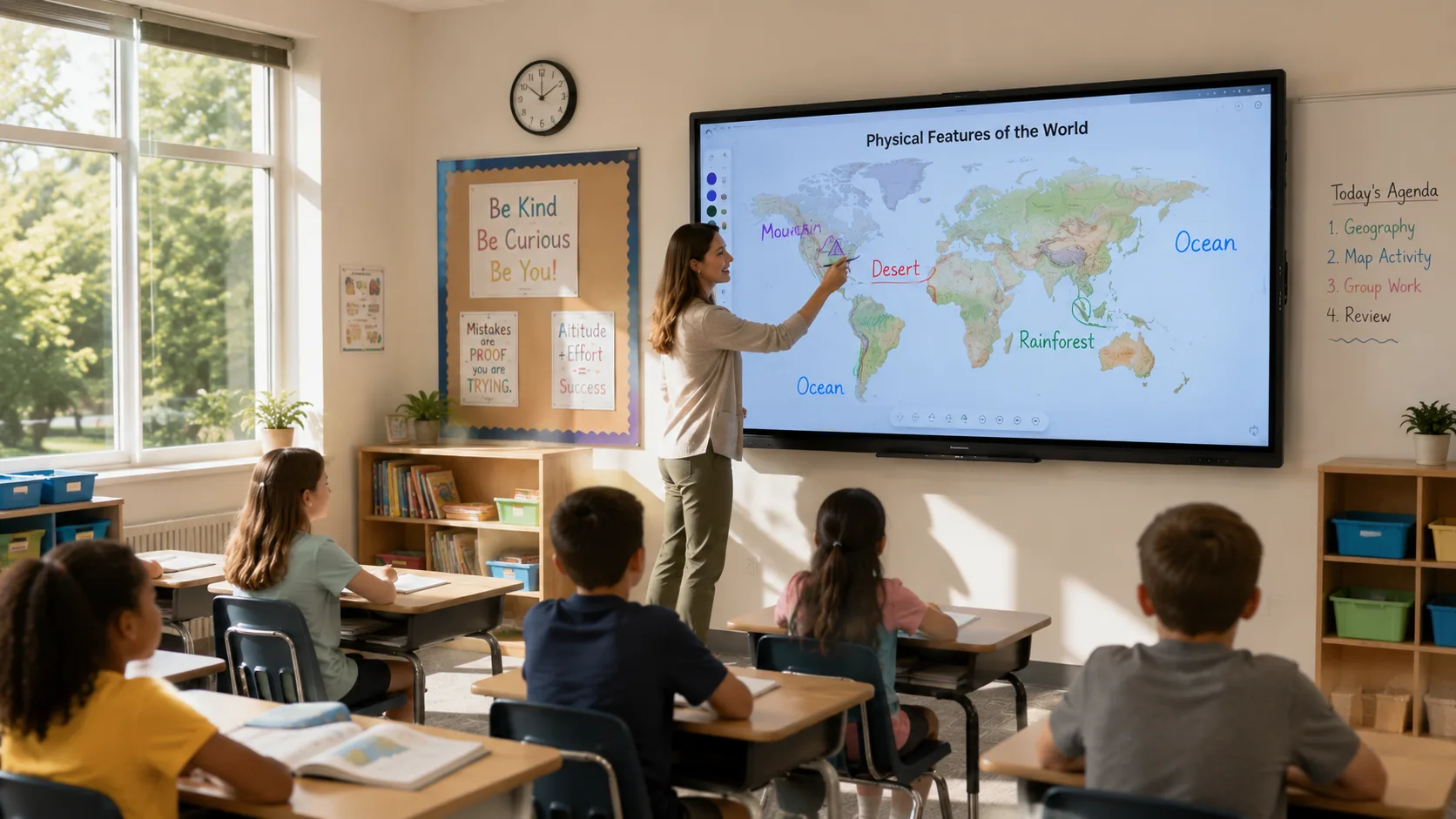
Think of it as a giant tablet mounted on your classroom wall. You can write on it with a stylus or your finger. You can show videos, pull up websites, annotate over documents, save everything you wrote, and share it with students who were not in class that day. No projector. No whiteboard markers. No "let me just adjust the focus."
It connects to the internet and to your computer, either through a cable or wirelessly. Most models run on Android or Windows, meaning you can open a browser, launch an app, or use built-in whiteboarding software directly on the board — no separate computer required if you do not want one.
The distinction that matters most: an older projector-based interactive whiteboard is three pieces — projector, computer, whiteboard surface. A digital board is one piece. That single difference changes how often it gets used, how reliable it is, and how fast a lesson starts.
What Changes in Your Classroom
You know the first five minutes of a projector-based lesson. Turn on the projector. Wait for it to warm up. Close the blinds because the image is washing out. Find the right remote. Hope nobody bumped the cart since yesterday. By the time everything is ready, a handful of students have already checked out.
With a digital board, you press one button. The screen is on. The blinds stay open because the display is bright enough to handle daylight. You start teaching.
The bigger change — the one you do not expect until you have used it for a few weeks — is how much more you use the board interactively. When displaying content requires zero setup friction, you pull up a map mid-discussion. You open a video to answer a student's question. You annotate a diagram in real time instead of pointing at a static image in a textbook.
Students respond differently too. When the board is bright and easy to see from any seat, eyes stay on the lesson. When you invite a student up to solve a problem directly on the screen, the energy in the room shifts. Students who rarely raise their hands will volunteer to walk up and touch the board.
What About Your Existing Lessons?
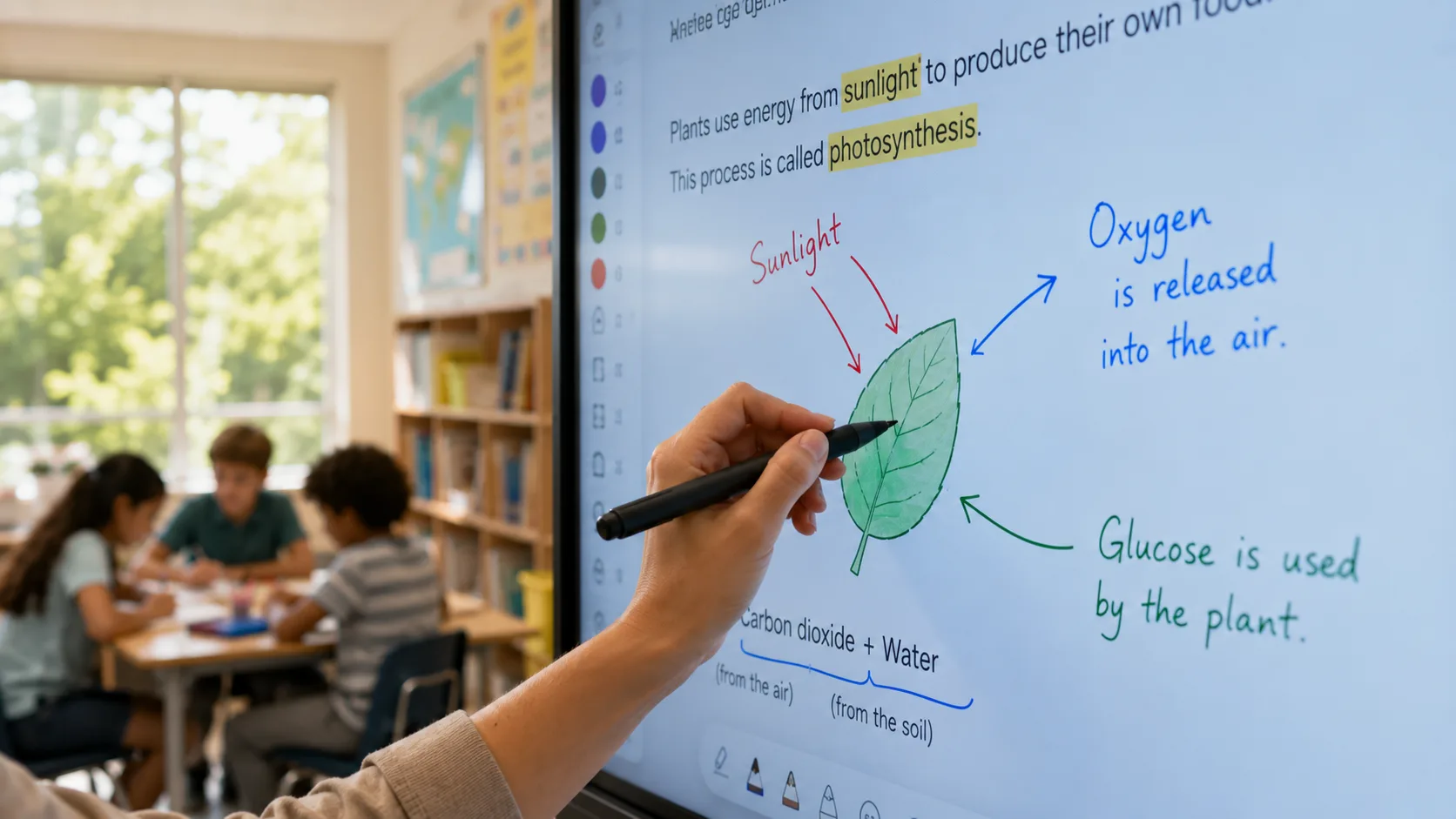
You do not need to rebuild your curriculum from scratch. The board works with whatever you already use — PowerPoint, PDFs, Google Slides, videos, web pages. Open your existing lesson file. Annotate on top of it. Save the annotated version.
That last part is a workflow change worth paying attention to. At the end of a class, you save everything you wrote on the board as a file. Send it to absent students. Post it to your class page. Pull it back up tomorrow to continue where you left off. Over a semester, you build a searchable library of how you actually taught — not the lesson plan, but the real version with the notes, the corrections, the tangents that turned out to matter.
For schools evaluating a digital board classroom investment, this is often the part that justifies the cost. The board stops being a display and becomes a teaching record that gets more useful over time.
What to Check Before Your School Buys
Not all digital boards are the same. Here are the things that actually affect your day-to-day experience — the stuff spec sheets bury in fine print.
Wireless screen sharing is the first thing to test. If you have to plug in a cable every time you want to show something from your laptop, you will use the board less. Look for a board that supports AirPlay, Google Cast, and Miracast natively — not just one of them. You want any device that walks into your classroom to connect without adapters or workarounds.
Touch responsiveness matters more than resolution. A 4K screen sounds impressive. But if the touch lags by half a second — you write a letter and it appears a beat later — you will stop writing on the board within a week. Test the touch before you care about the pixels.
Check what software comes pre-installed. Some boards ship with a full whiteboarding suite. Others ship with a basic notepad and expect you to download everything else. If your school is installing boards across twenty classrooms, every missing app is twenty downloads, twenty updates, and twenty things that can go wrong. Panels from manufacturers like LonTon come with the core software loaded and tested — you spend your first week teaching, not configuring.
Glare resistance saves more lessons than any feature. Walk into the room during the brightest part of the day. If sunlight hits the wall where the board would go, a glossy screen will be a mirror. A matte-finish screen will still be readable. This is not a minor detail — it determines whether the board is usable during third period or only in the afternoon.
A digital board classroom is not fundamentally different from a traditional classroom in what it teaches. The curriculum does not change. The standards do not change. What changes is how much friction sits between you and the content — how fast a lesson starts, how easily you can show something, how naturally students interact, and whether the notes from today survive until tomorrow.
The right board eliminates enough of that friction that you stop thinking about the technology and start using it the way you use a whiteboard — without thinking about it at all.
LonTon has been manufacturing interactive flat panels for classrooms since 2005. If your school is evaluating digital boards and you want to talk through what matters for your teachers, reach out. Tell us about your classrooms — how many, what grade levels, what your teachers care about most. We will help you narrow it down.

