
 English
Interactive Displays for Business: What Works for Meetings, Training, and More (2026)
Offices everywhere are replacing projectors and whiteboards with smarter tools. Walk into a modern workspace and the meeting room is the first place you notice the change. Chances are, you have been in both kinds of meetings. The one where the projector bulb died halfway through, someone fumbled with cables for five minutes, and the person at the far end of the table could not read a single slide. And the one where the screen just worked — someone touched it, the content appeared, and the meeting started on time. The difference between those two meetings is not luck. It is the display.
Interactive displays for business are not one-size-fits-all. A huddle room needs something different from a boardroom. A training center needs something different from a lobby. The right display depends on the room, the people in it, and what they are trying to do.
Match the Display to the Room
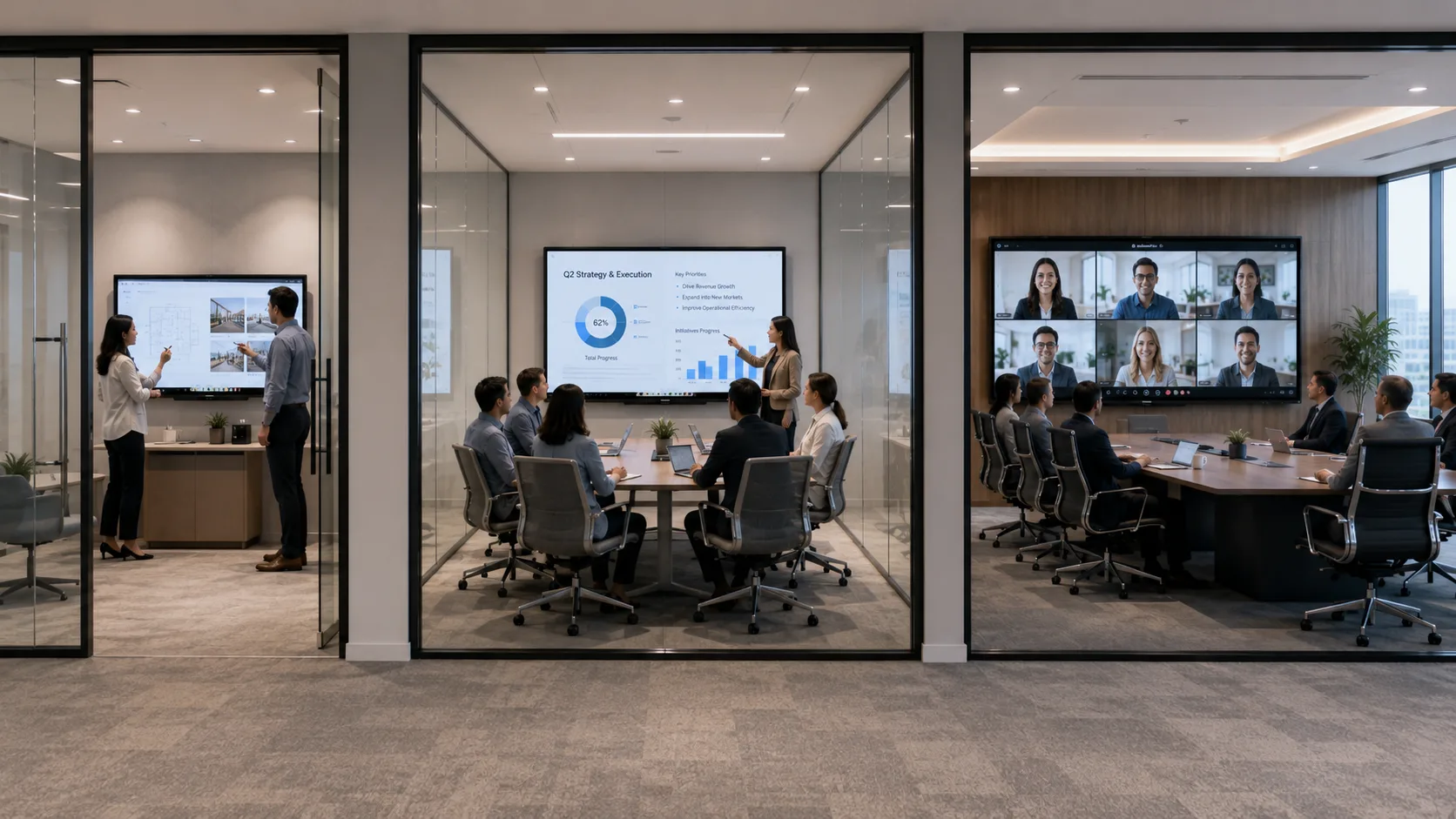
A huddle room — four to six people, quick stand-ups, informal brainstorms — works best with a 55-inch or 65-inch interactive flat panel. The screen is close enough that everyone reads content at a glance, and the panel does not overwhelm a wall that is already tight on space. One cable for power, mount it or put it on a mobile stand, and the room is ready.
A standard conference room — eight to twelve people, weekly team meetings, client presentations, video calls — needs at least a 75-inch display. The person at the far end of the table should see the same content as the person next to the screen. Wireless sharing matters here more than anywhere else — multiple people presenting in sequence should not mean passing a cable around the table.
A boardroom or executive briefing center — a room designed to impress — calls for 86 inches or more. At this size, the display dominates the room, which is the point. Every seat has a clear view. The image stays bright with the lights on. The technology fades into the background and the meeting takes over.
Training rooms and larger event spaces may need multiple displays or a single oversized panel depending on the seating layout. A training center with rows of tables benefits from a large front display plus repeat screens further back. A single interactive panel works when the room is smaller and the trainer leads from the front.
Beyond the Display: What Makes It Actually Useful
A business interactive display earns its place by removing friction. The projector that needed the lights dimmed, the cable that only worked with one type of laptop, the whiteboard in the corner that nobody walked to — these are the small inefficiencies that add up over a year of meetings.
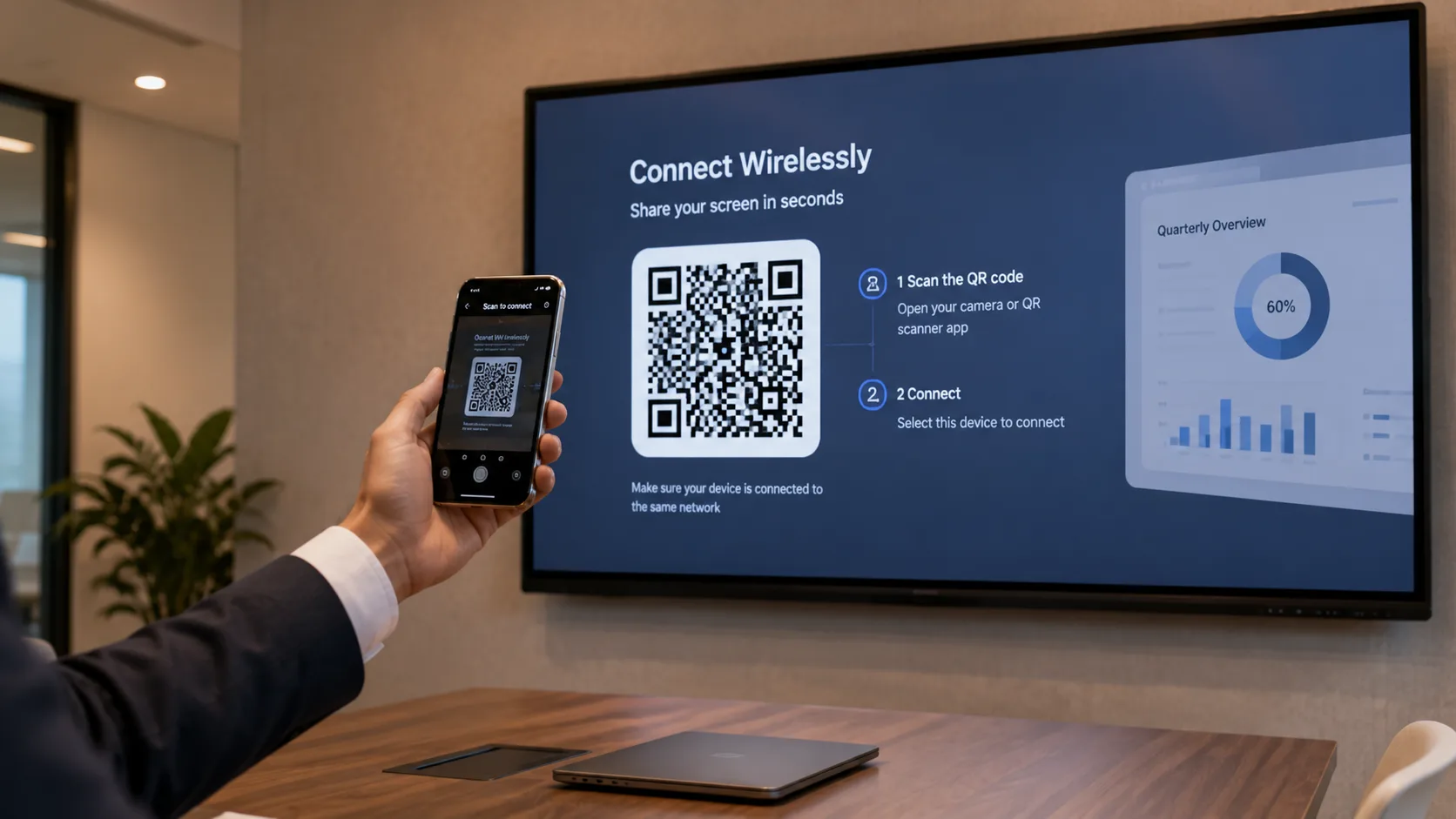
Wireless sharing is the feature that changes how a room works. A panel that supports AirPlay, Google Cast, and Miracast simultaneously means the device brand does not matter. Someone walks in with a Mac, a Windows laptop, or a phone, scans a QR code, and their screen appears. No cable hunt. No first five minutes of the meeting lost to setup.
Built-in video conferencing compatibility matters. If your company runs on Zoom, Microsoft Teams, or Google Meet, the display should integrate with that platform. A panel with a built-in or optional camera module turns a conference room into a video call room without a separate webcam, separate speakers, and a tangle of USB cables running across the table.
Touch and annotation capabilities turn a passive presentation into a working session. Someone highlights a number on a spreadsheet. Someone else circles a paragraph in a contract draft. The group edits a slide together in real time. These interactions happen on the display, not on a separate device, and that keeps the focus in the room instead of on individual laptop screens.
What Separates a Display That Lasts from One That Fades
The hardware specs get the attention in a purchasing decision. Build quality and support determine whether the display is still running well two years later.
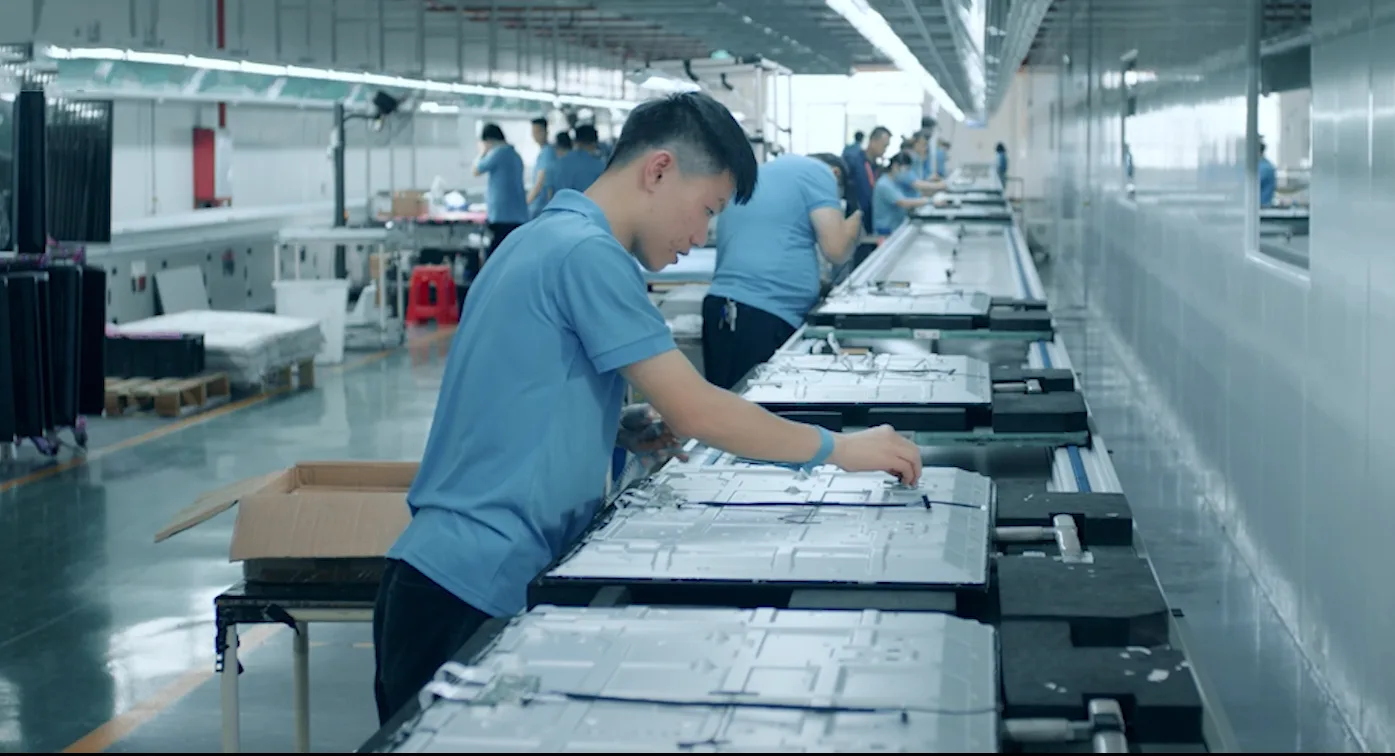
Commercial-grade panels are built for hours of daily use. A display rated for sixteen hours a day, seven days a week survives a busy office. A consumer-grade panel repurposed for a conference room develops uneven backlighting and dead pixels faster than anyone expects.
As a manufacturer, LonTon builds interactive displays for business with commercial-grade panels rated for continuous daily operation — not repurposed consumer screens. The difference shows up after the first year of heavy use, not on day one.
After-sales support is the other thing nobody thinks about until they need it. A dead pixel in month six. A firmware update that changes something the team relied on. A question about connecting a new device. If the manufacturer's support is a slow email chain, the display sits unused while IT figures it out. Before you sign a purchase order, ask how support works — response time, channel, whether your team can reach an actual engineer.
The Display Fits the Business, Not the Other Way Around
Interactive displays for business are a tool, not a trophy. The screen that gets used every meeting is the screen that fits the room, connects in seconds, handles whatever device someone brings, and keeps working without anyone thinking about it.
If you are outfitting conference rooms, training spaces, or a whole office floor, tell LonTon about your space. Room dimensions, how many people use each room, what platforms your team runs on, and what kind of meetings happen there. We will recommend the right size, touch technology, and configuration — not a catalog package, but a setup built around how your business actually works. Click the inquiry button and let us talk through it. We are happy to help.

