
 English
Why the camera gets ignored until it's too late
The camera on an interactive flat panel is the part nobody checks until the first hybrid meeting goes wrong. The room is set up, the call connects, and the remote participants are staring at a soft, grainy image of a table while the speaker talks somewhere just off frame. That's not a software problem — it's a camera problem, and it was baked in the day the panel was specced.
Most buyers ask "does it have a camera?" and stop there. The question that actually matters is "how good is that camera, and what will the people on the far end of the call see?" The answer comes down to one number: the megapixel count, and what a high one actually buys you.
What megapixels actually do for a meeting
A higher-megapixel sensor captures more detail, and that detail shows up in two places. First, the image stays sharp when the camera zooms or crops — which is exactly what an auto-framing camera does when it tightens on a single speaker. Second, it holds up in a real room, where the lighting is uneven and the person speaking might be standing a few metres from the panel.
This is why a 48MP camera and a 13MP camera can both be listed as "built-in camera" and produce very different meetings. The 13MP sensor goes soft the moment the camera crops in or the light drops. The 48MP sensor keeps faces clear and text readable — on slides, on whiteboards, and on the person presenting.
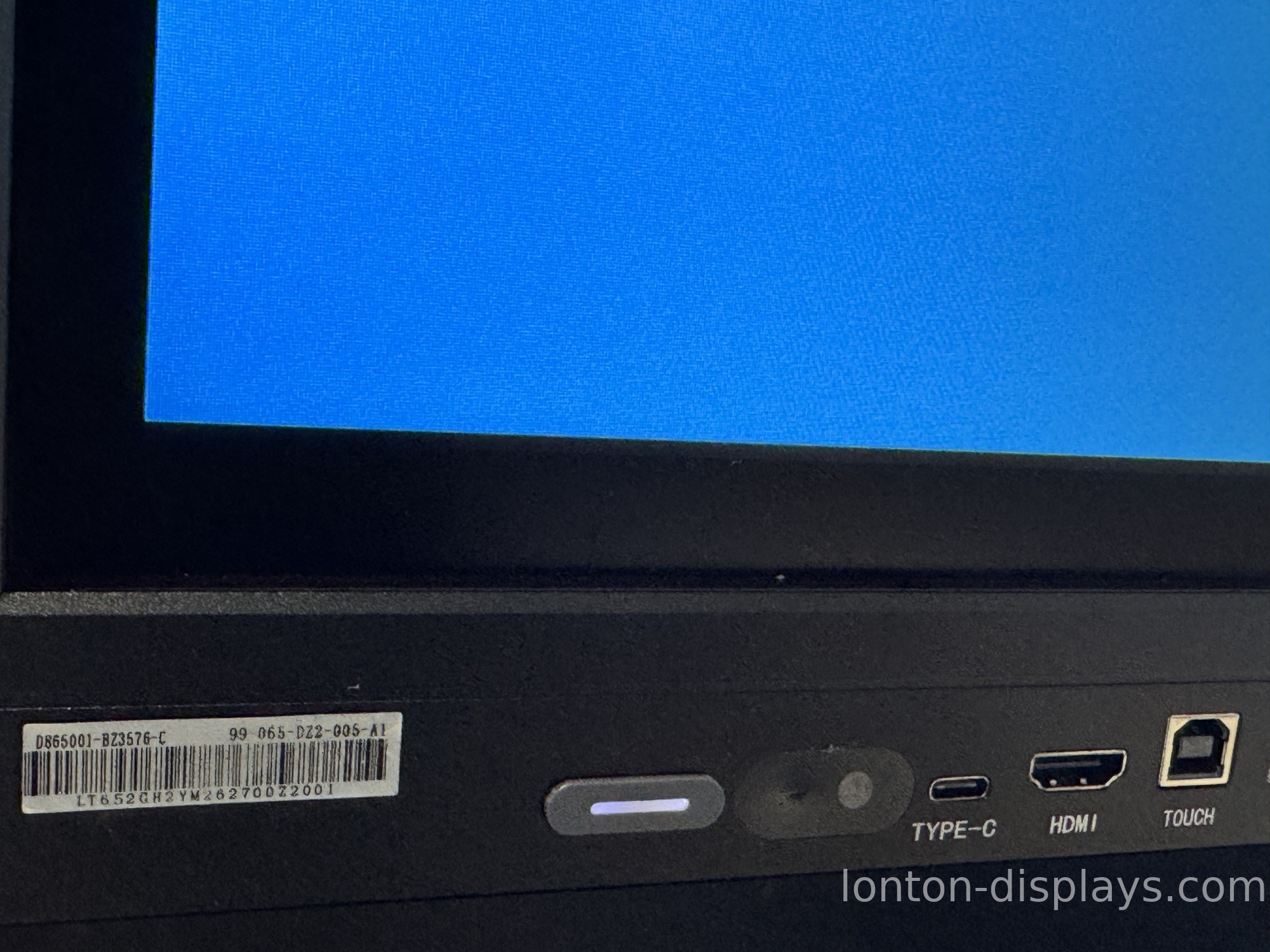
48MP vs 13MP: the difference you'll actually see
Hybrid meetings. A 48MP camera holds detail when it crops to a single speaker, so remote attendees see a clear face instead of a blur. A 13MP camera falls apart in the same situation.
Reading what's on the board. When a teacher or presenter writes on the panel, remote viewers need to read the writing. A 48MP sensor keeps handwriting and diagrams legible; a 13MP sensor turns fine lines into mush.
Large rooms. In a big meeting room or lecture space, the camera has to cover distance. Higher resolution means the person at the far end of the table is still sharp.
This is the gap buyers actually pay for — not a number on a spec sheet, but whether the people on the other side of the call can see and read what's happening. Our guide to AI camera auto-framing and speaker tracking explains how the camera works the room.
The camera is only half the audio-video story
A sharp picture means little if the remote end can't hear the room. That's why a good interactive flat panel pairs its camera with a proper microphone array — Lonton uses an 8-microphone array, so the camera can frame the right speaker and the microphones can pick up voices across the room. Video and audio have to work as one system, or the meeting fails on the side you forgot to check.
How Lonton handles the camera
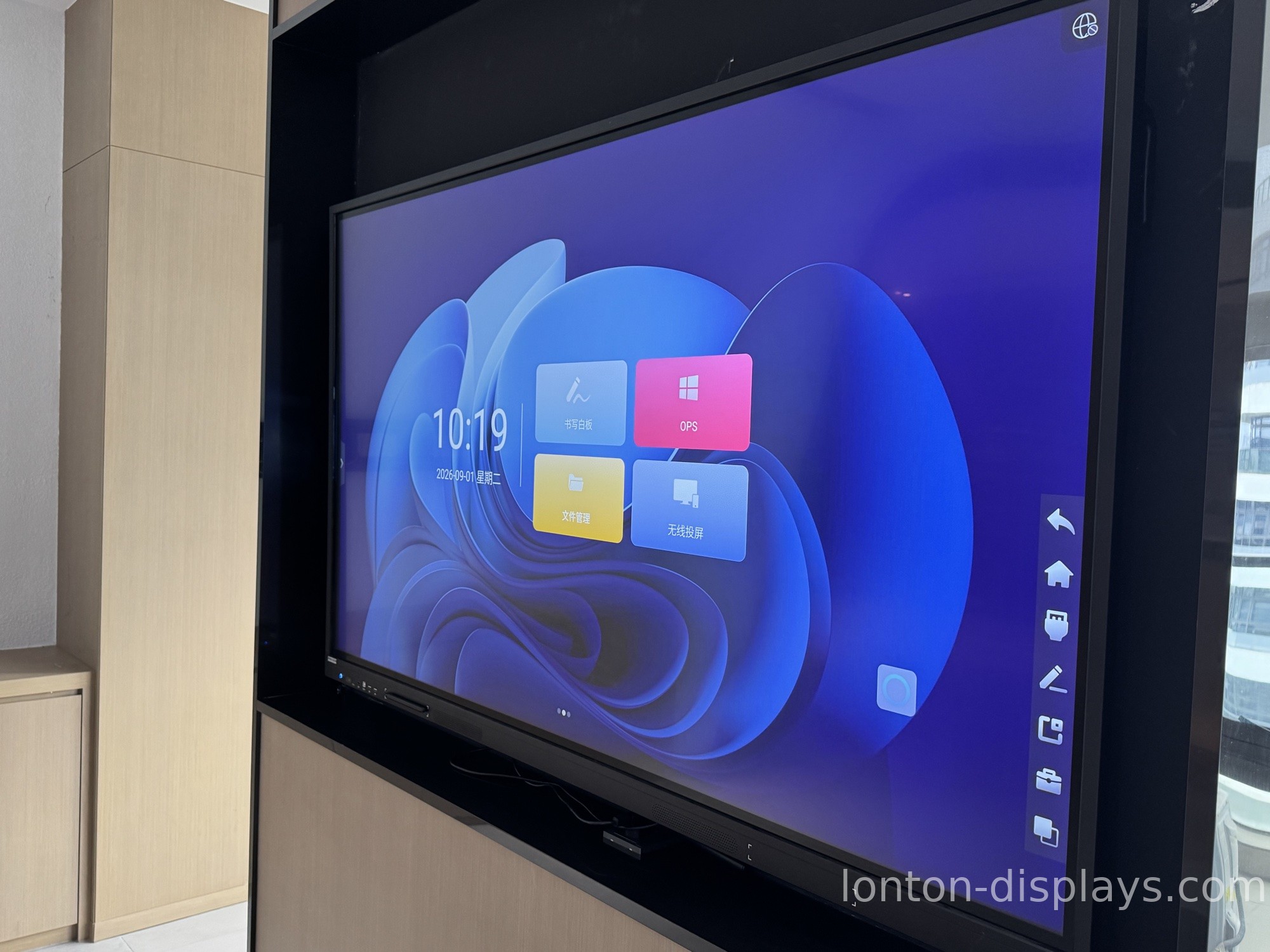
Lonton has been manufacturing interactive flat panels since 2005 from a 100,000-square-meter facility with 15 production lines. Our panels ship with a 48MP camera paired with an 8-microphone array, built into the panel and tuned to work with its software — no separate USB camera to manage, no drivers to fight with. The result is a hybrid meeting or a remote lesson where the far end sees and hears the room clearly, whether the speaker is standing at the board or sitting across the table.
If you're deciding between a built-in camera and adding one later, our guide to built-in camera and microphone vs buying separately covers the trade-off.
Spec the camera before you spec the room
If hybrid meetings or remote lessons are part of how your room gets used, put the camera on the checklist right next to panel size and touch — the far end of the call will thank you. Tell us your room size and how it's used, and we'll match you to the right panel and camera with a factory-direct quote. Contact Lonton or browse our interactive flat panels.
Frequently asked questions
Does the camera megapixel count really matter on an interactive flat panel?
Yes. A higher-megapixel sensor stays sharp when the camera zooms or crops, and holds up in uneven lighting — which is what real meetings have.
What is the difference between a 48MP and a 13MP camera?
A 48MP sensor keeps faces and text clear when it crops to a speaker or reads a whiteboard. A 13MP sensor goes soft in those situations.
Do I need a high-megapixel camera for hybrid meetings?
If remote participants need to read the board and see speakers clearly, yes — higher resolution makes the difference in larger rooms and at distance.
Does Lonton's interactive flat panel camera work with the microphone array?
Yes. Our 48MP camera is paired with an 8-microphone array so the video and audio work as one system out of the box.

