
 English
What Makes a Smart Board Good for Teaching
A board built for teaching is not just a bigger screen. It has to do three jobs well: let a teacher annotate naturally, run the lesson software without lag, and survive daily use by students. The specs that deliver those three are touch technology, the built-in system, and the teaching software — not the marketing headline.
The Specs That Matter in a Classroom
Touch technology
A 40-point infrared frame lets two or three students work at the board at once, and works with a finger, stylus, or gloves. That matters the moment you invite students up.
Display
A 350 cd/m² panel with anti-glare glass stays readable from the back row under classroom lights. 75 to 86 inches covers a standard classroom.
Built-in system
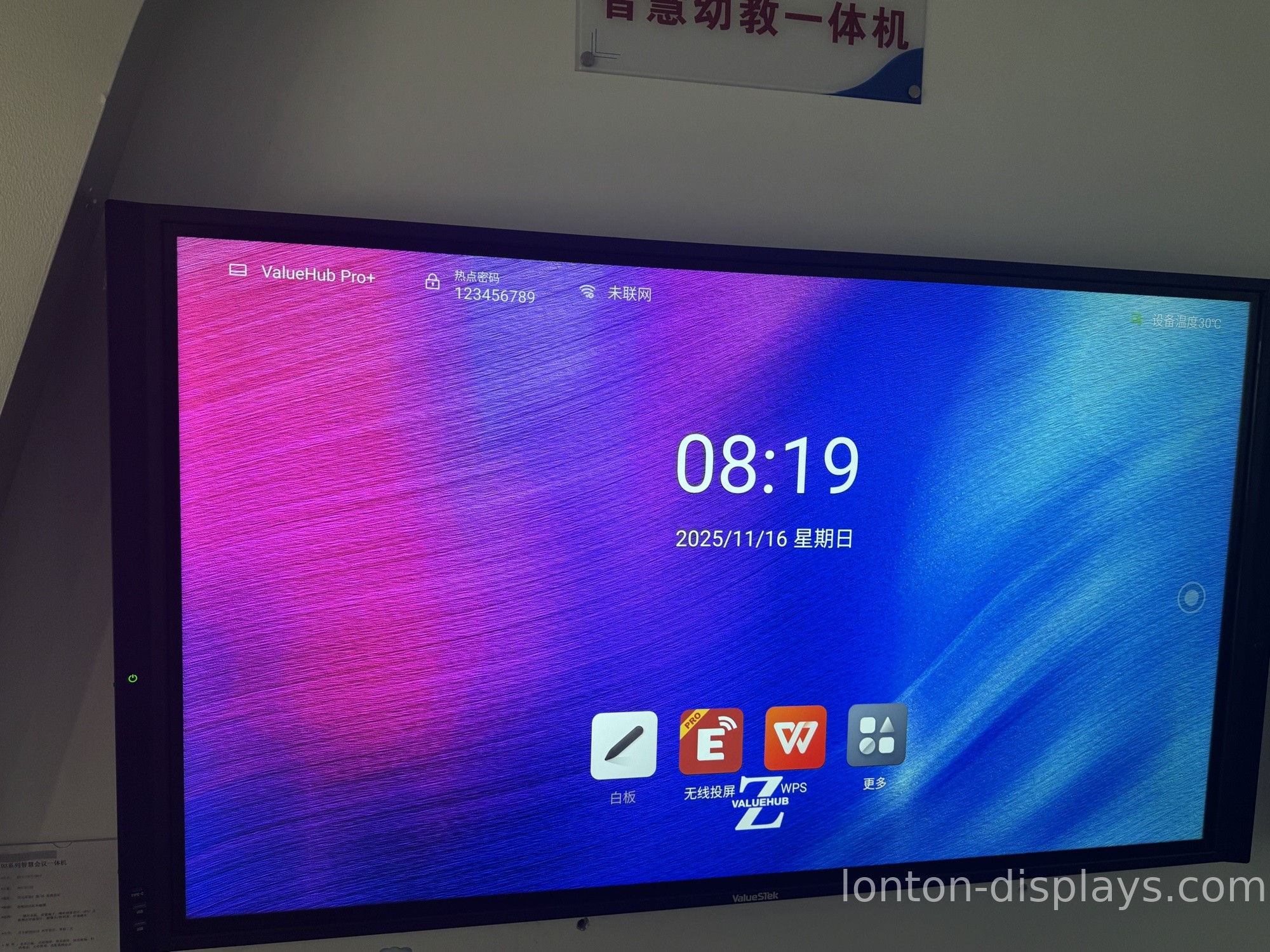
Android 15 built in means the board boots straight into the lesson app, with no separate PC to wait on. An OPS slot adds Windows 11 when you need it.
Camera and microphone
If you teach to remote or absent students, a 4K camera and microphone array turn the board into a hybrid classroom.
Teaching Software Is Half the Board
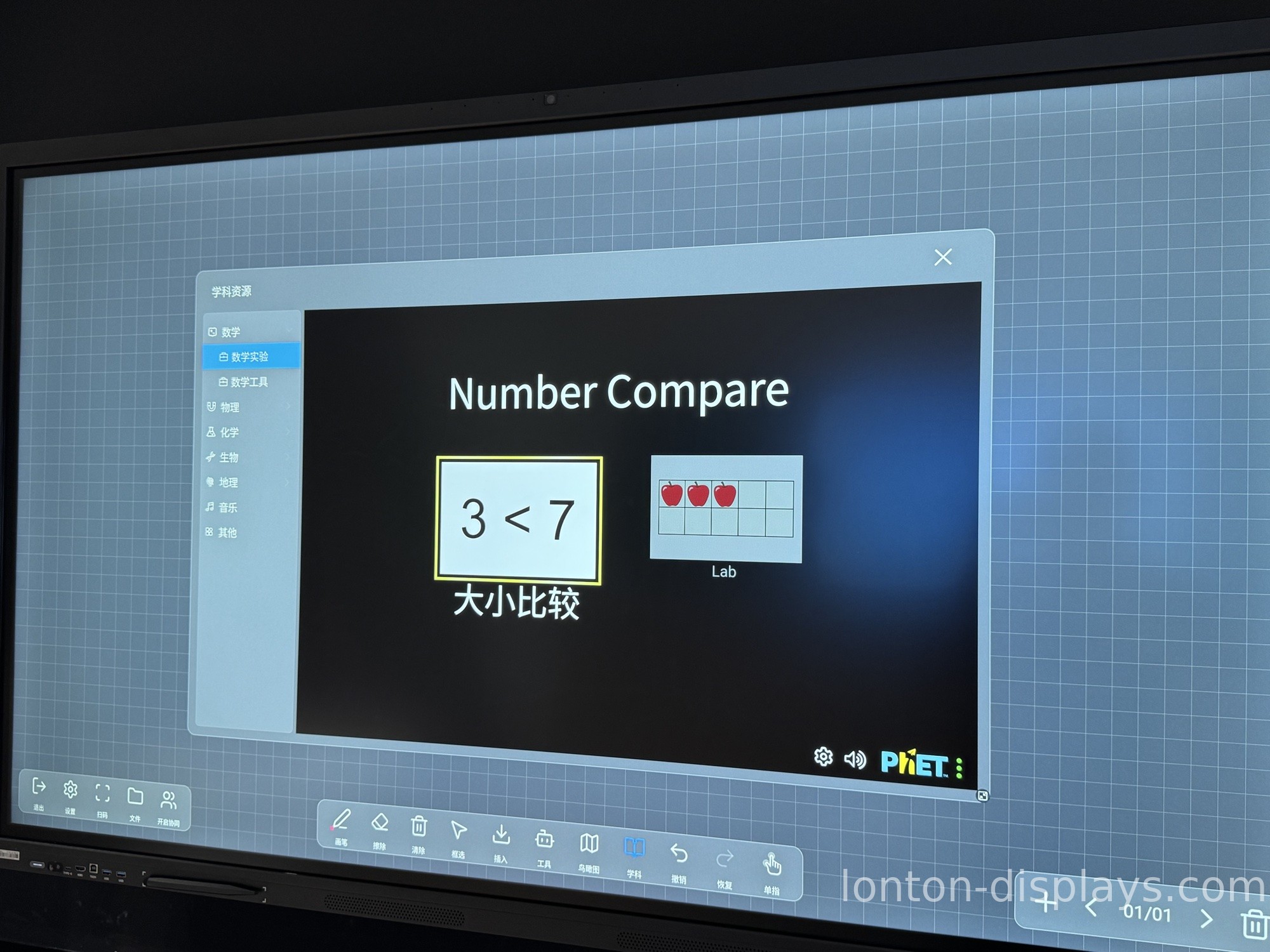
The hardware gets students to the front of the room; the software keeps them there. Look for a board whose software covers the basics without a subscription: a whiteboard that saves and shares, annotation over any screen, and a way to push notes and worksheets to student devices at the end of class. Some boards ship with AI-assisted tools — handwriting-to-text, shape recognition, and built-in lesson templates — that cut prep time. That software, not the bezel, is what a teacher touches every day. For a walk-through of the tools, see our guide to using a smart board in the classroom.
How Lonton Builds Boards for Teaching
Lonton builds interactive smart boards for teaching from 65-inch to 110-inch, each with a 40-point infrared touch frame, Android 15 (8GB RAM, 128GB storage), and an optional OPS slot for Windows 11 Pro. Our teaching software includes whiteboarding, annotation, and lesson templates, with AI assistance available, so a teacher can prep faster and share work with students in a tap.
Because we own the sheet-metal shop for our brackets and assemble boards in a 23,000 m² Class 10,000 cleanroom, we ship factory-direct — with OEM branding, a 5-unit MOQ, and a 15–25 day lead time. If you are comparing options, see our interactive whiteboard for teaching buying guide.
Get a Factory Quote for Your Teaching Classrooms
If you are equipping classrooms for teaching, tell us your room sizes and panel count. We will send a factory quotation and a software demo within one business day. Fill out the inquiry form on this page to start.
FAQ
1. What is an interactive smart board for teaching?
A large touchscreen that replaces a projector and whiteboard, built for teachers to annotate, run lessons, and share work with students.
2. What size smart board is best for teaching?
75 to 86 inches for a standard classroom of 25–30 students; 65 inches for small rooms; 98 inches and up for lecture halls.
3. What software does a teaching smart board come with?
Whiteboarding, annotation, and lesson templates are standard, with AI-assisted tools like handwriting-to-text available on some models.
4. Do I need a separate computer to teach with a smart board?
No. Android 15 is built in, and an OPS slot can add a full Windows 11 environment if your curriculum needs it.
5. What is the lead time for a teaching smart board order?
Production lead time is 15–25 days, with a minimum order of 5 units.

