
 English
A classroom is hard on a smart board. Six hours of continuous use, dozens of hands every day, bright overhead lights — and it still has to boot into a lesson in seconds, every single time. The board that holds up there is not the one a brochure sells you.
What a Classroom Board Needs That a Meeting Board Doesn't
A meeting-room panel gets used for an hour at a time by adults who know the software. A classroom board gets used for six hours straight by students who do not. That changes the priorities: durability over thin bezels, touch that works with gloves and grubby fingers, glass that shrugs off a marker or a knock, and a system that boots straight into the lesson without a "wait, where's the cable?" moment.
Size and Mounting: Fit the Room, Not the Budget
Pick the size for the room, then the mounting for the room. A 75 to 86 inch board covers a standard 25–30 student classroom so the back row can read without squinting; a 65 inch board suits a small seminar room; 98 inches and up belongs in a lecture hall. Then decide wall-mounted vs mobile stand — wall mounting saves floor space in a fixed classroom, while a mobile stand lets one board serve two rooms. For a room-by-room sizing guide, see what size interactive display fits a classroom of 30 students.
The Specs That Survive Daily Classroom Use
Touch
A 40-point infrared frame lets several students write at once and works with a finger, stylus, or gloves — no calibration, nothing to break.
Glass
Anti-glare tempered glass with MOHS 7 hardness stands up to daily markers, knocks, and cleaning without scratching or reflecting the lights.
Brightness
350 cd/m² stays readable under classroom fluorescents without washing out at the back row.
System
Android 15 built in boots straight into the lesson app; an OPS slot adds Windows 11 when your curriculum calls for it.
How Lonton Builds Boards for the Classroom
Lonton manufactures interactive smart boards for classrooms from 65-inch to 110-inch, each with a 40-point infrared touch frame, Android 15 (8GB RAM, 128GB storage), anti-glare MOHS 7 glass, and an optional OPS slot for Windows 11 Pro.
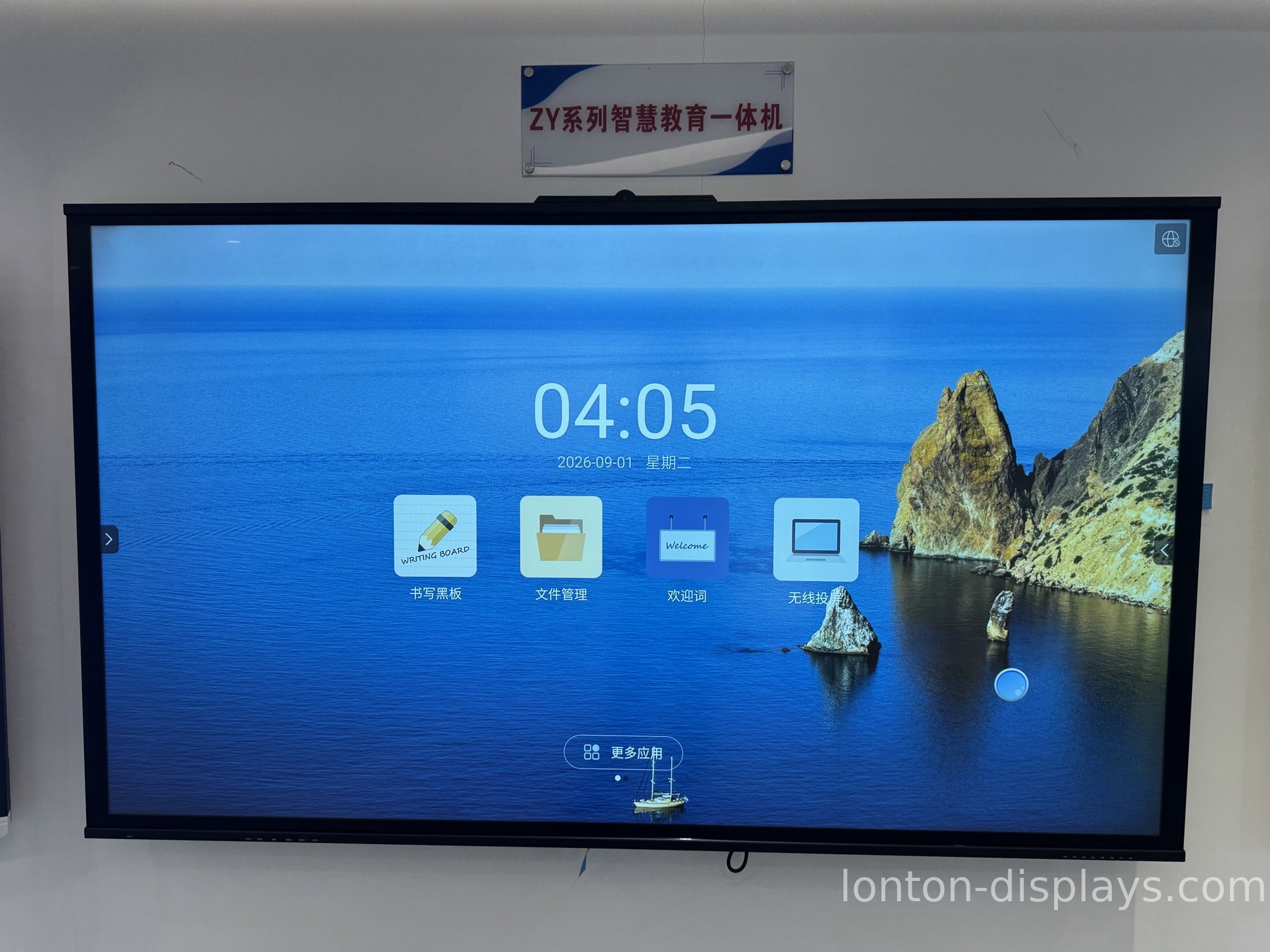
Because we own the sheet-metal shop for our wall brackets and assemble boards in a 23,000 m² Class 10,000 cleanroom, we ship factory-direct — with OEM branding, a 5-unit MOQ, and a 15–25 day lead time. If you are weighing different types, see our guide to types of smart boards for classrooms.
Get a Factory Quote for Your Classroom
Equipping a classroom? Tell us your room size and how many boards you need, and we will send a factory quotation within one business day. Fill out the inquiry form on this page to start.
FAQ
1. What size interactive smart board fits a classroom?
75 to 86 inches for a standard 25–30 student classroom; 65 inches for small rooms; 98 inches and up for lecture halls.
2. Is an interactive smart board durable enough for daily classroom use?
Yes, when it has anti-glare tempered glass (MOHS 7) and an infrared touch frame with no moving parts to break.
3. Can multiple students use the board at once?
Yes. A 40-point infrared touch frame lets several students write and drag simultaneously.
4. Should I wall-mount or use a mobile stand?
Wall mounting saves floor space in a fixed classroom; a mobile stand lets one board move between rooms.
5. What is the lead time for a classroom board order?
Production lead time is 15–25 days, with a minimum order of 5 units.

