
 English
Hybrid meetings have one recurring failure: the people on the far end of the call can't see or hear the person who's actually talking. The camera sits wide, nobody moves it, and remote participants stare at a distant shot of a table while the real conversation happens just off frame.
AI cameras on interactive flat panels are built to fix exactly that. The camera watches the room, figures out who's speaking, and reframes the shot by itself. It sounds like a gimmick until you've sat through a hybrid meeting where it works — then you don't want to go back.
What AI camera auto-framing actually does
Auto-framing is the camera adjusting its shot without anyone touching it. When two people sit down at the table, the camera widens to fit both. When someone stands up and walks to the board, the camera follows. When the room goes quiet and one person starts talking, the camera closes in on that person.
The AI behind it does two things at once: it detects people (so it knows what to frame) and it detects sound direction (so it knows who's talking). Most systems combine both, using the audio to decide who to focus on and the video to make sure the framing looks natural rather than jerky.
Speaker tracking vs auto-framing — not the same thing
These two get used interchangeably in marketing, but they're different behaviours:
Auto-framing adjusts to fit everyone in the room — the whole table, or the person at the board.
Speaker tracking zooms in on whoever is currently talking, switching between people as the conversation moves.
The best hybrid setups use a blend: keep the whole room framed during discussion, then tighten on a single presenter when one person is clearly leading. Ask which behaviour a board's camera actually supports, because "AI camera" covers a lot of ground.
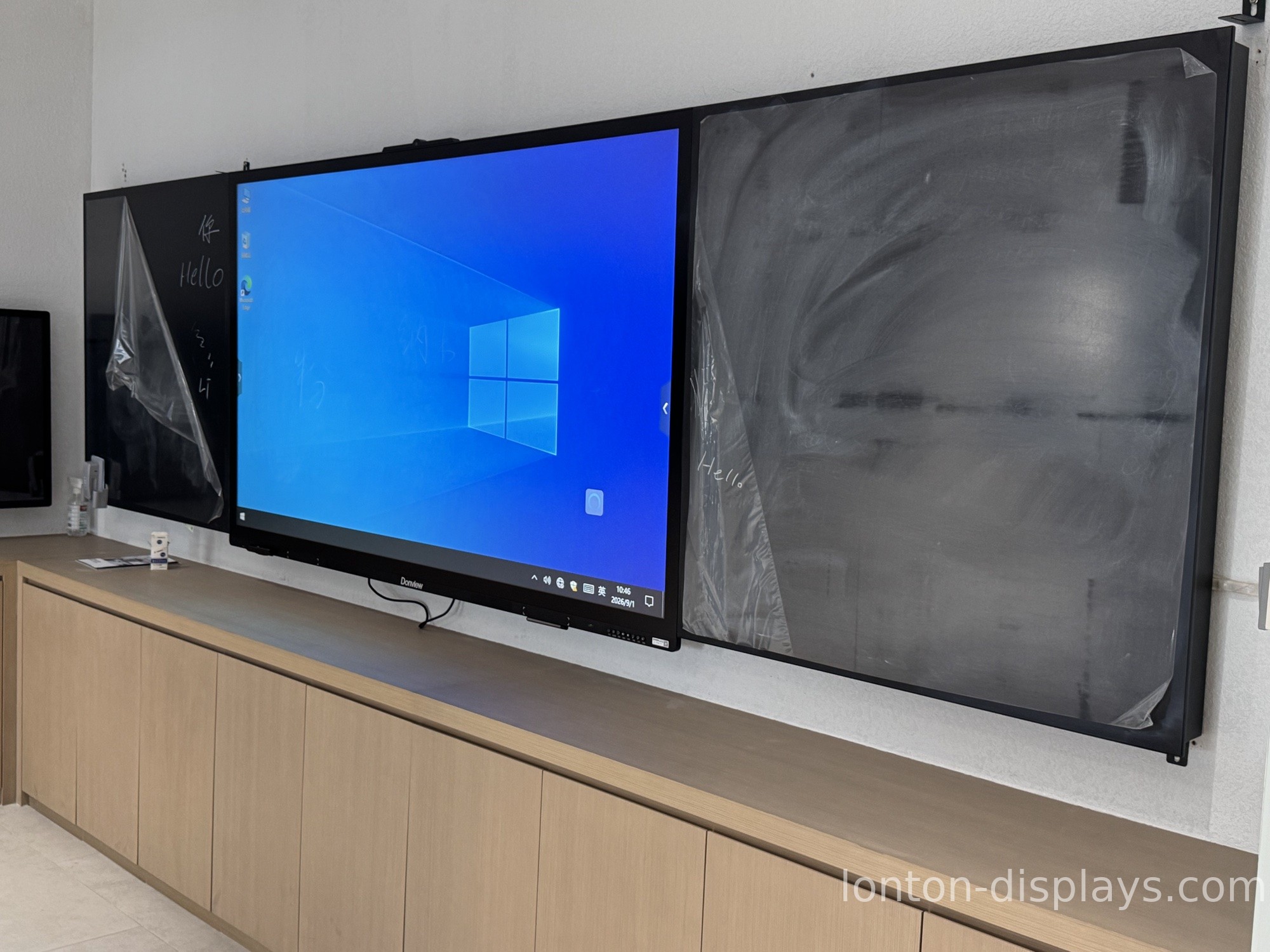
Camera specs that actually matter for meetings
A 48MP sensor sounds impressive, but for a meeting camera the spec that matters is how the camera uses those pixels, not just how many there are. Look at these instead:
Field of view — a wider lens captures a full conference table without the camera sitting a metre back. This matters more than megapixels.
Low-light performance — meeting rooms are often dimmer than you think. A camera that goes grainy at 6pm makes auto-framing pointless.
Microphone array — auto-framing needs to hear who's talking. An 8-microphone array lets the camera localise sound across the room, so speaker tracking actually tracks the right person.
A camera with a big sensor but a poor microphone array will frame the room but never zoom on the speaker — the worst of both.
Built-in vs add-on camera
You can buy an interactive flat panel with a built-in AI camera, or add a third-party USB camera later. Both work; the trade-off is integration.
A built-in camera is tuned to the panel's own software, so auto-framing and speaker tracking work out of the box with no drivers and no extra cables. An add-on camera gives you flexibility and upgradeability, but you're now managing a second device, and the AI features depend on the camera vendor playing nice with the board.
For a meeting room that's used daily, the built-in option is usually the smoother one — fewer parts, less to configure, one vendor to call when something breaks. We covered this trade-off in more depth in our guide to built-in camera and microphone vs buying separately.
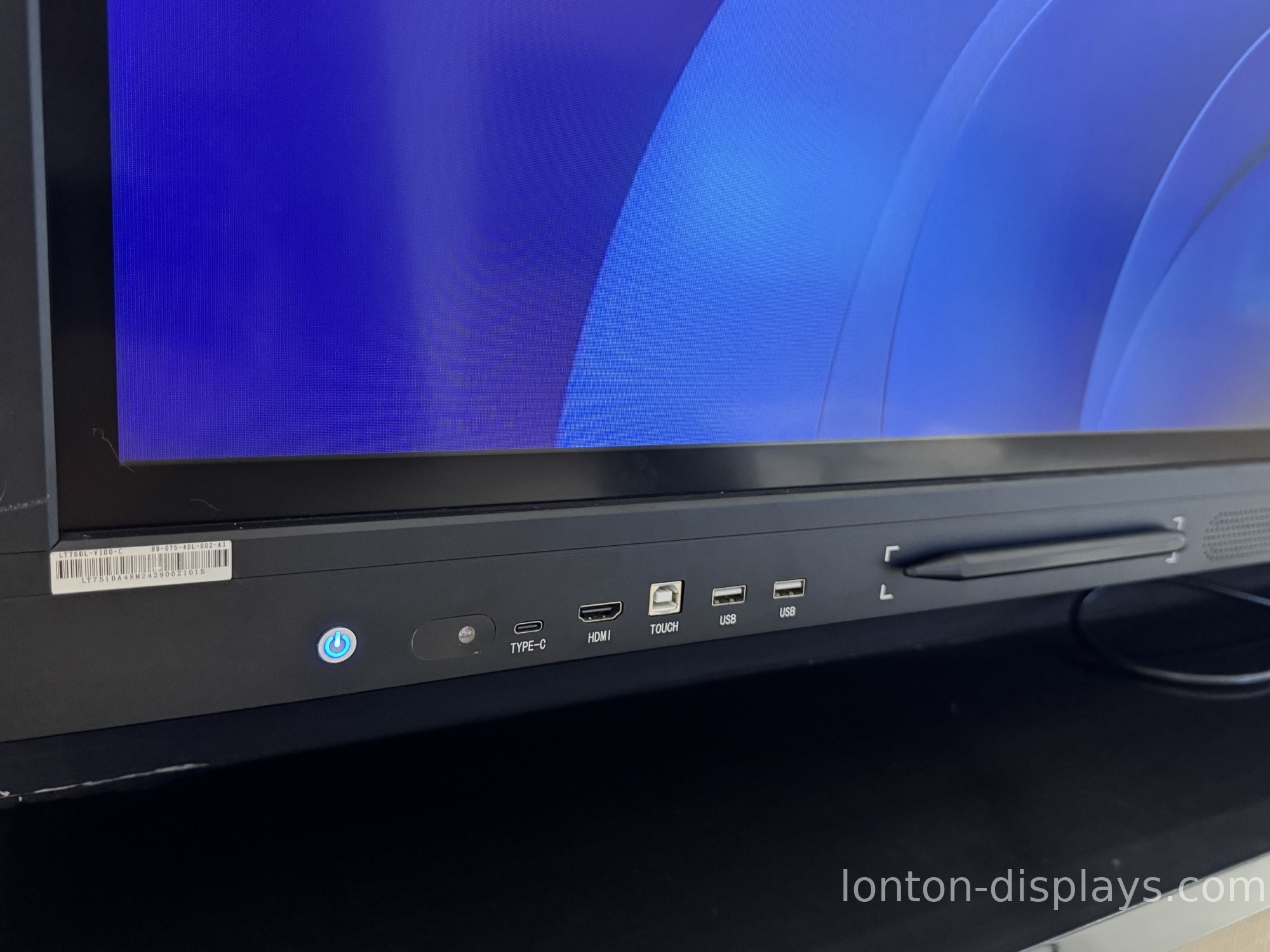
How Lonton's boards handle the AI camera
Lonton has been manufacturing interactive flat panels since 2005 out of a 100,000+ m² facility with 15 production lines. On the video-conferencing side, our panels support a 4K camera with up to a 48MP sensor, paired with an 8-microphone array so the camera can hear who's talking before it decides who to frame.
The panel runs Android 15 built-in for casting and meeting apps, with an optional OPS slot for a Windows 11 Pro PC when a room needs full desktop software. WiFi 6 and Bluetooth 5.0 are built in, so the board slots into an existing meeting room without extra cabling.
If you're outfitting a hybrid meeting room and want the camera and microphone working as one system rather than two, contact us and we'll spec the right panel for your room size. You can also browse the interactive flat panel range and read our overview of what an AI-powered digital board actually does.
Frequently Asked Questions
What is auto-framing on an interactive flat panel camera?
The camera automatically adjusts its shot to fit the people in the room — widening for a full table, tightening on a single speaker — without anyone touching it.
What's the difference between auto-framing and speaker tracking?
Auto-framing fits everyone in frame; speaker tracking zooms in on whoever is currently talking. Good hybrid setups blend the two.
Do I need a 48MP camera for hybrid meetings?
Not necessarily — field of view and low-light performance matter more than raw megapixels. A 48MP sensor helps with digital zoom clarity, but the microphone array is what makes speaker tracking accurate.
Is a built-in camera better than an add-on USB camera?
For daily-use meeting rooms, a built-in camera is usually smoother — it's tuned to the panel's software, needs no drivers, and gives you one vendor to call. Add-on cameras offer more upgrade flexibility.
How does the camera know who is talking?
It uses the microphone array to work out the direction the sound is coming from, then combines that with person detection to frame the speaker naturally.

