
 English
A museum display doesn't get used by an employee who treats it carefully. It gets used by hundreds of visitors a day — school groups, curious kids, people who tap harder than they need to. That's the single biggest difference between a museum display and a boardroom one: the boardroom panel gets tapped a few times a day by someone who respects it, and the museum panel gets hammered all day by people who are just exploring.
If the display survives that, it becomes one of the best tools a museum has. Interactive exhibits hold attention longer than static ones, and a touch display turns a passive visitor into an active one.
How museums use interactive displays
In a museum or visitor center, a large interactive display usually does one of a few jobs:
Interactive exhibits — a visitor taps through an artifact's story, explores a map or zooms into a timeline.
Wayfinding — floor plans and directions that let visitors find their way without staff help.
Information kiosks — details on exhibits, hours and events at the visitor's fingertips.
Digital signage — schedules, announcements and featured exhibits displayed around the venue.
The common thread is that the display is public-facing. It has to be intuitive enough for a first-time visitor, tough enough for constant handling, and reliable enough that staff aren't constantly resetting it.
What constant public use demands
A museum display lives under a specific set of pressures:
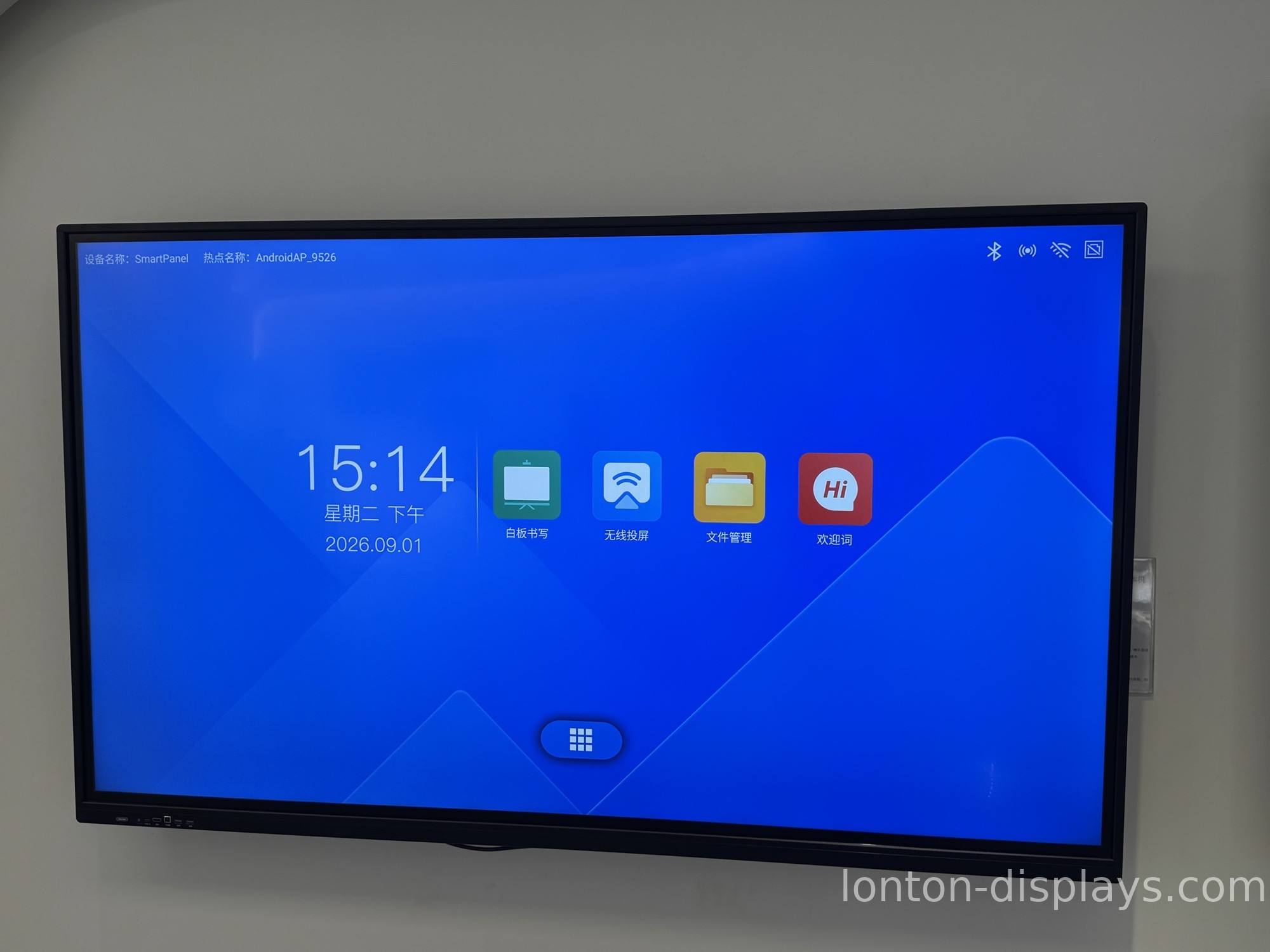
Heavy, repeated touch. Hundreds of taps a day, every day. The touch layer has to survive that wear without degrading — this is where infrared touch, the standard on large panels, earns its keep over a fragile capacitive layer.
Multi-user interaction. At a popular exhibit, more than one visitor touches the screen at once. A 40-point touch surface means two or three people can interact at the same time.
Durability. The screen gets bumped, poked and occasionally spilled on. The build quality — glass, chassis, mounting — decides whether it survives the year.
Readability. Museum lighting varies from bright atriums to dim galleries. The display has to stay legible in both.
Why the touch layer is the make-or-break spec
For a museum, the touch technology isn't a detail — it's the whole experience. A visitor's first interaction sets the tone for the entire visit.
Infrared touch registers multiple simultaneous touches, works with a stylus or a gloved hand, and holds up to the kind of repeated, heavy use a museum dish out. A cheap capacitive screen, by contrast, will degrade under constant public use and start missing touches within months. If the exhibit is the first thing a visitor touches, you want it to feel responsive every single time — that's exactly the multi-user touch we cover in our trade show display guide.
What to look for in a museum display
When you're buying displays that the public will touch all day, check these:
1. Multi-touch — 40-point touch means several visitors interact at once.
2. Durability — anti-glare tempered glass and a rigid chassis survive constant handling.
3. Readability — test it under both bright and dim lighting.
4. Reliability — ask about build quality and testing; staff shouldn't be resetting the exhibit daily.
5. Easy content updates — the museum should be able to update exhibits without a technician.
How Lonton fits museums and visitor centers
Lonton has been manufacturing interactive flat panels since 2005, and the public-facing use case is exactly where our build quality matters. Our panels use 40-point infrared touch, so multiple visitors can interact with an exhibit at once, and the touch layer holds up to the constant handling a museum dish out.
The panels run Android 15 built-in, deliver 4K UHD at 350 cd/m² on anti-glare tempered glass, and are tested in our own ORT reliability lab before they ship. Because we fabricate our own sheet-metal chassis and brackets, the display survives being bumped and poked in a busy gallery.
If you're outfitting exhibits, kiosks or a wayfinding system, contact us and we'll spec the right display for each space. You can also browse the interactive flat panel range and read our guide to interactive flat panels for retail.
Frequently Asked Questions
Can interactive displays survive constant public use?
Yes, if they're built for it — 40-point infrared touch, anti-glare tempered glass and a rigid chassis. Cheap capacitive screens degrade under heavy daily handling.
Can multiple visitors use a museum display at once?
Yes, with a 40-point infrared touch surface, two or three people can interact with an exhibit at the same time without the panel getting confused.
What should a museum look for in an interactive display?
Multi-touch, durable tempered glass, readability in both bright and dim lighting, reliability, and easy content updates without a technician.
Is infrared touch better than capacitive for a museum?
For large public-facing panels, yes — infrared handles multiple touches, works with a stylus or gloves, and holds up to constant heavy use better than capacitive.
Can a museum update exhibit content itself?
On a well-built panel, yes — content should be updateable by staff through the built-in system without needing a technician or external software.

