
 English
A classroom with students who speak two or three different languages is one of the hardest rooms to teach in. The teacher explains in one language, some students follow, others translate in their heads and fall behind. The board just sits there with a single language on screen.
AI translation on an interactive flat panel is aimed at exactly that problem. The board translates what's said or written in near real time, so a lesson taught in English can appear in Mandarin, Spanish or Arabic on the same screen. It's not a replacement for a bilingual teacher, but it's a real tool for keeping every student on the same page.
What real-time translation on a board actually does
On an interactive flat panel, translation usually shows up in three places:
Spoken translation — the teacher speaks, and the board displays the translated text as they talk.
Written translation — handwriting or typed text on the board is translated alongside the original.
Document translation — a slide or PDF opened on the board gets an on-the-fly translation layer.
The written and document translation are the reliable, everyday features. Spoken translation is the flashier one and the one that needs the strongest hardware, because it's transcribing and translating at the same time, both of which can go wrong.
What makes translation accurate — and where it slips
Translation quality on a board comes down to three things: the languages involved, the model behind it, and the audio if speech is included.
Close language pairs — English and Spanish, English and French — translate cleanly on current models. Wider pairs, or languages with heavy dialect variation, still show errors. And technical vocabulary is where every model strains: a biology term translated literally can be worse than no translation at all.
The practical advice is to treat board translation as a support layer, not the source of truth. For a student who's still learning the language of instruction, a translated line that's 95% right is genuinely helpful. For official grading or legal meaning, a human translator still owns the final word.
On-device vs cloud — and why it matters more here
Translation runs on-device or in the cloud, same as every other AI feature. The trade-off is familiar, with one extra wrinkle for schools: language coverage.
On-device translation is private and works offline, but the number of languages it supports is fixed on the board. Cloud translation supports far more languages and updates as the model improves, but it sends the text (and, for speech, the audio) to a vendor server.
For a school handling student data, that's the same compliance question we unpack in our guide to AI panel data privacy. If your school's data rules restrict off-site processing, on-device is the path — just check the language list covers the ones you actually teach.
How bilingual and international classrooms use it
The schools that get real value from board translation tend to fall into a few patterns:
International schools — where instruction is in one language and a meaningful share of students speak another at home.
Language immersion programmes — where a lesson delivered in the target language gets a first-language safety net underneath.
Welcoming new arrivals — where a newly enrolled student can follow the lesson in their own language while they build fluency in the language of instruction.
In all three, the board lowers the barrier without replacing the teacher. The teacher still teaches; the board just makes sure nobody is left reading a wall of unfamiliar words.
How Lonton's boards support multilingual classrooms
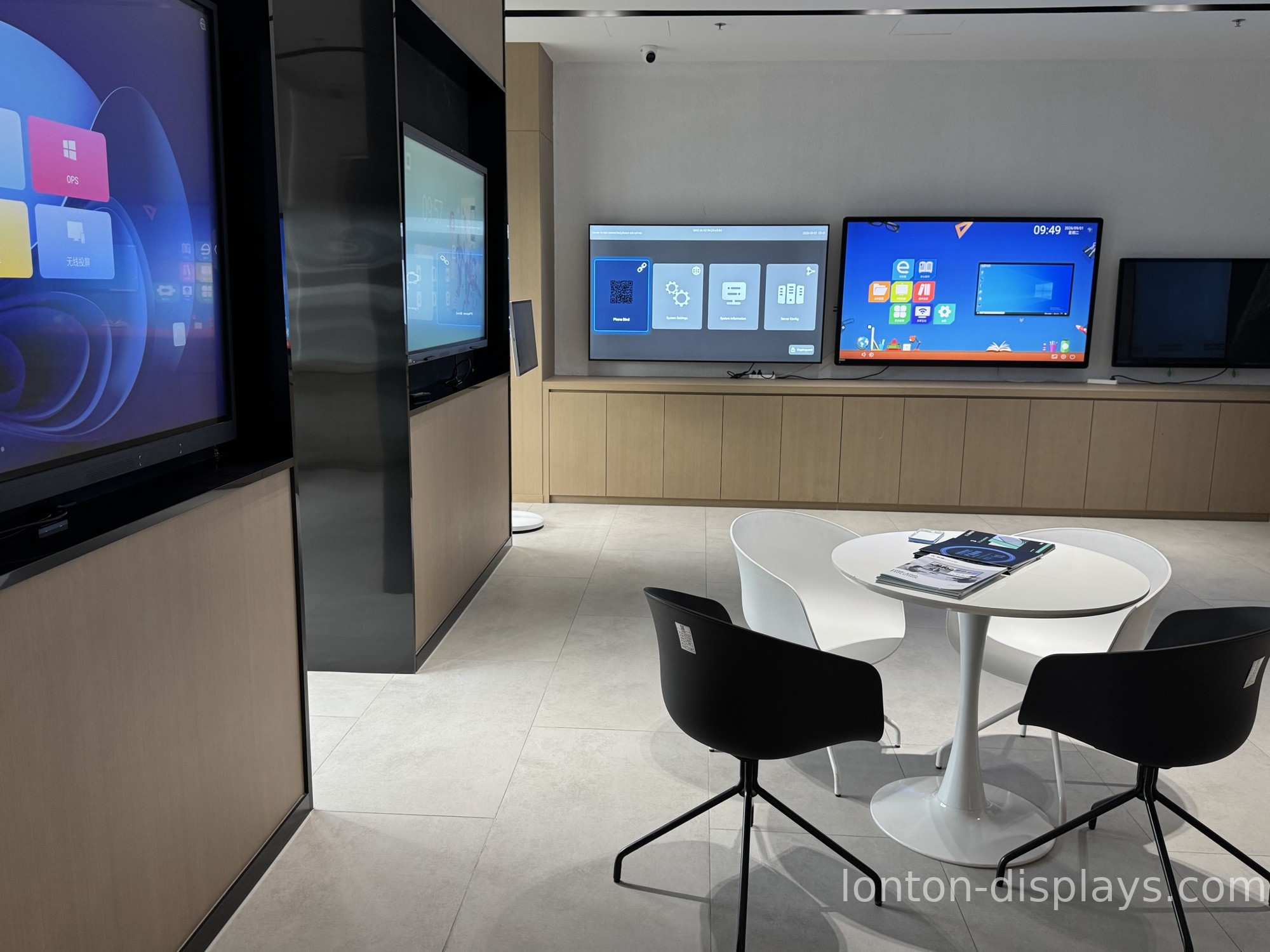
Lonton has been manufacturing interactive flat panels since 2005 out of a 100,000+ m² facility with 15 production lines, and education is the core of the business. AI teaching software is available on our panels and can be configured for the languages a school actually uses, rather than a fixed list chosen for a different market.
The panels run Android 15 built-in, with a 40-point infrared touch surface that captures handwriting cleanly — which matters, because written translation starts from accurate stroke data, the same foundation we cover in our guide to AI handwriting recognition. An optional OPS slot adds a Windows 11 Pro PC when a lesson needs full desktop software.
If you're outfitting a bilingual or international classroom and want to see translation working on real lesson content, contact us and we'll configure a demo for your language pair. You can also browse the interactive flat panel range and read our breakdown of which AI classroom features matter.
Frequently Asked Questions
Can an interactive flat panel translate in real time?
Yes — AI-enabled boards can translate spoken, written and document content in near real time. Written and document translation are the reliable features; spoken translation needs stronger hardware.
Which languages does board translation support?
It varies. On-device translation has a fixed language list; cloud translation supports more. Check the language list covers the ones your school teaches before you buy.
Is AI translation accurate enough for teaching?
For a support layer, yes — a line that's 95% right helps a student follow along. For official grading or legal meaning, a human translator still owns the final word.
Does translation send student data to the cloud?
Cloud translation sends text (and audio, for speech) to a vendor server. On-device translation keeps it on the board. Schools with data-residency rules should check this first.
Does a bilingual classroom need an AI translation board?
It's a useful tool for international schools, immersion programmes and welcoming new arrivals, but it's a support layer — it lowers the barrier, it doesn't replace a bilingual teacher.

