
 English
AI is everywhere on interactive flat panels now, and the features keep getting better — lesson suggestions, handwriting cleanup, voice commands, auto-generated notes. Procurement committees notice this and get excited. The thing most of them forget to ask is where the data goes after the lesson ends.
That's the question that matters more than any demo. A board sits in a classroom six to eight hours a day, five days a week, for years. If it's recording, processing or uploading anything — even anonymised handwriting strokes — the district is now responsible for that data. Privacy isn't a spec on the datasheet, but it should be one of the first questions in the room.
What data does an AI interactive flat panel actually collect?
It depends entirely on how the AI is built. At minimum, most AI boards process:
Handwriting and touch input — the strokes teachers and students write on the board.
Audio, if voice commands or meeting transcription are enabled.
Video, if the panel has a camera for auto-framing or attendance.
Usage patterns — which apps are opened and how long features are used.
None of this is automatically a problem. It becomes a problem when the processing happens somewhere you can't see, and when the vendor can't tell you clearly what leaves the device.
On-device vs cloud processing: the line that matters
The single most useful question to ask a vendor is this: does the AI run on the device, or in your cloud?
On-device processing means the handwriting recognition, voice features and annotation AI run on the panel's own chipset. The data never leaves the school. Nothing to upload, nothing to leak, nothing for a third party to train on. For a school or government agency, this is usually the answer you want.
Cloud processing means the raw data is sent to a vendor server to be processed and sent back. This can deliver fancier models, but it also means student data is now sitting on someone else's infrastructure, possibly in another country. For districts subject to data-residency rules, that's a hard stop.
There's a middle ground — hybrid setups where the sensitive stuff stays on-device and only non-identifying telemetry goes up. Ask which of the three a vendor actually uses, and get it in writing.
The questions to put in front of any vendor
When you're shortlisting boards, add these to the RFP. If a vendor can't answer all of them clearly, that's your answer.
1. Where is the data stored? If the answer is a cloud region outside your country's jurisdiction, that may already be disqualifying.
2. Is the data encrypted at rest and in transit? This should be a yes with the standard named — AES-256 and TLS are the norm.
3. Is student data used to train your AI models? If the answer is anything other than a flat "no," walk away.
4. What happens when we delete the data? There should be a defined process, not a shrug.
5. Who can access it? Subcontractors and data partners should be named, not hidden behind "trusted partners."
These five questions take ten minutes to ask and save a district from the kind of headline nobody wants.
What a school-friendly answer looks like
A board designed with schools in mind should be able to say most of the following without hedging: AI runs on the device by default; cloud features are opt-in and disabled until you turn them on; no training on customer data; clear data deletion. If the vendor's demo is all about how smart the AI is and the privacy answer is a hand-wave, that tells you something about their priorities.
It's worth separating what the AI can do from how it's delivered. A panel that does handwriting recognition on-device is more valuable to a school than one with a slightly better cloud model that exports student data. The feature list is the easy part; the data flow is the part that costs you if you get it wrong.
How Lonton approaches AI and privacy
Lonton has been manufacturing interactive flat panels since 2005 out of a 100,000+ m² facility with 15 production lines and a 23,000 m² Class 10,000 cleanroom. On the AI side, the priority is keeping teaching data where it belongs — in the classroom.
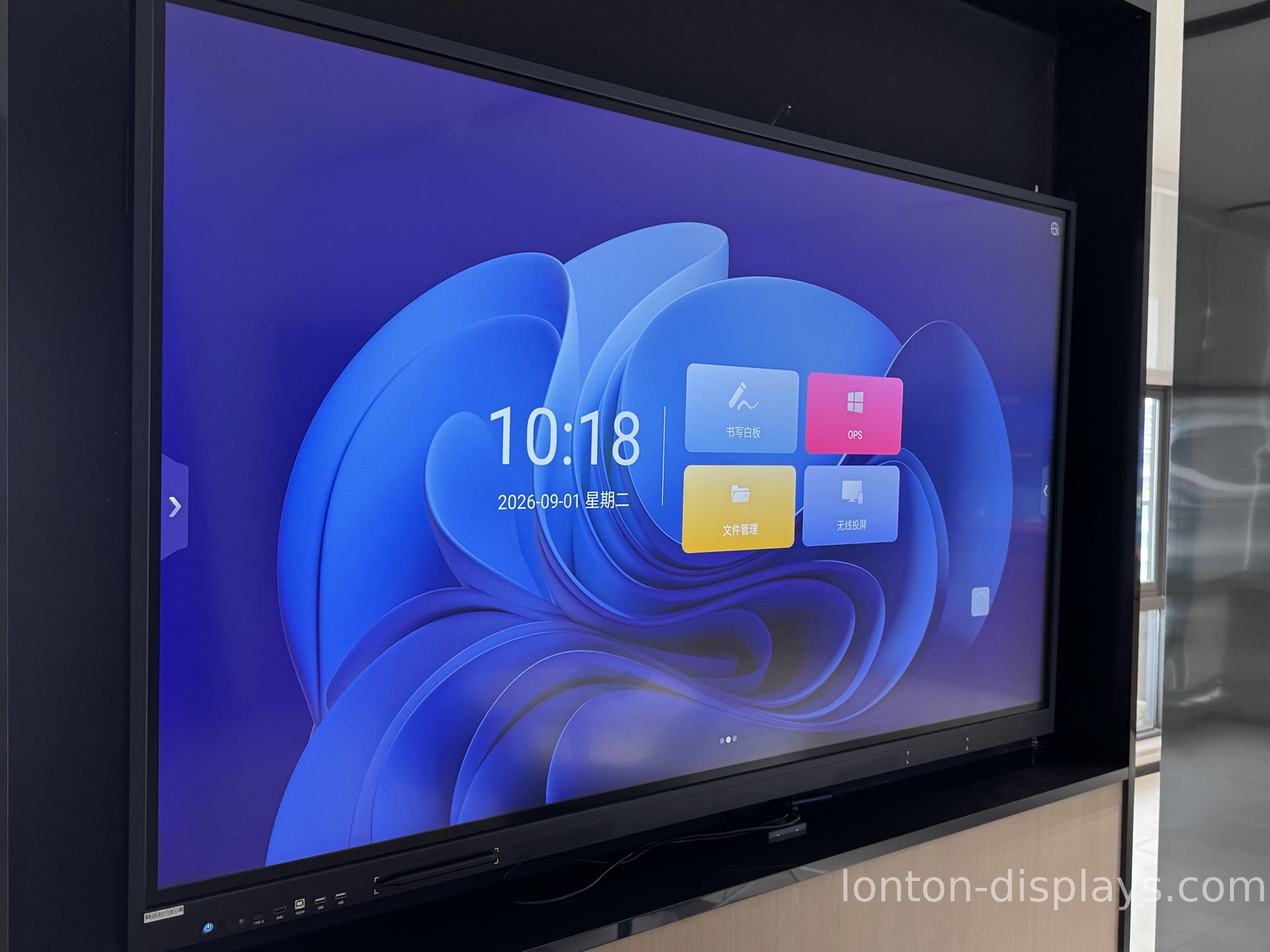
Our panels run the built-in Android system for daily teaching tasks, with AI teaching software available and configurable to match a school's data policy. The optional OPS slot only spins up a Windows 11 Pro PC when you need full desktop apps, so you're not forced into a cloud-heavy setup just to use the board. For buyers who need it, Google EDLA certification is available on request, and the panels carry ISO 9001/14001/45001 plus CE, FCC and RoHS.
If you're spec'ing AI-enabled boards for a school, district or government project and want the data-handling question settled before you buy, get in touch and we'll walk you through how our AI is delivered and where the data lives. You can also see the interactive flat panel range and read our breakdown of which AI classroom features actually matter.
Frequently Asked Questions
Does an AI interactive flat panel record students?
Only if the camera and microphone features are enabled. A privacy-focused board keeps these off by default and lets the school turn them on, rather than the other way around.
Is AI data from classroom boards stored in the cloud?
It depends on the vendor. On-device processing keeps data in the classroom; cloud processing sends it to a vendor server. Ask the vendor which model they use and get it in writing.
What privacy regulations apply to AI classroom boards?
In the US, FERPA and COPPA govern student data; in Europe, GDPR. Data residency and whether the vendor trains on your data are the two biggest compliance questions.
Can I disable the AI features on an interactive flat panel?
On a well-built board, yes — AI features should be opt-in and switchable from the settings, not permanently on in the background.
How do I know if a vendor uses student data to train its AI?
Ask directly and get a written answer. A clear "no, we never train on customer data" is standard for reputable education vendors; any hedging is a red flag.

