
 English
Smart Board Without Projector: What Changes When You Ditch the Bulb (2026)
If you have been using a projector-based setup in your classroom or meeting room, you already know the routine. Turn it on, wait for it to warm up. Adjust the focus because someone bumped the cart last period. Close the blinds because the image washes out in sunlight. Replace the bulb once a year — and hope you remembered to budget for it.
The idea of a smart board without projector probably sounds appealing. But you might be wondering — is it really that different, or is this just marketing?
It is different. Here is what actually changes when you switch.
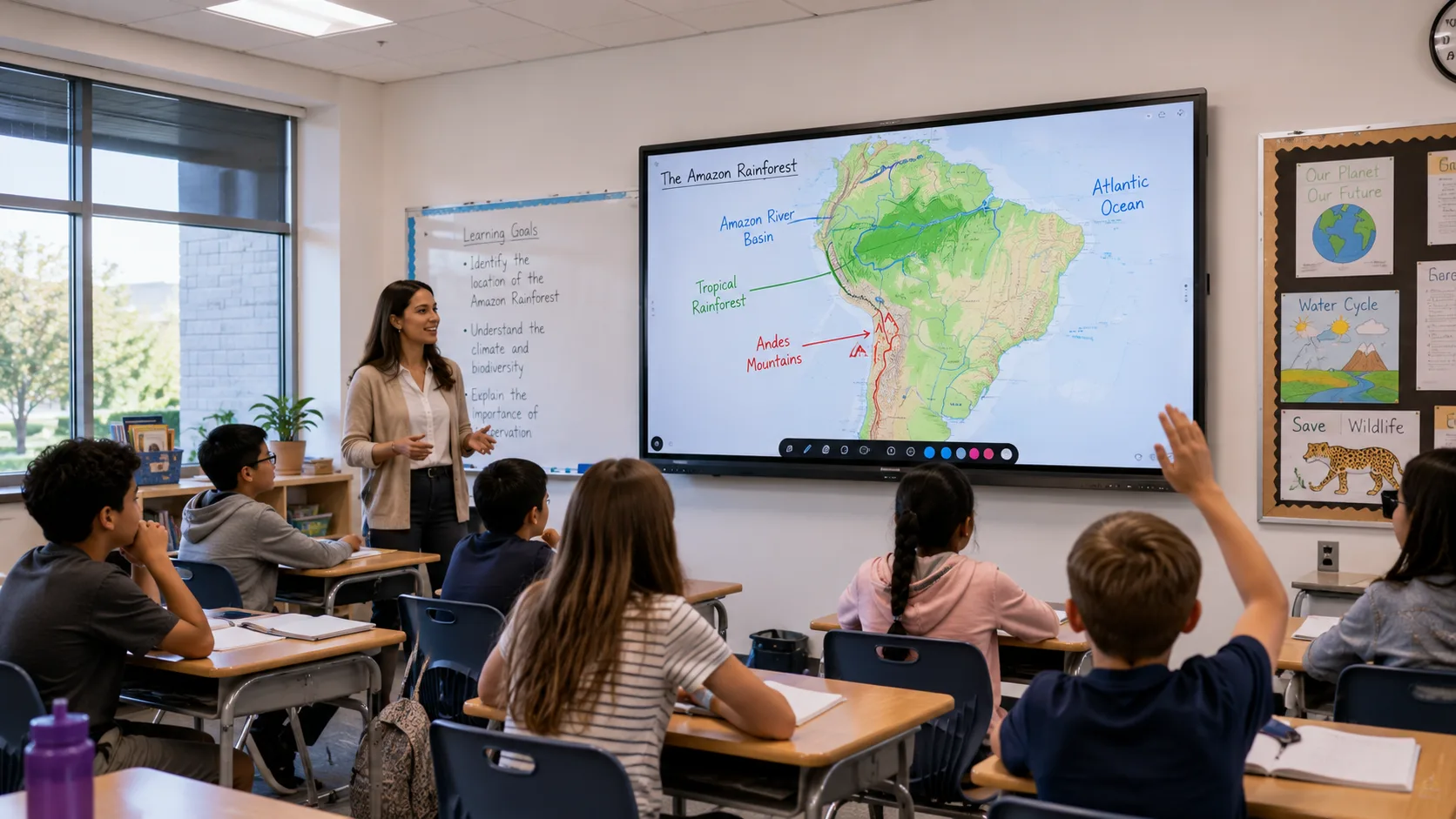
No projector means there is nothing hanging from the ceiling and nothing on a cart blocking the aisle. The display is the board — one flat panel mounted on the wall, like a giant tablet. You turn it on, and the screen lights up. No warm-up. No focus ring. No bulb.
That last one saves more money than people realize. Projector bulbs run $100 to $300 and last about two to three thousand hours. In a classroom that uses the board six hours a day, you are replacing that bulb every year or two. Multiply that across a school with twenty classrooms and the maintenance budget looks different.
The image is also brighter — not "slightly better" brighter, but "you can leave the lights on and the blinds open" brighter. Projectors fight ambient light and usually lose. An interactive flat panel does not care what the sun is doing. For teachers, this means no more "can everyone in the back row see this?" and no more darkened-room lessons where half the class fights to stay awake.
Setup gets simpler too. A projector-based setup has three pieces — the projector, the whiteboard surface, and a computer. They all need cables, they all need to talk to each other, and when one thing stops working, you spend twenty minutes figuring out which one. A smart board without projector is one device. Power cable. That is it. The computer is built in or connected wirelessly.
Touch is the other thing. On a projector-based interactive whiteboard, you are touching a surface while the image comes from somewhere else. Calibration drifts over time — your mark lands half an inch from where your finger is. With a flat panel, the touch and the image live in the same glass. What you touch is what you get, every time.
The trade-off is upfront cost. A projector-based interactive whiteboard is cheaper to buy — sometimes half the price of a flat panel. If your budget only stretches that far, it is still a functional setup. But the gap closes fast when you add up bulb replacements, maintenance time, and the hours teachers spend troubleshooting instead of teaching.
If your school is looking at a smart board without projector and trying to compare options, LonTon has been manufacturing interactive flat panels since 2005. We would be happy to walk through what your classrooms need and help you figure out whether the switch makes sense for your budget.

