
 English
Using Smart Boards in the Classroom: A Teacher's Starting Point (2026)
If you just had a smart board installed in your classroom and you are staring at it wondering where to start using smart boards in the classroom, you are not alone. Most teachers get the hardware first and the training later — sometimes much later.
The good news: you do not need to redesign your entire teaching approach to make the board useful. Start small. A few simple habits will get you comfortable, and from there you can add more as you go.
Here is what actually works in a real classroom, from teachers who have been through the same thing.
Day One — Just Write on It
Forget the apps for now. Forget the fancy features. Open the built-in whiteboard and write on it exactly like you would write on a chalkboard.
Write the date. Write the lesson objective. Underline key terms. The difference is that when the lesson ends, you can save those notes as a file and share them with students who were absent — or pull them back up tomorrow to pick up where you left off.
That alone — saving what you wrote and sharing it — changes how students catch up after missing a day. No more "what did I miss?" emails.
Bring Up a Video or Image Mid-Lesson
You know that moment when a student asks a question and you wish you could just show them a picture or a clip right there, without switching devices? The board makes that instant.
Pull up a YouTube video. Open a map and zoom into the country you are talking about. Display a diagram and annotate directly on top of it — circle the part that matters, draw an arrow, write a quick note in the margin. The lesson stays fluid. You are not stopping to set something up.
Students pay attention differently when the visual is big enough for everyone to see at once, and when you are interacting with it in real time instead of just pointing at a static slide. This is the moment a lot of teachers realize what using smart boards in the classroom is actually about — not the hardware, but how it changes the flow of a lesson.
Let Students Come Up and Use It
The fastest way to get students engaged is to get them out of their seats. Call someone up to solve a math problem on the board. Have a student highlight the main idea in a paragraph. Let two students work on opposite sides of the screen at the same time.
This takes about thirty seconds to set up and changes the energy in the room. Students who zone out during lectures wake up when they know they might be called to the board. And the ones who do go up usually remember the lesson better — there is something about physically interacting with the content that sticks.
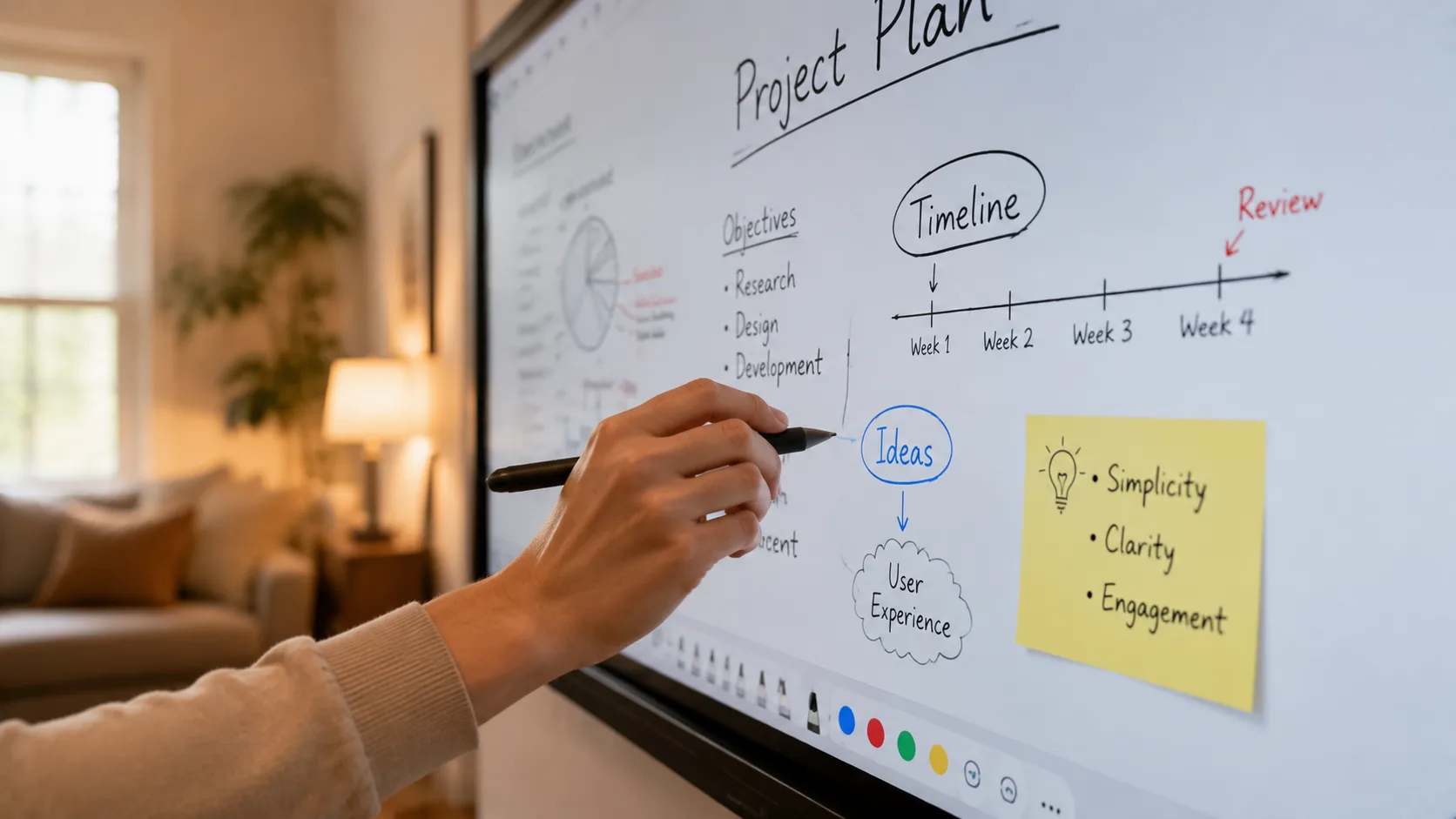
Save, Share, Reuse
At the end of a lesson, save your whiteboard notes as a PDF or an image. Send it to absent students. Post it on your class page. Next year when you teach the same unit, open it and start from where you left off instead of rebuilding from scratch.
Over time, you build a library of annotated lessons that get better each year. That is the part most teachers do not realize until they have been using smart boards in the classroom for a semester — the board is not just a screen. It is a record of how you taught, saved and ready to use again.
Start with those four habits. Writing on it. Pulling up media mid-lesson. Letting students interact. Saving everything. Do those for a few weeks and the board will stop feeling like new technology and start feeling like a normal part of how you teach.
If your school is still evaluating which smart board to invest in, LonTon has been manufacturing interactive flat panels for classrooms since 2005. We would be happy to talk through what your teachers need and help you find the right fit.

