
 English
Conference Room Display Solutions: Which One Actually Fits Your Room? (2026)
If you have been asked to figure out what screen goes in the new conference room — or what replaces the aging projector in the old one — you have probably noticed that every option sounds reasonable on its product page. The projector promises big images at a low cost. The interactive flat panel promises touch and collaboration. The video wall promises impact. The smart TV promises simplicity.
And you are sitting there wondering: which one of these actually belongs in MY room?
That is the right question to ask. Not "which is best." "Which fits."
Let us walk through the real conference room display solutions — not the spec sheet version, but the version that accounts for your room size, your meeting style, and the things you will regret six months after installation.
Start with Your Room, Not a Product Catalog
Before you look at a single product, ask yourself two questions.
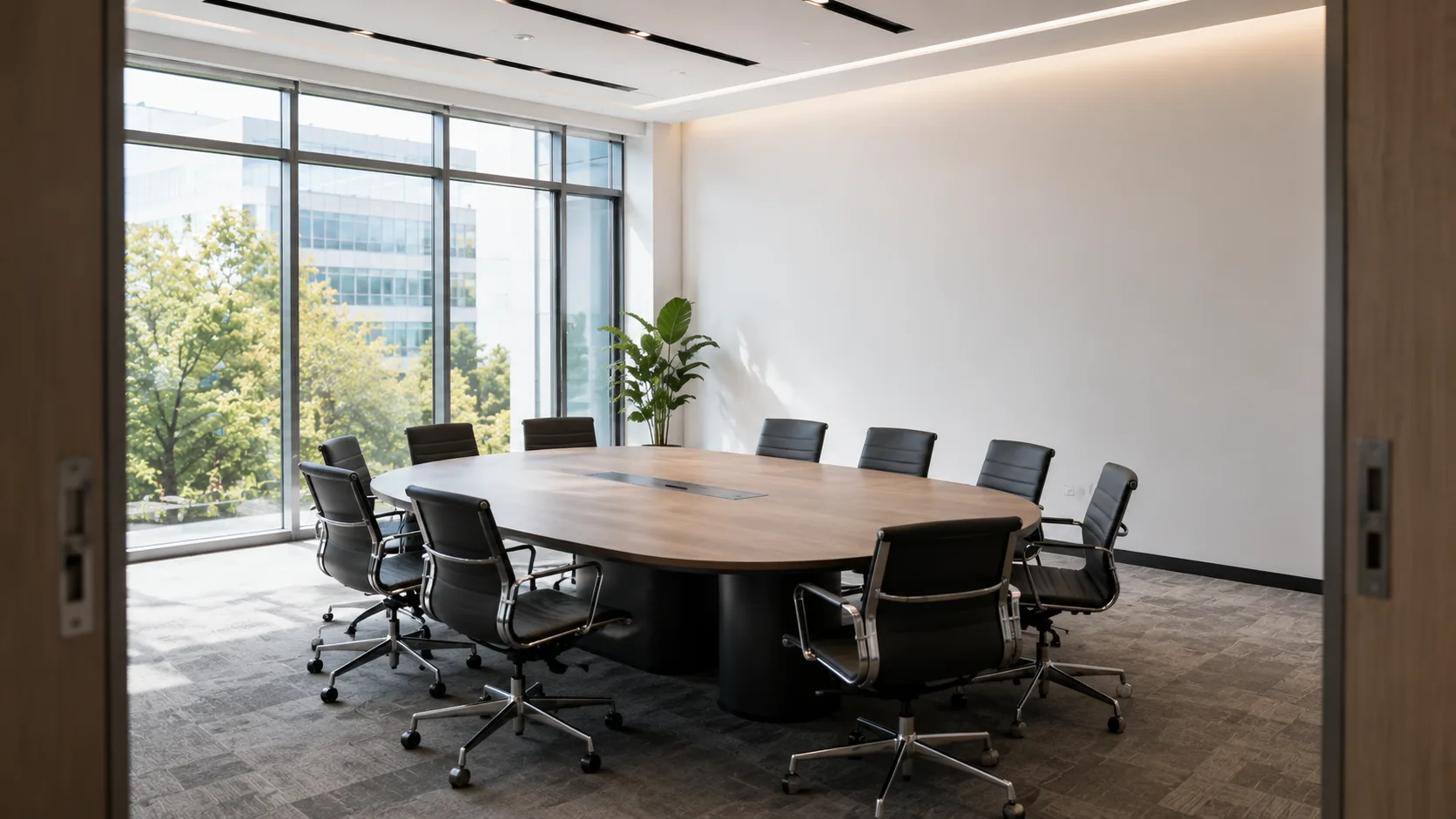
How big is the room, really? Not the number on the floor plan. Stand in it. How many people fit around the table? How far is the furthest seat from where the display will go?
If four people sit around a small table for quick stand-ups, your needs are completely different from a boardroom where twelve people review quarterly numbers while the CEO dials in remotely.
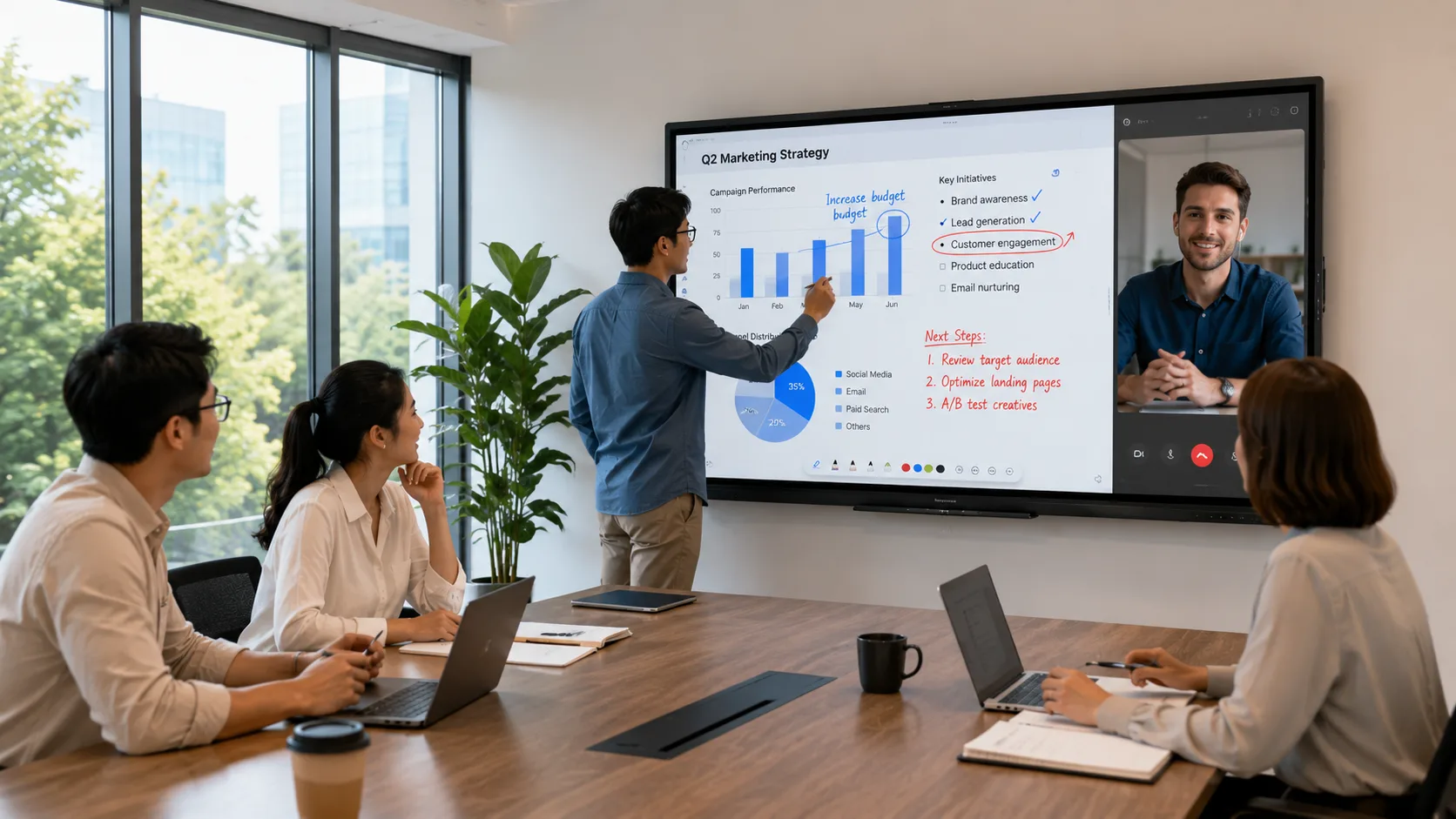
And here is the second question: what actually happens in this room? Is it mostly presentations — one person at the front, slides on the screen? Or is it collaborative — people jumping up to write on the board, screen sharing from different laptops, video calls where the remote participants need to see the whiteboard too?
The room tells you what kind of display you need. The product catalog tells you what is available. Start with the room.
When a Projector Still Makes Sense
You might be surprised to hear this, but a projector is still the right answer for some rooms.
If your conference room seats more than twenty people and the furthest viewer is fifteen or twenty feet from the screen, a projector gives you a larger image for less money than a flat panel of equivalent size. A projector can fill a ten-foot-wide screen. An interactive flat panel large enough to do the same thing costs several times more.
Projectors also work well in rooms where the display is used only for presentations — slides, videos, screen mirroring — and nobody needs to walk up and touch the board. If your meeting culture is "one person presents, everyone else watches," a projector does that job without the extra cost of touch technology you will never use.
The trade-offs are real, though. You need to control the lighting — bright rooms wash out a projected image. You need to replace bulbs. You need to run cables from the projector to the computer, and if the projector is ceiling-mounted, those cables run through the ceiling. And the warm-up time — thirty seconds to a minute — is annoying in a room where meetings start back to back.
So here is the honest question to ask yourself: does the lower upfront cost justify the daily friction? For a boardroom used twice a week, maybe. For a room used six times a day, probably not.
When an Interactive Flat Panel Is the Right Call
If your room seats four to twelve people — which covers most standard conference rooms and huddle spaces — an interactive flat panel is usually where the conversation lands.
The image is bright enough to compete with daylight. No warm-up. No bulb. No cables running through the ceiling. And the touch screen actually gets used, because it is right there and it works the way people expect a screen to work.
Now you might be thinking: "we do not really use the touch features that much." That is common. And it is usually because the current setup makes touch feel like an afterthought — you have to calibrate it, or the software is clunky, or the stylus went missing. When touch works the way it does on a tablet — tap to open, swipe to scroll, write with your finger — people start using it without being asked to. They annotate slides. They pull up websites mid-discussion. They save the whiteboard notes instead of taking a photo with their phone.
Some manufacturers pre-install the wireless sharing software so everything works the moment you turn it on. LonTon panels, for example, come with EShare covering AirPlay, Google Cast, and Miracast — no separate dongles, no app store detour. For a conference room that needs to work for whoever walks in with whatever device, that kind of readiness saves more frustration than any spec sheet bullet point.
For rooms where video calls happen regularly, consider this: a flat panel with a built-in or attached camera facing the room means remote participants see both the presenter and the board. In a projector setup, the camera usually points at the screen — which shows the slides — but not at the people. Remote colleagues spend the whole meeting staring at a PowerPoint while listening to voices they cannot see.
You might be wondering — does this actually change how meetings feel? It does. When remote participants can see the room, they interject more. They read body language. They stop asking "who just said that?" The difference between watching slides and being in the room is not subtle — and choosing the right display is what makes that possible. For anyone weighing conference room display solutions for rooms where hybrid meetings are the norm, this one factor often tips the decision.
What About Video Walls and Smart TVs?
Video walls look impressive. For a lobby, a command center, or a large event space, they are the right tool. For a standard conference room, they are usually overkill. The cost per square inch is high, the installation is complex, and the screen is divided into panels with visible seams between them. It is not a writing surface. It is not a collaboration tool. It is a display — a very big, very expensive display — and for most meeting rooms, an interactive flat panel or a projector does the same job for less money.
Smart TVs occupy the opposite end of the spectrum. Cheap, easy to install, familiar to everyone. But they are built for Netflix, not for meetings. The screen is not designed for touch. The software is not designed for presentations. Wireless screen sharing is either missing or limited to one platform. A smart TV in a conference room works for casual huddles where someone just needs to mirror their laptop. For anything more structured, it becomes the thing everyone tolerates rather than the thing they actually want to use.
The Features That Actually Matter in a Real Meeting
Spec sheets love to list everything. Here is what you will actually care about after the first month.
Wireless screen sharing that supports multiple platforms. If someone with a MacBook and someone with a Windows laptop cannot both connect without hunting for adapters, people will default to the HDMI cable — and then nobody uses the board interactively. AirPlay, Google Cast, and Miracast should all work. If they do not, find a solution that covers all three.
A screen finish that handles glare. Walk into your conference room when the sun is hitting the windows. If your display turns into a mirror, you bought the wrong finish. Matte screens cost slightly more. They are worth every dollar the first time you run a meeting with the blinds open.
Built-in or easily attached camera and microphone. The quality does not need to be broadcast-studio level. But if remote participants spend half the meeting saying "can you repeat that," the display setup is not doing its job.
If wireless sharing works, the screen is readable in daylight, and remote colleagues can see and hear clearly, you have a room that works. Everything else is bonus. That is what separates useful conference room display solutions from expensive ones — not the feature count, but whether the features you actually need work without friction.
The right display for your conference room is the one that fits how you actually meet — the room size, the meeting style, the number of remote participants, the way your team collaborates. Not the one with the most impressive spec sheet.
If you are evaluating options and want to talk through what makes sense for your rooms, reach out. LonTon has been manufacturing interactive flat panels since 2005 and has probably worked with a setup similar to yours. Tell us about your rooms — size, usage, what frustrates your team about the current setup — and we will help you figure out the right fit.

