
 English
5 smart board trends in 2026: AI, Wireless Casting & Hybrid Meeting Tech
If you bought an interactive flat panel three years ago, the one sitting in your meeting room today is already behind. Not broken. Not obsolete. Just behind — in ways that matter more than resolution or screen size ever did.
The IFP industry in 2026 is not being reshaped by one big thing. It is being reshaped by four things converging at the same time: AI that actually changes how meetings run, wireless casting that finally works the way people expect it to, hybrid work that has permanently rewritten what a meeting room is for, and touch technology that is quietly but meaningfully evolving in two directions at once.
This is not a spec comparison. It is a field guide to what is changing, what is hype, and what will matter when you buy your next board.
AI Is Not a Feature — It Is the Room Itself
Walk through an AV trade show in 2026 and every booth will slap "AI-Powered" on their interactive flat panel. Most of it is noise. A few things are real.
The difference between real AI and AI-washing is simple: does it change what happens in the room, or does it just sound good in a brochure?
Here is what real AI on an interactive flat panel looks like in 2026.
real-time transcription and summarization has moved from "surprisingly good" to "genuinely useful." The board listens to the meeting, transcribes what is said, and generates a summary with action items — all on-device, not sent to a cloud server somewhere. This matters for two reasons. First, privacy: the audio never leaves the room. Second, speed: the summary is available when the meeting ends, not ten minutes later when everyone has already walked out. Boards that can do this locally — with an embedded NPU or a dedicated AI chip — are the ones worth paying attention to. Boards that promise AI but require an internet connection and a subscription to a third-party service are just renting you ChatGPT in a screen-shaped box.
speaker tracking and auto-framing has also crossed a threshold. The early versions were jerky — the camera would lurch from one speaker to another like a student driver. In 2026, the tracking is smooth enough that remote participants forget the camera is moving. The best systems combine voice direction detection with facial recognition to frame the active speaker, and when two people are talking, they widen the shot to include both. This is not a gimmick. It transforms hybrid meetings from "watching a security camera feed of a conference table" to "feeling like you are in the room."
gesture and voice control is the third real AI capability — and the one most likely to be overhyped. Yes, you can raise your hand and the screen zooms in. Yes, you can say "next slide" without touching anything. But the honest truth is that most people still prefer tapping the screen or clicking a remote. The value is not in replacing touch — it is in handling edge cases: presenting from across the room, controlling the board when your hands are full, and making the room accessible to people who cannot easily reach the screen. A good AI board handles voice commands well but does not force you to use them.
The boards that are getting AI right in 2026 are not the ones with the longest feature list. They are the ones where the AI is invisible — you notice the better meeting, not the technology running it.
Wireless Screen Sharing: From Dongle Hell to a Baseline Expectation
Three years ago, "wireless screen sharing" on an interactive flat panel meant one of three things: plug in a dongle, type in a code, or install an app — and hope it worked with whatever device you walked in with. The experience was inconsistent enough that most rooms kept an HDMI cable on the table as a backup, which defeated the point.
In 2026, the bar has moved.
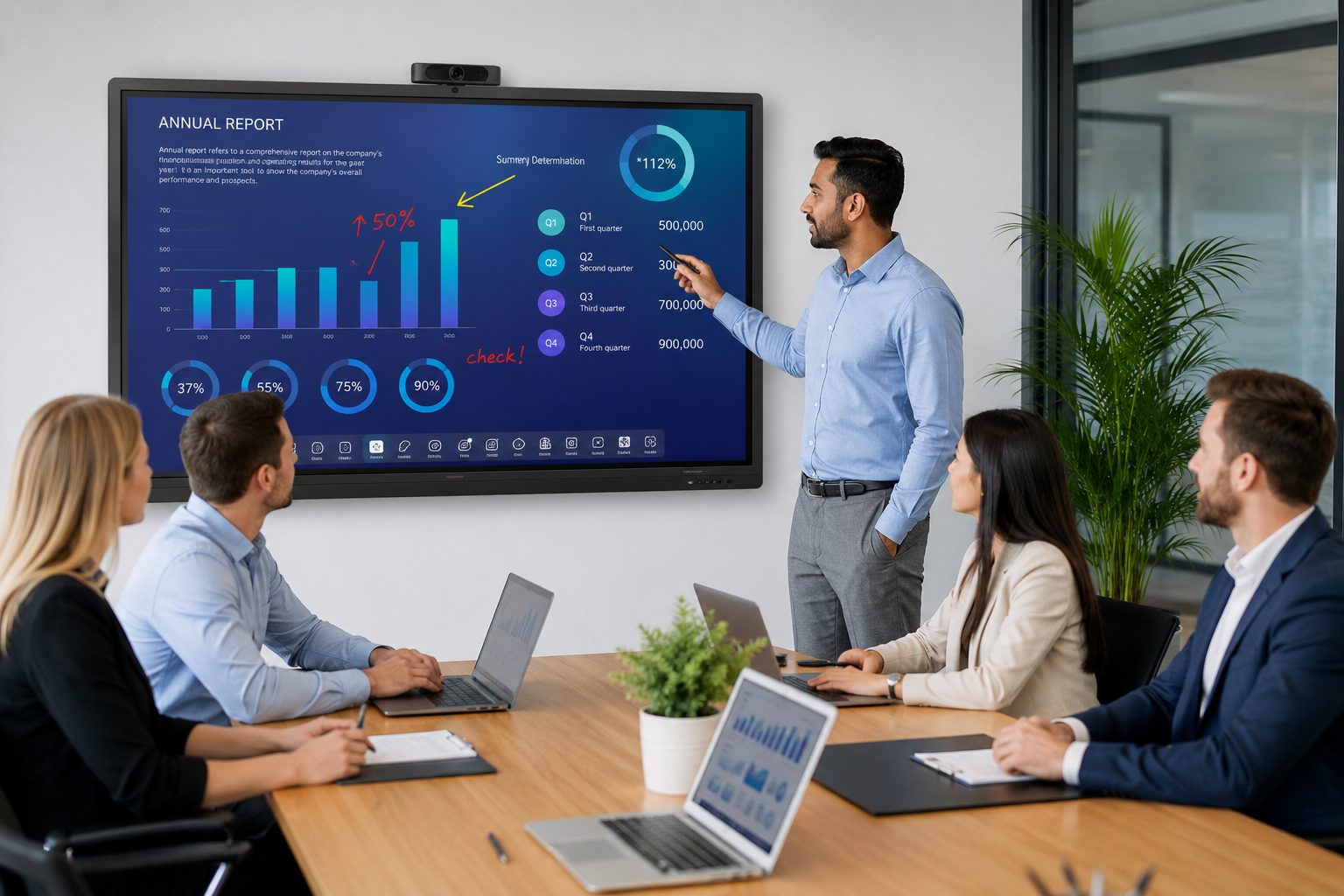
The best boards now handle AirPlay (Apple), Google Cast (Android and Chrome), and Miracast (Windows) natively, with no dongle, no app install, and no code entry required. Walk in, tap the cast button on your phone or laptop, and the screen appears. This sounds like a small improvement. It is not. It removes the single biggest friction point in meeting room technology: the moment when someone says "how do I connect to this thing?" and the meeting stalls for three minutes while someone Googles it.
But native protocol support is not the whole story. The real evolution in 2026 is multi-device simultaneous casting. This is the feature that separates an interactive flat panel from a consumer TV. Four people — each on a different device, each on a different operating system — can share their screens at the same time, arranged in a quadrant or a custom layout. Marketing shows the campaign dashboard. Engineering pulls up the sprint board. Product shares the prototype. All visible at once, all live. This is not a presentation tool. It is a collaboration tool, and it is the reason wireless casting has moved from "nice to have" to "why would you buy a board without it."
The other shift worth noting: byod compatibility is now the default, not the exception. A board that only works well with Windows laptops is a board designed for 2019. In 2026, your meeting room has to handle MacBooks, iPads, Android tablets, iPhones, Windows laptops, and Chromebooks — all with the same friction-free experience. The best manufacturers have quietly solved this. The rest are still shipping a dongle in the box and calling it "wireless."
One honest caveat: wireless casting still adds a tiny bit of latency — typically 50-100 milliseconds. For a slide deck, it is invisible. For a video with audio, it is noticeable and annoying. For real-time annotation or whiteboarding, it depends on the network conditions in your room. A wired connection — through the USB-C port on a modern IFP, which handles video, touch, and charging through a single cable — is still the best option when zero latency matters. A good board gives you both options and lets you decide. A great board makes the wireless experience good enough that you rarely need the cable.
Hybrid Work Is Not a Trend — It Is the New Floor
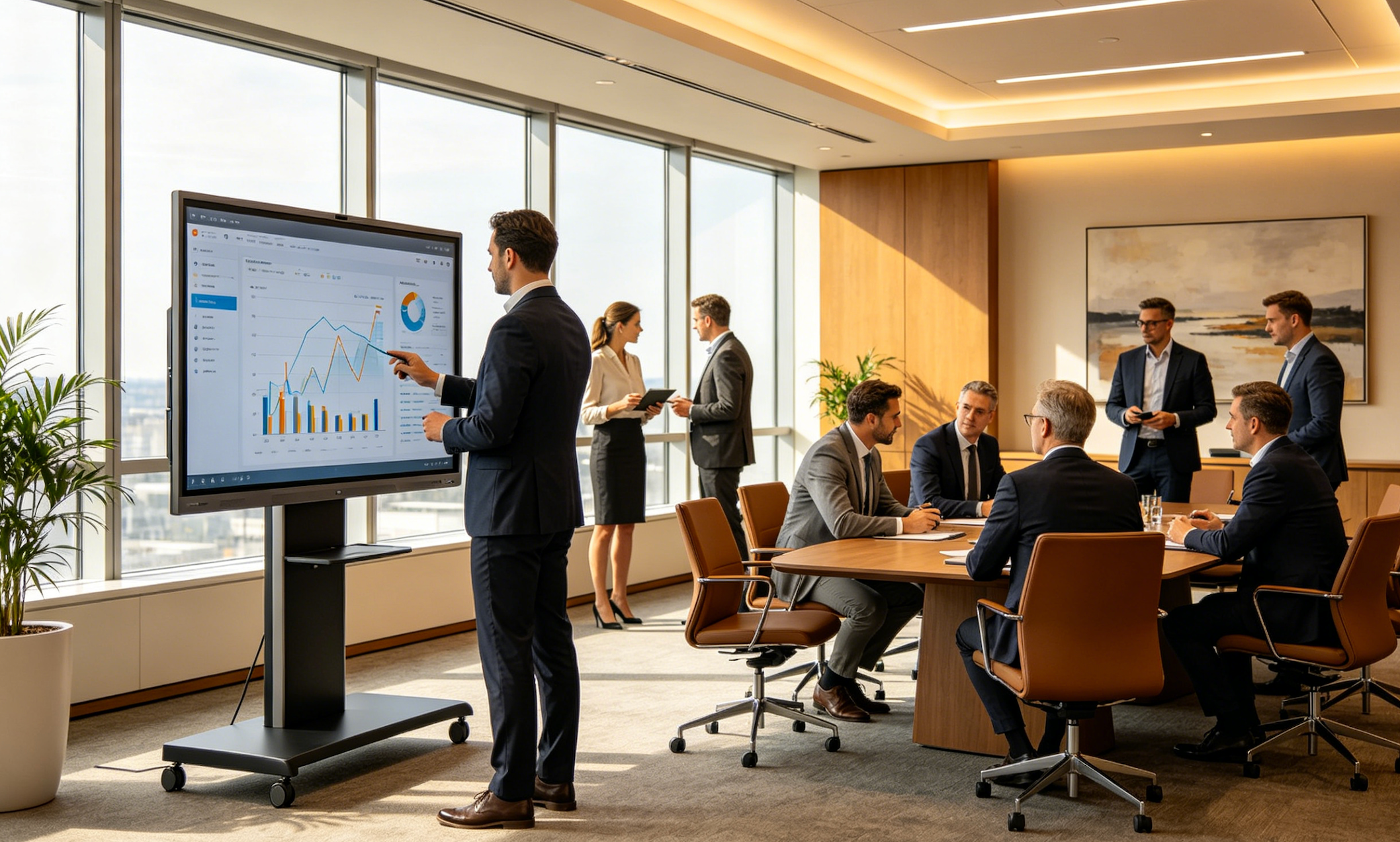
There is a temptation to treat hybrid work as a 2020-2022 phenomenon that the world is slowly "getting back to normal" from. That is wrong. In 2026, hybrid work is the permanent state of knowledge work. The question is not whether your meeting room needs to support remote participants. The question is whether it supports them well enough that they are actually included in the conversation — not just watching it.
This has fundamentally changed what an interactive flat panel is supposed to do.
A board designed for in-room use is a display with touch. A board designed for hybrid use is a communication hub. It needs a built-in camera with wide enough field of view to see everyone at the table, speaker tracking so remote participants know who is talking, a microphone array that picks up voices from every seat — not just the ones near the board — and speakers loud enough that remote voices fill the room naturally, not tinny and distant.
The camera spec is where most boards get it wrong. A 4K camera sounds impressive, but resolution is not the problem. Field of view is. A 90-degree camera cannot see the people at the edges of a 12-person table. A 120-degree camera distorts the sides. The right spec for most meeting rooms is around 110 to 115 degrees with good lens correction — wide enough to cover the room, tight enough to keep faces recognizable. The megapixel count matters less than the optics.
The microphone array is even more important — and even harder to get right. Four microphones in a line along the bottom bezel work for a huddle room. Eight microphones in a phased array, with beamforming that isolates the active speaker and suppresses background noise, is what you need for a conference room. If remote participants can hear the HVAC hum louder than the person talking, the hybrid meeting fails — no matter how sharp the display is.
Here is the judgment call that matters: a board designed for hybrid work is more expensive than a board designed for in-room use, but the hybrid board replaces three or four separate devices. A dedicated conference camera costs $300-800. A conference speakerphone costs $200-600. Cables, brackets, and integration labor add another $200-400. When you add all of that to an in-room-only IFP, the hybrid board — with everything built in — actually costs less and works better because the components are designed to work together. Buying a board without built-in AV, then bolting on peripherals, is a false economy that procurement teams make exactly once before they learn.
Hybrid work has also changed the software inside the board. In 2026, the Android OS running on an interactive flat panel is no longer just an app launcher for a whiteboard and a browser. It is a meeting platform hub that launches Zoom, Teams, Google Meet, or Tencent Meeting natively — with full access to the board's camera, microphone array, and touch screen. The BYOD model — where you plug in your laptop and run the meeting from there — still works. But the all-in-one model, where the board runs the meeting itself, is gaining ground fast because it eliminates the single biggest point of failure in hybrid meetings: the presenter's laptop.
Touch Technology: Two Camps, One Clear Direction
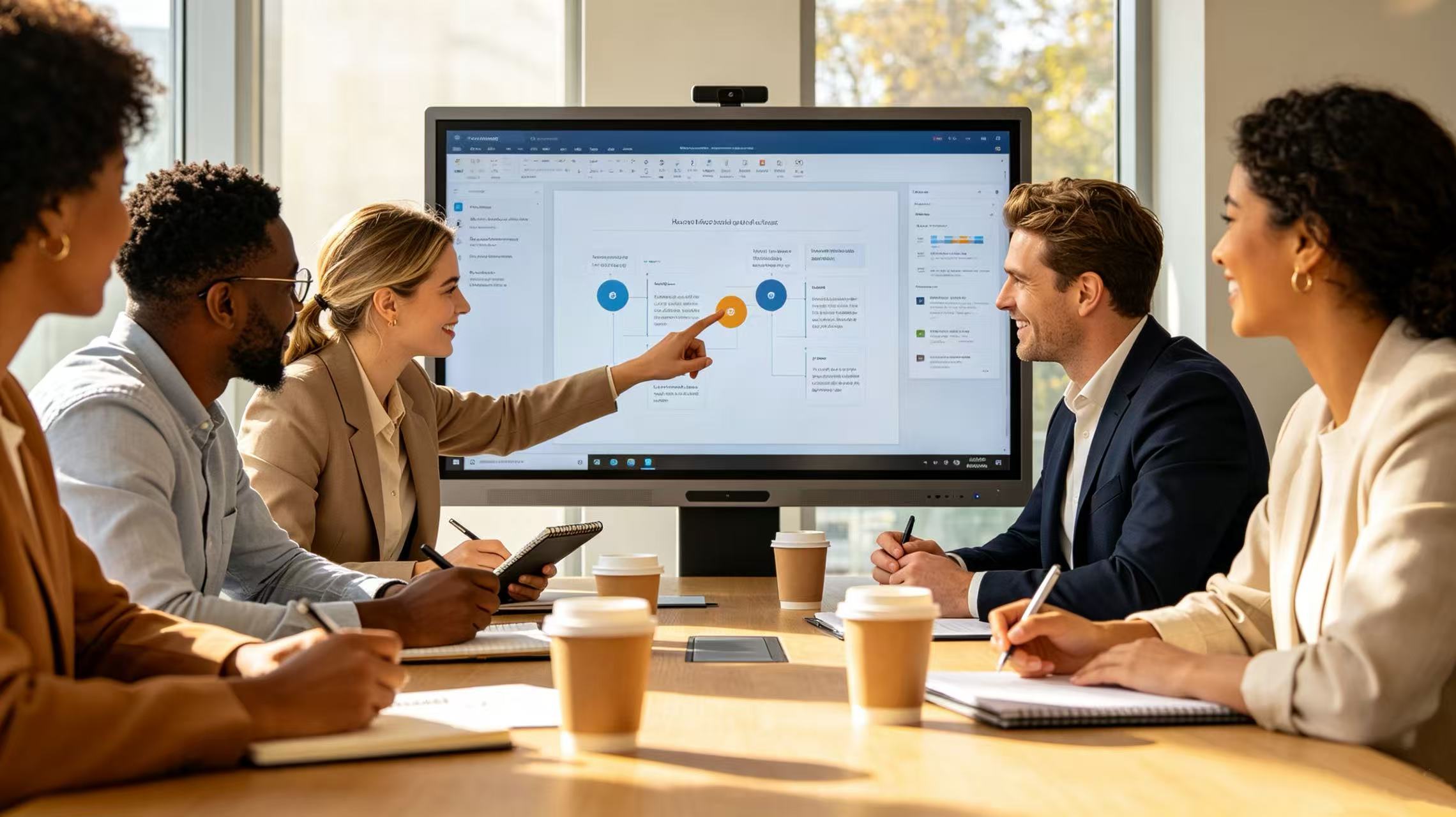
Touch technology on interactive flat panels is evolving in two directions at once, and they serve different rooms.
infrared (ir) touch remains the practical standard for most use cases — and it is getting better. The current generation of IR touch frames supports up to 40 simultaneous touch points, zero-pressure activation (you do not need to press — just touch), and response times in the 6-8 millisecond range. Object recognition is the underappreciated advance: modern IR frames can distinguish between a finger, a palm, and a stylus, and respond differently to each. Palm rejection — a long-standing pain point on IR boards — is now reliable enough that resting your hand on the screen while you write no longer creates phantom marks.
IR's core advantage has not changed: it works with any object. Finger, gloved hand, plastic stylus, capped marker — the board does not care. This is why IR dominates the education market and any environment where the board gets used by people who will never read a manual. And because the IR frame is a separate component from the LCD panel, repairs are straightforward: swap the frame, not the whole display.
capacitive touch (pcap) is closing the gap in the premium segment. For years, the knock on capacitive was that it felt great — smooth, zero-bezel surface, zero parallax — but cost more, supported fewer touch points, and refused to work with gloves or non-conductive objects. In 2026, that trade-off is shrinking. High-end capacitive IFPs now support 20 to 40 touch points with near-zero latency. The "gloves problem" has been partially solved by adjusting the touch controller sensitivity — though it still will not work with thick winter gloves or industrial PPE. And the price premium has narrowed from $600-800 to around $300-500 over an equivalent IR board, which brings capacitive into range for executive boardrooms, high-end design studios, and premium education environments where aesthetics and feel justify the extra cost.
Here is the judgment call: if your board is going into a classroom or a standard meeting room that gets used by dozens of different people every day, buy ir. It is more durable, more forgiving, and the cost savings are real. If your board is going into an executive boardroom where the visual experience matters and the users are a small, consistent group who will use the board properly, capacitive is worth considering — especially now that the price gap has narrowed.
The third option — hybrid touch combining IR and capacitive sensing — exists on a handful of high-end boards in 2026, but it is not yet mature enough to recommend as a standard purchase. The idea is sound: IR for basic touch and object recognition, capacitive for fine stylus input with pressure sensitivity. The implementation, however, adds cost and complexity without a clear enough use case to justify it — yet. Watch this space, but do not budget for it in 2026 unless you have a very specific need for pressure-sensitive stylus input on a large format display.
How These Four Trends Fit Together
The most important thing to understand about interactive flat panels in 2026 is that these four smart board trends — AI, wireless casting, hybrid work, and touch — are not separate bullet points on a comparison chart. They converge.
A hybrid meeting needs AI speaker tracking to include remote participants. Wireless casting needs to work across every device because half the presenters are remote. Touch technology needs to be reliable enough that in-room and remote collaborators can annotate together in real time without fighting the hardware. AI transcription and summarization turns the entire session into a searchable record that remote participants can review if they missed something.
A board that excels at one of these but is weak on the others is a board designed for 2023. In 2026, the standard is all four — together, working as a system, not a collection of features.
This is also why the "just buy a big TV and a webcam" argument collapses under scrutiny. A consumer TV handles none of this. It has no touch. No native wireless casting across protocols. No microphone array. No AI processing. No Android OS designed for meeting platforms. You can bolt on peripherals until the conference table looks like a Best Buy shelf, but the result is a patchwork — not a system. An interactive flat panel is a TV form factor only in the sense that a modern smartphone is a telephone. The shape is the same. Everything else is different.
What Is Hype and What Is Real
Not everything being pitched as a 2026 IFP trend deserves your attention. Here is a quick reality check:
hype: 8k resolution on a 65-inch board. At typical meeting room viewing distances — 6 to 15 feet — the human eye cannot distinguish 4K from 8K on a screen this size. 8K is useful on 98-inch and larger displays, where individual pixels start to become visible at 4K. On a 65-inch board, it is a marketing number that costs money and delivers nothing.
hype: eye tracking and attention analytics. Some vendors are pitching AI that tracks where meeting participants are looking and generates an "attention report." This solves a problem nobody asked for and introduces privacy concerns that most organizations will not want to deal with.
real: anti-glare and anti-blue light coatings. Not flashy, but it matters. A board that is unreadable near a window is a board that limits where you can place the meeting room. A board with blue light reduction — certified to low blue light standards — reduces eye fatigue in rooms used for hours-long training sessions or all-day workshops.
real: ops modularity. An OPS (Open Pluggable Specification) slot that lets you swap the internal PC module extends the board's useful life by years. Computing standards change faster than display technology. A board with an OPS slot is an investment. A board without one is a purchase with a clock on it.
real: on-device ai processing. As mentioned earlier, AI features that run locally on the board — not in the cloud — are faster, more private, and do not require a subscription. This is a meaningful differentiator in 2026, and it will be table stakes by 2028.
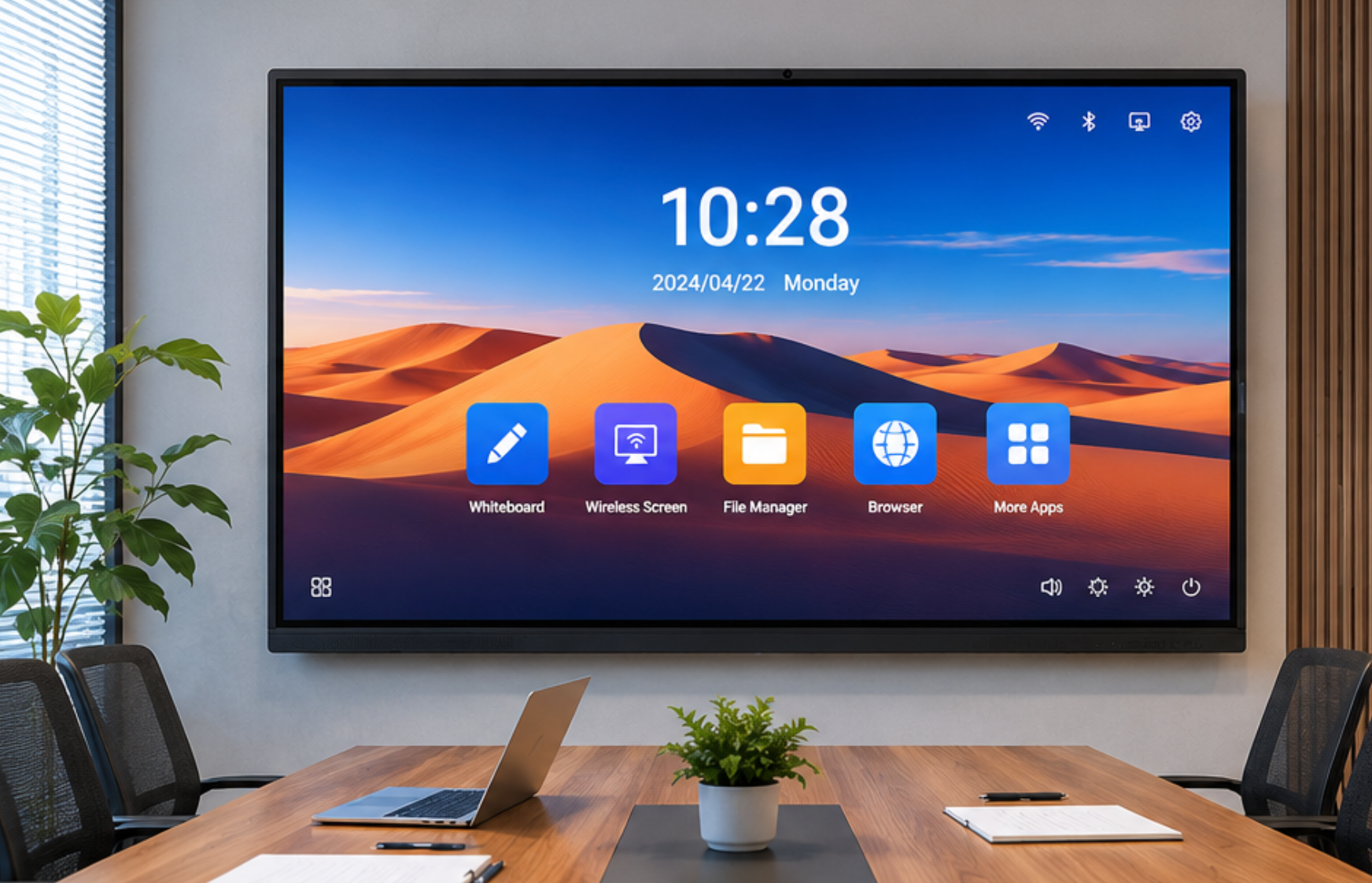
The LonTon View: Build for the Room, Not the Spec Sheet
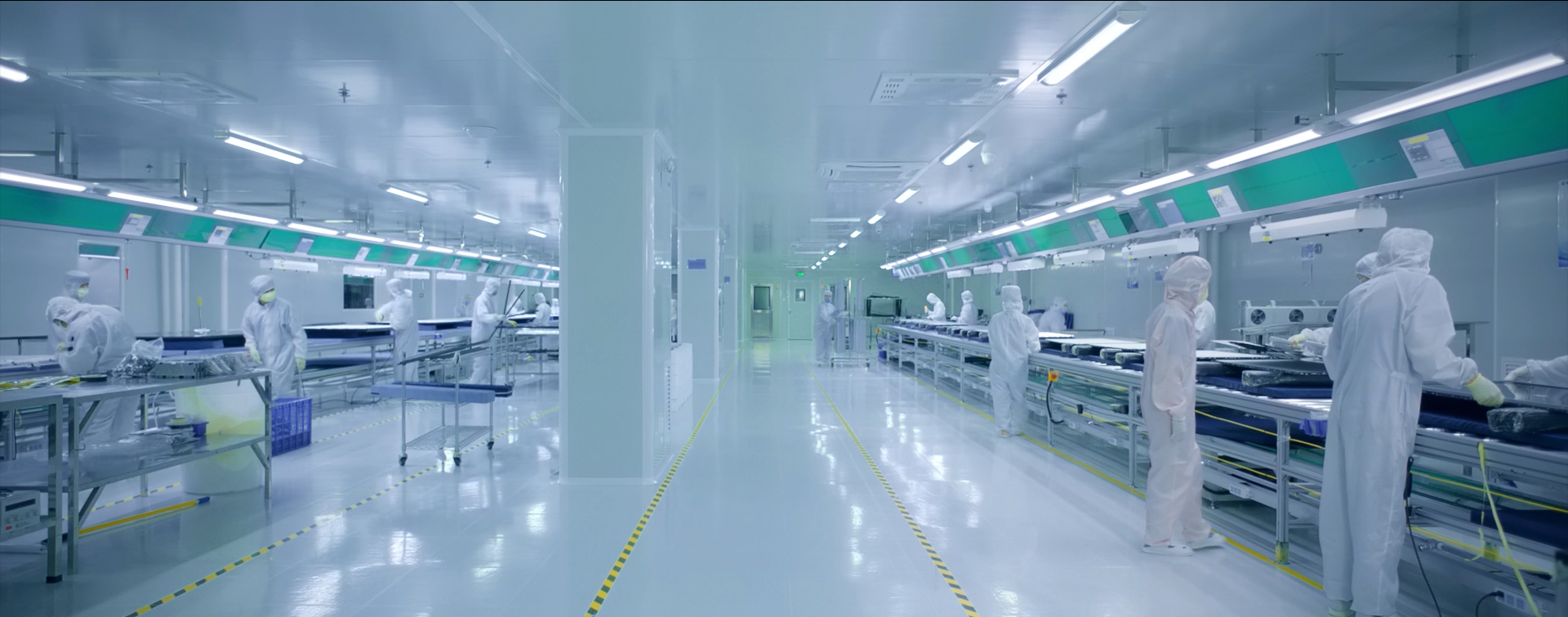
LonTon has been manufacturing interactive flat panels since 2005, and the company's approach to these 2026 trends reflects something that sounds obvious but is surprisingly rare: design the board around the meeting, not the spec comparison.
What that means in practice: AI features — real-time transcription, speaker tracking, voice control — are built into the board's onboard processing, not outsourced to a cloud subscription. Wireless screen sharing supports AirPlay, Google Cast, Miracast, and a dedicated casting app natively, covering every device that walks into the room. Hybrid meeting capability is standard: built-in camera with 110-plus degree field of view, 8-microphone array with beamforming, and speakers designed for voice clarity. Touch technology is available in both IR and capacitive, with the recommendation matched to the room — not the margin on the part.
The boards range from 55 to 110 inches, with custom sizes available for large venues and specialty installations. Android OS runs built-in. OPS slots are standard on mid-range and above. Anti-glare tempered glass is standard across the line.
For distributors, integrators, and volume buyers — schools outfitting entire campuses, corporations equipping global offices, government agencies deploying at scale — LonTon offers OEM and ODM flexibility, direct-from-manufacturer pricing, and a procurement process that does not hide costs behind "request a quote" theater.
The Bottom Line
The interactive flat panel market in 2026 is not about bigger screens or higher resolution. It is about rooms that work differently because the technology has finally caught up to how people actually collaborate.
AI is making meetings smarter without making them more complicated. Wireless casting is finally delivering on a promise that has been half-kept for years. Hybrid work has permanently raised the bar for what a meeting room display needs to do. And touch technology is mature enough that you can choose the right technology for the room instead of taking whatever the spec sheet says.
The boards that matter in 2026 are the ones where these four smart board trends come together in a single, integrated device. Everything else is a compromise — and compromises in a meeting room cost more than money. They cost time, attention, and the difference between a meeting where things get done and a meeting where everyone just waits for it to end.
Interested in bringing 2026-grade interactive flat panels to your meeting rooms, classrooms, or training centers? Contact LonTon today for a tailored consultation and quote.

