
 English
If you're the person writing your district's request for proposal for interactive flat panels, you already know the problem. You send out an RFP, and the quotes come back impossible to compare — one supplier prices a 65-inch panel with bare-bones specs, another prices an 86-inch panel with every option, and nobody answers the question you actually asked.
The reason is usually simple: the RFP didn't spell out the specs clearly enough. Suppliers fill the gaps with whatever makes their margin look best. When the evaluation committee sits down to score the bids, they're comparing apples to oranges.
This template fixes that. Use it as your starting point, then hand it to suppliers and get bids you can actually line up side by side.
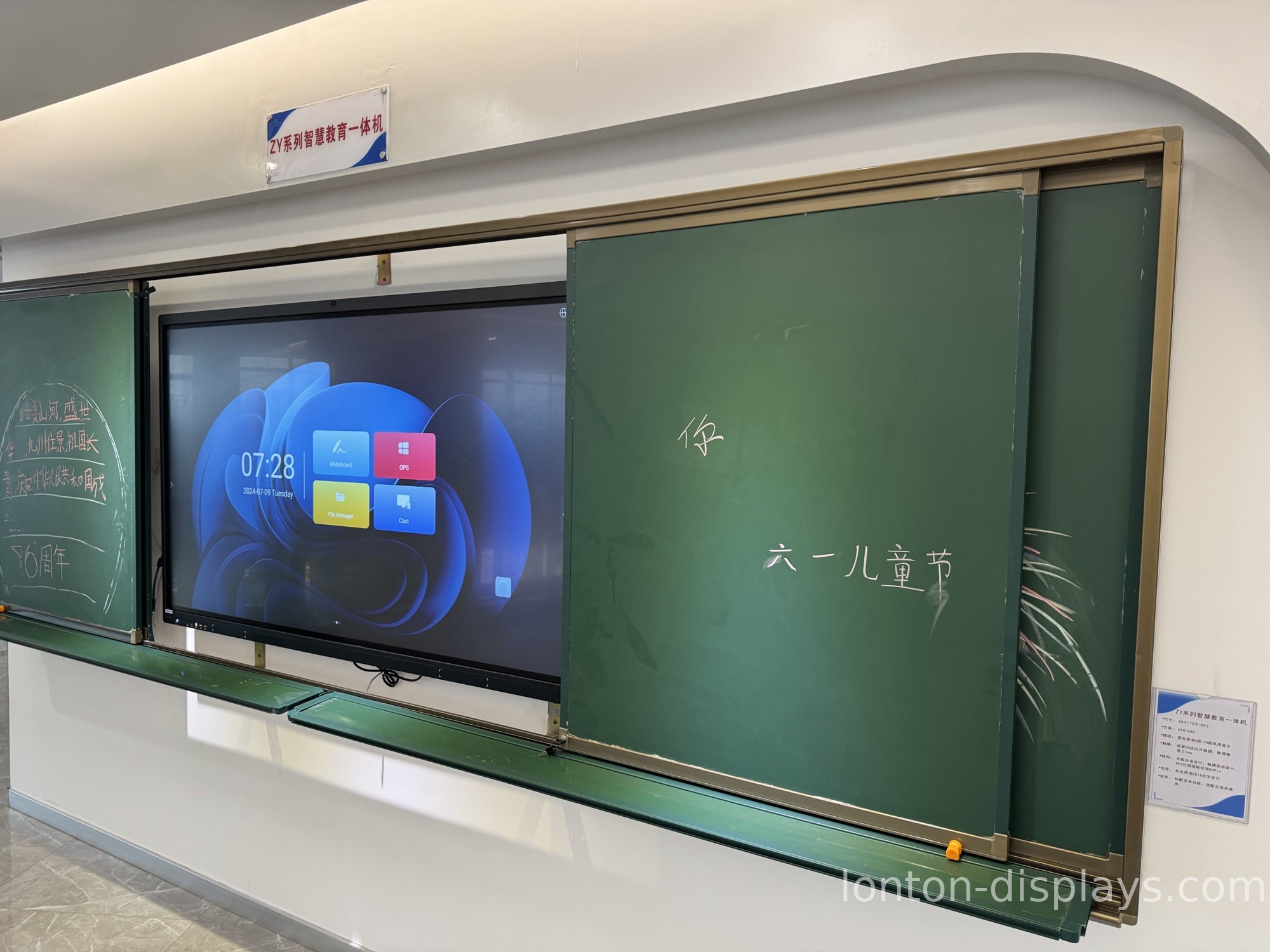
The Specs Your RFP Must Nail Down
1. Screen Size by Classroom
Don't write "interactive flat panel" without a size. State the minimum diagonal per room type, or every bidder will quote their cheapest size.
| Room Type | Minimum Screen |
|---|---|
| Seminar room (up to 18 ft viewing) | 65 inch |
| Standard classroom (18–26 ft) | 75 inch |
| Large classroom (26–34 ft) | 86 inch |
| Lecture hall / multi-purpose (34 ft+) | 98–110 inch |
If your district has mixed room sizes, list them as separate line items in the RFP — one size per line, with quantities. This alone eliminates half the "not comparable" bids. For more on matching size to viewing distance, see our classroom size guide.
2. Touch Technology and Touch Points
Specify infrared (IR) touch with a minimum of 40 simultaneous touch points. This is the classroom standard for a reason — it works with fingers, styluses, and gloved hands, and it doesn't need calibration every morning. Don't leave "touch technology" open-ended or you'll get a mix of IR and capacitive bids that aren't equivalent. We explain the difference in our infrared vs capacitive comparison.
3. Operating System and OPS Slot
Require a panel with an embedded Android system (Android 13 or newer) plus an OPS slot for a Windows module. The Android side handles quick whiteboarding; the OPS slot is where your school's existing Windows software lives. If a bidder's panel has no OPS slot, it can't run your legacy lesson software — that's a disqualifier, not a negotiating point. See what an OPS module is.
4. Display: Resolution, Brightness, Viewing Angle
Three numbers to put in the RFP:
- 4K UHD (3840 × 2160) resolution
- 350 cd/m² minimum brightness (lower panels wash out in windowed classrooms by midday)
- 178° viewing angle — the kid in the corner seat sees the same image as the kid dead center
5. Durability: Glass and Coating
Specify 4mm tempered glass with MOHS 7 hardness and an anti-glare coating. Tempered glass survives the "throw a marker at it" test; anti-glare is what keeps the board readable under classroom lighting. For K-12, add an anti-fingerprint layer. This is the difference between a board that lasts five years and one you're replacing in two.
6. Certifications
List the certifications you require, not "certifications preferred." The baseline for school procurement is:
- ISO 9001 (quality management)
- ISO 14001 (environmental)
- ISO 45001 (occupational health & safety)
- CE, FCC, and RoHS
Require bidders to attach the actual certificates, not just claim them. For a fuller breakdown, read our guide to interactive flat panel certifications.
7. Warranty and Expected Lifespan
Ask for a minimum 3-year warranty, and ask bidders to state the expected product lifespan in years. A quality interactive flat panel should run 50,000+ hours — that's well over a decade of school use. If a supplier won't commit to a lifespan number, treat that as a red flag. See how long interactive flat panels last.
Copy-Paste RFP Template
Here's the spec block you can drop straight into your RFP document:
Interactive Flat Panel Display — Minimum Requirements
- Sizes required: [list sizes and quantities, e.g. 75" × 24, 86" × 6]
- Resolution: 4K UHD (3840 × 2160) minimum
- Touch: Infrared, minimum 40 simultaneous touch points, finger/stylus/glove input, no calibration required
- System: Embedded Android 13 or newer, plus OPS slot supporting Windows 11
- Brightness: 350 cd/m² minimum
- Viewing angle: 178° minimum
- Glass: 4mm tempered glass, MOHS 7 hardness, anti-glare coating
- Connectivity: HDMI ×3, USB ×3, USB-C with power delivery, RJ45, WiFi 6
- Audio: Built-in speakers, minimum 2 × 15W
- Certifications: ISO 9001, ISO 14001, ISO 45001, CE, FCC, RoHS (certificates required with bid)
- Warranty: Minimum 3 years
- Expected lifespan: State in years (minimum 50,000 hours)
- OEM/ODM: State whether custom logo, boot screen, packaging, and manual are supported
This block is deliberately specific. Every line is checkable, so a bidder either meets it or they don't — no room for vague marketing language.
Why Schools Get Better Bids From Lonton
Here's what most schools discover after the first round of bids: the best price usually comes from the factory, not a distributor. Distributors add margin; factories don't.
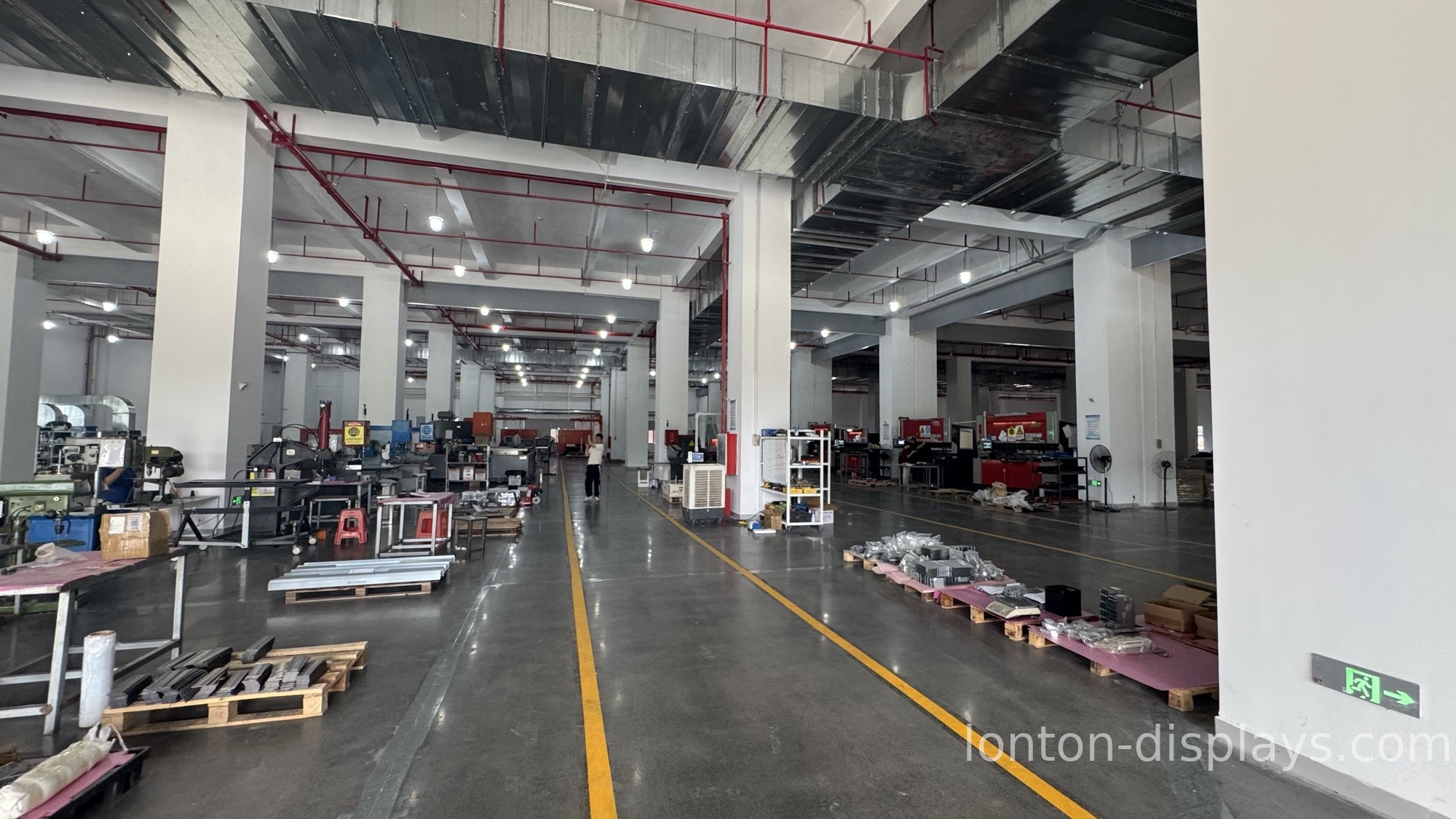
Lonton is a factory. Founded in 2005, we manufacture interactive flat panels in a 100,000+ square meter facility and ship to schools in more than 20 countries. For an RFP, that matters in three specific ways:
We meet every spec line above as standard. 40-point IR touch, 350 cd/m² brightness, 4K, Android 13 with OPS slot, 4mm tempered glass — these are our standard build, not premium upgrades. When you score our bid against your checklist, the baseline specs are already covered.
We attach real certificates, not promises. Our panels carry ISO 9001, ISO 14001, ISO 45001, CE, FCC, and RoHS, and we include the certificate documents with every bid so your evaluation committee can verify them.
We support OEM and flexible quantities. If your district wants its own branding on the panels, we handle custom logo, boot screen, packaging, and manuals. And you don't need to order a container — we support smaller trial orders so you can pilot a few panels before a full district rollout.
Frequently Asked Questions
What should an interactive flat panel RFP include? At minimum: required sizes and quantities, resolution (4K), touch technology (IR 40-point), operating system (Android + OPS slot), brightness (350 cd/m²), viewing angle (178°), glass durability, required certifications, and warranty terms.
How long should an interactive flat panel warranty be? A minimum of 3 years. A quality panel is rated for 50,000+ hours of use, so any supplier offering less than 3 years is signaling lower confidence in their own product.
What certifications should a school require in an RFP? ISO 9001, ISO 14001, ISO 45001, plus CE, FCC, and RoHS. Require bidders to attach the actual certificate documents.
Can a school order interactive flat panels directly from a factory? Yes. Buying factory-direct skips the distributor markup and often gets you better pricing on bulk orders. Many factories, including Lonton, support OEM branding and flexible minimum order quantities for schools.
What MOQ do schools need for interactive flat panels? It varies by manufacturer, but many factories (including Lonton) support small trial orders — you can pilot a few panels before committing to a district-wide rollout.
Already Have an RFP Draft?
Send us your RFP and we'll quote against your exact spec line by line — and ship a sample panel so your evaluation team can test it before you commit.
[Request a Quote →] [Request a Sample Panel →]
Related Articles: - What Certifications Should an Interactive Flat Panel Have? - Interactive Flat Panel vs Projector: 5-Year Total Cost of Ownership Comparison - How Long Do Interactive Flat Panels Last?

