
 English
If you have spent any time looking at interactive flat panel specs, you have probably seen "OPS slot" listed as a feature and wondered what it actually means. An OPS module — short for Open Pluggable Specification — is a modular computer that slides into the back of a smart board and turns it into a full Windows PC. Think of it as a tiny desktop computer that lives inside your display, invisible from the front, upgradeable whenever you need it to be.
The OPS standard was created by Intel to solve a specific problem: how do you add computing power to a commercial display without dangling an external PC off the side, managing extra cables, and dealing with a separate power supply? The answer was a standardized slot and cartridge system. Any OPS-compatible module fits into any OPS-compatible display, regardless of brand. The module handles processing, memory, storage, and connectivity. The display handles the screen, touch, speakers, and power delivery to the module.
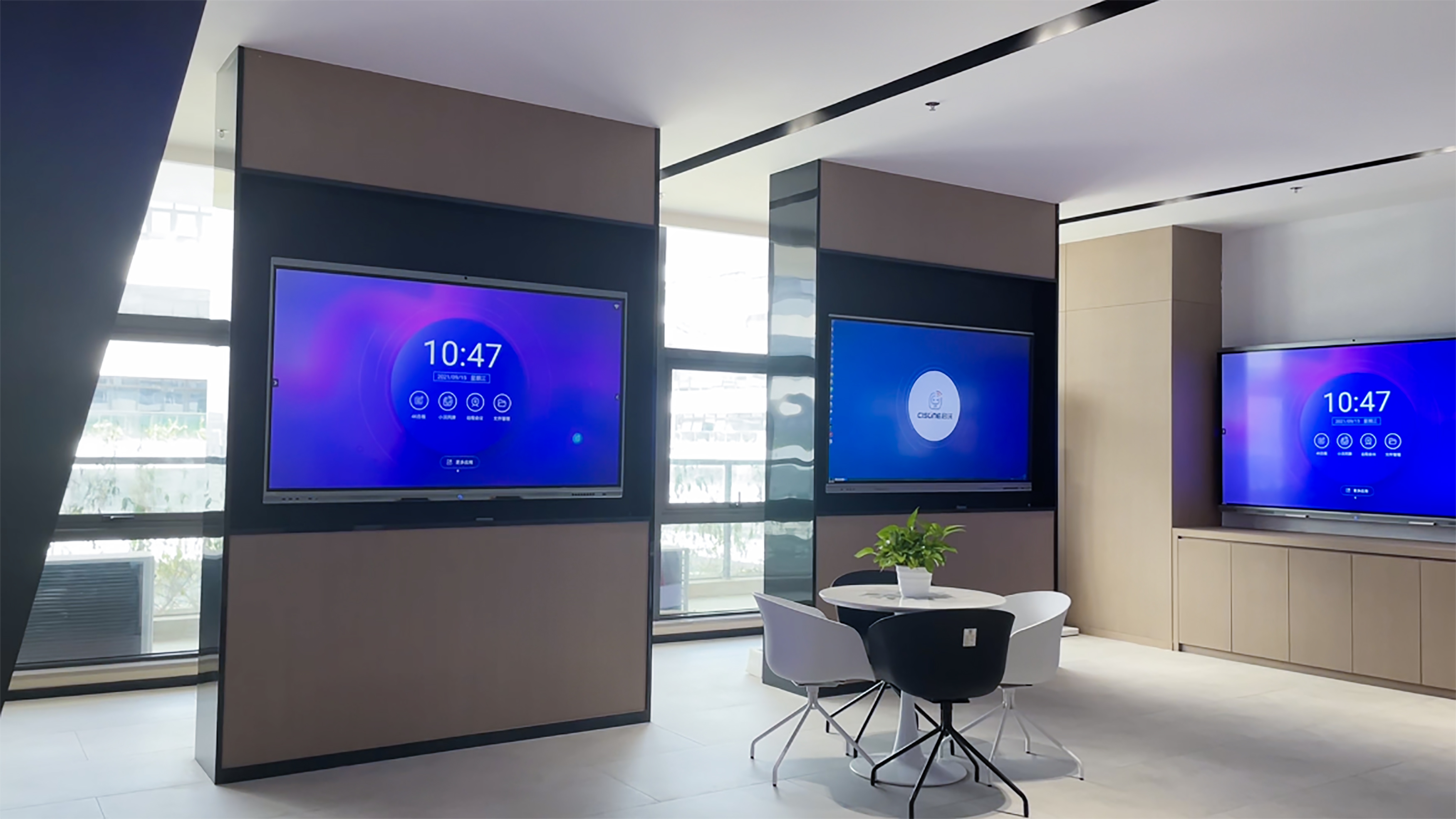
In practice, this means your interactive flat panel ships with a built-in Android operating system that handles the basics — whiteboarding, wireless screen sharing, web browsing, and video calling apps. That Android system is always there, always ready. The OPS slot gives you the option to add Windows when and if you need it. You slide the module in, and within seconds the board can switch between Android and Windows with a single tap on the screen. No external PC. No extra cables. No IT team called in to "set up the meeting room computer."
When does an OPS module actually matter? When your team runs software that only exists on Windows. When you need full Microsoft Office with all desktop features, not the web versions. When your IT department manages devices through Windows group policies and wants every display in the building included in that management — software updates, security patches, user permissions, all of it handled centrally. And when you want the board to function as a standalone computer that anyone can walk up to and use without bringing a laptop.
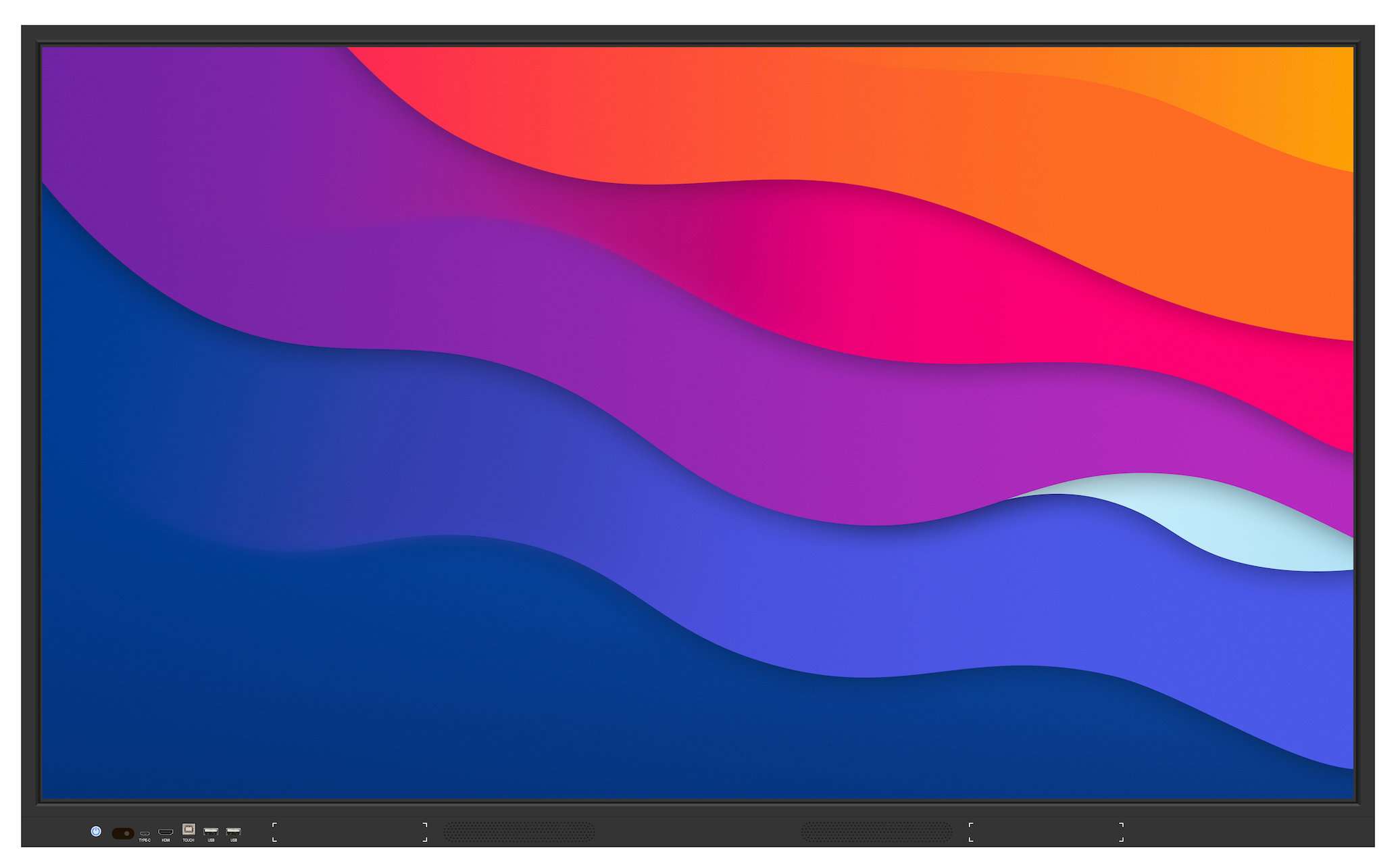
For most daily meeting room use — someone walks in, casts their laptop wirelessly, runs a whiteboard session, maybe joins a Zoom call — the built-in Android handles everything. The OPS module sits in its slot, powered down, waiting for the meeting that actually needs it. That is the beauty of the design: you are not paying for Windows computing on every board, but the path to adding it is already built in.
The other advantage of an OPS module is upgradeability. In five years, the display panel will still look great — 4K resolution does not age the way processors do. But the computing module inside might feel slow as Windows updates get heavier and your team's software demands grow. With an OPS slot, you swap the old module for a new one in under a minute. No replacing the entire board. No remounting. No rewiring. Just pull the old cartridge, push in the new one, and your five-year-old display runs like it just came out of the box.
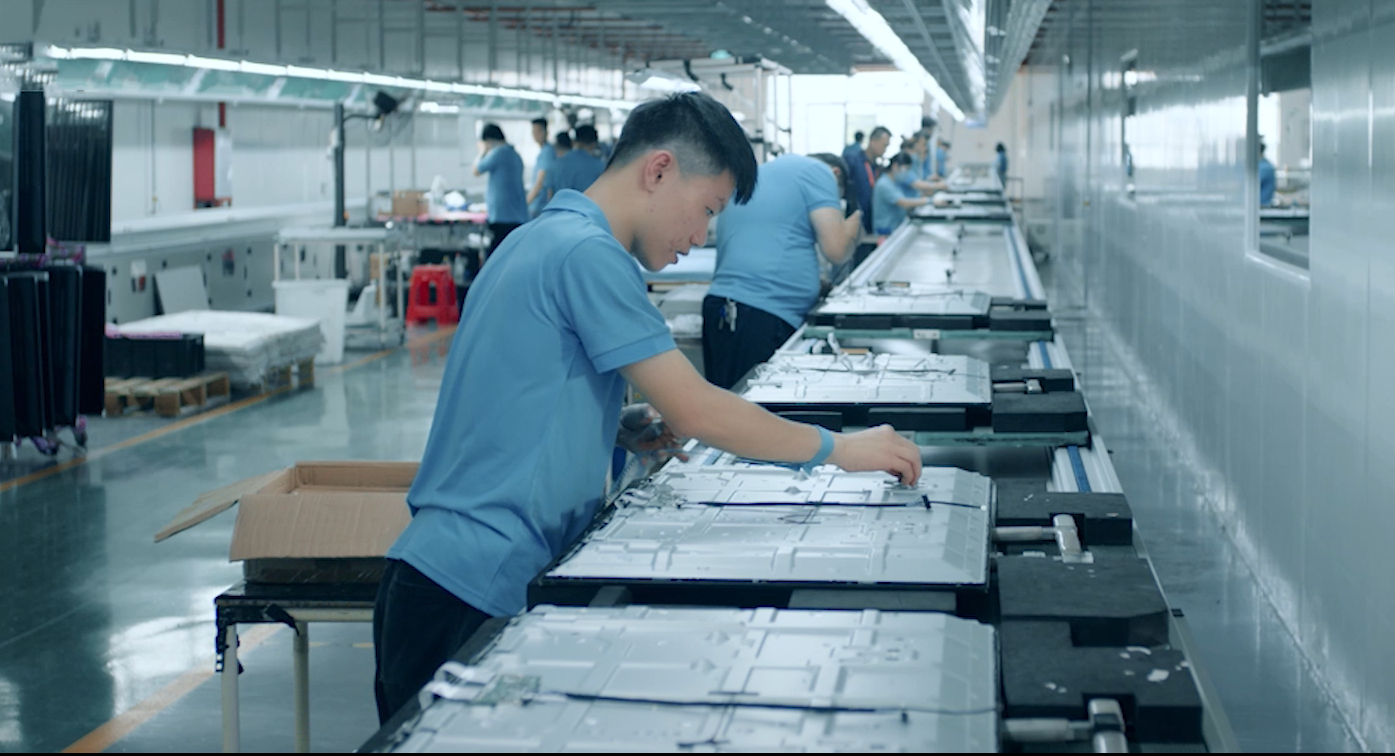
As a professional manufacturer, LonTon includes an OPS slot on every interactive flat panel as standard. Android comes built-in and ready to go. If you want to add Windows now, later, or never, the slot is there — no lock-in, no forced upgrade path, just flexibility. Tell us about the software your team depends on, and we will help you figure out whether your rooms need Android, Windows, or both.

