
 English
OPS vs Built-in Android: Which Should Your Interactive Flat Panel Run?
Every Lonton interactive flat panel ships with Android built in, and most also list an "OPS slot" on the spec sheet. That second line is where a lot of buyers stop — do you need the Windows module, or is the Android side enough?
This guide walks through what each side actually handles, so you don't pay for Windows computing you won't use, or buy a panel that can't run the one piece of software your team depends on.
What the Built-in Android Handles
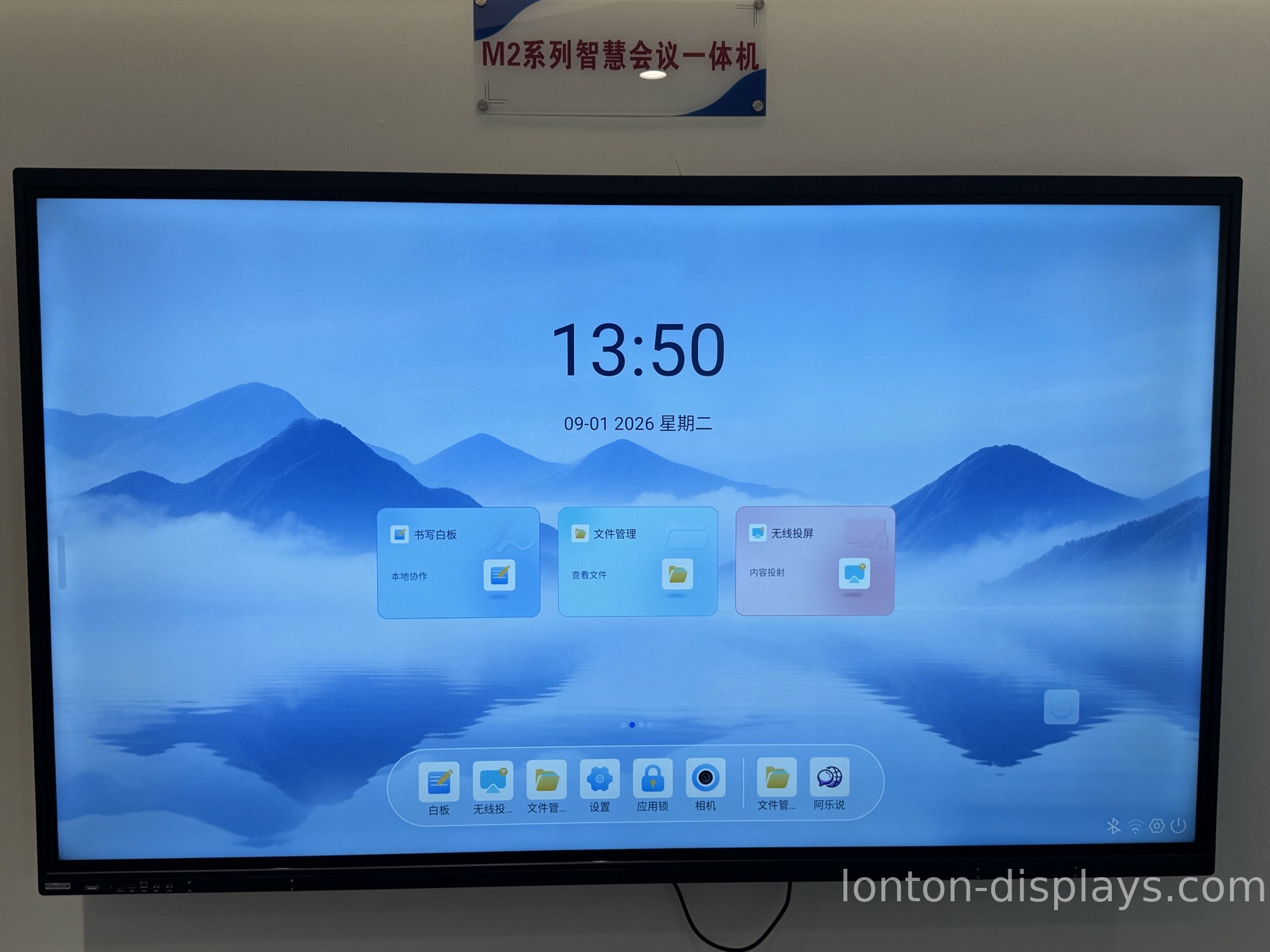
The built-in Android system covers the daily basics: whiteboarding, wireless screen sharing, web browsing, and video calling apps. It's always there, always ready, with no extra hardware to configure.
For most meeting rooms and classrooms, that's the whole job. Someone walks in, casts their laptop, runs a whiteboard session, joins a call, and walks out. Android handles all of it without a second thought.
What an OPS Module Adds
OPS stands for Open Pluggable Specification — an Intel-created standard for a modular computer that slides into the back of the display. Pop one in, and the panel becomes a full Windows PC that switches from Android with a single tap.
The module carries its own processor, memory, storage, and connectivity. The display keeps handling the screen, touch, and speakers. It's a tiny desktop computer living inside your panel, invisible from the front.
If you're new to the standard, our guide to what an OPS module is explains the basics.
When You Actually Need Windows
Windows earns its cost in three specific situations:
- Software that only runs on Windows. Some specialist apps have no Android version. If your team's core tool is Windows-only, you need the module.
- Full Microsoft Office. The desktop versions of Word, Excel, and PowerPoint have features the web versions don't. If that matters, go Windows.
- Central IT management. If your IT team manages devices through Windows group policies — updates, patches, user permissions — an OPS module drops every display into that same management flow.
The Cost Question
The honest answer is that Android is already included, so you're not paying extra for it. The OPS module is the optional add-on. That's the beauty of the design: you don't buy Windows computing for every board — you buy it only for the rooms that need it, and add it later if the need changes.
How Lonton Builds It
Lonton builds interactive flat panels from 65" up to 110", every one running Android 15 with an OPS slot ready for Windows 11 Pro. See our OPS PC module buying guide when you're ready to spec the Windows side.
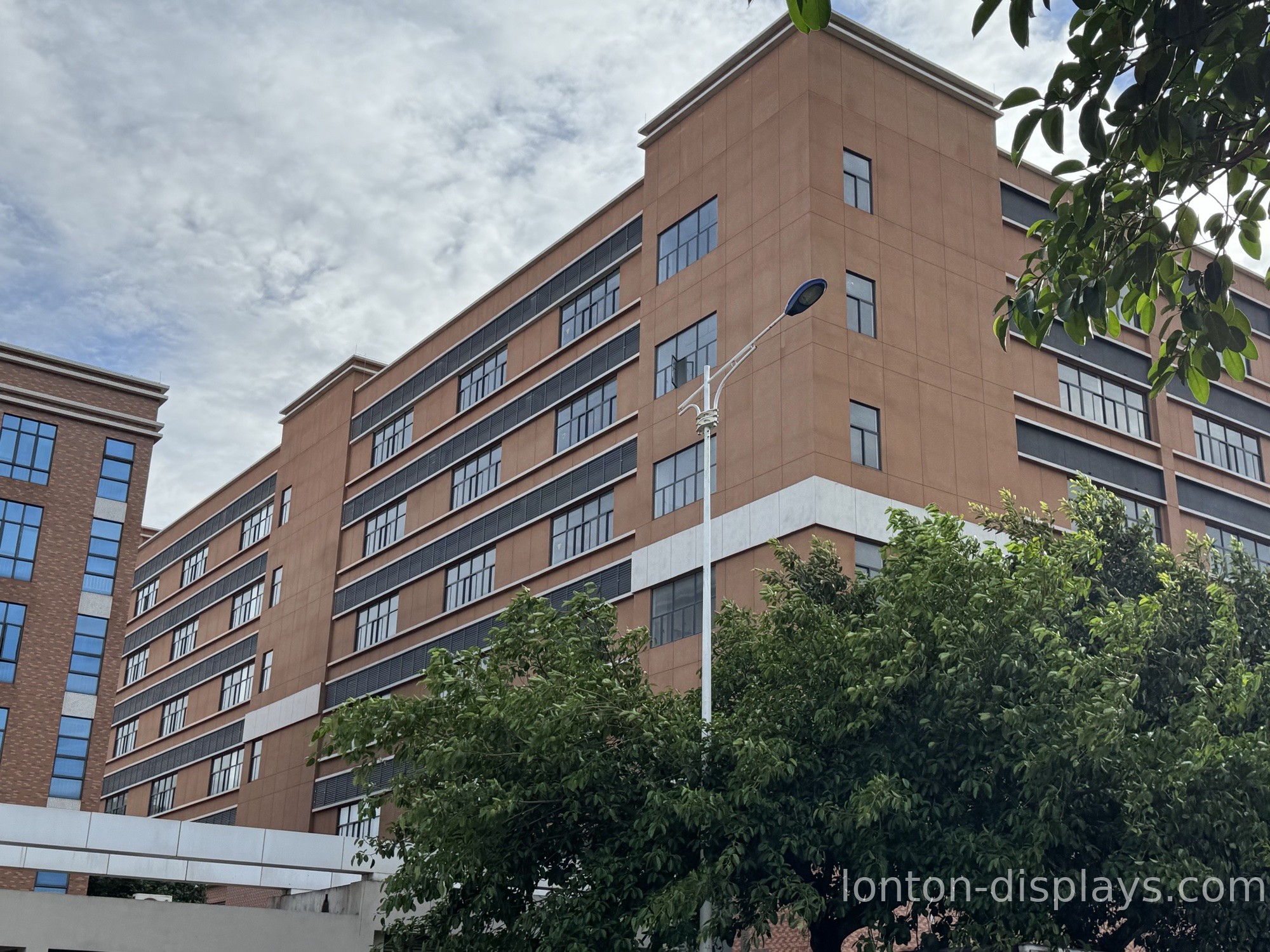
Every panel runs 40-point infrared touch and 4K UHD, built in a 100,000+ m² facility with 15 production lines and a 23,000 m² Class 10,000 cleanroom. We hold ISO 9001, 14001, and 45001 plus CE, FCC, and RoHS, and MOQ starts at 5 units.
Get a Quote for the Right Setup
Tell us whether your rooms run Android, Windows, or a mix, and we'll spec each panel accordingly — Android only where it's enough, OPS modules where you need them.
FAQ
Do I need an OPS module if the panel has Android?
Only if your team runs Windows-only software, needs full desktop Office, or manages devices through Windows group policies. Otherwise the built-in Android handles the daily work.
Can I add an OPS module later?
Yes. The slot is there from the start, so you can add Windows to any panel whenever the need changes, without replacing the display.
Is the OPS standard the same across brands?
Yes. Any OPS-compatible module fits any OPS-compatible display, regardless of brand — that's the point of Intel's standard.
Does the OPS module replace Android?
No. Android stays built in and always ready. The OPS module adds Windows alongside it, and you switch between the two.
What Windows version does Lonton support?
Windows 11 Pro, running through the OPS slot on Lonton's 65" to 110" panels.

