
 English
OPS PC Module: What to Look For Before You Buy
You've decided to add Windows to your interactive flat panel. Now you're looking at OPS PC modules and trying to sort one spec sheet from another. The differences are smaller than they look, but a few choices decide whether the module feels fast for years or feels slow by the second meeting.
Here's what actually matters when you spec an OPS PC module, and what you can safely ignore.
Processor and RAM
The processor is the single biggest factor in how the module feels. A current-generation CPU keeps Windows, Office, and a video call running smoothly at once. RAM matters for multitasking — more RAM means more apps open without the panel stuttering when a teacher switches between a browser, a whiteboard, and a video call.
Ask for a current-generation processor and at least 8GB of RAM. If your rooms run heavier software, step up to 16GB.
Storage and Connectivity
An SSD — not a spinning drive — is the difference between a module that boots in seconds and one that keeps a meeting waiting. Storage size matters less than speed, but 256GB covers Windows, Office, and years of files for most rooms.
Check the ports too. You want USB ports on the module for peripherals, and a network connection for wired environments. The display handles its own touch and speakers, so the module's job is computing and connectivity.
Windows Version and Licensing
Make sure the module ships with Windows 11 Pro, not Home. Pro is the version IT teams manage through group policies — updates, security patches, user permissions, all handled centrally. Home isn't built for that.
Confirm the license is included and activated before it leaves the factory, so the panel is ready the day it arrives.
How Lonton Ships OPS Modules
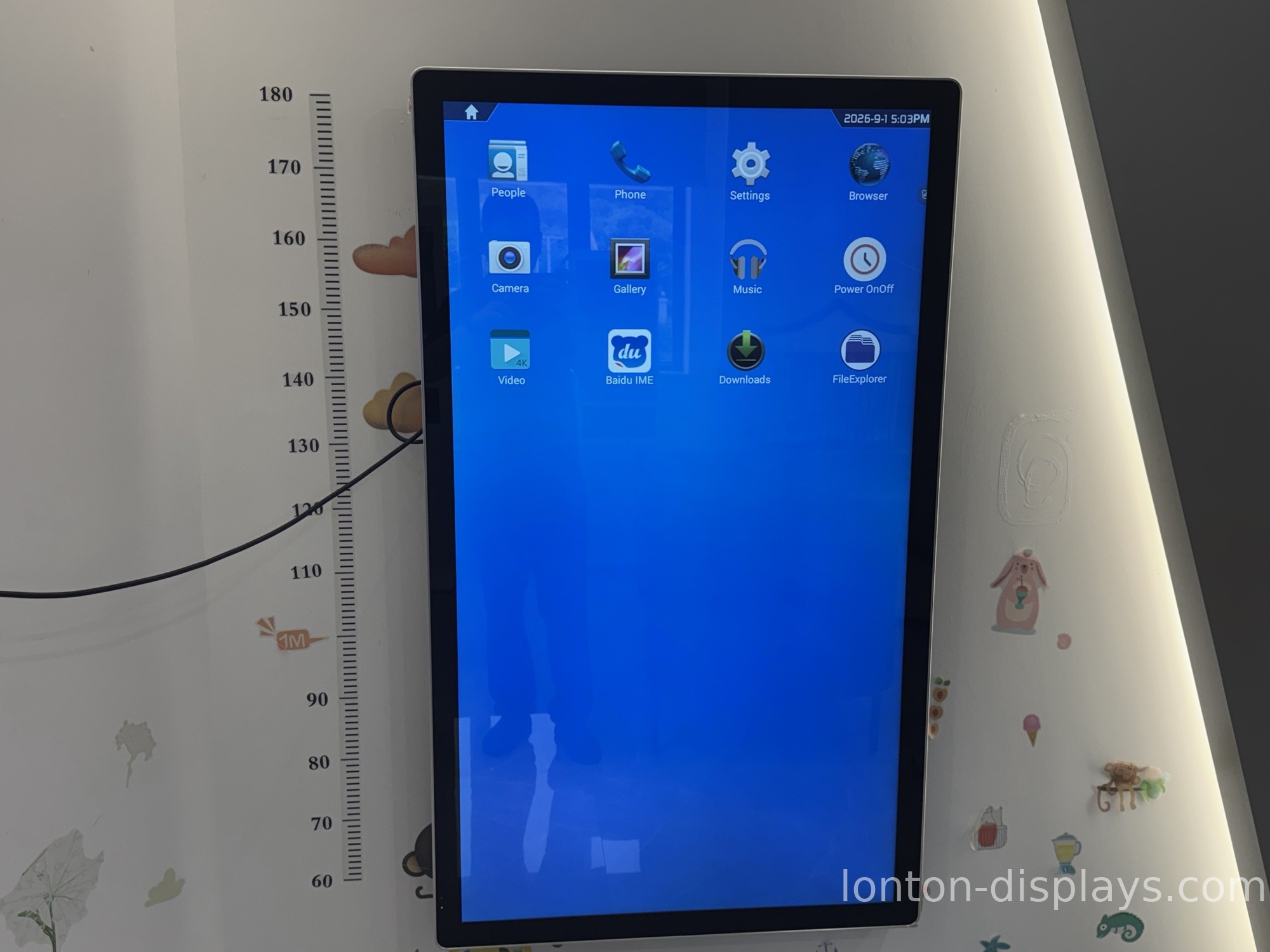
Lonton's interactive flat panels run Android 15 with an OPS slot ready for Windows 11 Pro. If you're weighing whether you need the Windows side at all, read our OPS vs built-in Android comparison first. For the basics of the standard, see what an OPS module is.
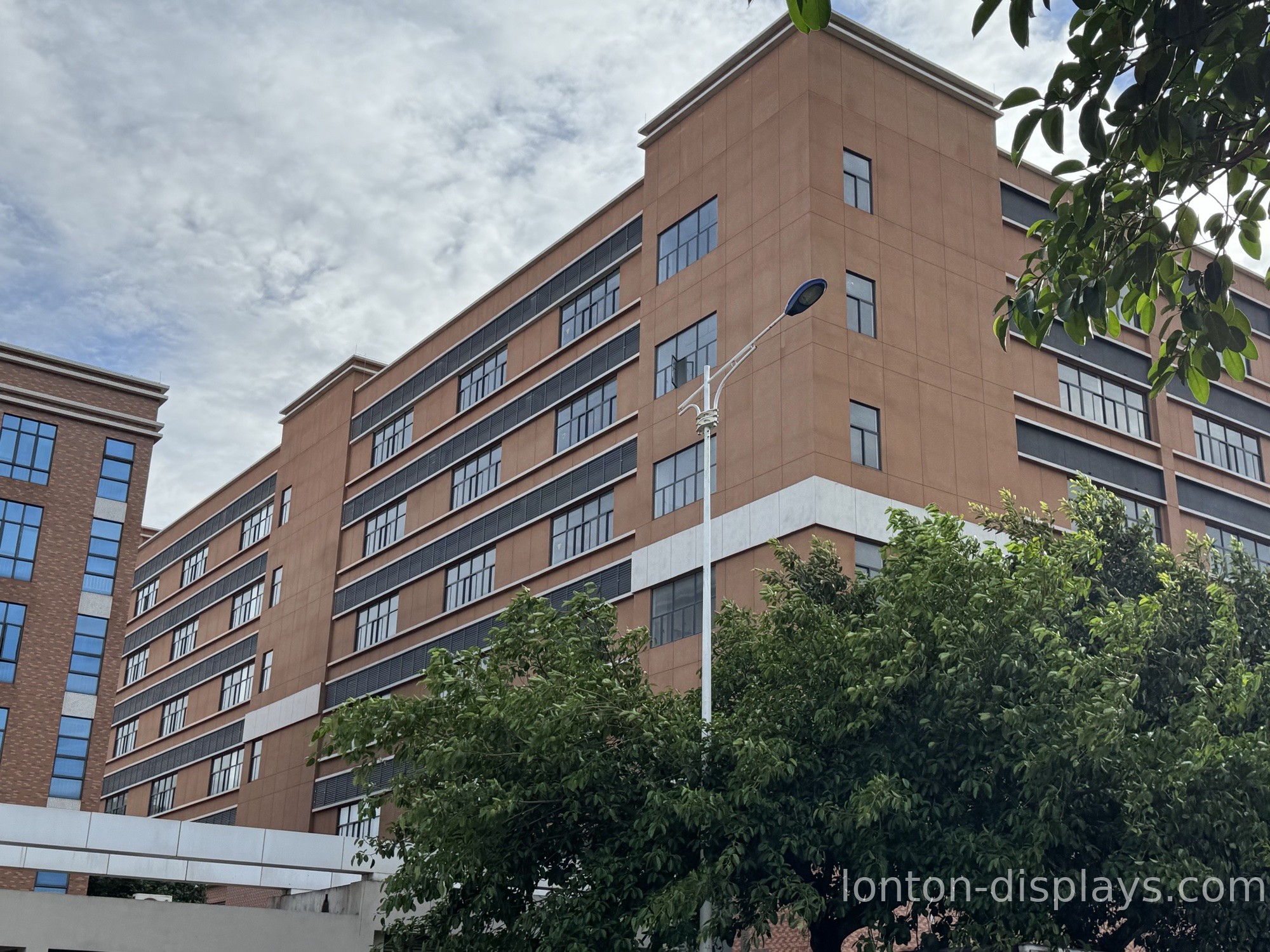
We build in a 100,000+ m² facility with 15 production lines and a 23,000 m² Class 10,000 cleanroom, hold ISO 9001, 14001, and 45001 plus CE, FCC, and RoHS, and ship factory-direct with an MOQ of 5 units.
Get a Factory-Direct OPS Quote
Tell us your panel sizes, quantity, and what software your rooms run, and we'll spec the OPS modules to match — processor, RAM, storage, and Windows 11 Pro all written into the quote.
FAQ
What processor should an OPS module have?
A current-generation Intel or AMD processor. The exact model matters less than it being current — an old CPU will feel slow within a couple of years.
How much RAM do I need?
8GB is the baseline for smooth multitasking. Step up to 16GB if your rooms run heavier software or keep many apps open.
SSD or HDD?
SSD, always. Boot times and app launches are dramatically faster, and 256GB covers most rooms for years.
Windows 11 Home or Pro?
Pro. It's the version that supports group-policy management, which is what IT teams need for updates and security.
Does Lonton sell OPS modules?
Yes. Lonton ships OPS modules factory-direct, matched to the panel size and the software your rooms run.

