
 English
Why STEM Classrooms Need More Than a Big Screen
A lecture panel is built to display. A STEM panel is built to be touched. In a physics or robotics lesson, the screen is the workbench — students drag, annotate, and build on it the way they would on a lab table. That single difference decides most of the specs that follow: how many touch points, how fast the response, and whether the system runs the software your curriculum already uses.
40-Point Touch: The Whole Group at the Board
The number that matters most in a STEM classroom is touch points. A panel with 2 or 10 touch points turns group work into a queue — one student at a time, everyone else waiting. A 40-point infrared touch frame lets four or five students write, drag, and solve at once, which is how a STEM lesson actually plays out. Infrared also works with a finger, a stylus, or a gloved hand, with no calibration — so it does not slow the class down. For a deeper look at why this spec matters, read how 40-point touch improves collaboration.
Run Coding and Simulation Apps Natively
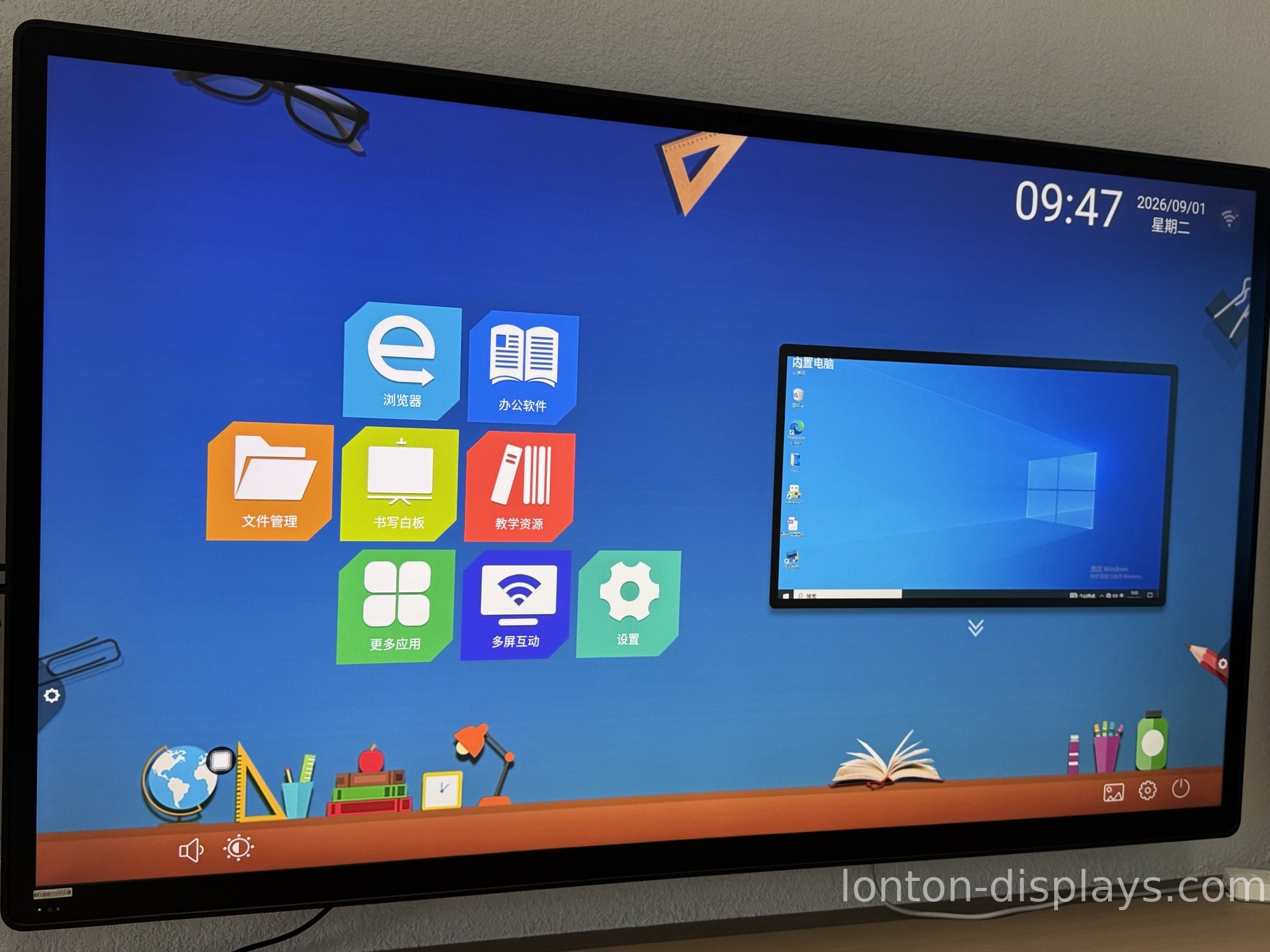
STEM lessons run on software: coding environments, circuit simulators, physics models, and CAD tools. The panel should run them without a separate computer lagging in the background. A panel with Android 15 built in runs Android education apps natively, and an OPS slot lets you slide in a Windows 11 module for the heavier tools — the full Windows desktop, inside the panel, no cart PC. That dual capability is what keeps a STEM classroom flexible. See what an OPS module does for a smart board.
From Solo Work to Group Projects
The payback shows in how a lesson changes. A teacher can split the board, run a coding challenge on one side and a shared whiteboard on the other, and let groups present without a projector switch. Because the panel stores and shares work at the end of class, the group's progress survives the bell — the next lesson starts where the last one stopped.
How Lonton Fits a STEM Classroom
Lonton builds STEM panels from 65-inch to 110-inch, every one with a 40-point infrared touch frame, Android 15 (8GB RAM, 128GB storage), and an optional OPS slot for Windows 11 Pro. The anti-glare tempered glass — MOHS 7 hardness — stands up to daily student use without scratching or glare, and the panel's 350 cd/m² brightness stays readable under classroom lights.
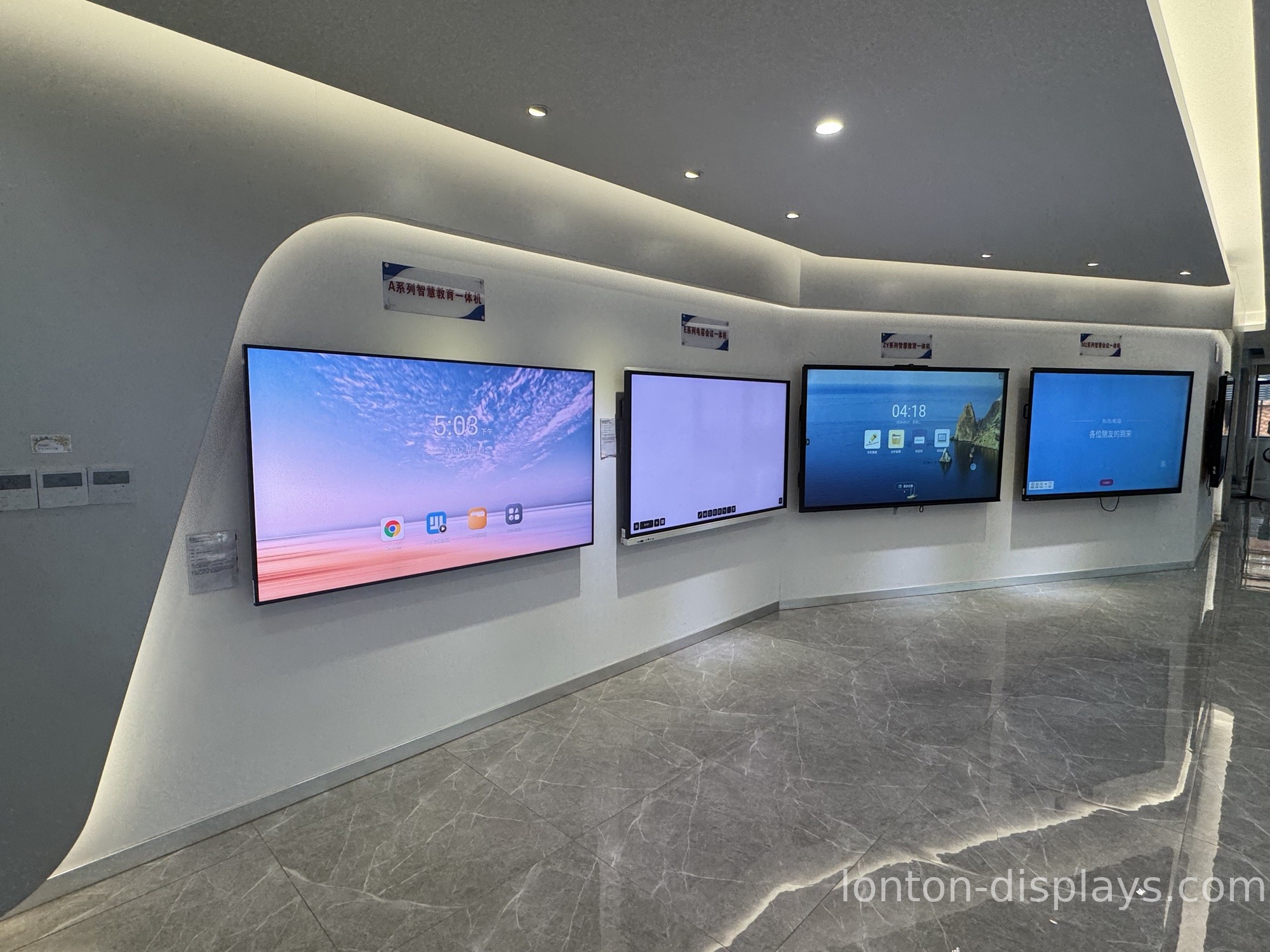
Because we own the sheet-metal shop for our brackets and assemble panels in a 23,000 m² Class 10,000 cleanroom, a STEM classroom gets factory-direct quality with OEM branding, a 5-unit MOQ, and a 15–25 day lead time.
Get a Factory Quote for Your STEM Classroom
Equipping a STEM lab or maker space? Tell us your room size and whether you need the OPS Windows module, and we will send a factory quotation within one business day. Fill out the inquiry form on this page to start.
FAQ
1. How many touch points does a STEM classroom need?
At least 20, ideally 40. A 40-point infrared frame lets multiple students write and drag at the same time, which is how STEM group work plays out.
2. Can an interactive flat panel run coding and simulation software?
Yes. Android 15 runs education apps natively, and an OPS slot adds a full Windows 11 environment for heavier coding, CAD, and simulation tools.
3. Do STEM panels need a separate PC?
Not necessarily. With an OPS module, the Windows PC lives inside the panel, so there is no cart computer or cable to manage.
4. Can multiple students use the board at once?
Yes. A 40-point infrared touch frame supports four to five students writing and dragging simultaneously.
5. What is the lead time for a STEM classroom order?
Production lead time is 15–25 days, with a minimum order of 5 units.

