
 English
How Does 40-Point Touch Technology Improve Collaboration? (2026)
You have probably seen "40-point touch" on a spec sheet and thought: my meetings have maybe five people — why would anyone need forty touch points? It sounds like a number designed to impress, not to be used.
You are right to be skeptical. Most spec sheets do not explain what the extra points actually do. So let us walk through it together — not from the manufacturer's side, but from yours. What changes in your meeting when the touch system has that much headroom?
Why the Number Matters Even When Only a Few People Touch the Screen
The number you see on the spec sheet is a capacity number — the maximum simultaneous contacts the system can track. No meeting has forty people touching the board at once. But here is what that capacity actually gives you.
Touch points determine how much "spare processing power" the board has before it starts making mistakes. A person writing with a stylus is one contact. That same person accidentally resting a palm on the screen — that is three or four more contacts. Add a second person writing, a third person leaning in to point, and someone bumping the edge with a sleeve — suddenly ten or twelve contacts are on the surface. The board has to figure out which ones are real inputs and which ones are noise.
A 10-point touch system handles this when two people are writing. Push it past that and things start slipping — a palm gets read as a line, a sleeve triggers an accidental zoom. A 40-point touch system has so much headroom that it never gets pushed to that edge. Most manufacturers, including LonTon, build panels with this headroom margin in mind — not so forty people can use the board at once, but so four or five can interact without the board ever making a mistake.

The Small Moments Where It Shows Up
40-point touch technology changes collaboration in ways you probably would not notice — because the things that do not happen anymore are the point.
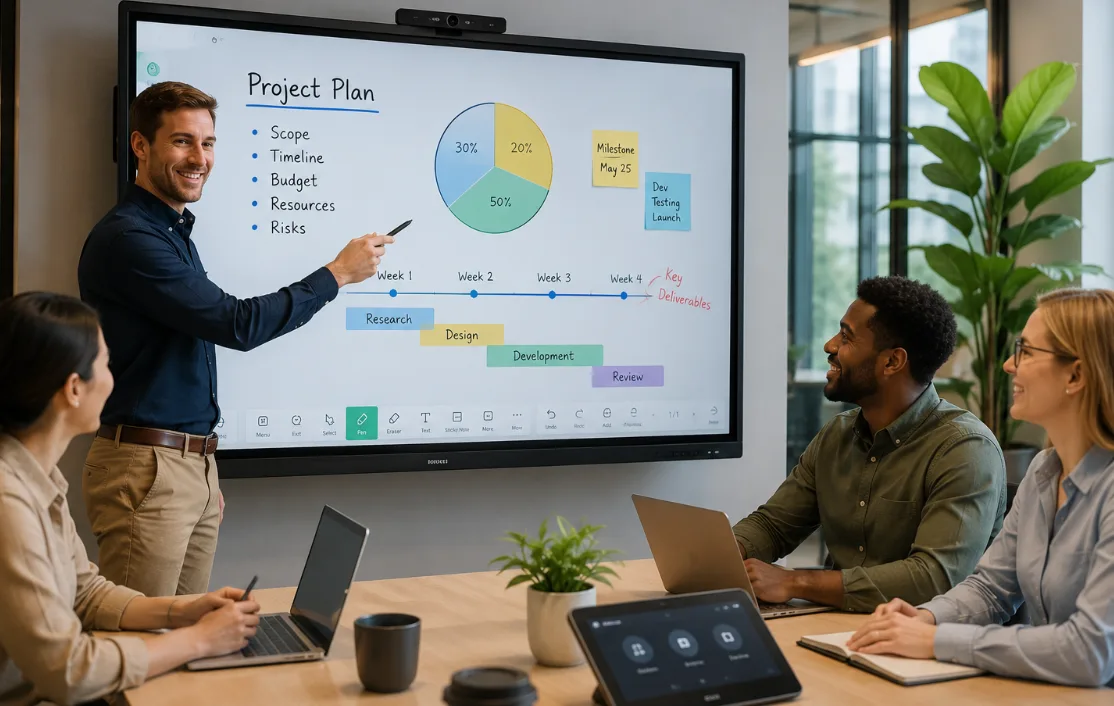
No more "taking turns" on the board. We have all been in that meeting. Someone writes. Someone else pauses, hand hovering, waiting. A third person gestures in the air instead of touching the screen, because last time they touched it at the wrong moment it left a stray mark. With lower touch-point panels, there is an invisible rhythm — one person at a time. With 40 points, that rhythm disappears. Two people annotate the same slide. Someone circles a number while someone else underlines a phrase. The board just handles it.
Palm erasing actually works. If you have used interactive whiteboards, you know the feature — wipe the screen with the side of your hand to erase, like a physical whiteboard. When it works, it feels natural. When it does not, you get a mess of accidental lines. Palm erasing requires the system to recognize a palm as a palm — not as five individual fingertips touching at once. That distinction takes spare touch bandwidth. On a 40-point touch panel, palm erasing is reliable enough that people actually use it instead of hunting for the eraser tool.
Two people, two different things, zero confusion. One person zooms and pans the canvas with two fingers while another person writes with a stylus. These are different gesture sets happening simultaneously on the same surface. The board is not just counting contacts — it is interpreting which contacts belong to which gesture and which user. That takes processing room that a lower touch-point system simply does not have.
When the Extra Touch Points Matter (and When They Do Not)
Not every room needs 40-point touch. If your primary use case is wireless screen sharing — where the interaction happens on the presenter's laptop, not on the board — the touch-point count barely matters. A small huddle room where one person occasionally marks up a slide is fine with less.
But consider the rooms where things get busy. A classroom with four students working on the board at the same time — every extra touch point makes the session smoother. A design review where two people mark up a rendering simultaneously. A training room where the instructor annotates while a trainee navigates. These are the rooms where 40-point touch technology stops being a spec number and becomes the reason the board keeps up with the people using it. When you talk to a supplier like LonTon, the useful conversation starts with your actual room scenarios, not with a touch-point spec recited from a catalog.

How to Think About Touch Points When You Buy
The right question to ask yourself is not "what is the highest number I can get." It is: how many people actually touch the board at the same time in my busiest rooms, and what are they doing? If the answer is two people writing plus two more leaning in to point, you need enough headroom to filter out the incidental contacts while tracking the intentional ones. A 40-point system gives you that headroom. A 10-point system might, but only if everything goes perfectly — and real meetings rarely go perfectly.
Most suppliers will tell you their touch points in a spec line. Few will help you figure out which one your rooms actually need. As a professional manufacturer, LonTon takes a different approach — we ask about your usage patterns before recommending a configuration, because the right touch-point count depends on your rooms, not on a fixed number that applies everywhere.
If you are evaluating interactive flat panels and want help thinking through what makes sense for your setup, reach out to LonTon. Describe how your teams collaborate — how many people, what kind of sessions, what happens on the board. We will help you figure out the touch configuration that works for your real-world use, not just the one that looks best on paper. Click the button at the bottom right of this page to start that conversation.

