
 English
Why a Laptop Camera Fails a Hybrid Classroom
Pointing a laptop webcam at a whiteboard is the classic hybrid-classroom mistake. The angle is wrong, the microphone picks up the closest voice only, and the students at home squint at a blurry board they cannot read. The result is a two-tier classroom where in-person students get the full lesson and remote students get a shaky recording of it.
The fix is not a better laptop. It is a display built for the room: a wide-angle camera mounted above the screen, a microphone array that picks up the whole room, and a touch surface the teacher can write on while it is shared live.
The Camera and Microphone Are the Real Spec
When schools compare hybrid panels, they fixate on screen size and miss the two specs that decide whether remote students stay engaged: the camera and the microphone.
Look for a 4K or 48-megapixel camera with a wide field of view, so the whole front of the room stays in frame without a fish-eye wobble. Look for a microphone array with multiple mics — not a single mic — so a student's question from the back row reaches the camera as clearly as the teacher's voice. If a panel ships with these built in, you skip the tangle of external webcams, USB mics, and the "why is the audio cutting out" calls. For more on what built-in audio actually does, read our explainer on whether interactive displays have built-in microphones.
Built-in Casting Keeps the Lesson Moving
A hybrid lesson has no patience for cable juggling. The teacher needs to throw a worksheet, a video, or a student's screen onto the panel in a tap, and have it show up on the remote students' devices at the same time. Built-in wireless casting — WiFi 6 — does this without dongles or drivers. Pair it with a panel that supports the standard casting protocols your school already uses, and screen sharing stops being a lesson in itself. See how wireless screen sharing works for the mechanics.
Whiteboarding That Reaches Both Rooms
The moment that separates a real hybrid classroom from a broadcast is annotation. When a teacher solves a math problem on the panel, the remote students should see every stroke in real time, and ideally be able to add their own. A 40-point infrared touch frame lets multiple students at the front work at once, while the panel's Android 15 system runs the whiteboard app natively — no separate PC to boot, no lag while it loads.
How Lonton Fits a Hybrid Classroom
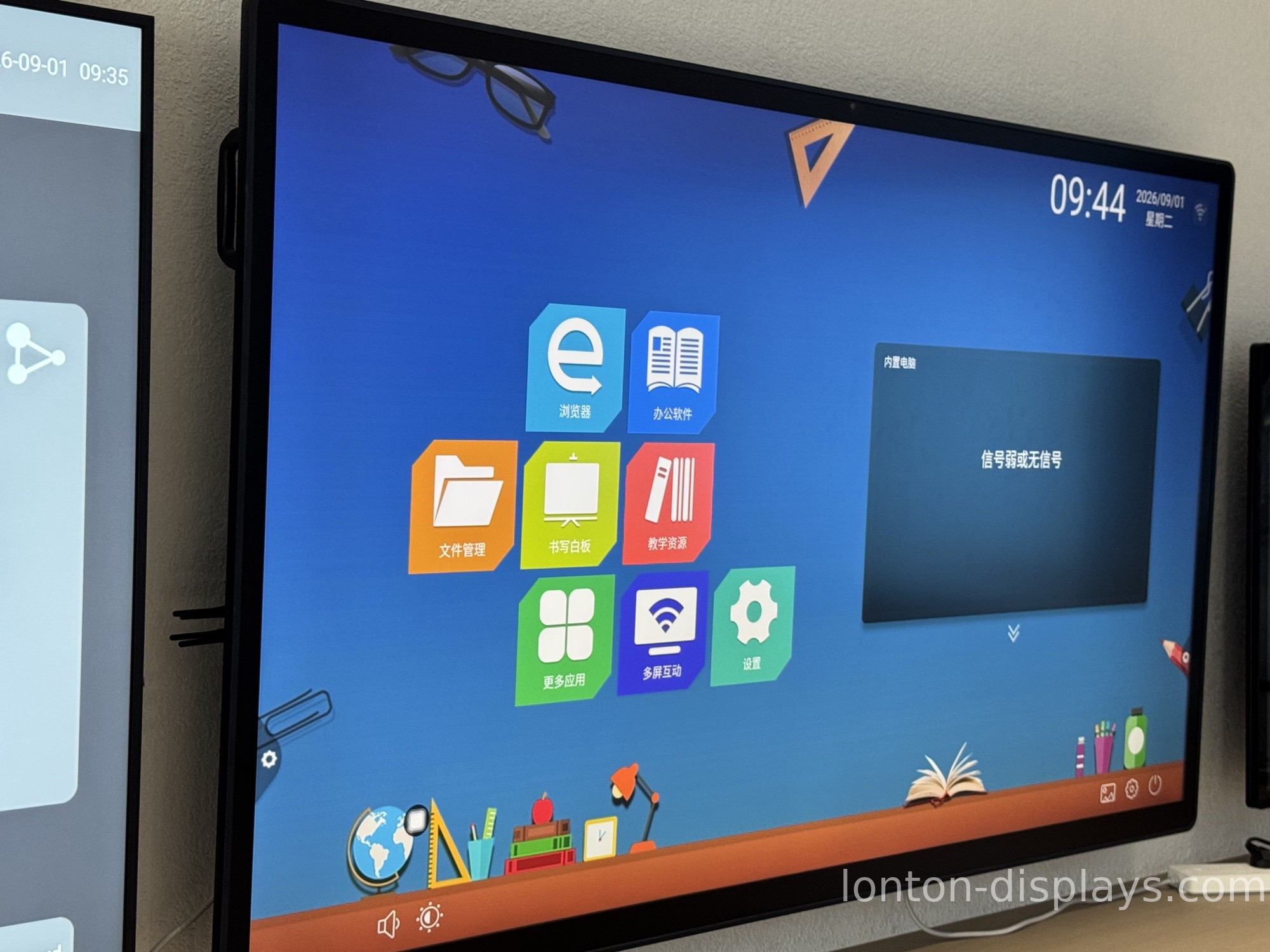
Every Lonton interactive flat panel is built with hybrid teaching in mind. A 4K (48-megapixel) camera and an 8-microphone array are available on all sizes from 65-inch to 110-inch, so the students at home see the board and hear the back row. Android 15 with 8GB RAM and 128GB storage runs the whiteboard and video-call apps natively, and WiFi 6 handles casting without dongles.
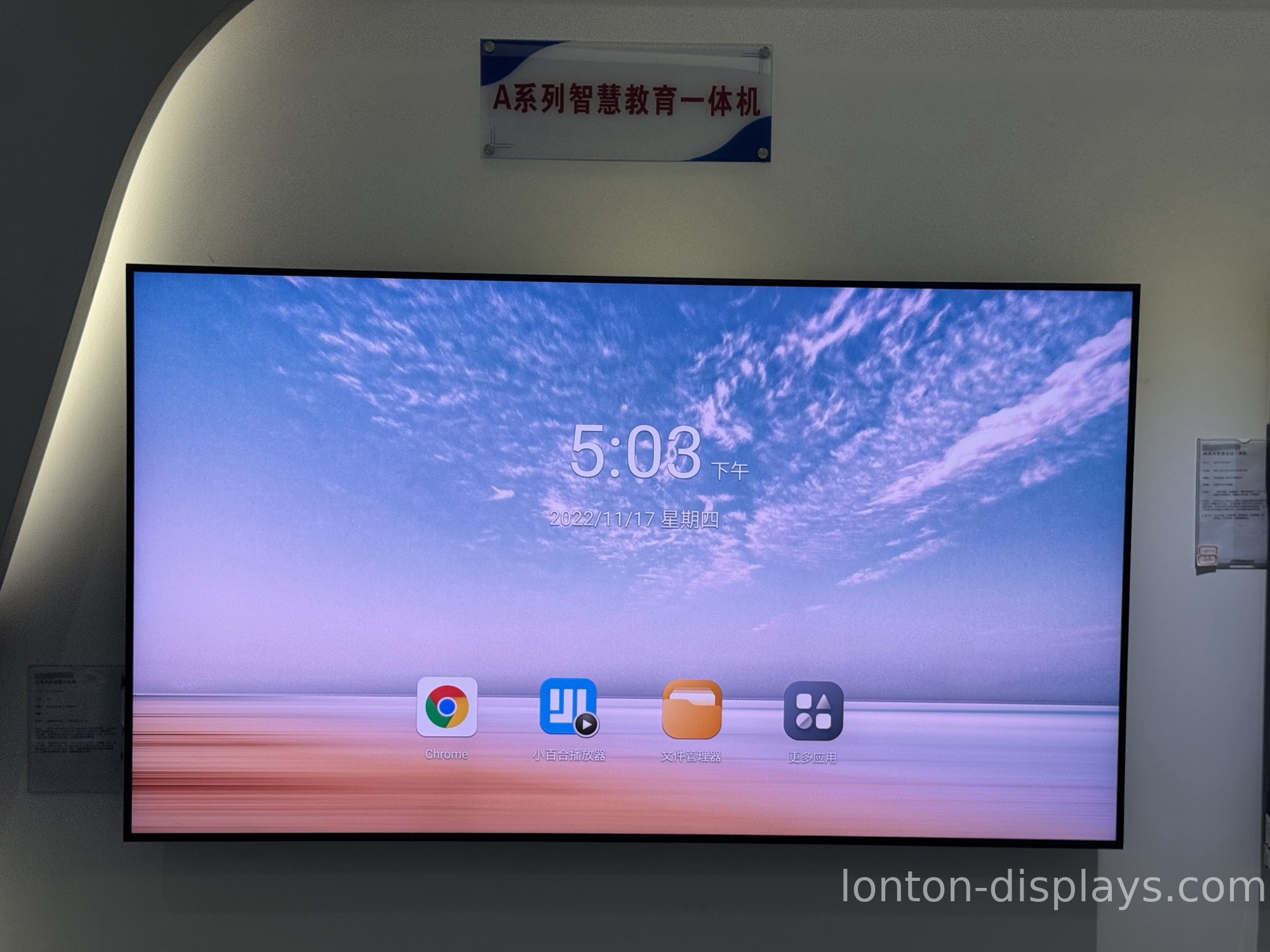
Because we own the sheet-metal shop for our mounting brackets and assemble panels in a 23,000 m² Class 10,000 cleanroom, the hardware that holds up a hybrid classroom is the same factory-direct quality we ship to schools worldwide — with OEM branding, a 5-unit MOQ, and a 15–25 day lead time.
Get a Factory Quote for Your Hybrid Classroom
Planning a hybrid classroom? Tell us your room size and whether you need the camera-and-microphone bundle, and we will send a factory quotation within one business day. Fill out the inquiry form on this page to start.
FAQ
1. What makes a hybrid classroom work well?
A wide-angle 4K camera and a multi-microphone array, plus a touch panel that shares the whiteboard live to remote students.
2. Do interactive flat panels have built-in cameras and microphones?
Many do. Lonton panels support a 4K (48MP) camera and an 8-microphone array on sizes from 65-inch up.
3. Can remote students write on the panel during a hybrid lesson?
Yes. The 40-point infrared touch frame lets multiple students interact, and the whiteboard can be shared to remote devices in real time.
4. Do I need a separate PC to run video calls on the panel?
No. Android 15 is built in, so the panel runs whiteboard and video-call apps natively without booting a Windows PC.
5. What is the lead time for a hybrid classroom order?
Production lead time is 15–25 days, with a minimum order of just 5 units.

