
 English
Special education teachers plan for a room where no two students learn the same way. Some students need bigger text, some need to touch and drag instead of read, some need a lesson repeated three times before it lands. A chalkboard and a projector can only do so much for that. An interactive flat panel won't fix every challenge in the room, but it does remove a few of the big ones — and that's worth understanding before you buy one.
Why Touch Matters More in Special Education
For a lot of students, the keyboard and mouse are the first wall. Typing a sentence requires fine motor control, spelling, and attention all at once — and that combination is exactly what some students struggle with. A touchscreen removes the typing layer. The student taps, drags, and moves things directly with a finger, which is far more forgiving than a mouse and far less abstract than a keyboard.
It's also just bigger and more physical. A child with motor planning difficulties can see the whole task on a 65-inch screen instead of a 13-inch one, and a task they can see and reach is a task they're more likely to attempt.
Multi-Sensory Learning
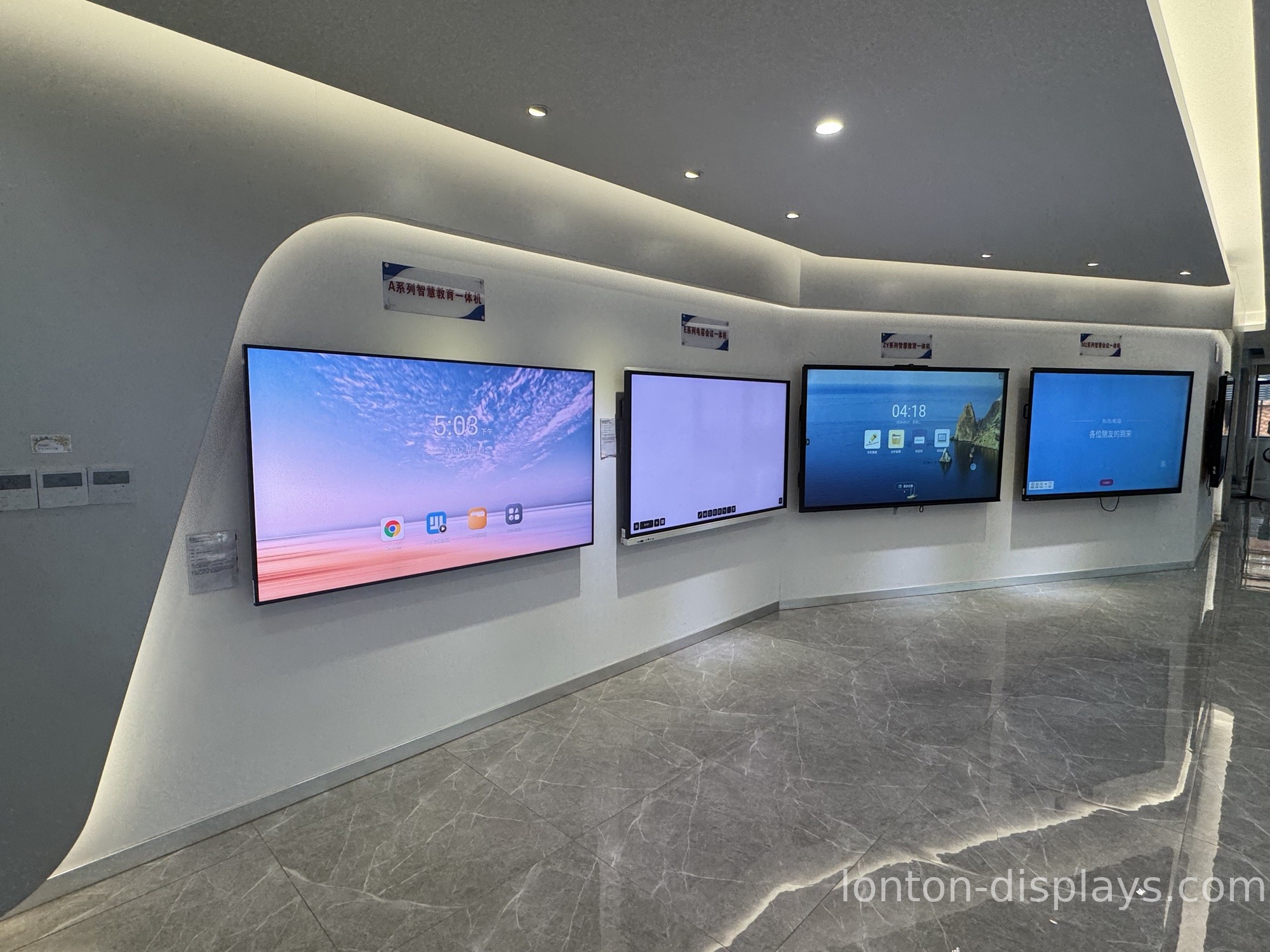
Special education leans hard on multi-sensory teaching — pairing what a student sees with what they hear and touch. An interactive flat panel makes that natural. A teacher can show a word, say it out loud, and let the student trace the letters on the screen with a finger, all in one motion. Video, images, sound, and touch all live in the same surface, so the lesson doesn't have to jump between five different tools.
Going at the Student's Own Pace
One of the hardest things to manage in a special-ed classroom is pace. Some students race ahead, others need ten quiet repetitions. A panel doesn't get impatient. A student can repeat an exercise as many times as they need, erase and start over, and get feedback the instant they do something — instead of waiting for a graded paper to come back. That immediate loop is especially valuable for students who learn through repetition.
Built-in Accessibility Features
A good interactive flat panel ships with accessibility options that a chalkboard simply can't match: larger text and high-contrast display for low-vision students, text-to-speech so content can be read aloud, and a clean, familiar interface that doesn't bury settings three menus deep. If a teacher has to fight the software to make it accessible, the feature might as well not exist. Look for these options in the panel itself, not as a third-party add-on.
Hardware That Can Take It
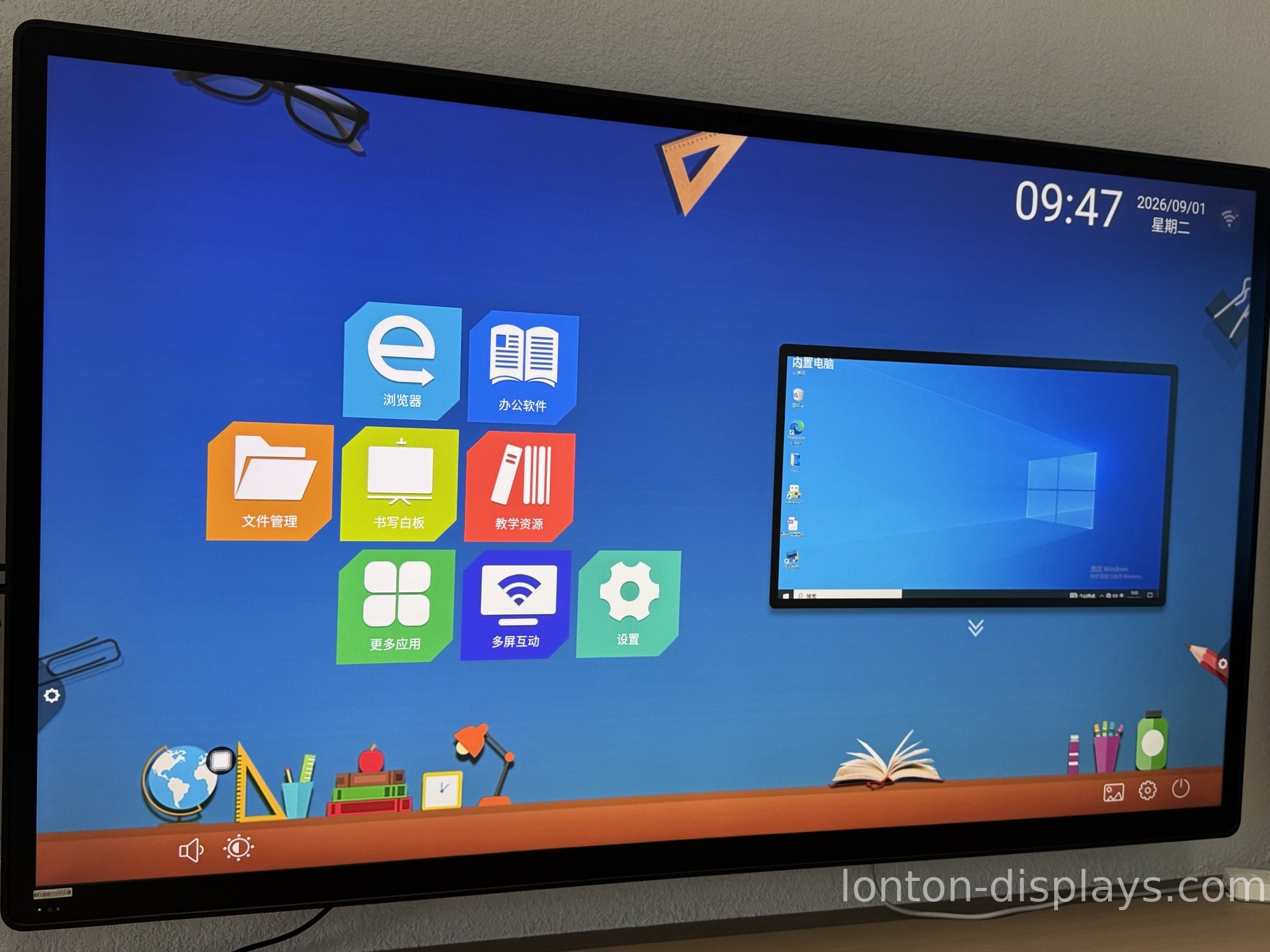
A special-ed classroom is harder on equipment than most. Screens get tapped firmly, leaned on, occasionally bumped by a wheelchair or a walker. This is where build quality stops being a spec-sheet detail and starts being the difference between a panel that lasts and one that's back in a box in a year.
This is what we build for at Lonton. Our interactive flat panels use scratch-resistant tempered glass with MOHS 7 hardness, so the surface holds up to firm, repeated touching. The 40-point infrared touch responds in under 10 ms with ±1 mm accuracy, which matters when a student needs the panel to react the moment they touch it. The anti-glare, 350 cd/m² 4K display stays clear without harsh reflection, and blue-light filtering protects eyes during the long sessions these rooms often run. When a board just works — and keeps working — the teacher can focus on the student, not the technology.
What to Ask a Supplier
When you're comparing panels for a special-ed room, ask three questions. First, how durable is the glass and what's the touch response like — ask for real numbers, not adjectives. Second, which accessibility features are built in, and can you see them before you commit. Third, will the supplier configure the panel to your needs — larger default text, a simplified home screen, a specific set of apps — so it arrives ready for your students instead of needing IT setup first.
The Bottom Line
An interactive flat panel is not a cure, and no responsible supplier will tell you it is. What it is, is a tool that removes some of the barriers that slow special-ed students down — typing, fine motor control, text that's too small, feedback that comes too late. If you're outfitting a special-ed classroom, that's a meaningful place to start. It's the same logic we walked through on how interactive flat panels improve learning — the panel doesn't teach for you, it removes the things in the way.
We can help you pick the right size and configure the panel for your students before it ships. Take a look at our interactive flat panel range, tell us what your students need on day one, and we'll send you a factory-direct quote.
FAQ
Are interactive flat panels good for students with autism?
Many teachers find them useful because they support visual, predictable, hands-on learning — a student can repeat a task, get instant feedback, and see the whole activity on one screen. But every student is different, so it's worth testing how a specific student responds before committing.
What accessibility features should I look for in a special-ed display?
Large text and high-contrast modes, text-to-speech, a simple uncluttered home screen, and adjustable touch sensitivity. Ask the supplier to show you these before you buy rather than trusting a feature list.
Do special-ed students need special software?
Not always. Many students do well with the built-in whiteboard, browser, and annotation tools. The key is a simple interface and the ability to configure the panel to each student's needs. Some schools do add specific assistive apps, which a configurable panel can support.
How durable does a special-ed interactive flat panel need to be?
Look for scratch-resistant tempered glass (MOHS 7 or similar) and a sturdy frame, since these screens get tapped firmly and occasionally bumped. Build quality is the difference between a panel that lasts years and one that's back for repair in months.

