
 English
One of the biggest shifts in meeting room technology over the past few years is that the display itself has become the meeting host. You no longer need a dedicated PC in the room, a laptop connected by cable, or a separate conference camera system. A modern interactive flat panel can run Zoom, Microsoft Teams, and Google Meet directly — turning the board into an all-in-one video conferencing hub.
Setting this up is simpler than most people expect. Because interactive flat panels run Android built-in, they have access to the Google Play Store. You open the app store on the board, search for Zoom or Teams, install it, and sign in. That's the technical part done. The practical part is where the experience gets defined.
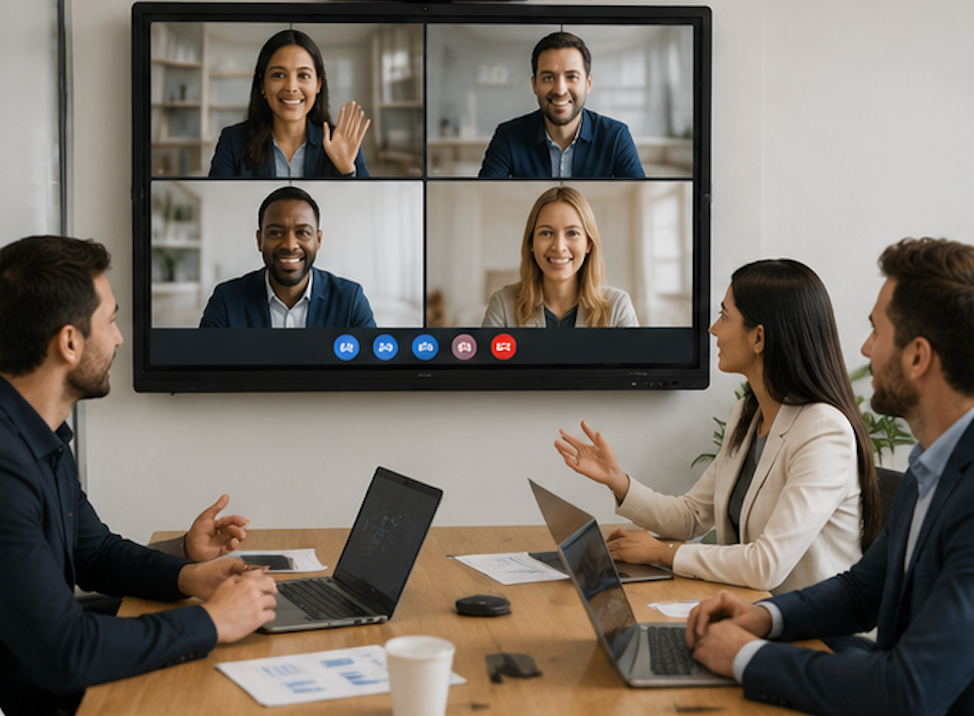
The built-in camera and microphone array handle the audio and video. There's no external webcam to position or speakerphone to pair. The camera sits in the top bezel with a wide-angle lens that captures everyone at the table. The microphone array uses beamforming to focus on whoever is speaking while filtering out background noise like HVAC hum or keyboard clicks.
For Zoom specifically, you can set the board to auto-join recurring meetings by enabling the calendar integration — making video conferencing as simple as tapping a link. Walk into the room, tap the meeting link on the display, and you're connected — no laptop required. Teams works similarly, with the added benefit of deep Office 365 integration if your organization uses Microsoft's ecosystem.
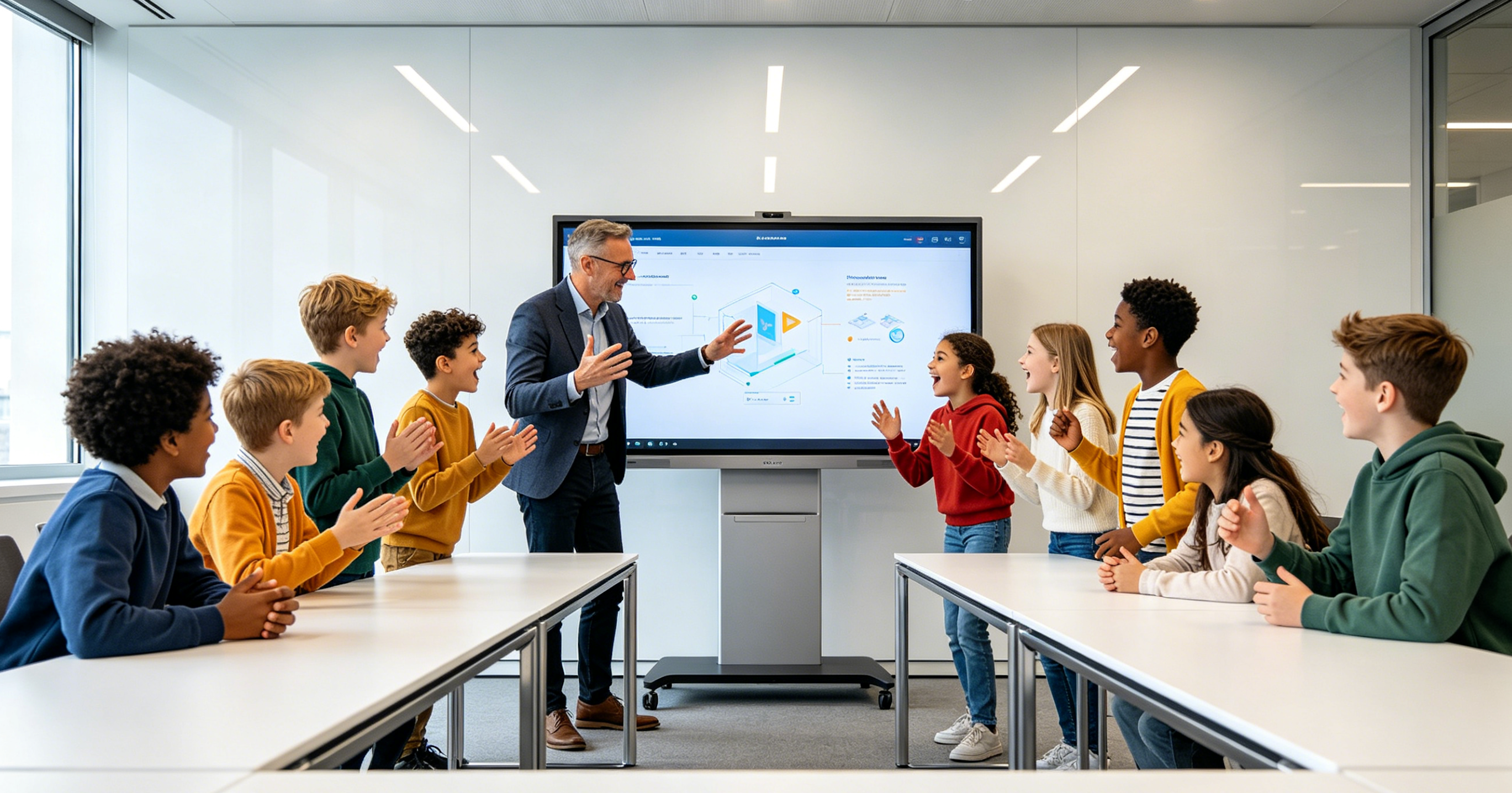
If your room already has a dedicated conference PC or you prefer a Windows environment for meetings, the OPS slot on the board handles that too. Slide in a Windows OPS module, and you're running the full desktop versions of Zoom and Teams with all the features your IT team expects.
The practical outcome is that anyone can walk into the room and start a video conferencing call in under a minute — no IT ticket, no cable hunt, no reminder email about "please don't unplug the camera." LonTon, a professional manufacturer of interactive flat panels, ships its boards with Android and the Google Play Store ready out of the box, so setting up your conferencing apps takes about as long as installing an app on your phone.

