
 English
When you're comparing interactive flat panels, the conversation usually starts with screen size, touch technology, and price. But there's another decision that quietly shapes the entire experience: the operating system. The Android vs Windows question on smart boards isn't just about brand preference — it determines what your room can and can't do.
Android built-in is the default on virtually every interactive flat panel on the market. It's a customized version of the Android operating system, simplified for a meeting room display. You tap the screen, and within seconds you're in a familiar interface with a whiteboard app, a web browser, screen mirroring tools, and access to the Google Play Store — all without connecting an external computer.

The appeal is simplicity. No boot time beyond a few seconds. No Windows updates interrupting your meeting. No IT team needed to manage yet another PC. For most meeting rooms, this is all you need. You walk in, cast your laptop wirelessly, run a whiteboard session, join a video call through the built-in conferencing app, and you're done. Android handles it cleanly.
Windows, delivered through a modular OPS PC that slots into the back of the display, adds full desktop computing to the board. You get the complete Windows experience — Microsoft Office, Teams, Zoom, specialized software, network drives, all of it running natively on the display rather than on a connected laptop.

When does that matter? When your room runs presentations that rely on Windows-only software — and this is where the Android vs Windows split becomes concrete. When you want the display to function as a standalone computer that anyone can walk up to and use without bringing a device. When your IT team manages a fleet of devices through Windows group policies and wants the smart boards included in that management system.
Many organizations choose both. The Android system handles the day-to-day — whiteboarding, casting, quick video calls. The Windows module is there for the meetings that need it, and because it sits in the hot-swappable OPS slot, it can be upgraded independently of the display itself.
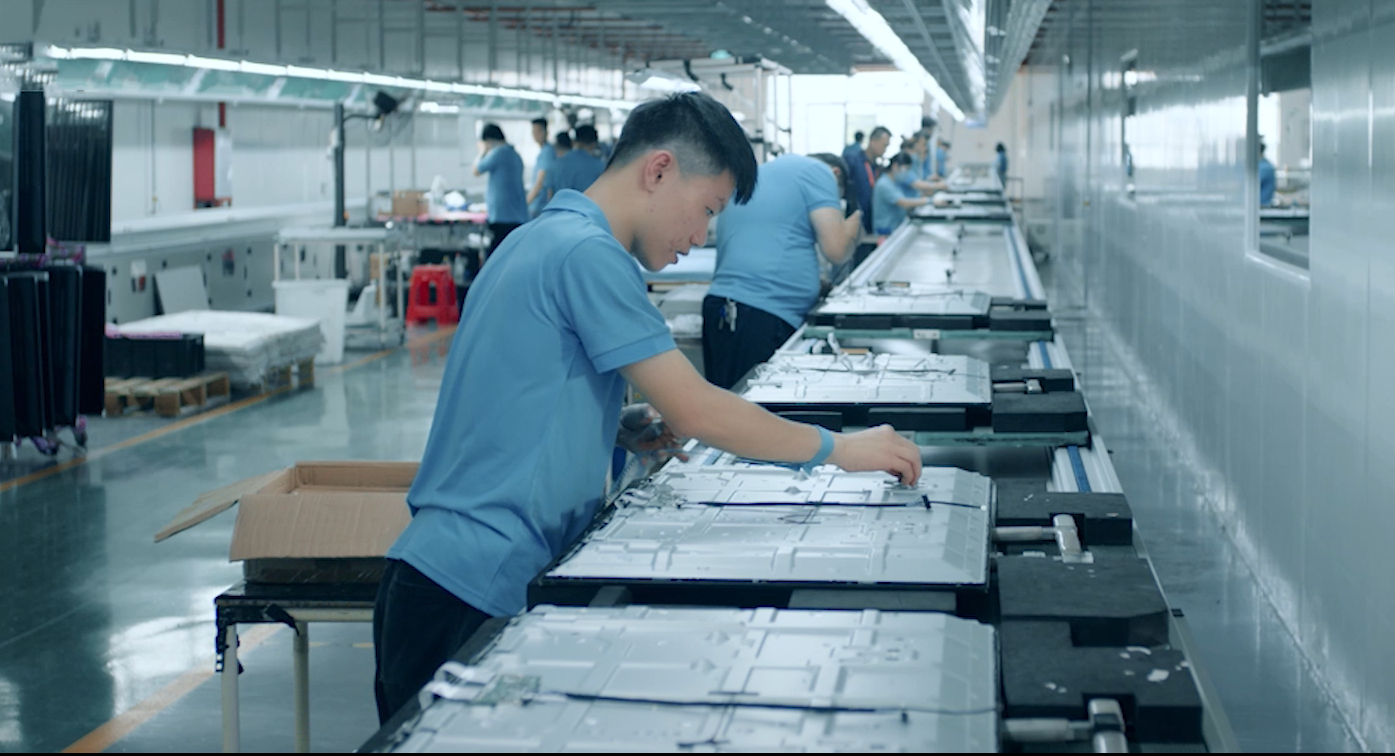
As a professional manufacturer, LonTon designs its interactive flat panels to support both setups — because the right Android vs Windows answer depends entirely on your rooms. Android comes built-in as standard, and every board includes an OPS slot if you want to add Windows now or later. You're not locked into one path from day one.

