
 English
Why RAM matters more than the spec sheet suggests
An interactive flat panel looks like a big screen, but it runs like a computer. The RAM is what decides whether it stays smooth or starts stuttering a year in. Buyers spend hours comparing panel brand and touch points, then glance straight past the memory spec. That's the spec that shows up later, when the whiteboard app lags or the board runs out of room for classroom software.
RAM is the working memory of the panel. Every app running on the Android side — the whiteboard, the wireless casting tool, the video meeting app — holds its place in RAM. When RAM runs short, the system closes things in the background or stutters when you switch between them. On a panel used for hours a day in a classroom or meeting room, that's the difference between a tool people actually use and one that collects dust.
4GB, 8GB, or 16GB — how much is enough?
A 4GB panel is fine for one app at a time, but it shows its limits fast once you split the screen or run a meeting app alongside the whiteboard. 8GB is the current sweet spot: it keeps the whiteboard, a casting session and a video call running without closing anything down. 16GB is headroom for buyers who run heavy workloads or want the panel to stay fast for years without an upgrade.
128GB of storage goes further than you think — but check the math
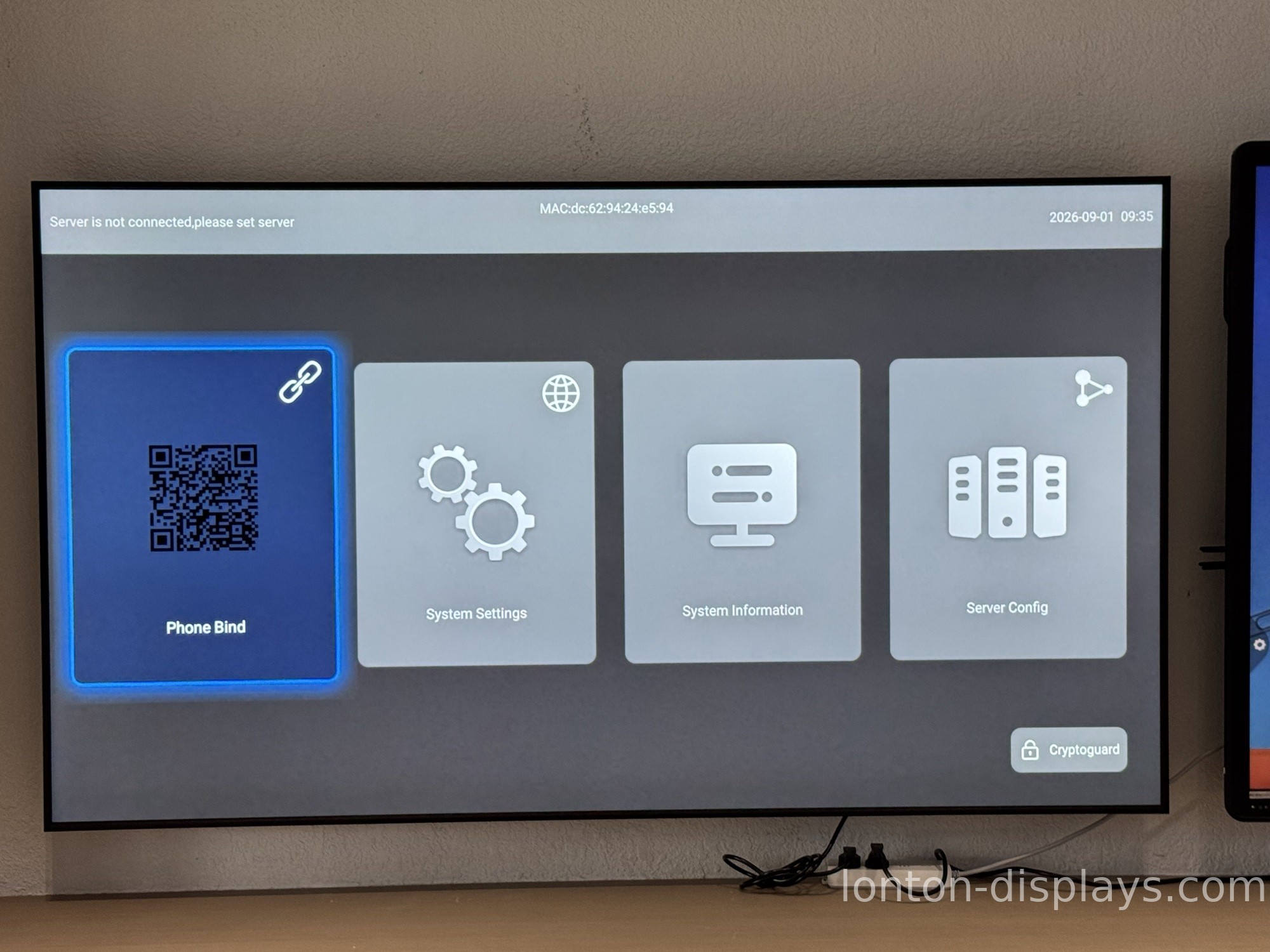
Storage holds the operating system, the apps you install, and the files you save. Android 15 plus a typical app set takes a slice before you even start, so the number on the box is never the space you actually get. 128GB leaves comfortable room for classroom software, cached presentations and offline media. 256GB is worth it if you plan to keep large video libraries or years of lesson material on the device. The key is to look at usable space, not the printed spec.
Match the spec to the room
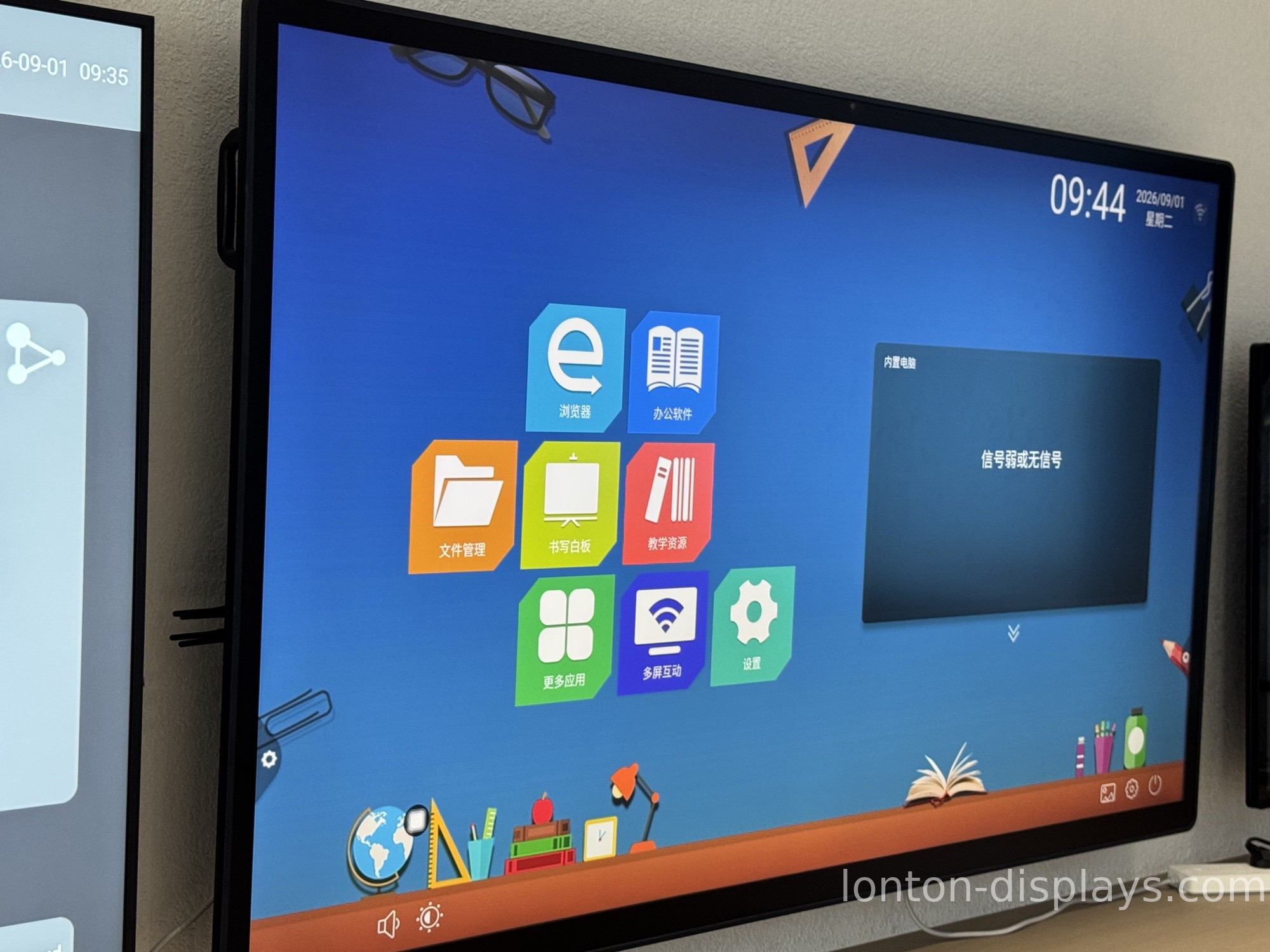
A classroom panel runs whiteboard software and screen sharing all day — 8GB plus 128GB keeps that smooth without closing apps. A meeting room on 8GB handles video conferencing and wireless casting cleanly; step up to 16GB if the same board runs several platforms or heavy productivity apps at once. Design and engineering teams pushing demanding creative or CAD-style software should go 16GB with 256GB. Match the memory to the workload, and the panel won't be the thing that slows the room down.
What Lonton ships as standard
Lonton builds its interactive flat panels on an RK3576 board with 8GB of RAM and 128GB of storage as the standard, running Android 15 — not a stripped-down configuration sold as a "starting price" that falls apart under real use. Every unit gets the same memory spec, whether it's a 65-inch classroom panel or a 110-inch boardroom display. The panel stays responsive out of the box and keeps running smoothly as software updates stack up. If you want to understand how the Android and Windows sides share a panel, our explainer on dual-system smart boards covers it.
Put RAM and storage on your checklist
If you're comparing interactive flat panels, put RAM and storage on the checklist right next to the panel brand and touch spec — they're what you'll feel every day, long after the spec sheet is filed away. Tell us your room and workload, and we'll point you to the right configuration with a factory-direct quote. Contact Lonton or browse our interactive flat panels.
Frequently asked questions
Is 8GB RAM enough for an interactive flat panel?
Yes, for classroom and meeting use. Step up to 16GB if the panel will run heavy multitasking or demanding software.
Can I upgrade the RAM or storage later?
RAM is usually fixed to the board, while storage may expand through USB or the OPS slot on some models. Confirm with the manufacturer before buying.
How much storage does Android 15 use?
The operating system and preinstalled apps take a slice of the total, so always check usable space rather than the printed number.
Does Lonton offer higher RAM or storage options?
Yes. Configurations can be discussed for specific workloads — tell us what the panel needs to run and we'll match it.

