
 English
The first thing to understand about choosing an interactive flat panel is that there is no single best board. There is only the best board for your specific rooms. A display that is perfect for a 6-person huddle room is completely wrong for a 30-person classroom. The spec sheet does not know where the board is going — but you do. Start there.
Size is where most mistakes happen. Buy too small and people in the back row squint at spreadsheets. Buy too big and the board overwhelms a small room, forcing people to crane their necks. A good rule of thumb: the screen height should be roughly one-sixth the distance to the furthest viewer. In practical terms, a 55-inch board works for 4 to 6 people in a small huddle room. A 65-inch board handles a standard meeting room with 8 to 12 people. A 75-inch or 86-inch board belongs in larger conference rooms, classrooms, and training spaces. Above that, 98-inch and 110-inch boards suit auditoriums and lecture halls — and custom sizes are available for spaces that do not fit the standard range.

Touch technology is the next decision, and it is simpler than most spec sheets make it look. Infrared touch is the standard for good reason: it works with any object, supports up to 40 simultaneous touch points, costs less, and has no parts that wear out. This is what you want for meeting rooms, classrooms, and training centers. Capacitive touch feels smoother — more like a smartphone — but only works with bare fingers or special styluses, costs more, and is harder to repair. It makes sense for executive boardrooms where aesthetics matter, but for most rooms, infrared is the practical choice.
Resolution is straightforward: 4K UHD is the baseline for anything 65 inches and above. At these sizes, 1080p shows visible pixelation when you stand close enough to read text. Most modern interactive flat panels ship with 4K as standard, so this is rarely a differentiator anymore — but if you see a budget board offering 1080p at 65 inches, walk away.

Brightness matters more than most buyers expect. A board rated at 350 nits looks fine in a dim room but washes out the moment sunlight hits it through a window. The sweet spot is 400 to 450 nits — bright enough for rooms with natural light, not so bright that it strains the budget. If your room has floor-to-ceiling windows or a skylight, look for 500 nits and above.
The operating system shapes the daily experience. Built-in Android handles whiteboarding, wireless screen sharing, web browsing, and video conferencing apps right out of the box — no external PC required. An OPS slot lets you add a Windows module later if your team needs full desktop software. The best boards give you both: Android as the default, with an upgrade path to Windows when you need it.
Connectivity is easy to overlook on a spec sheet and impossible to ignore in a meeting. Look for dual-band WiFi, at least two HDMI inputs, multiple USB ports, and wireless screen mirroring that supports AirPlay, Google Cast, and Miracast. The board should work with whatever device walks through the door — MacBook, Windows laptop, iPhone, Android tablet — without anyone Googling "how do I connect to this thing."
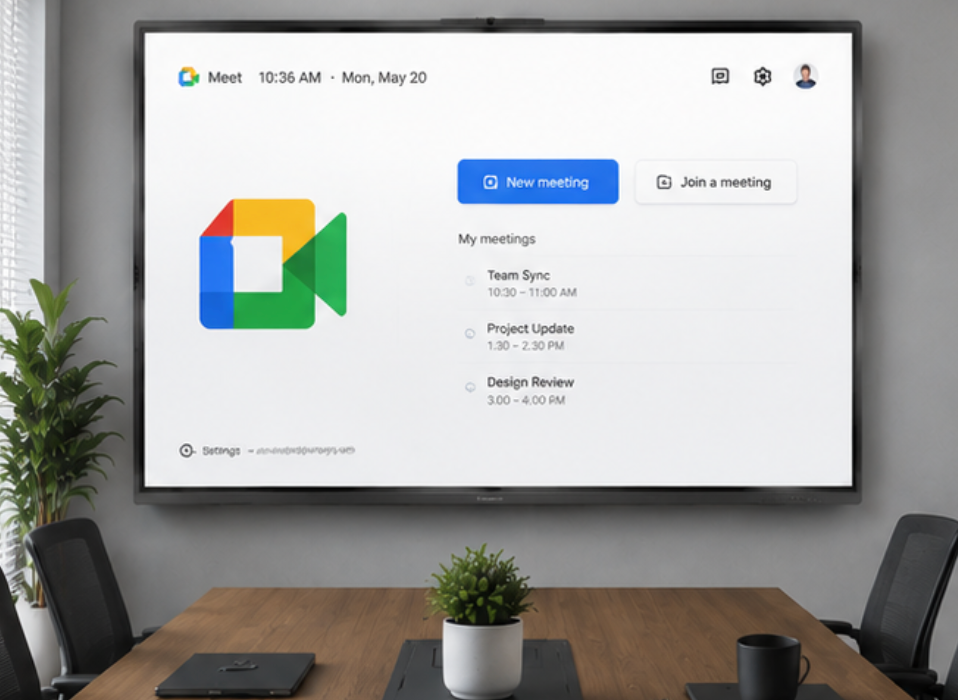
When you are choosing an interactive flat panel, warranty and support tell you what the manufacturer really thinks about their product. A one-year warranty says the board is built for light use. A three- to five-year warranty says it is built for daily use in a busy environment. Look for manufacturers that include on-site support or have local service partners — shipping a 65-inch board back for repair is not something you want to experience.
Finally, ask every supplier the same question: "What is included in that price, and what will I need to buy separately to run my first meeting?" Some boards ship ready to use — built-in speakers, wireless casting, annotation software, wall mount included. Others arrive as a screen that needs a separate PC, external speakers, a casting dongle, and a wall mount bought separately. The second board often looks cheaper on the spec sheet and costs more by the time the room is functional.

As a professional manufacturer, LonTon has been helping schools, offices, and training centers choose the right interactive flat panel since 2005. If you are trying to narrow down your options and want an honest recommendation based on your actual rooms — not a spec sheet comparison — we are happy to help.

