English
Can You Use a Smart Board as a Regular TV?
Yes, an interactive flat panel can display TV content, but if using a smart board as a TV is all you're doing, you're leaving most of what makes it valuable sitting unused.
Technically, most interactive flat panels have HDMI inputs that accept any video source — including a cable box, a streaming stick, or a media player. Plug one in, switch to the HDMI input, and the board functions as a large 4K display. The built-in Android OS also lets you install streaming apps like YouTube, Netflix, or a browser-based IPTV service directly on the board, so you don't even need an external device.
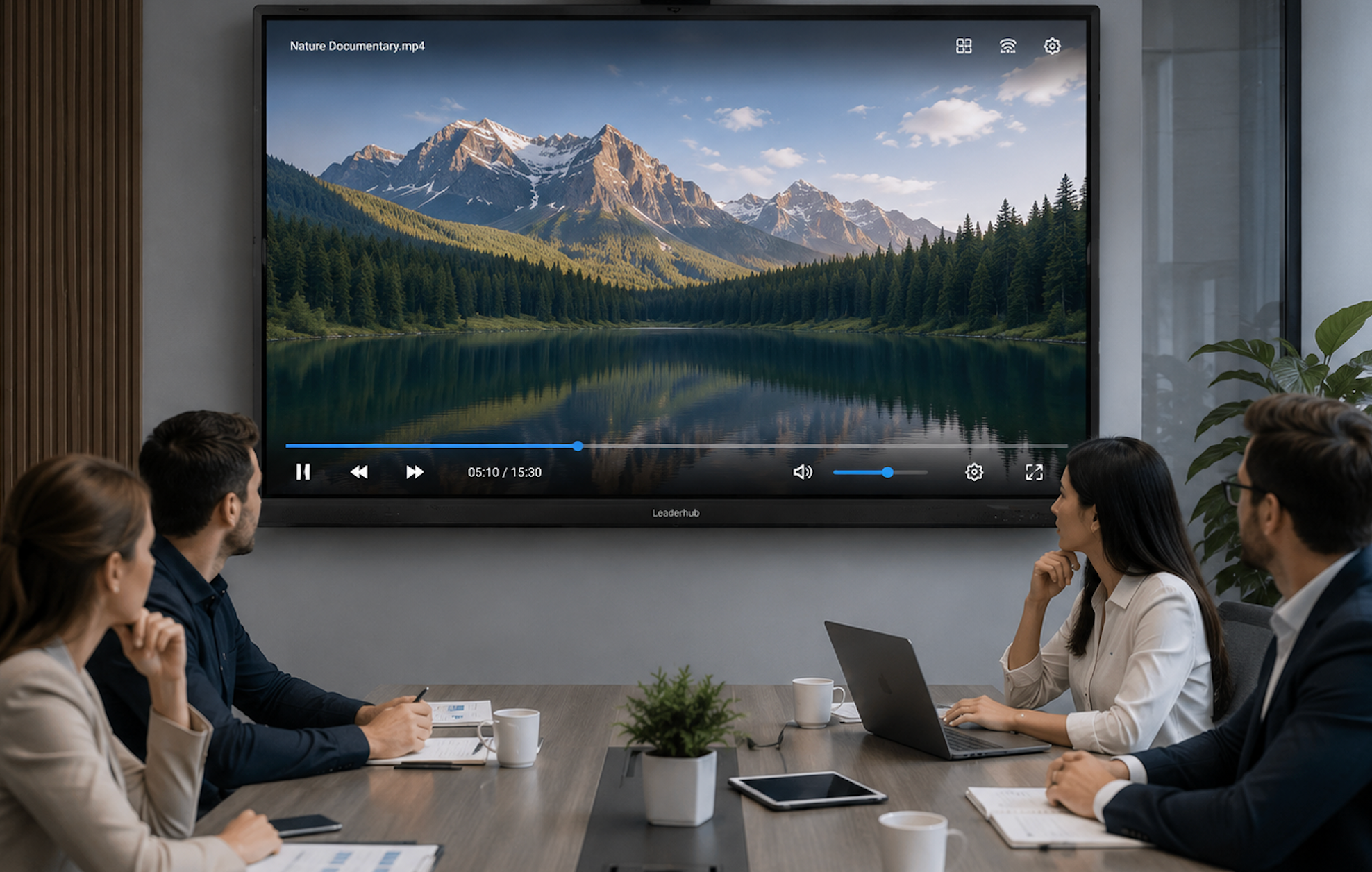
The difference between using a smart board as a TV and a regular television comes down to what the display is optimized for. A consumer TV is tuned for movies and shows — high contrast, vivid colors, and sometimes motion smoothing that makes everything look like a soap opera. An interactive flat panel is tuned for text, presentations, and collaborative work. The anti-glare coating and 400-plus nits of brightness are designed for rooms with overhead lights and windows, not dark home theaters.

For a school that occasionally plays an educational video, using the smart board as a TV makes perfect sense. It serves double duty without buying a separate screen. For someone looking to replace their living room TV, a smart board is probably overkill — and you'd miss the consumer-oriented picture processing that makes movies look cinematic.
If you need a display that pulls double duty — interactive meetings during the day and content display the rest of the time — LonTon, as a professional manufacturer, can help you spec the right board. Just tell us how you plan to use it.