
 English
What Is a Smart Board? A Plain-English Answer (2026)
You have heard the term. Maybe a colleague mentioned it. Maybe you saw one in a conference room and wondered what to call it. Maybe your school is talking about getting them and you are trying to understand what the conversation is even about.
What is smart board technology, in plain terms?
It is a big touchscreen that replaces everything cluttering up your meeting room or classroom wall. The projector. The whiteboard. The speakers. The webcam. The tangle of cables connecting all of them. One screen does all of it.
Think of a giant tablet mounted on a wall. You can write on it with your finger or a stylus. You can show slides, play videos, open websites. You can connect your laptop wirelessly — no cables, no adapters. When the meeting or the lesson ends, you save whatever you wrote and send it to whoever needs it.
That is the short answer. Now let me walk through what that actually looks like in real life — because the spec sheet version and the real-world version are not the same thing.
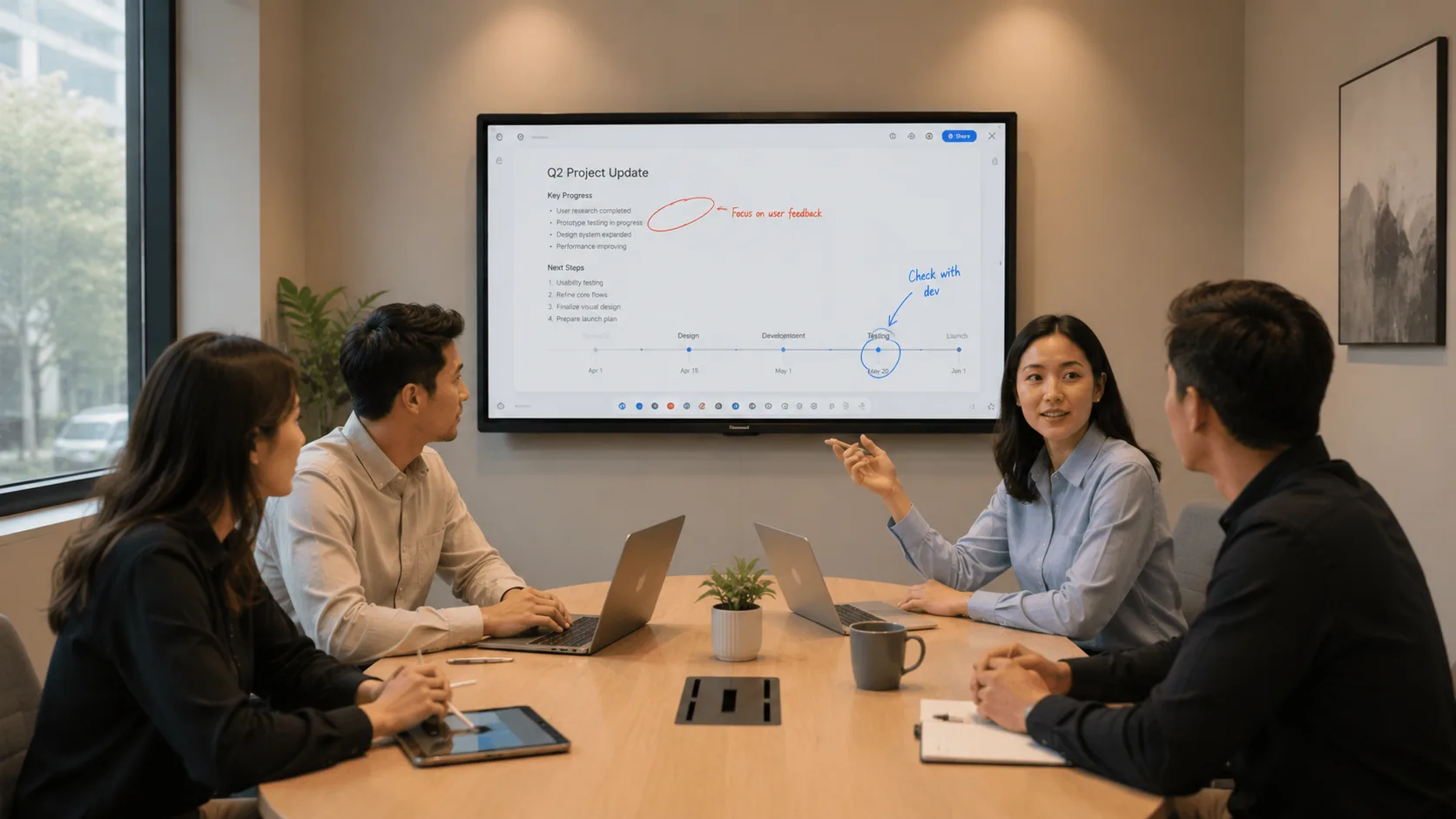
What It Replaces
The easiest way to understand a smart board is to look at what it replaces in a typical room.
Right now, your meeting room or classroom probably has a projector hanging from the ceiling or sitting on a cart. There is a whiteboard on the wall. There are speakers somewhere. Maybe a webcam for video calls. A computer sits on a desk, connected to the projector by a cable. When someone wants to show their screen, they unplug that cable and plug in their own laptop — or they email the file to whoever is already connected.
A smart board combines all of that into one device. The screen is the whiteboard. The speakers are built in. The computer is built in or connects wirelessly. The camera — if you add one — faces the room. You walk in, press one button, and start.
You might be wondering: "is this just a big TV with touch?" Close, but not quite. A TV is built for watching — Netflix, YouTube, cable. A smart board is built for interacting — writing, annotating, sharing, collaborating. The screen is brighter so you can use it with the lights on. The touch is precise enough for handwriting. The software is designed for meetings and lessons, not entertainment.
How It Works
The screen itself is an LED panel — the same underlying technology as a modern TV, but built to different standards. It needs to run eight to ten hours a day, every day, for years. A living room TV does not face that kind of workload.
Touch is handled in one of two ways. Infrared sensors around the edges of the screen detect where your finger or stylus interrupts the light field. Or capacitive technology — like your phone screen — senses touch directly through the glass. Both let you write, tap, swipe, and drag, just like a tablet.
The board runs on an operating system, usually Android or Windows. That means you can open a browser, launch apps, or use the built-in whiteboarding software without connecting a computer. If you do want to use your laptop, you share your screen wirelessly — AirPlay for Macs, Google Cast for Chromebooks and Android, Miracast for Windows. A good smart board handles all three so nobody in the room is left hunting for an adapter. Manufacturers like LonTon pre-install multi-protocol sharing so it works the moment the board turns on.
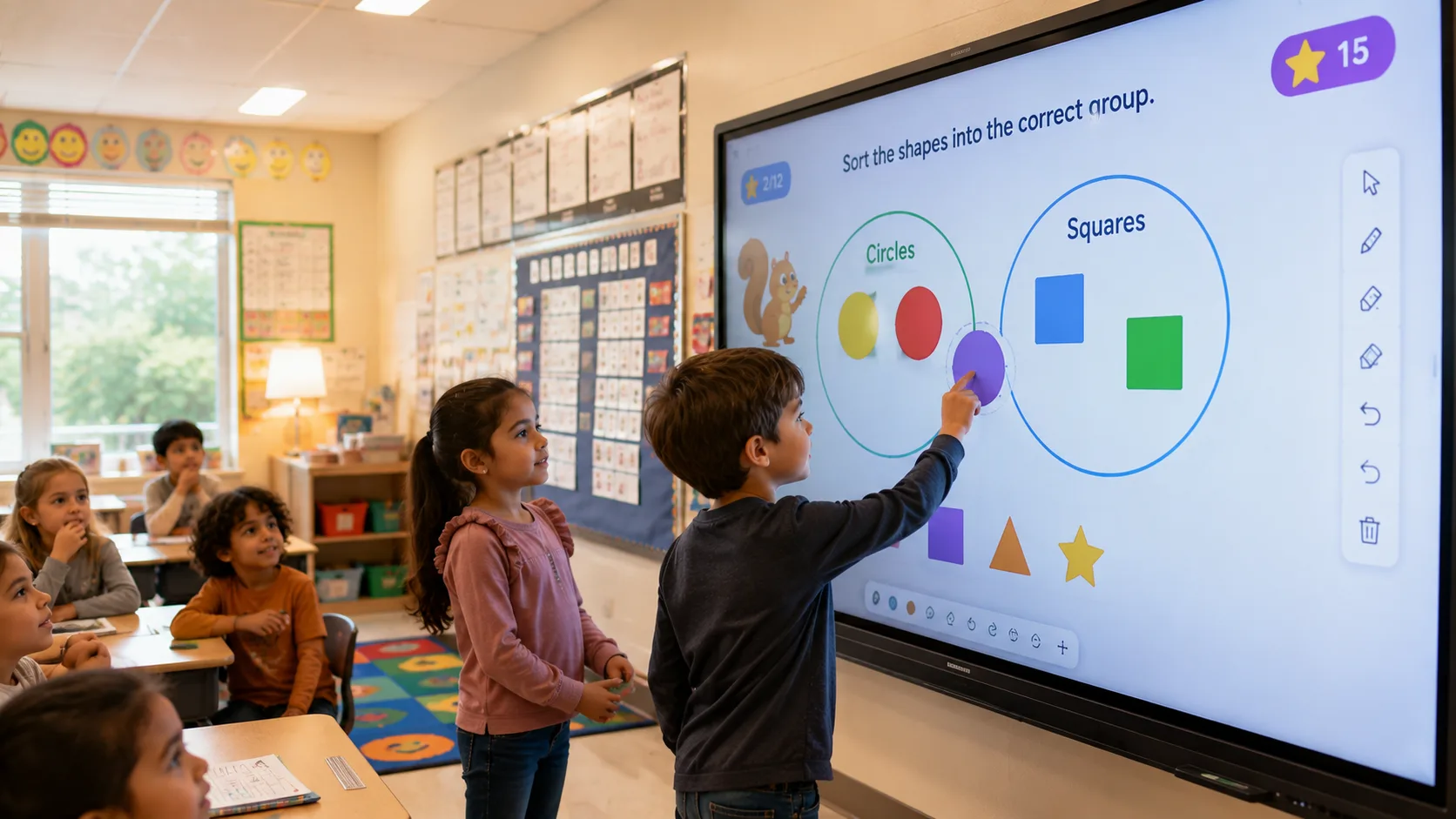
Where You See Them
Conference rooms are the most common spot. A team walks in, the screen is already on, someone shares their laptop wirelessly, and the meeting starts. No warm-up. No dimming the lights. No "can everyone see this?"
Classrooms are the other big one. A teacher writes on the board like a whiteboard, but when the lesson ends, the notes are saved — not erased. A student walks up and solves a problem on the screen. The class watches. The absent student gets the notes emailed before the day is over.
You also see smart boards in training centers, government offices, hospital meeting rooms, design studios — any space where people need to see content together and occasionally walk up and interact with it.
The Difference Between Smart Board and Interactive Whiteboard
You will hear both terms. They mean the same thing in practice, but they come from different generations of technology.
"Interactive whiteboard" originally referred to the older setup — a projector aimed at a whiteboard, with sensors tracking where you touched. The board itself was just a surface. The projector and the computer did the work. These are still around, especially in schools with tight budgets.
"Smart board" is the newer term, and it usually refers to the flat-panel version — the all-in-one display with everything built in. No projector. No separate whiteboard. One screen.
When people search for "what is smart board," they are usually picturing the flat-panel version — the one that looks like a giant tablet on the wall. That is the version this article describes, and that is the version most schools and offices are buying today.
If you have been asked to look into smart boards for your school or office, the next step is figuring out which one fits your space. What is smart board technology going to look like in your specific rooms — what size, what features, what configuration?
LonTon has been manufacturing interactive flat panels since 2005, supplying schools, businesses, and government offices. If you want to talk through what makes sense for your setup, click the button at the bottom right of this page. Tell us about your rooms and how you plan to use them. We will help you sort through the options.

