
 English
How to Choose an Interactive Flat Panel for Meeting Rooms (2026)
You have already decided. No more projector versus flat panel debates. The question now is how to choose an interactive flat panel for meeting rooms — and you want a straight answer, not a sales call. No more "should we even get one" conversations. You know an interactive flat panel belongs in your meeting room.
Now you are staring at a shortlist of options and wondering how to pick the right one without spending weeks on calls with sales reps.
Here is the framework that actually helps. Not a feature checklist. The how to choose an interactive flat panel for meeting rooms process starts with your meetings, not a product catalog.
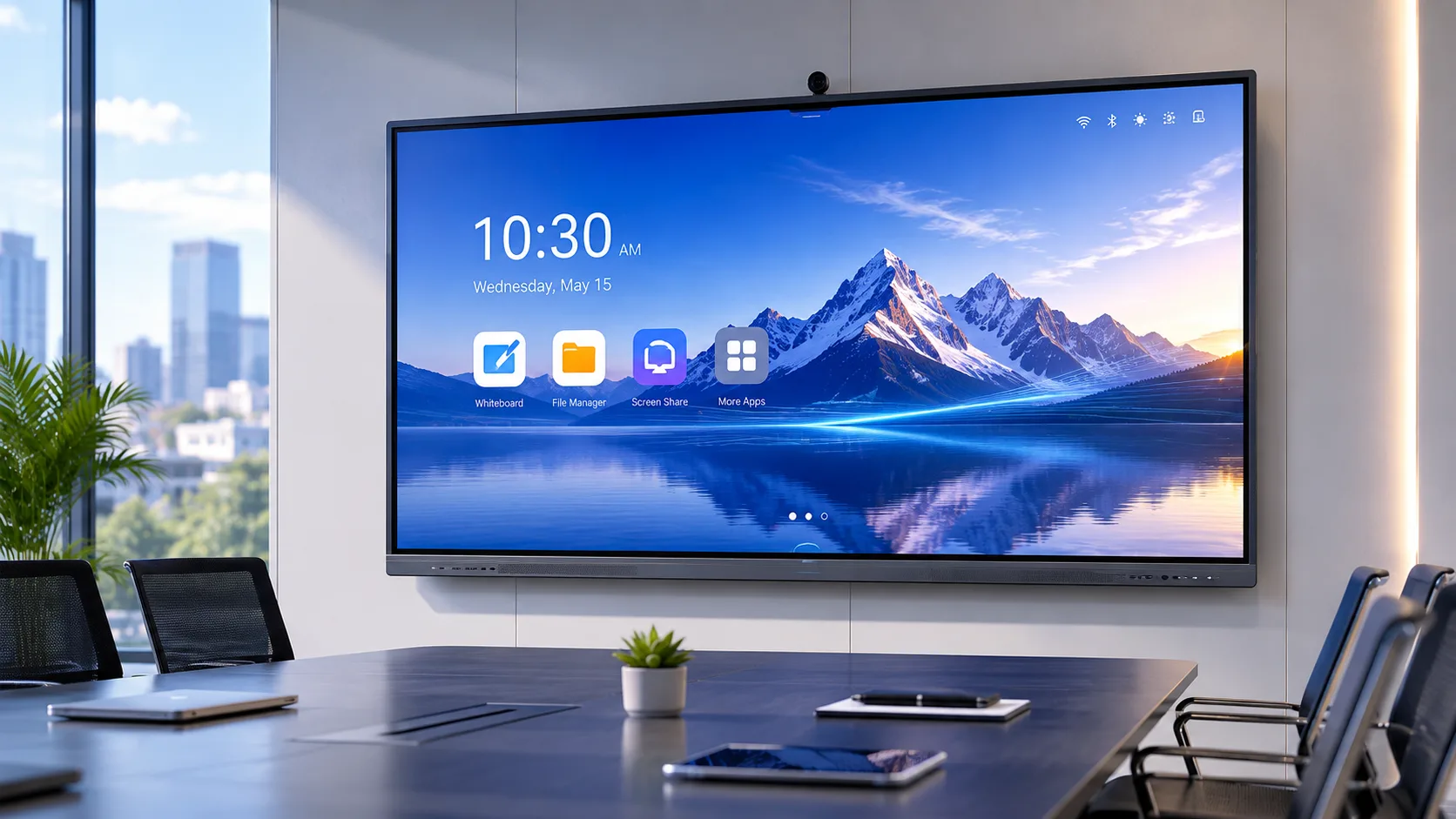
How Does Your Team Actually Meet?
Before you look at a single spec, look at your meetings.
Does one person present while everyone watches? That is a presentation room. You need a bright, readable screen and reliable screen sharing. Touch is nice to have, not essential.
Do people jump up to the board mid-discussion — sketching ideas, annotating slides, pulling up websites? That is a collaboration room. Touch responsiveness and wireless sharing across multiple platforms become the priority, not the resolution.
Are remote participants in every meeting? Video and audio quality move to the top of the list. The panel needs a camera that captures the whole room and microphones that pick up voices from every seat — not just the person standing closest to the screen.
You might think you need all three scenarios covered perfectly. You probably do not. Most meeting rooms lean heavily toward one of these patterns. Figure out which one before you buy, because the panel optimized for collaboration is different from the panel optimized for presentations.
Touch Technology — It Is Not All the Same
Interactive flat panels use either infrared touch or capacitive touch. Both work. They work differently.
Infrared uses sensors around the bezel to detect where your finger or stylus lands. It is durable, it handles heavy daily use without degradation, and it works with any object — finger, stylus, the back of a pen. If your meeting room gets used by different people all day with different writing styles, infrared is the practical choice.
Capacitive touch works like your phone screen — it senses the electrical field of your finger or a special stylus. The writing feels smoother and more precise. Detail work — fine annotations, design reviews, anything requiring accuracy — benefits from capacitive. The trade-off is that you usually need the right stylus, and the panel can be more sensitive to interference.
One is not better than the other. The question is who will use the board and how. A room where five different people walk in and out every day does better with infrared. A design studio where one team uses the board for detailed work does better with capacitive.

Wireless Sharing — Test It, Do Not Trust the Spec Sheet
Every interactive flat panel claims to support wireless screen sharing. What they do not always tell you is how many platforms that support actually covers.
AirPlay for MacBooks. Google Cast for Chromebooks and Android. Miracast for Windows. If the panel only handles two of the three, someone in every meeting is hunting for an HDMI cable while everyone waits.
Here is the test. Walk into a demo with three different devices — a Mac, a Windows laptop, and an Android phone. Try to share from each one without installing anything. If any of them requires an app download, a dongle, or a trip to the settings menu, the wireless sharing is not as seamless as the brochure suggests.
Also check what happens when two people share at the same time. Some panels handle split-screen sharing natively — two laptops side by side on the display. Others need a specific mode enabled. If your meetings regularly involve comparing documents or presentations, this matters more than touch points.
What Comes Pre-Installed and What Comes Later
Some panels ship ready to use. Whiteboarding software. Browser. Document viewer. Screen sharing. Turn it on, start the meeting.
Others ship as a blank slate — a basic operating system and a prompt to download apps. In a single meeting room, that is a minor inconvenience. Across ten meeting rooms, that is ten installations, ten configurations, and ten things that can go wrong.
Ask the supplier what is pre-installed and tested before shipping. Ask whether software updates are automatic or manual. Ask whether there are ongoing license fees for any of the pre-installed tools. A panel that costs less upfront but requires a subscription for core features is not the deal it appears to be.
Three Questions Every Supplier Should Answer
Before you sign a purchase order, ask these three questions. A good supplier answers them directly. A supplier that changes the subject is telling you something.
First: how long have you been manufacturing these panels? Five years of production history means the oldest panels from that supplier are just reaching the end of their expected lifespan. You can ask existing customers how the panels aged. Fifteen years of production history means the supplier has been through multiple product generations and learned what fails first.
Second: what happens when a panel stops working? Not "what is the warranty period" — every warranty covers something. Ask what the process looks like. Do you ship the panel back, or does a service partner come to you? How long does a typical repair take from the day you report it? Who pays for shipping in each direction?
Third: can you talk to a current customer in my region? A supplier who has happy customers wants you to talk to them. A supplier who cannot connect you with a reference is either new or hiding something.
Choosing how to choose an interactive flat panel for meeting rooms is not about finding the panel with the longest feature list. It is about finding the panel that fits how your team actually works — whether that ends up being a LonTon panel or another manufacturer — the meeting style, the devices people bring, the reliability you need, and the supplier who will still answer your calls two years after the sale.
If you are evaluating options and want to talk through what fits your rooms, reach out. LonTon has been manufacturing interactive flat panels since 2005. Click the button at the bottom right of this page and tell us about your meeting rooms — how many, how they are used, what frustrates your team about the current setup. We will help you narrow it down.

