
 English
Interactive Screen for Classroom: What Teachers and Schools Need to Know (2026)
If you teach in a classroom that still has a projector on the ceiling and a pull-down screen at the front, you know the drill. Dim the lights. Close the blinds. Hope the bulb is not halfway to burning out. Hope the cable connection holds. And even when everything works, the student in the back row is squinting at a washed-out image while you stand in the projector beam, your silhouette blocking half the slide.
An interactive screen for classroom replaces all of that with one device mounted on the wall. But replacement is the easy part. The real question is what makes a screen worth the investment — and what makes teachers actually use it after the installation crew leaves.
What the Screen Replaces, and What It Adds
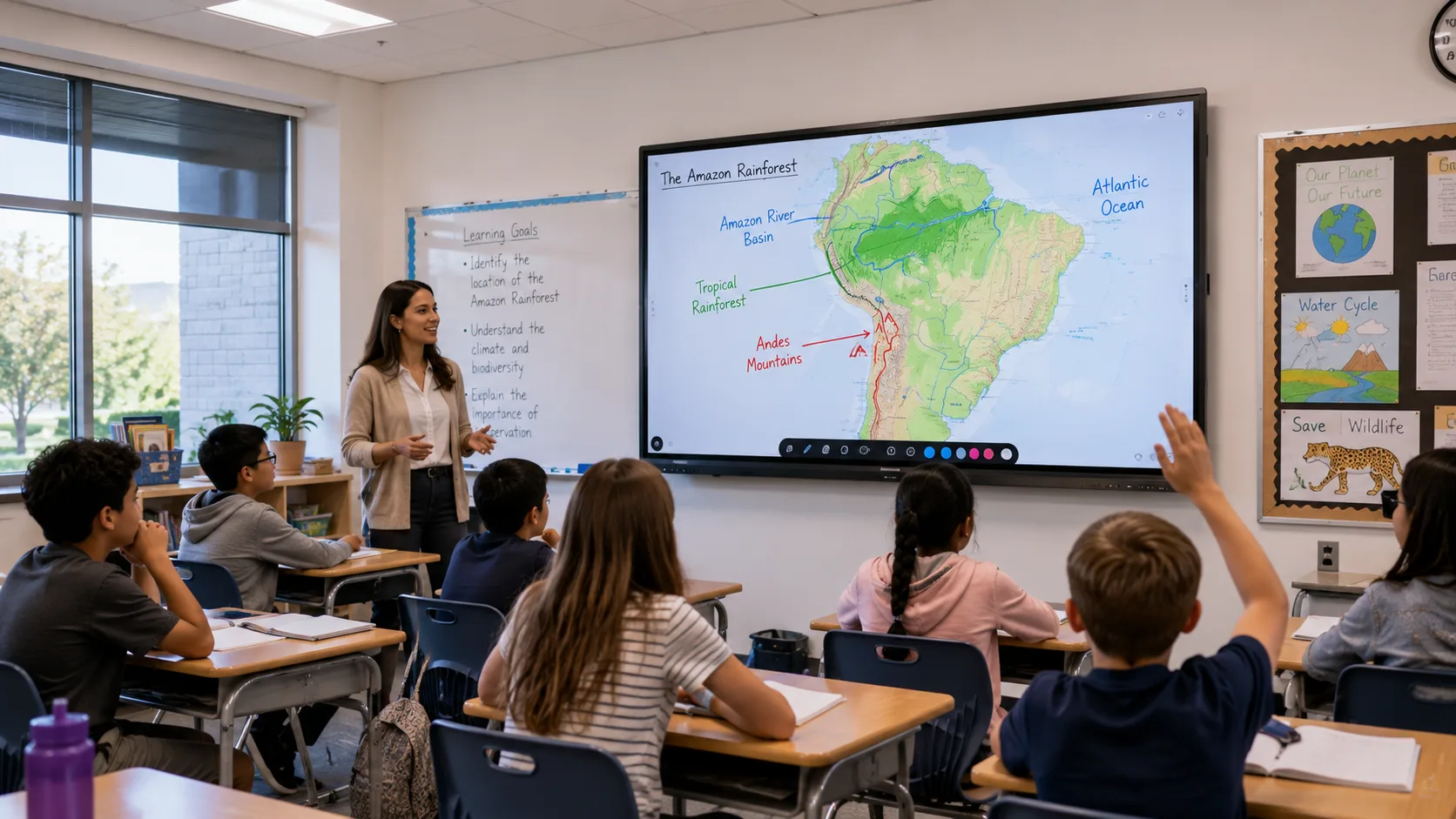
A classroom interactive screen does three things at once. It is the display — bright enough to keep the lights on, sharp enough for the back row to read twelve-point text. It is the whiteboard — you write on it with a finger or stylus, save the annotations, share them with absent students. It is the hub for wireless sharing — a teacher walks in with a laptop or tablet, connects in seconds, and the lesson is on the wall. No cables, no adapters, no first-five-minutes-of-class wasted on setup.
The thing most schools do not realize until they install one: the screen changes how a lesson flows. A teacher can pull up a map and zoom into a specific region mid-lecture. A student can walk to the front and solve a math problem on the board while the class watches. A video clip plays without anyone hunting for the remote or adjusting the volume on external speakers that stopped working last semester. The screen does not replace teaching — it removes the friction between the teacher and the material.
Your Classroom Decides the Size
Before you compare any model, look at your classroom. How many students? How far is the back row from the front wall? What grade level?
A small resource room or special education space — a small group, everyone within a few feet of the board — works with a 65-inch screen. A standard K-12 classroom with a full class needs at least 75 inches so the back row can read without leaning forward. A lecture hall or shared teaching space where students sit far from the front calls for 86 inches or more.
The price climbs with the screen size, and the jump from one size to the next is not linear. The mistake schools make is buying a screen too small to save money — and then discovering the back row missed half the lesson all year. Measure your room. Buy the size the room needs.
The Durability Question Nobody Asks Until February
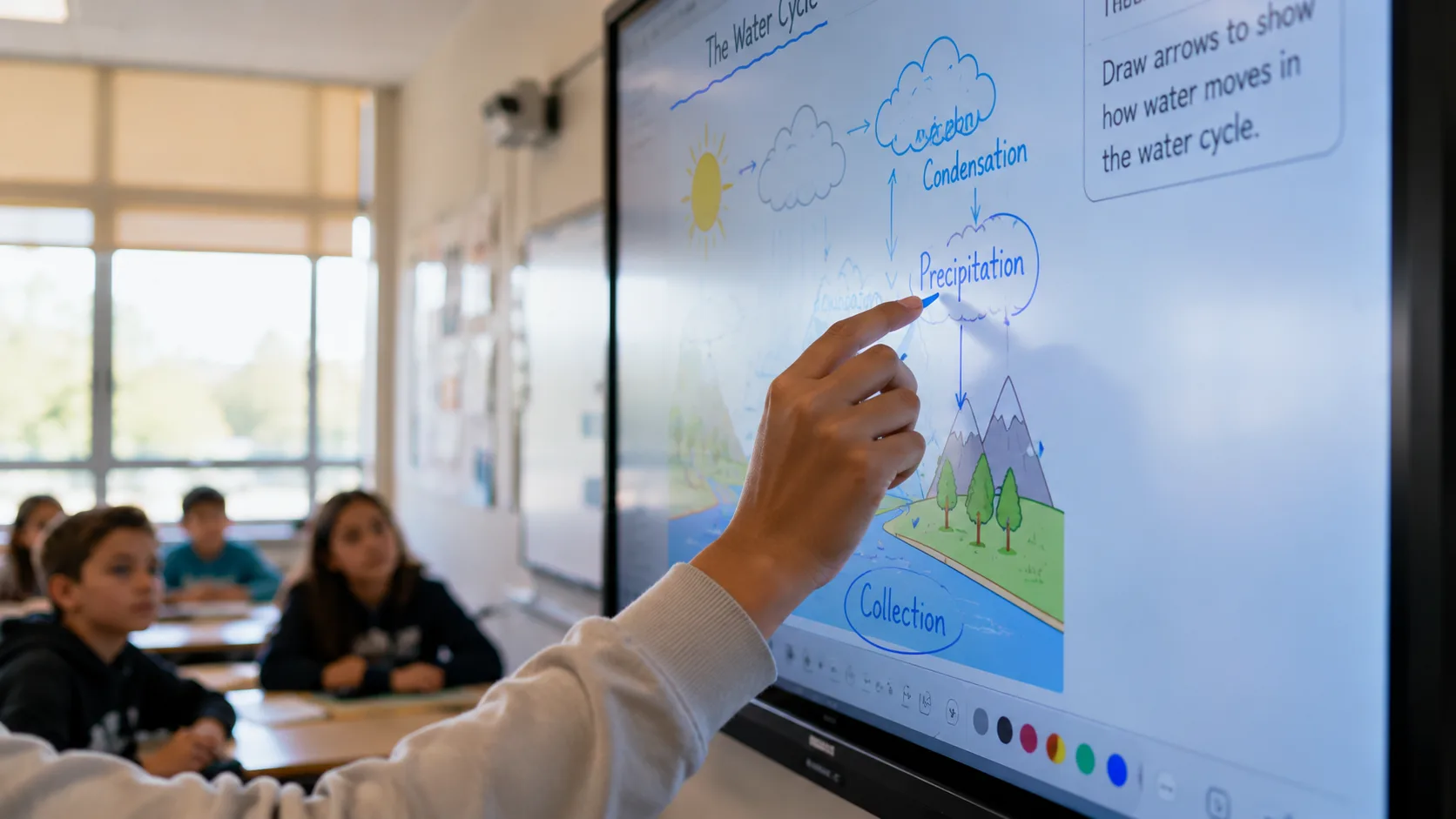
An interactive screen in a classroom lives a harder life than one in a conference room. A conference room screen gets used for an hour, then sits idle. A classroom screen runs six or seven periods a day. Students touch it constantly — sometimes with a stylus, sometimes with fingers that just came from art class. Someone leans on it while reaching for a marker. A substitute teacher who has never used one before taps the screen harder than necessary because that is what people do with technology they do not trust yet.
This is why touch technology matters for education more than for any other use case. Infrared touch uses LED beams across the screen surface — anything that breaks the beams registers as input, whether it is a finger, a stylus, or a dry-erase marker. It handles multiple students writing at the same time and costs less at larger sizes. For most classrooms, this is the practical choice. It survives daily heavy use and keeps the per-classroom budget under control.
Capacitive touch feels like a tablet — smooth, responsive, pinch-to-zoom. It costs more, and the price gap widens with screen size. Some schools choose it for early childhood classrooms where the intuitive feel helps younger students engage, or for art and design programs that need precision. For general K-12 instruction, infrared does the job.
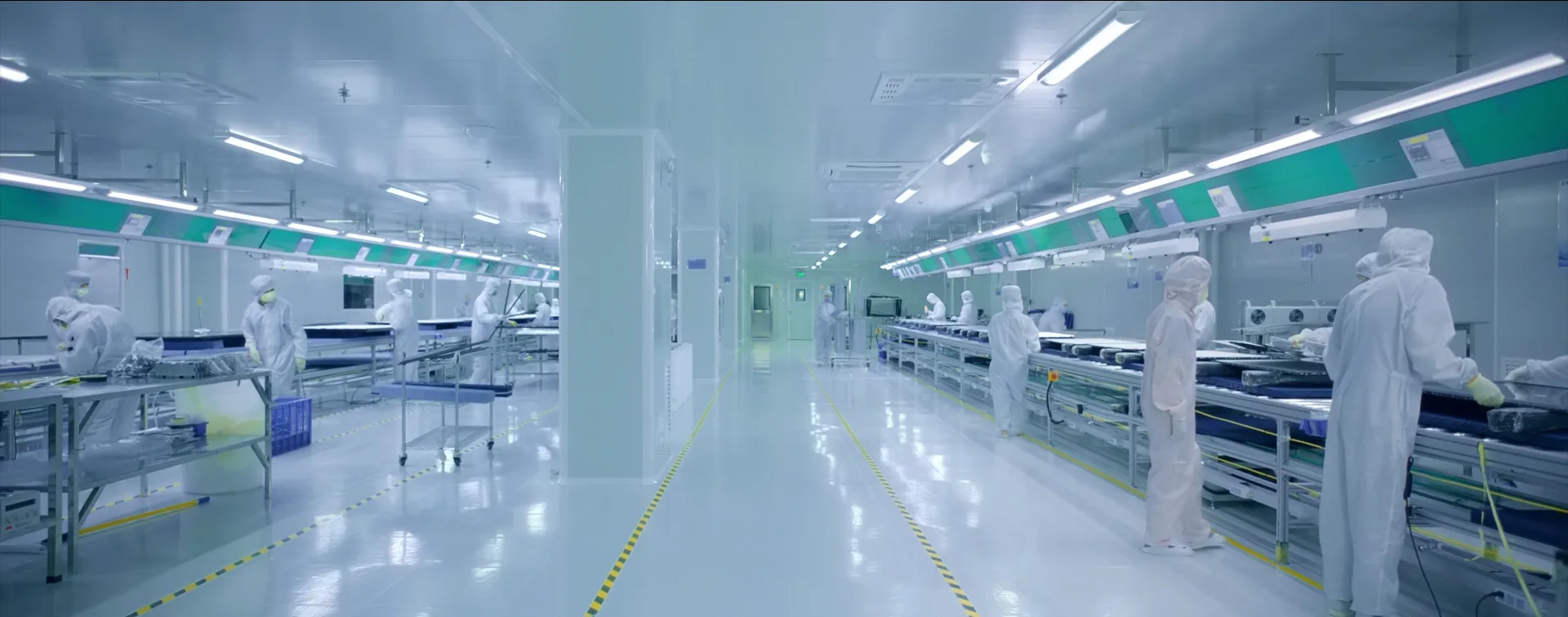
As a manufacturer, LonTon builds both infrared and capacitive interactive screens across the full classroom size range. The right choice depends on your grade levels, your budget, and how your teachers actually run their lessons — not on what happens to be in stock.
What Teachers Actually Need from the Software
The hardware gets the attention in a purchasing meeting. The software determines whether the screen gets used or ignored.
Most interactive screens ship with basic whiteboarding and annotation tools. That is the baseline. Before your school commits to an interactive screen for classroom purchase, ask these questions. Does the screen integrate with the platform your teachers already use — Google Classroom, Microsoft Teams for Education, your learning management system? Can teachers save and share lesson annotations with students who were absent? Does the wireless sharing support whatever devices your staff brings — Windows laptops, MacBooks, iPads, Android tablets, phones?
A screen that only works with one type of device is a screen that collects dust in half the classrooms. A screen that requires teachers to learn an entirely new software platform before they can use it in a lesson is a screen that sits dark after the first month.
Make the Screen Earn Its Spot on the Wall
An interactive screen for classroom is not a purchase. It is a bet that teachers will use it enough to justify the budget line. The schools that win that bet are the ones that match the screen to the room, choose the touch technology that survives daily abuse, pick software teachers actually open, and make sure someone trains the staff before the first bell rings.
If your school is planning a classroom technology rollout, tell LonTon about your grade levels, your room sizes, and how your teachers run their lessons. We will recommend the right screen sizes, touch technology, and configuration — not a generic package, but a setup built around your classrooms. Click the inquiry button and let us talk through what your teachers need. We are happy to help.

