
 English
Voice control is one of those features that sounds like a gimmick on paper and then quietly becomes the thing you use every day. A teacher with chalk dust on one hand and a stack of handouts in the other can say "open the lesson" instead of walking back to the board. A presenter mid-flow can say "next slide" without breaking eye contact with the room.
That's the real job of a voice assistant on an interactive flat panel — not replacing the touchscreen, but covering the moments when touching the board is awkward. Whether it earns its place depends on one thing above all: whether the microphone can actually hear you from across a noisy room.
What a voice assistant on a board actually does
On most interactive flat panels, the voice assistant handles a fairly tight set of tasks:
Navigation — open apps, switch inputs, launch a file by name.
Presentation control — next slide, previous slide, start and stop screen sharing.
Search — look something up mid-lesson without stopping to type.
Dictation — speak and have the text appear in the active app.
That's about it, and that's fine. The assistants on consumer phones try to do everything and end up doing most of it poorly. On a board, the assistant that does ten things reliably beats the one that claims a hundred.
Why the microphone array is the whole ballgame
The voice assistant on a board lives or dies on the microphone, not the software. Here's why.
A classroom is a hard room for microphones. Thirty students, hard surfaces, a projector or air-con running, the teacher moving around — the assistant has to pick out one voice from all of that and get the words right on the first try. If it mishears "open the map" as "open the app" once too often, the teacher stops using it and the feature is dead.
This is where a multi-microphone array matters more than any spec on the voice-software side. An 8-microphone array lets the board work out where the voice is coming from and focus on it, the same way an AI camera figures out who's speaking. A board with a single cheap microphone will struggle in exactly the rooms where voice control is most useful.
On-device vs cloud voice processing
The same split that applies to handwriting and translation applies here. Voice recognition can run on the board's own chipset, or it can stream your audio to a vendor cloud.
On-device means faster response and — more importantly for schools — no audio leaving the room. Cloud voice recognition can be more accurate for some accents and languages, but it sends the raw audio out, which raises the same privacy questions we cover in our guide to AI panel data privacy. If you're buying for a school or government room, ask which one the board uses before you commit.
Where voice control is genuinely useful — and where it isn't
The honest version: voice control earns its keep in teaching and presentation, and is mostly redundant in small meeting rooms where everyone is a metre from the board anyway.
Classrooms — a teacher working away from the board, or with their hands full, gets real value from launch and navigation commands.
Large training rooms and auditoriums — a presenter walking the floor can drive slides by voice without a clicker.
Small huddle rooms — the board is within reach, so voice adds little and touch is faster.
If the room has people moving and the board is far away, voice is worth it. If the board is within arm's reach, spend the budget elsewhere.
How Lonton's boards handle voice
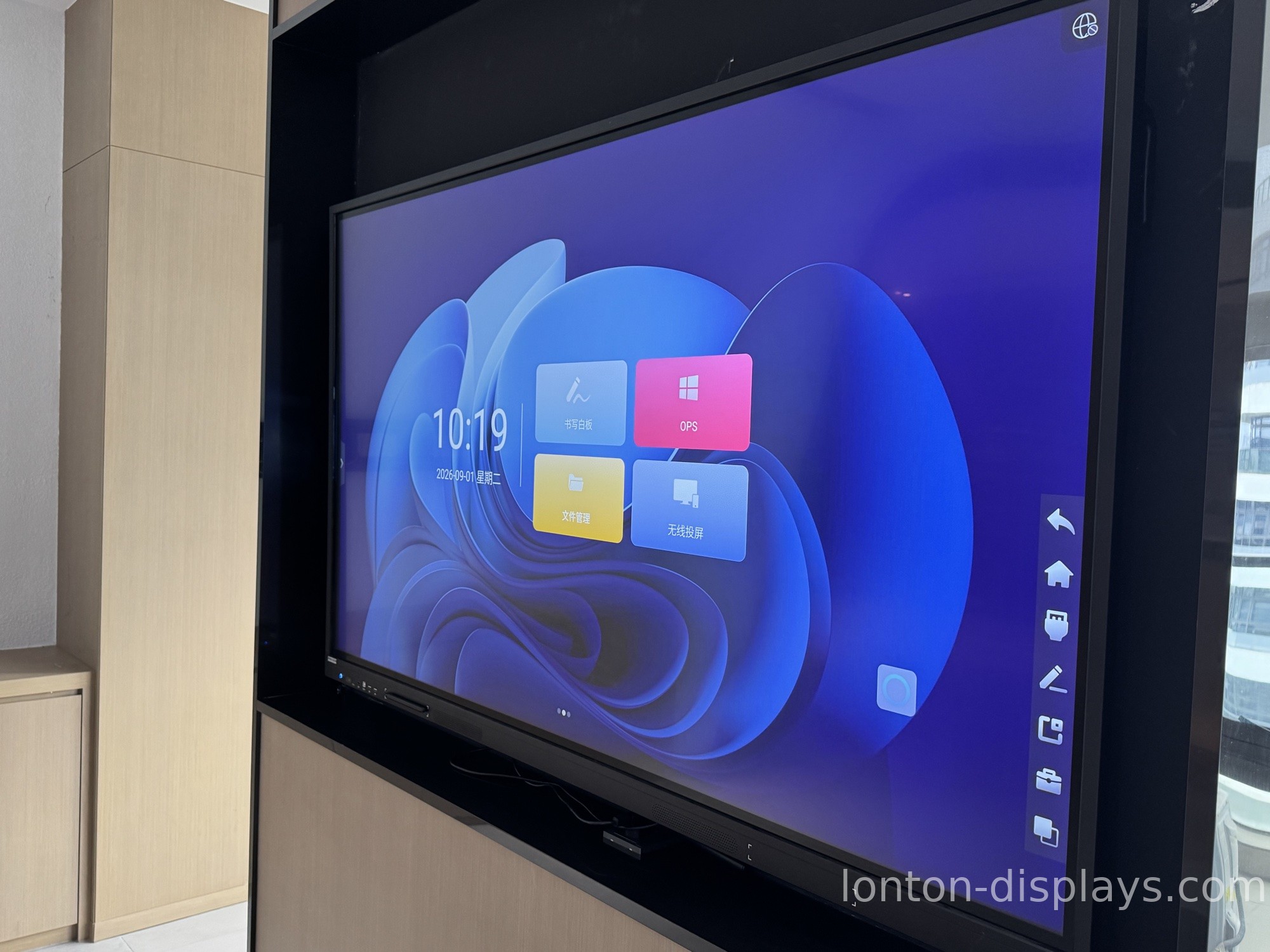
Lonton has been manufacturing interactive flat panels since 2005 out of a 100,000+ m² facility with 15 production lines. The voice side of our panels starts with the hardware: an optional 8-microphone array that gives the assistant a clean, direction-aware signal to work with, paired with a 4K camera up to 48MP for the rooms where voice and video have to work together.
The panel runs Android 15 built-in for daily tasks, with the option of an OPS slot for a Windows 11 Pro PC when a room needs full desktop software. AI teaching software is available and can be configured to match how a school actually runs its lessons.
If you want voice control that holds up in a real classroom rather than a quiet demo, contact us and we'll walk you through the microphone setup for your room size. You can also browse the interactive flat panel range and read our breakdown of which AI classroom features matter.
Frequently Asked Questions
Can you control an interactive flat panel by voice?
Yes — navigation, presentation control, search and dictation all work by voice on AI-enabled boards. The accuracy depends more on the microphone array than the software.
Do I need a special microphone for voice control on a smart board?
A multi-microphone array (typically 8 mics) is what makes voice control work in a noisy classroom or meeting room, because it lets the board focus on the speaker's direction.
Does voice control on an interactive flat panel need the internet?
On devices with on-board voice processing, no — it runs locally and the audio never leaves the room. Cloud-based voice recognition needs a connection and sends the audio out.
Is voice control worth it in a small meeting room?
Usually not — the board is within reach, so touch is faster. Voice earns its keep in classrooms, training rooms and auditoriums where the presenter is away from the board.
Can a voice assistant understand a noisy classroom?
A good multi-microphone array can pick out the teacher's voice from a noisy room, but it's the hardware that makes this work — cheap single-mic boards struggle in exactly those rooms.

