
 English
Interactive Flat Panel Problems: Common Complaints and Solutions (2026)
Every product category has its pain points, and interactive flat panels are no exception. The interactive flat panel complaints problems that surface in IT tickets and facility manager inboxes tend to cluster around a few predictable areas. Knowing what they are before you buy helps you pick a panel that avoids them — or at least budget for the fix.
Touch Lag and Calibration Drift
The most common complaint by volume is touch responsiveness. Users tap an icon and nothing happens, or they write on the whiteboard and the ink trail appears half a centimeter away from the stylus tip. On infrared touch panels, this usually means the IR frame around the bezel has accumulated dust or been bumped out of alignment. A recalibration through the settings menu fixes it in most cases, but if the frame is physically misaligned — common after a wall mount installation where the panel was handled by the bezel — it requires a technician.
On capacitive panels, touch lag is more often a software issue than a hardware one. The Android OS on the panel may be running background processes that consume CPU cycles, or a third-party app may not be optimized for large touchscreens. Factory-resetting the panel resolves most software-driven lag, but the better long-term fix is to choose a panel with sufficient processing power and RAM, and to limit installed apps to what the room actually uses.
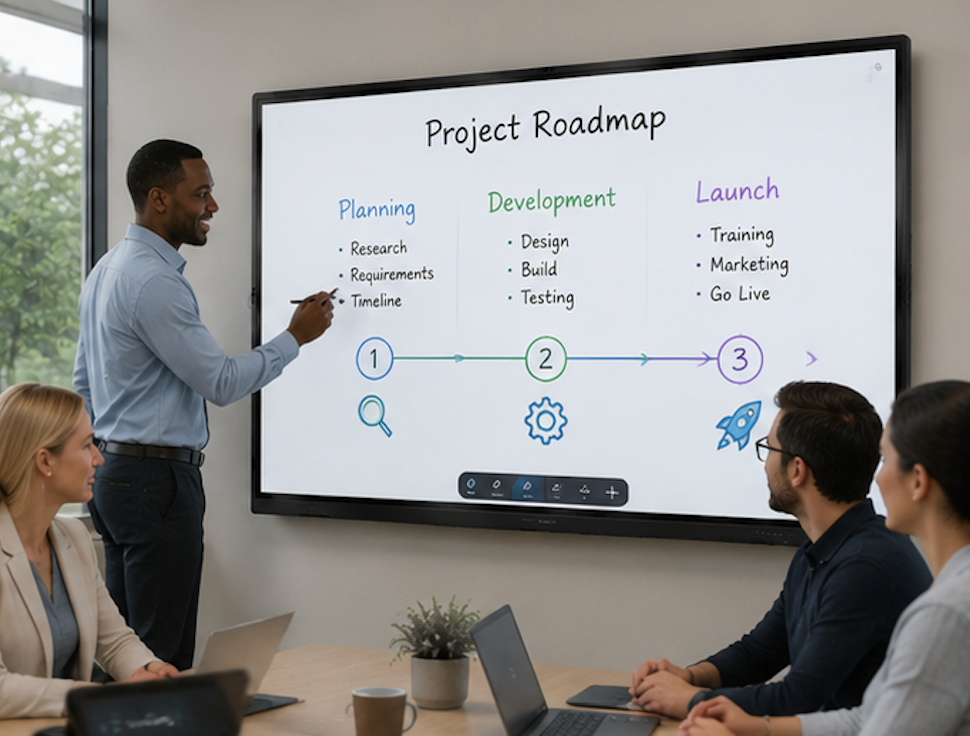
Glare and Ambient Light
An interactive flat panel in a room with floor-to-ceiling windows is a mirror. The glossy glass surface that makes touch feel smooth also reflects every light source in the room, and unlike a projector setup where you can close the blinds, an IFP room is often designed to stay Lit because people need to see each other and take notes.
Anti-glare coatings help, and most mid-range and premium panels include them. But no coating eliminates glare entirely in direct sunlight. The practical solution is panel placement — mount the display on a wall perpendicular to the windows rather than facing them — and window treatments that diffuse light without blacking out the room. If the room layout cannot avoid direct window glare, a panel with higher brightness, measured in nits, will punch through ambient light better than a budget model.
Audio and Microphone Quality
Built-in speakers on interactive flat panels are adequate for a small meeting room — six to eight people around a table. In larger rooms, the speakers sound thin, and remote participants complain they cannot hear clearly. The fix is usually an external soundbar or ceiling-mounted speakers connected through the panel's audio output, though this adds cost and installation complexity.
Built-in microphone arrays have a similar limitation. They work well for participants sitting within 10 to 15 feet of the panel, in a room with reasonable acoustics. In a large boardroom with hard surfaces and a long table, the microphone picks up reverb and struggles with voices at the far end. External ceiling microphones or a dedicated conference speakerphone solve this, but buyers should know going in whether their room size exceeds what the built-in audio hardware can cover.
Some manufacturers ship panels without a built-in camera or microphone at all, which forces the buyer into external peripherals from day one. LonTon IFPs include both as standard, so the panel handles video calls out of the box for standard meeting room sizes. For larger rooms, the audio output and USB ports support external audio upgrades without replacing the panel.

Software and App Compatibility
The Android OS on an interactive flat panel is not the same Android as a phone. Some apps from the Google Play Store are designed for portrait phone screens and look broken on a 65-inch landscape display. Others install fine but do not respond to touch input the way they should because they were never tested on a screen this large.
The workaround is to test critical apps before deploying panels across multiple rooms. Install Zoom, Teams, Google Meet, and any internal collaboration tools on a single panel first, verify they work as expected, and only then roll them out. For Windows-dependent workflows, an OPS module gives full desktop compatibility at the cost of boot time — around 30 seconds to a minute versus the instant-on Android experience.
Wireless Screen Sharing Friction
Walk into a meeting room and the first three minutes are spent connecting a laptop to the display. Wireless dongles need pairing. HDMI cables are the wrong length or the wrong port type. Guest visitors with MacBooks need dongles for their dongles. This is less a hardware problem than an integration problem, but it generates more daily complaints than any other single issue.
The interactive flat panel complaints problems around screen sharing are best solved by choosing a panel that handles multiple casting protocols natively. EShare on LonTon panels accepts AirPlay, Google Cast, and Miracast simultaneously — no dongle, no app installation required for guests. Scan a QR code and the screen appears. This does not eliminate every compatibility edge case, but it covers the vast majority of devices that walk into a meeting room.
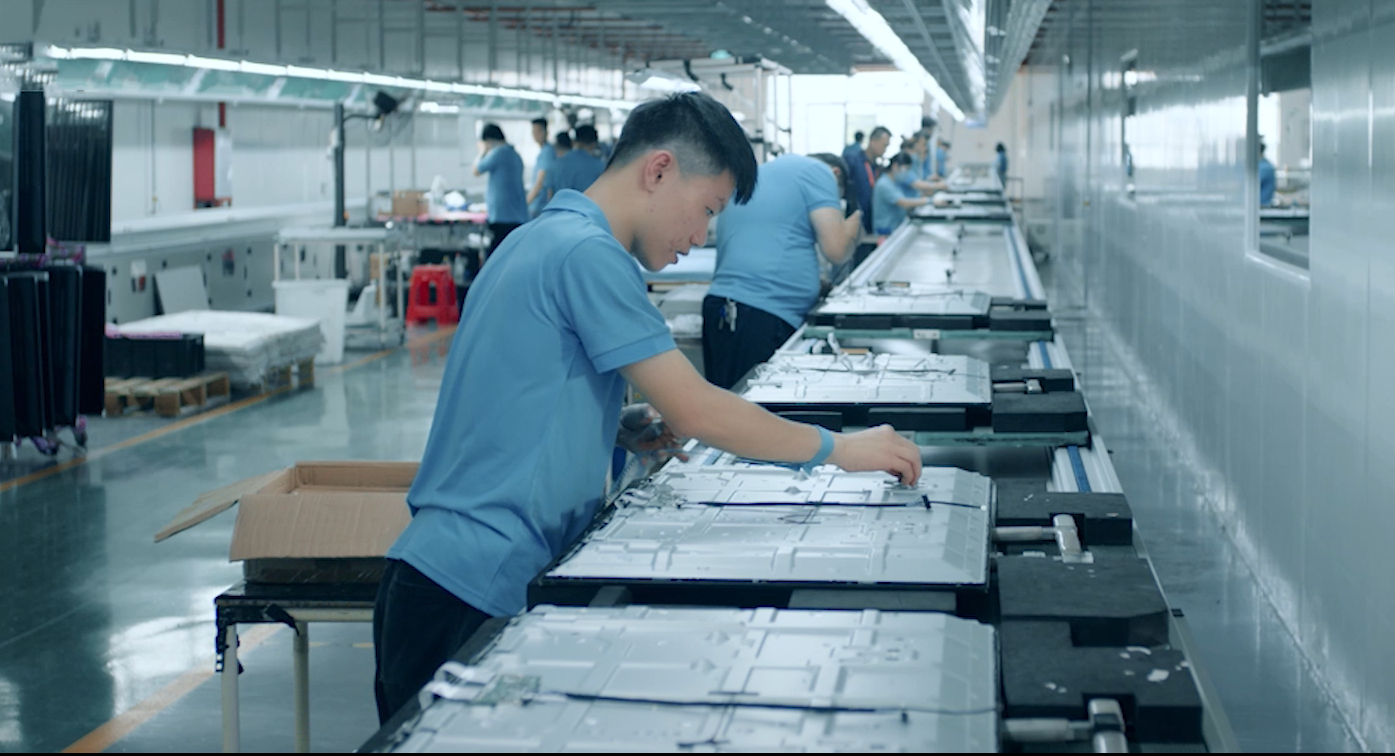
As a professional manufacturer, LonTon builds interactive flat panels with these common pain points in mind: built-in conferencing hardware, anti-glare coatings, and EShare pre-installed so the daily friction points are addressed before the panel reaches the meeting room. The interactive flat panel complaints problems worth worrying about are the ones your current room already has — the rest is solved by choosing hardware that was built for how meetings actually run.

