English
What Does an AI-Powered Digital Board Actually Do? (2026)
Does an AI powered digital board actually make your meetings better — or is "AI" just three letters you pay extra for on the spec sheet? You are not wrong to ask. Every product page throws the term at every feature like the one thing that justifies the price.
So let us strip it down. What does "AI-powered" actually mean on a digital board today — not in a concept video, but in the panel you would install in your conference room next month?
What the AI Actually Controls
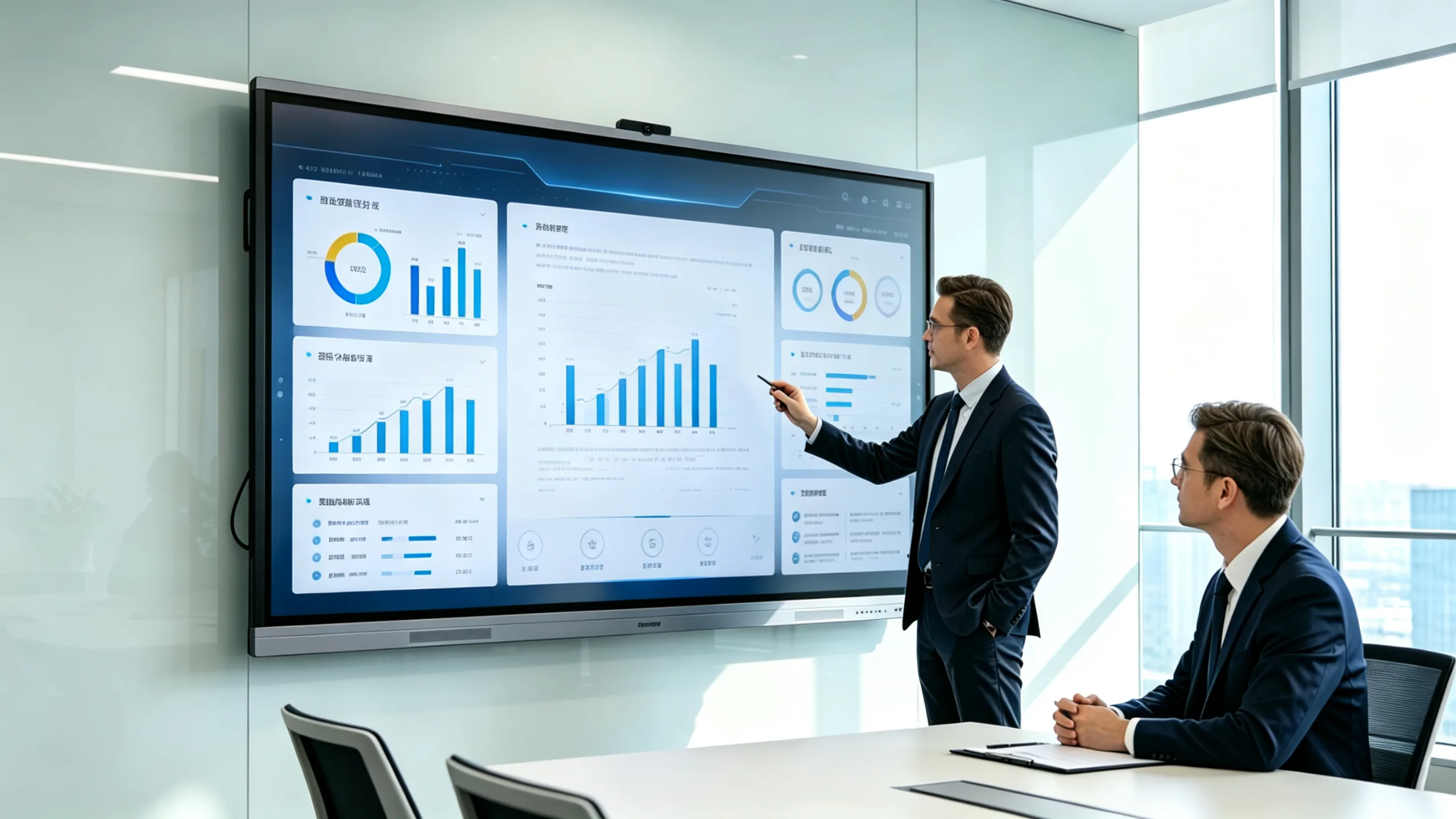
On a modern interactive flat panel, AI is a layer that runs across three specific functions, not a single toggle switch.
The first is speaker tracking. A built-in camera uses AI to identify who is speaking and frames the shot around that person. If the speaker moves, the camera follows. If someone else starts talking, the shot shifts. In a hybrid meeting where half the participants are remote, this is what keeps the conversation readable — the remote side sees who is talking, not a wide shot of a whole table where nobody's lips move. LonTon builds its interactive flat panels with this AI camera layer included, and the same principle applies across most modern panels worth considering.
The second is gesture recognition. The board's touch system, combined with AI processing, can distinguish between a finger writing on the screen and a palm resting on it. It recognizes swipe gestures, palm erasing, and multi-finger shortcuts without confusing them. This sounds minor until you have sat through a presentation where the presenter accidentally zoomed out three times while trying to annotate a slide.
The third is voice control. AI-based voice commands let you open apps, switch inputs, or start a whiteboard session without touching the screen. This is useful when you are standing at the board presenting and do not want to interrupt the flow by navigating menus.
That is what AI does on a real AI powered digital board today. Nothing magical. But each of those three functions solves a real friction point that anyone who runs meetings every day will recognize immediately.
What AI Does Not Do (Yet)
The marketing is ahead of the product here, and it always is. AI on a digital board does not transcribe your meeting in real time — transcription is usually handled by the video conferencing software running on the board, not the board itself. It does not summarize your meeting or generate action items. It does not recognize individual faces and label them with names.
If you need those features, look at the conferencing platform you plan to run on the board — Microsoft Teams, Zoom, Google Meet — not the board hardware. The board provides the display and the AI camera smarts. The software provides everything else.
A Layer That Makes Meetings Smoother, Not a Replacement for Them
An AI powered digital board does not run your meetings for you. The AI handles the little friction points — who to point the camera at, whether that was a palm or a finger, which app to open next — so the people in the room can focus on what they are actually there to do.
LonTon, as a professional manufacturer, builds interactive flat panels with AI-powered speaker tracking and gesture recognition built into the camera and touch systems. The AI does not replace good meeting habits. It just removes the parts of the technology that usually get in the way. If you are evaluating panels and want to understand how the AI features translate into real meeting room use, reach out and tell us about your setup. Click the button at the bottom right of this page and tell us what you need. We will walk you through it.