
 English
Interactive Displays for the Classroom: A Procurement Checklist
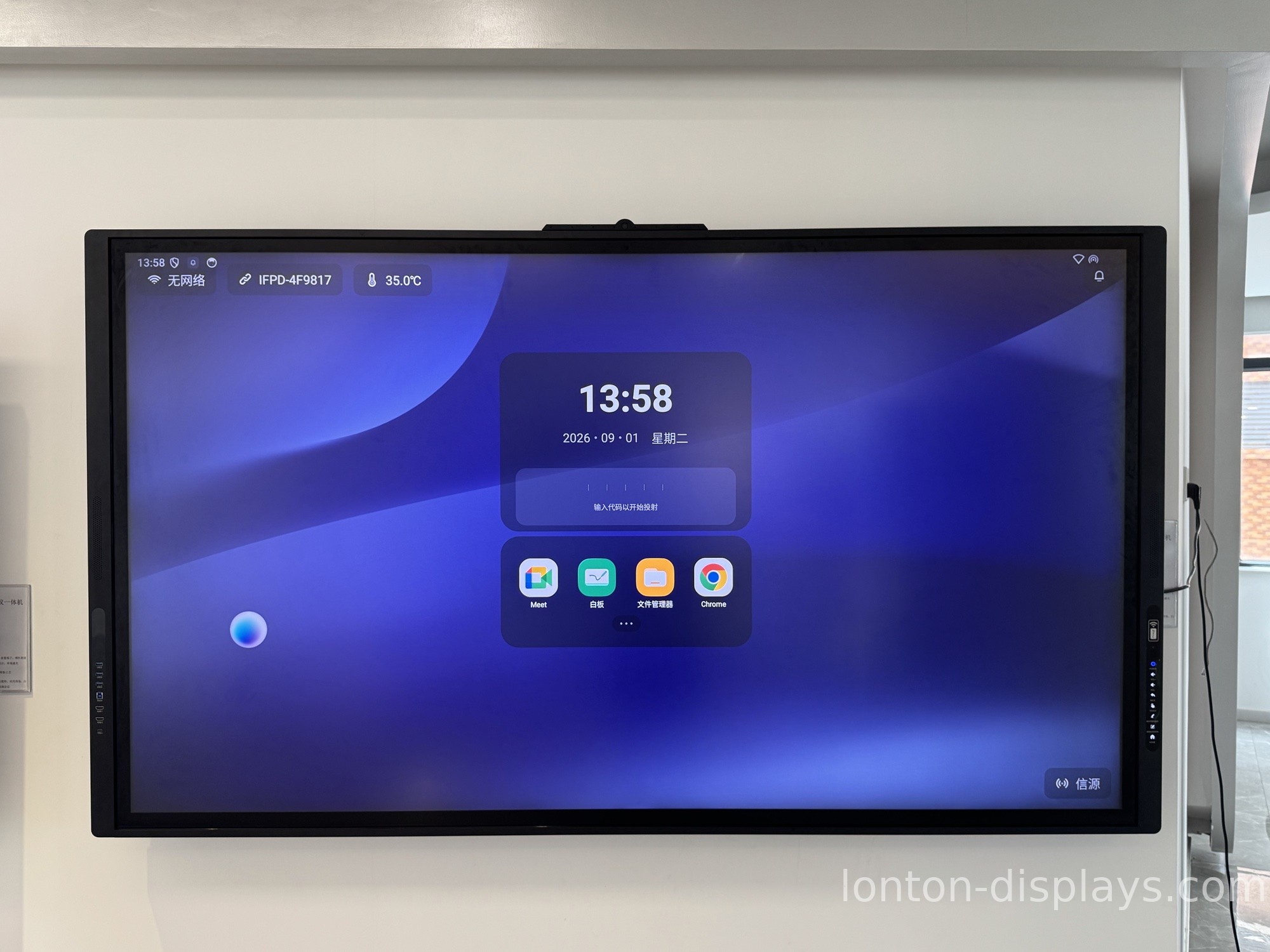
Buying interactive displays for a classroom is different from buying one for a boardroom, and it's different from buying a TV. Classrooms put more hours on a screen, ask more of the touch layer, and — because the budget is usually public — punish mistakes harder. This is the checklist we walk schools through before they order, in the order that matters.
Start with the room, not the spec sheet
The single biggest mistake is picking a size off a catalog before measuring the room. For a standard 30-seat classroom, 75" or 86" is the workhorse range. A 65" panel works in a small room or a breakout space, and lecture halls go 98" to 110". The test is simple: can the back row read 24-point text without leaning forward? If not, go up a size.
One panel per room is usually the right number. Some schools try to save by putting one interactive panel on a cart and wheeling it between rooms — it sounds thrifty until the cart lives in one hallway and nobody books it. A panel that has to be scheduled isn't used.
Touch is the spec that decides whether teachers use it
If the board only registers one finger at a time, only the teacher will ever touch it. That's fine for presenting and useless for group work. Look for 40-point infrared touch, which lets several students write at once. That's the difference between a board the teacher presents on and a board the class works on.
Infrared is also the right choice for schools because it works with any stylus, a finger, or a gloved hand — no special pen that walks off or needs batteries. And there's no calibration to drift over time.
Glass and brightness decide how long it survives
Classroom glass takes abuse a boardroom screen never sees. Specify tempered glass with MOHS 7 hardness and an anti-glare coating. Anti-glare matters more than most people budget for: fluorescent classroom lights bounce off a glossy panel and wash out the lesson for half the room. A 350 cd/m² panel with anti-glare stays readable from the back row all day.
The system question is a five-year question
Android built in is enough for whiteboarding, apps, and wireless casting out of the box. But if your district is standardized on Windows — and most are — check for an OPS slot so a Windows 11 module can slide in. That single slot is what keeps the panel current five years from now instead of being replaced when the Android version ages out.
Budget for the whole room, not just the screen
The panel is the headline cost, but a real procurement plan includes the mounting bracket, a mobile stand if rooms share one, and the OPS module if you need Windows. Factory-direct pricing changes this math more than people expect. Lonton ships classroom panels from a 100,000 m² facility with 15 production lines, so a school buying 20 or 30 units is getting manufacturer pricing — not a reseller markup layered on top of it.
All Lonton panels carry CE, FCC, and RoHS certification, a 2-year warranty, and come in sizes from 55" to 110". MOQ is 5 units, and OEM branding is available for districts and resellers. Before you finalize, it's also worth reading how a panel stacks up against the other option schools consider — this flat panel vs projector comparison covers it.
If you're putting together a classroom rollout, send us the room sizes and the number of rooms. We'll quote each room with the right panel, mount, and module — so you're not adapting a generic bundle to a building it wasn't sized for.
FAQ
How many interactive displays does a school actually need?
Usually one per classroom. Cart-sharing sounds economical but ends up underused because the panel has to be scheduled. A fixed panel in every room is what actually gets used daily.
What size is right for a classroom of 30 students?
75" or 86" for a standard 30-seat room. The real test is whether the back row can read small text; if they can't, move up a size.
Do these work with our existing Windows software?
Yes. The panel runs Android 15 natively, and an OPS slot accepts a Windows 11 module, so it works with whatever software your district already licenses.
What's the minimum order?
Lonton's MOQ is 5 units — enough for a single classroom or a pilot before a district-wide rollout.
How long does delivery take?
Production lead time is 15–25 days for factory-direct orders, with OEM branding available if you need your district or reseller logo.

