
 English
Electronic Whiteboards in the Classroom: A Practical Upgrade Guide
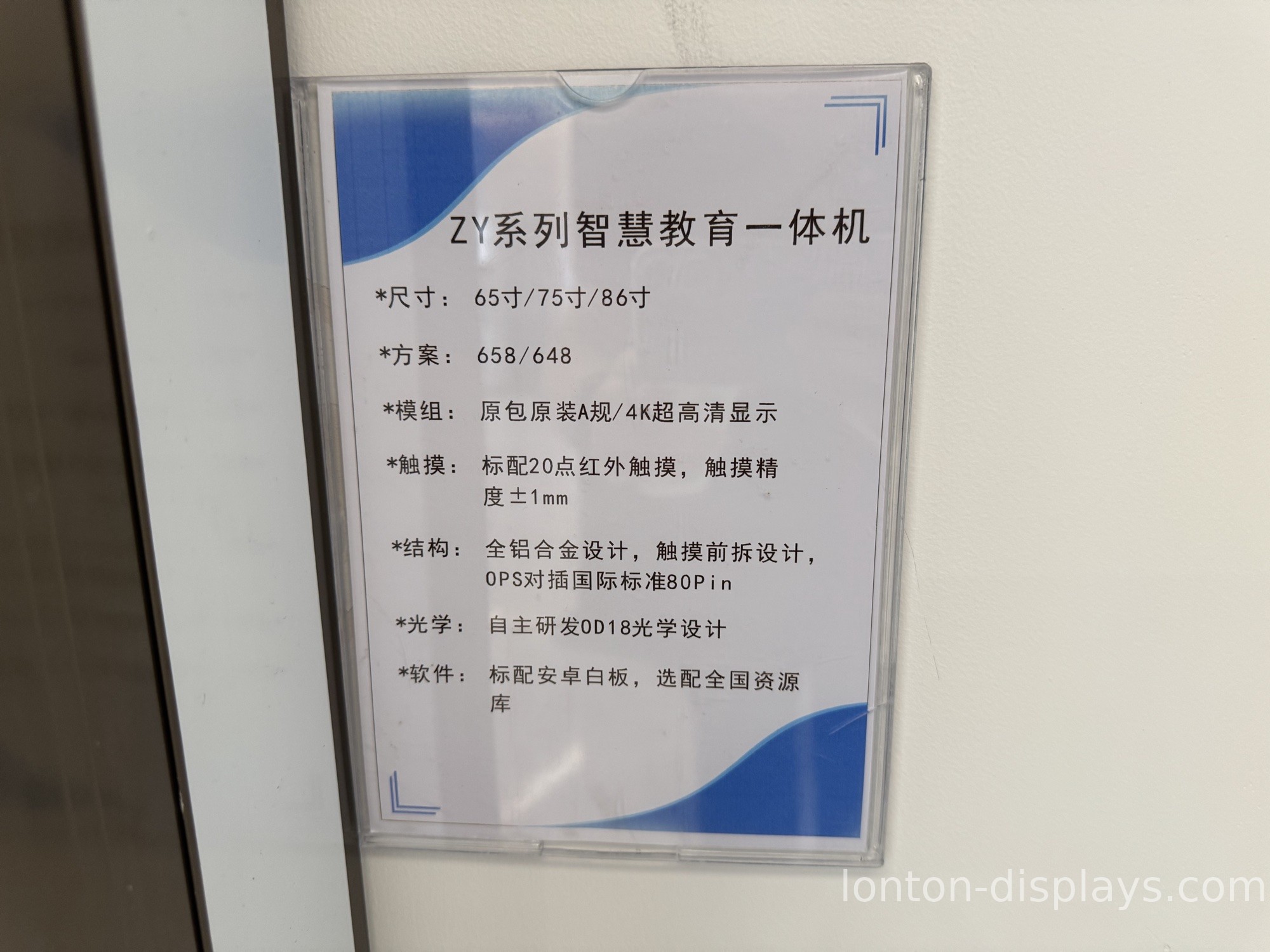
Most classrooms still run on the same two tools they've had for decades: a board on the wall and a marker in the teacher's hand. The problem isn't that these tools are bad. It's that everything else in the room has moved on. The students have tablets in their backpacks and a projector in the ceiling, but the front of the room is still static.
That's the gap electronic whiteboards fill. But "electronic whiteboard" is a loose term — it covers everything from a small write-and-save panel to a full interactive display with touch, apps, and wireless casting. Before you spend the budget, it's worth knowing which one your school actually needs.
What counts as an "electronic whiteboard" these days
The name is misleading. Early electronic whiteboards were basically a traditional whiteboard with a sensor bar that captured what you wrote and saved it as an image. Those still exist, and they're the cheapest option. What most schools buy now is an interactive flat panel — a large touchscreen that replaces the whiteboard entirely. You write on it, save lessons, cast from a laptop, and run teaching apps on it.
The practical question isn't "should we get an electronic whiteboard" — it's "do we want a capture board or a full interactive panel." If all your teachers need is to save notes, a capture board does the job for less money. If you want the screen to actually do something during the lesson, that's the interactive panel.
Why schools are moving off chalk and markers
Three reasons keep showing up in procurement conversations. First, saved lessons. A teacher builds a diagram once and reuses it next year instead of redrawing it. Second, multimedia. The same board can show a video, annotate over a map, or pull up a student's work — markers can't do any of that. Third, and this one matters to administrators, the interactive panel cuts the consumable and maintenance cost of markers, erasers, and constantly re-coated surfaces.
None of this is about being flashy. It's about a board that does more than one thing in the same space a static board used to take up.
Three things to check before you buy
Touch points. This is the spec that gets undersold. A single-touch board means one student writes at a time. A 40-point infrared panel means a small group can work at the board together — which is the difference between a tool the teacher uses and one the whole class uses.
Glass. A classroom board gets poked, scraped, and leaned on daily. Look for tempered glass with MOHS 7 hardness and an anti-glare coating. Glossy consumer-style glass turns classroom lights into a mirror, and soft glass picks up scratches within a semester.
System. Most interactive panels run Android out of the box, which is enough for whiteboarding and apps. If your school is standardized on Windows, make sure there's an OPS slot so a Windows 11 module can slide in later. That keeps the panel useful for the next five years instead of the next two.
What to look for in a classroom panel
Lonton builds classroom interactive flat panels from 55 inches up to 110 inches, factory-direct from a 100,000 m² facility with 15 production lines. The standard panel is 4K UHD with 40-point infrared touch, 350 cd/m² brightness, and Android 15 built in — CE, FCC, and RoHS certified, with a 2-year warranty. MOQ is 5 units, and OEM branding is available for districts and resellers who want their own logo on the frame.
For a standard 30-seat classroom, 75" or 86" is the usual fit. Smaller breakout rooms work with 65", and a lecture hall or auditorium can go 98" and up. The right size is less about the room's square footage and more about the back row being able to read it.
If your school is weighing an upgrade, start with the room count and the sizes. Tell us how many classrooms you're outfitting, and we'll put together a factory-direct quote that matches each room — no generic bundle you have to adapt to. And if you're still deciding between this and a projector, this flat panel vs projector comparison covers the trade-off.
FAQ
What's the difference between a capture board and an interactive panel?
A capture board saves what you write as an image. An interactive panel is a full touchscreen — you write, save, run apps, and cast from other devices. Capture boards cost less but do far less.
Do teachers need training to use one?
Most panels behave like a large tablet, so the learning curve is short. The bigger adjustment is usually switching from "write and erase" to "write, save, and share" — which is a habit change more than a technical one.
Can we keep using our existing whiteboard?
Most schools mount the interactive panel over or next to the old board, or remove the old board entirely. The panel replaces the writing surface, so keeping both usually just doubles the front-of-room clutter.
What's the MOQ for a school order?
Lonton's MOQ is 5 units, which covers a single classroom set or a small school rollout.

