
 English
Interactive Displays for Law Firms: What to Put in the Boardroom (2026)
A partner I work with told me about a mediation that nearly fell apart over a screen. Both sides were in the room, the settlement documents were up on the wall, and the opposing counsel kept leaning forward and squinting at a clause in 9-point type. The projector had washed the text out so badly that nobody could read the one paragraph the whole negotiation turned on. They ended up printing forty pages and passing them around the table, and the meeting ran ninety minutes longer than it should have.
Law is a business built on reading. The one piece of hardware a firm rarely thinks about — the display in the conference room — is the one that determines whether your clients, your opposing counsel, and your own team can actually read the documents that decide the case. Here's what a law office should actually put on the wall, and what to check before you buy it.
Why a law firm's screen has to be different
A law office isn't a retail store and it isn't a school. The screen in your boardroom gets used differently from either. You're not showing a video loop or drawing a math lesson. You're putting up documents — contracts, exhibits, medical records, photographs, deposition transcripts — and people are going to read them closely for minutes at a time, often from across a long table.
That changes what matters. A 65-inch screen that looks sharp in a showroom demo can be useless in a boardroom if the text bleeds at the edges, if a photo of a property survey turns into a blur, or if the screen throws enough glare that the person seated nearest the window can't see their half of the exhibit. Sharpness, contrast, and a screen that stays readable under office lighting matter more than a long feature list.
The three places a display actually gets used in a firm
Most firms think of the boardroom and stop there. In practice the panel ends up earning its keep in three different rooms, and each one leans on a different part of the hardware.
- Client meetings and negotiations. This is where trust is won or lost. You're walking a client through a settlement, showing them the evidence that supports their position, and they're watching your screen, not your slides. If the exhibit is crisp and readable, you look competent. If it's not, they start wondering what else you've been sloppy about.
- Internal case review. Three lawyers around a screen, marking up a timeline or comparing two versions of a contract. Here you want touch that keeps up — multiple people writing at once, no lag, no dead spots.
- Remote hearings and depositions. Courts have gone hybrid, and more evidence is presented over video than ever. The camera and microphone on the display matter as much as the panel itself, because the person on the other end of the call has to see and hear everything clearly.
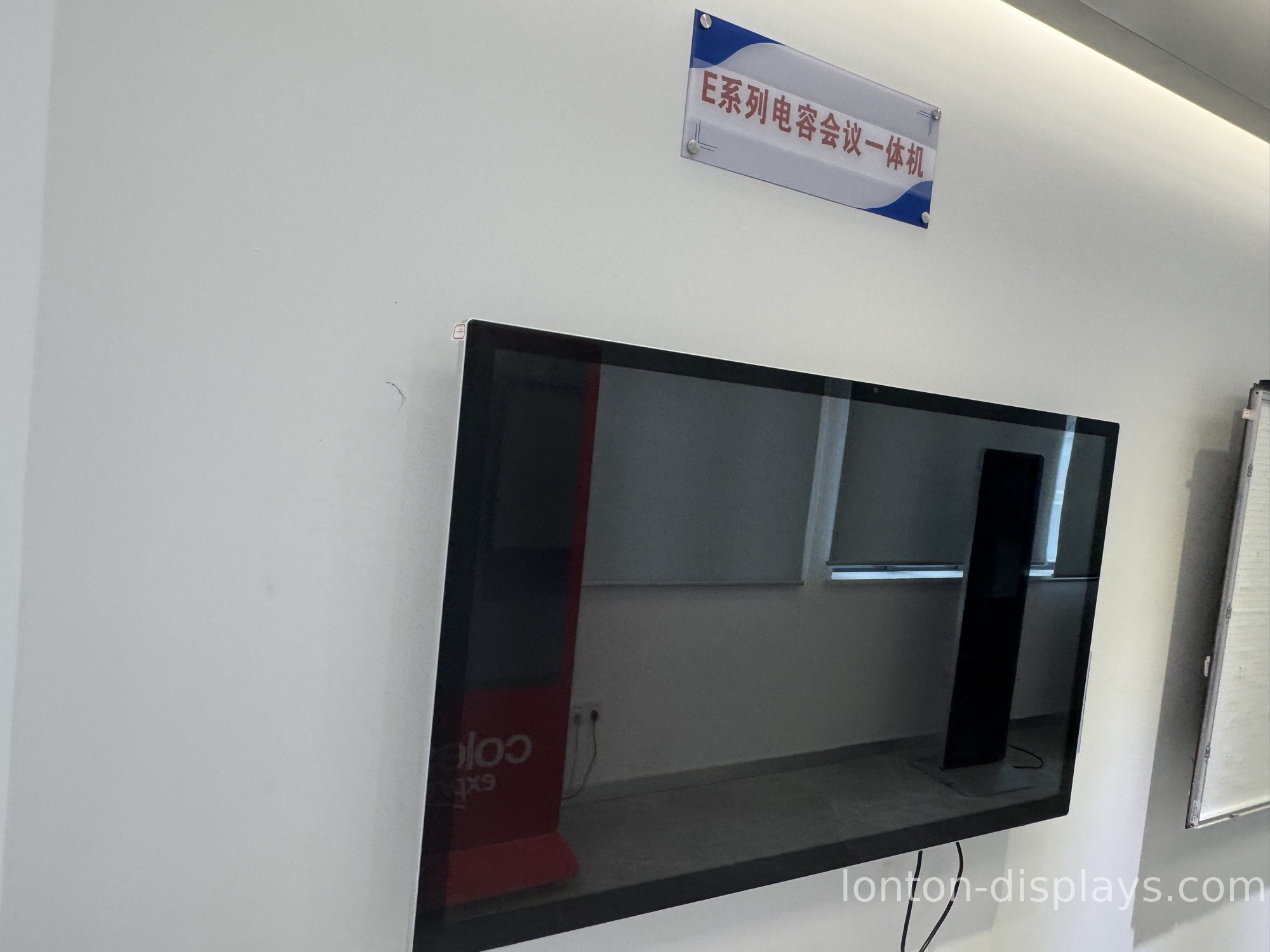
What to look for when you're buying for a law office
Forget the spec sheet for a minute and think about what your team is actually going to read. The first question is resolution. Legal documents are dense — footnotes, exhibit labels, fine print — and a 4K panel is what lets that small text stay legible when you zoom out to show a whole page. On a lower-resolution screen, the same page turns to mush.
The second question is the glass. A boardroom with windows on one side is the worst place for a glossy screen, because half the room ends up looking at a reflection of the building across the street instead of the document. Anti-glare glass is not a nice-to-have in a law office; it's the difference between a screen everyone can read and one only the two people sitting directly in front of it can see.
The third is audio and video for the remote work. If you're doing hybrid hearings, you want a built-in camera that actually resolves a witness's face and a microphone array that picks up the person at the far end of the table, not just whoever's closest to the screen. Buying these separately adds cost and clutter, and half the time the separate webcam ends up pointed at the ceiling.
How Lonton fits law firm rooms
We build interactive flat panels for rooms where the content matters more than the hardware, and a law office is exactly that kind of room. The panels run at 4K UHD, which is what keeps a 9-point contract clause readable when the whole page is on screen. The glass is anti-glare, so the window side of your boardroom reads as clearly as the wall side. And for the hybrid hearings, the built-in 48MP camera and 8-microphone array mean the people on the call see and hear the whole table, not just the chair closest to the panel.
We also build OEM/ODM, so if your firm wants its own boot screen, branded software, or a specific configuration locked down for compliance, we handle it from the factory floor — 100,000+ square metres, 15 production lines, and every panel fully inspected before it ships. It's the same factory-direct approach that keeps the price below what a local AV integrator quotes, without the middle layers.
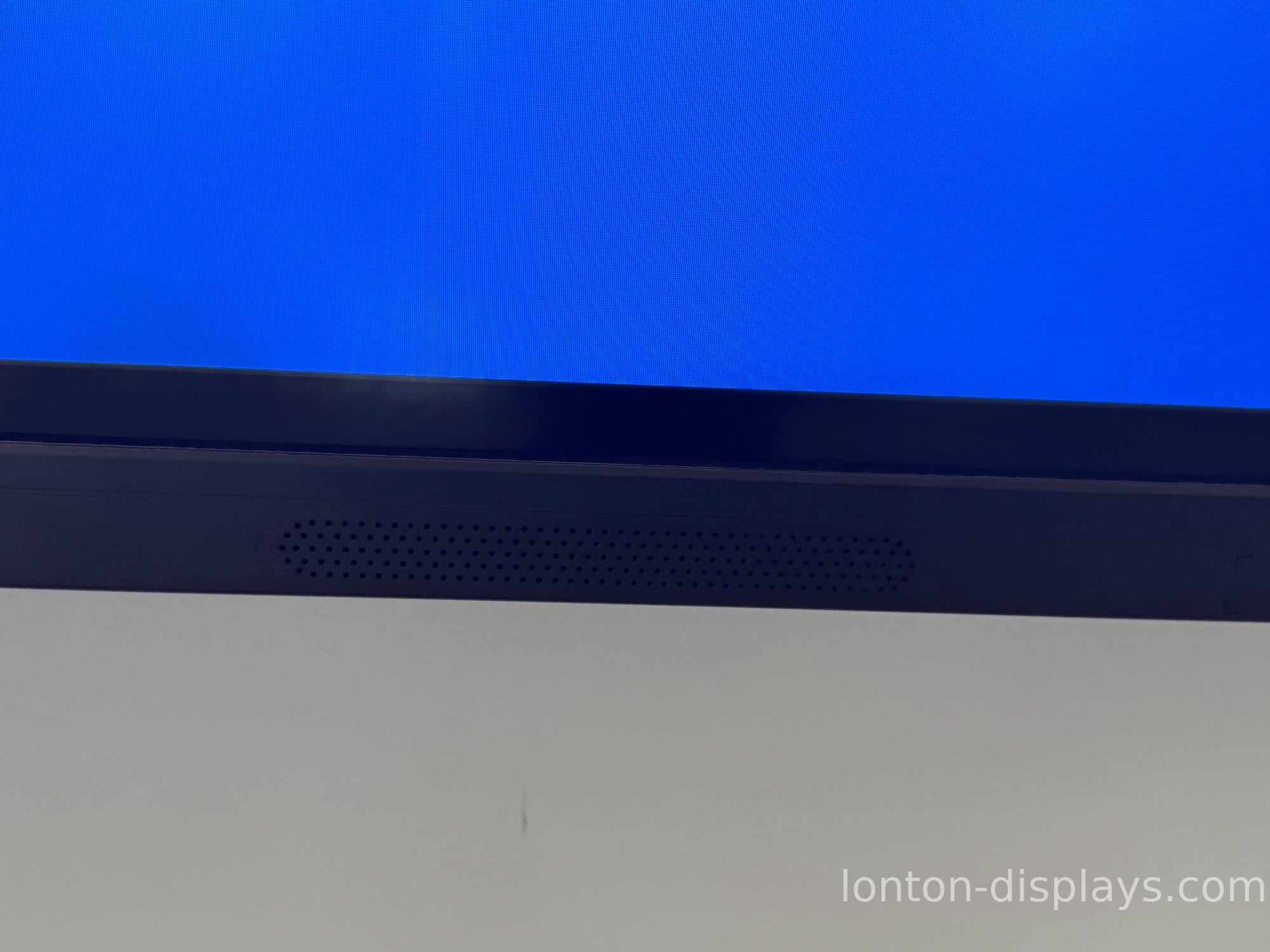
Put the document first
When you're buying a display for a law firm, the test is simple: put up the densest document your office handles, walk to the far end of the room, and see if you can read it. If you can, the screen is doing its job. If you have to squint, it doesn't matter what the spec sheet promised.
If you're outfitting a boardroom or a whole set of offices, tell us the room sizes and what you'll be showing, and we'll spec the right panels and a factory-direct quote — usually within 24 hours.
FAQ
What resolution does a law firm's display need?
4K UHD. Legal documents are dense, and 4K is what keeps fine print and exhibit labels legible when a full page is on screen.
Why is anti-glare glass important in a boardroom?
A boardroom usually has windows, and glossy screens turn into mirrors. Anti-glare glass keeps the document readable from every seat.
Can I run remote hearings from the display?
Yes. The built-in 48MP camera and 8-microphone array capture the whole table, so remote participants see and hear everyone clearly.
Can Lonton brand the panels for our firm?
Yes. We do OEM/ODM, including boot screens, software, and compliance-locked configurations.
What sizes fit a law office?
65, 75, 86, 98, 105 and 110 inches. We'll match the size to the room so the far end of the table stays readable.
How fast can we get a quote?
Usually within 24 hours. Tell us the room sizes and what you'll be showing.

