
 English
Interactive Displays for Insurance Offices & Agencies (2026)
An insurance broker I've known for years said something plain once: you don't sell a policy on the fine print, you sell it on whether the person across the table actually understood you. For a long time he ran his client meetings off a tired TV and a paper brochure — flipping pages while the client's eyes drifted about ten minutes in. When he switched to a panel he could write on, and started drawing the payout flow and the side-by-side comparisons as he talked, something shifted. Clients leaned forward. They started asking questions. As he tells it, when the questions start, the sale isn't far behind.
Insurance runs on trust, and trust is built face to face, slowly. The screen in that room is where complicated products get made clear — and where a good advisor shows the difference between selling and explaining. Here's where a display earns its keep in an insurance office.
Where a display earns its keep in an insurance office
- Client consultations. The highest-stakes screen in the office. A panel the advisor can write on turns a policy into a drawing — the payout flow, the coverage gaps, the two options side by side — so the client sees the choice instead of just hearing it.
- Claims and policy reviews. When a client comes in to understand a claim or a renewal, a large, sharp display lets you walk through the terms together instead of pointing at a printed page neither of you can read clearly.
- Agent training. Agencies train new agents constantly. A panel with a built-in camera runs the hybrid sessions — the trainer in the room, the new hires on the call — without a pile of borrowed equipment.
- Branch and lobby screens. A panel at the entrance shows products, rates and the day's schedule, and makes a small branch feel current instead of dated.
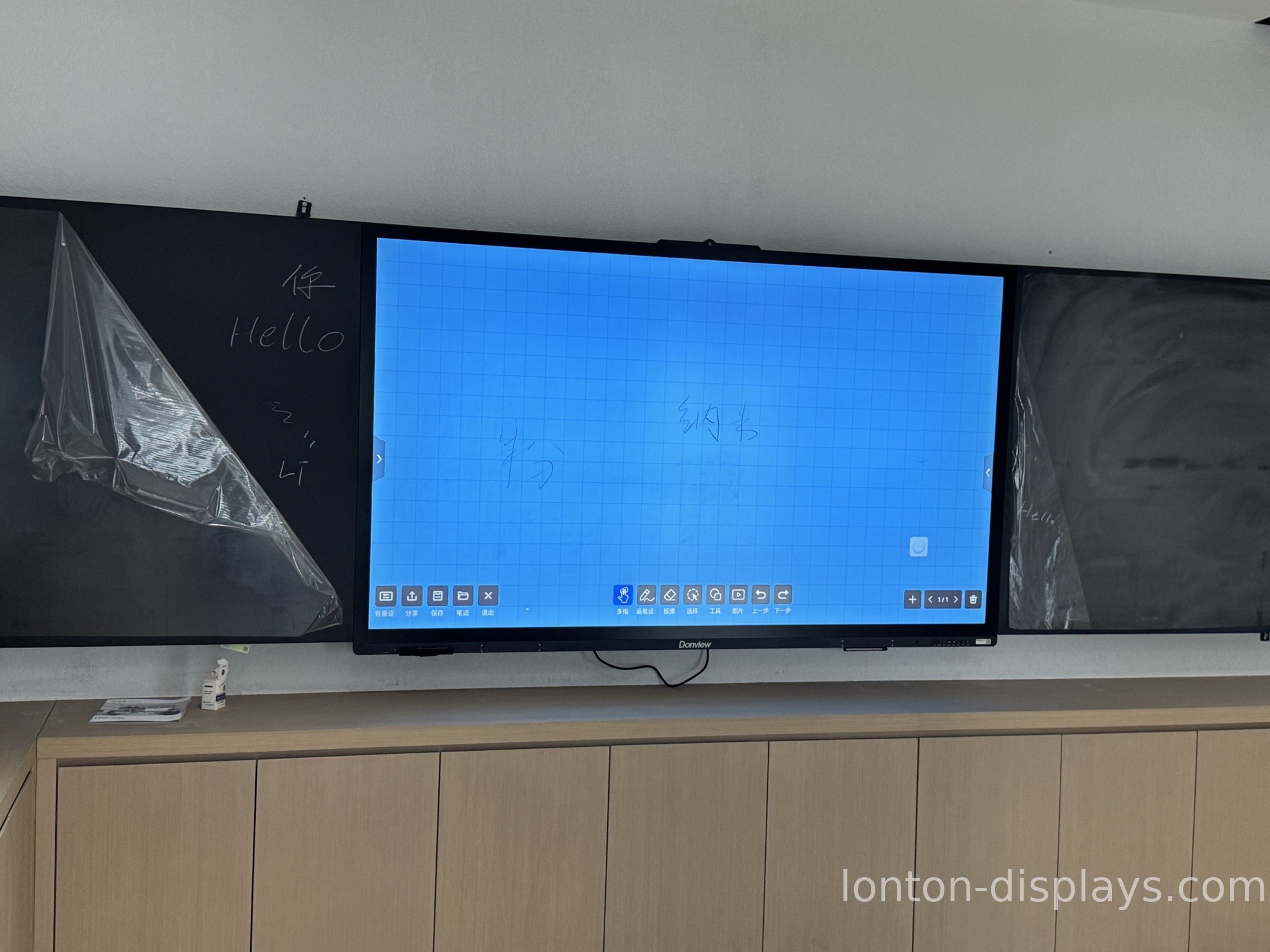
What an insurance-office screen has to be
The first thing is clarity. Insurance products are dense, and a 4K panel keeps the fine print and the comparison tables crisp enough to read from across the table, so nothing gets lost in a blurry screen.
The second is that you can write on it. The moment an advisor can annotate — circle a number, draw the flow of a payout, scribble a quick comparison — the conversation changes from a lecture into a shared problem. That's the 40-point touch and the whiteboard doing real work.
The third is that it just works. No IT person stands behind an insurance agent. The screen has to turn on, connect wirelessly from any laptop, and let the advisor get on with the meeting — because the person in the chair is there for a decision, not a tech demo.
How Lonton fits an insurance office
We build interactive flat panels for rooms where trust is on the line. The 4K display keeps every figure sharp, the 40-point touch lets an advisor annotate on the fly, and the anti-glare glass stays readable even with the office lights on. Wireless casting from any laptop means a client meeting starts in seconds, and the built-in 48MP camera and 8-microphone array handle hybrid reviews and agent training without extra gear.
Because we're the factory, an agency or a regional branch network can outfit every consultation room, training room and lobby on one platform, with OEM/ODM branding and central management — at a factory-direct price, no AV-integrator markup. 100,000+ square metres, 15 production lines, and every panel inspected before it ships.

Make the complicated simple
The test for an insurance office is simple: can an advisor sit a client down and walk them through a policy so the client leaves understanding it — and asking better questions? If the screen in the room gets in the way of that, it's costing you trust. Tell us your rooms and what your advisors need, and we'll spec the panels and send a factory-direct quote, usually within 24 hours.
FAQ
Can advisors write on the screen during a client meeting?
Yes. 40-point touch lets an advisor annotate — circle figures, draw payout flows, write comparisons — right on the screen.
Is the text sharp enough for fine print?
Yes. The 4K display keeps policy terms and comparison tables crisp and readable from across the table.
Can any laptop connect without cables?
Yes. Lonton panels support wireless casting from any device, so client meetings start in seconds.
Does it handle hybrid agent training?
Yes. The built-in 48MP camera and 8-microphone array cover the trainer in the room and remote attendees.
Can a branch network manage every screen centrally?
Yes. Central management and OEM/ODM branding on one platform across all locations.
Will it hold up in a busy office?
Yes. The anti-glare glass stays readable under office lights and the touch is built for daily use.

