
 English
Interactive Displays for Co-working Spaces & Business Centers (2026)
A co-working operator once told me the meeting room was the most requested, and most complained-about, thing in the building. Members would book the room, walk in, and spend the first ten minutes of their hour untangling a box of HDMI cables, trying to get a laptop to show on a TV that had decided to update itself, and erasing yesterday's whiteboard — which never fully came off. The room worked, barely, and only for the members who'd been there long enough to learn its quirks.
A co-working space sells one thing: a room that works the moment you walk in, no matter who you are. The display is the part of that promise that fails most often, and it's also the part that's easiest to fix. Here's where a screen earns its keep in a shared space.
Where a display changes the member experience
- Meeting rooms. The highest-leverage screen in the building. A panel that turns on instantly, connects to any laptop wirelessly, and doubles as the whiteboard means a member starts their meeting at minute zero instead of minute ten — and leaves with the notes saved, not photographed off a smeared board.
- Community and lobby screens. A panel at the entrance shows today's events, hot desks available, and member spotlights. It's the difference between a space that feels alive and one that feels like a corridor.
- Event and workshop spaces. Co-working spaces run talks, workshops and demos constantly. A large panel with a built-in camera handles the hybrid events — the speaker in the room and the attendees on the call — without a pile of borrowed AV gear.
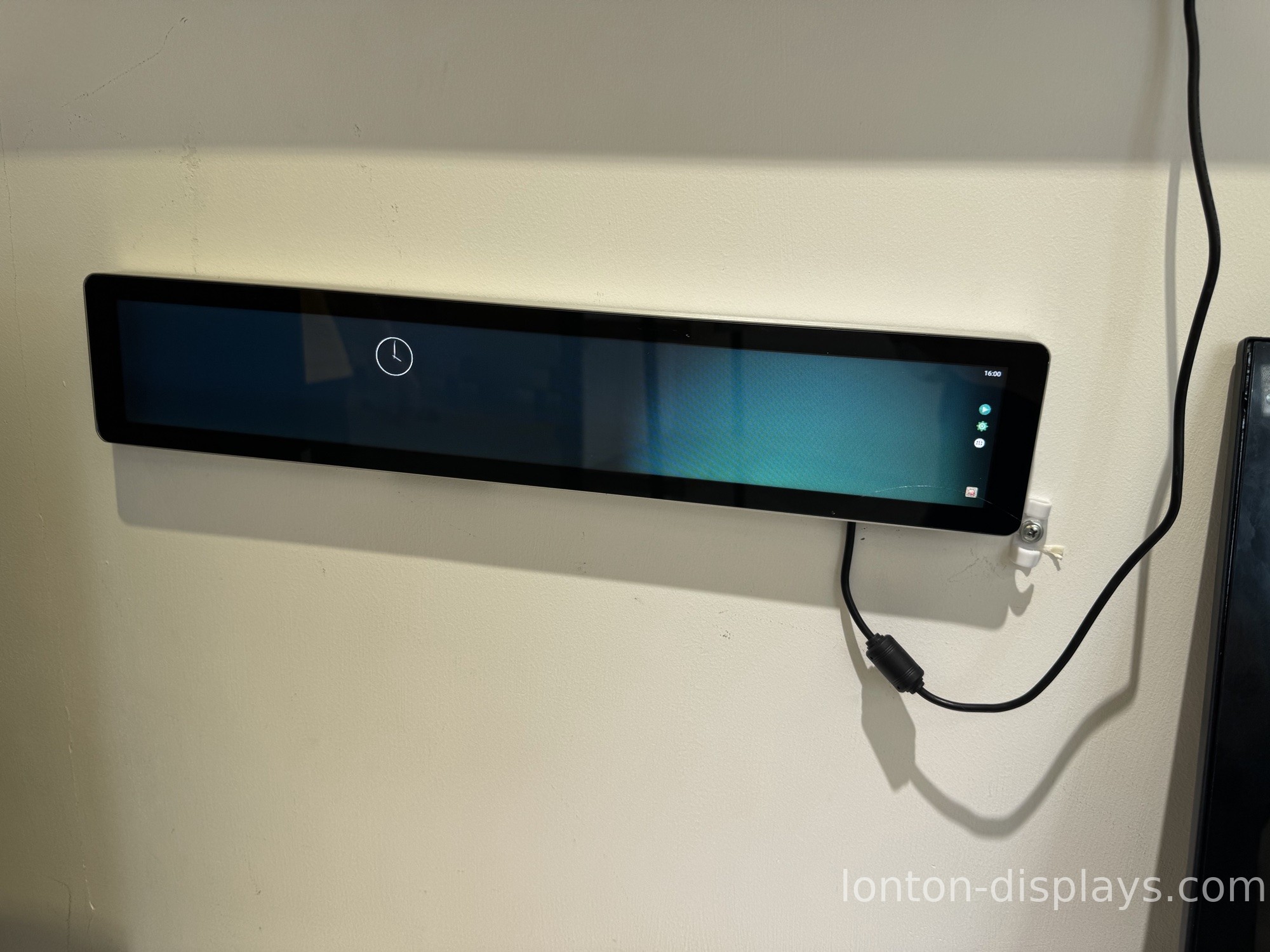
What a shared-space screen has to be
The first thing is instant. Members in a meeting room are already paying for the hour; a screen that needs five minutes to boot or a dongle that only works with one brand of laptop is a screen that's stealing their time. A panel that wakes instantly and accepts a wireless connection from any device is the only kind that earns its keep here.
The second is self-explanatory. In a shared space, there's no IT person standing by. The screen has to be obvious — one cable, one cast button, one whiteboard that anyone can use on the first try, because the person using it is probably in a hurry and doesn't know the building's quirks.
The third is durable and cleanable. Dozens of different people touch these screens every day, and the whiteboard gets used constantly. A surface that wipes clean and a touch that holds up to real use are what keep the room feeling new instead of worn.
How Lonton fits a co-working space
We build interactive flat panels for rooms that have to work for everyone, not just the regulars. The panels wake instantly, connect wirelessly from any laptop, and run a whiteboard that's ready the moment a member walks in. The 40-point touch means a group can brainstorm together — several people writing at once — and the anti-glare surface wipes clean between sessions. For the hybrid events, the built-in 48MP camera and 8-microphone array handle the in-room speaker and the remote attendees without extra gear.
Because we're the factory, a co-working operator or a business-center chain can outfit every meeting room, lobby and event space on one platform, with OEM/ODM branding and central management — at a factory-direct price without AV-integrator markup. 100,000+ square metres, 15 production lines, every panel inspected before it ships.
Make the room work at minute zero
The test for a shared space is simple: can a brand-new member walk into the meeting room and be presenting in sixty seconds, with no IT help? If the answer is no, the screen is failing the exact promise the space sells. Tell us your rooms and what your members need, and we'll spec the panels and send a factory-direct quote, usually within 24 hours.
FAQ
Can any laptop connect without a dongle?
Yes. Lonton panels support wireless casting from any device, so members don't need a specific cable or dongle.
Does the whiteboard work instantly?
Yes. The whiteboard is ready the moment a member walks in — no setup, no smeared board.
Can several people brainstorm at once?
Yes. 40-point touch lets a group write together at the same time.
Does it handle hybrid events?
Yes. The built-in 48MP camera and 8-microphone array cover in-room and remote attendees.
Can we manage every room centrally?
Yes. Central management and OEM/ODM branding on one platform across all locations.
Will it hold up to daily use by different people?
Yes. The anti-glare surface wipes clean and the touch is built for real, repeated use.

