
 English
Conference Room Display Solutions: What Works for Modern Meetings (2026)
If your company is upgrading its meeting rooms, you have probably noticed that the options go beyond picking a screen and mounting it on the wall. Walk into a modern conference room and the display is the single piece of hardware everyone looks at, interacts with, and depends on for the meeting to function. Get this choice right and the room works. Get it wrong and every meeting starts with someone apologizing for the technology.
The right conference room display solution depends on three things: the size of your room, how your team runs meetings, and what kind of content you share. Each option has its place — the question is which one fits your room.

Start with Your Room, Not a Product Catalog
Before you compare any product, ask yourself one question: what kind of meetings happen in this room?
If this is a huddle room — four to six people, quick stand-ups, informal brainstorms — a projector makes no sense. You would be dimming the lights and waiting for a bulb to warm up for a ten-minute sync. A 55-inch to 65-inch interactive flat panel fits here. One cable for power, mount it on the wall, and the room is ready. No bulb to replace, no screen to pull down, no calibration to redo when someone bumps the ceiling mount.
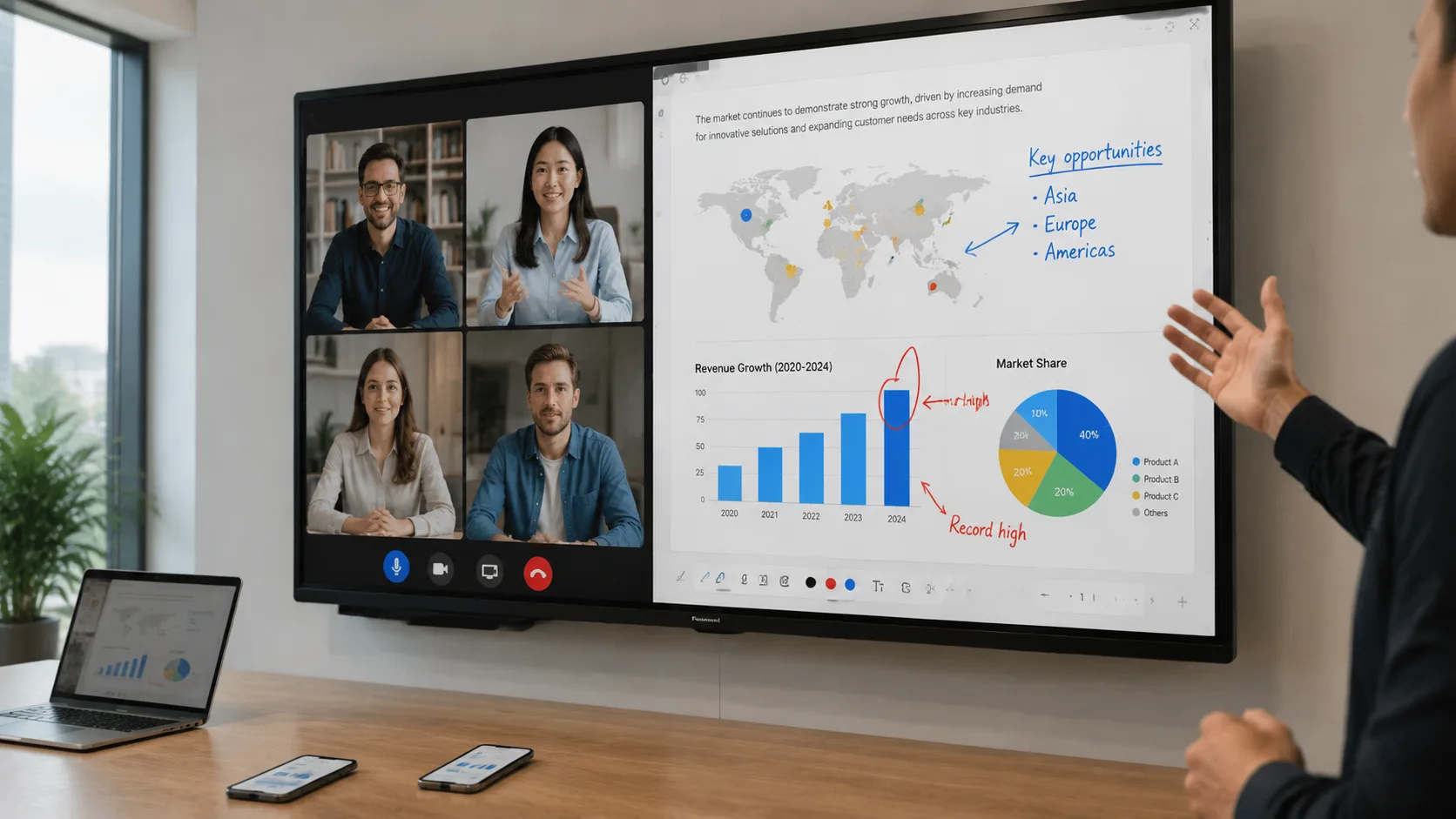
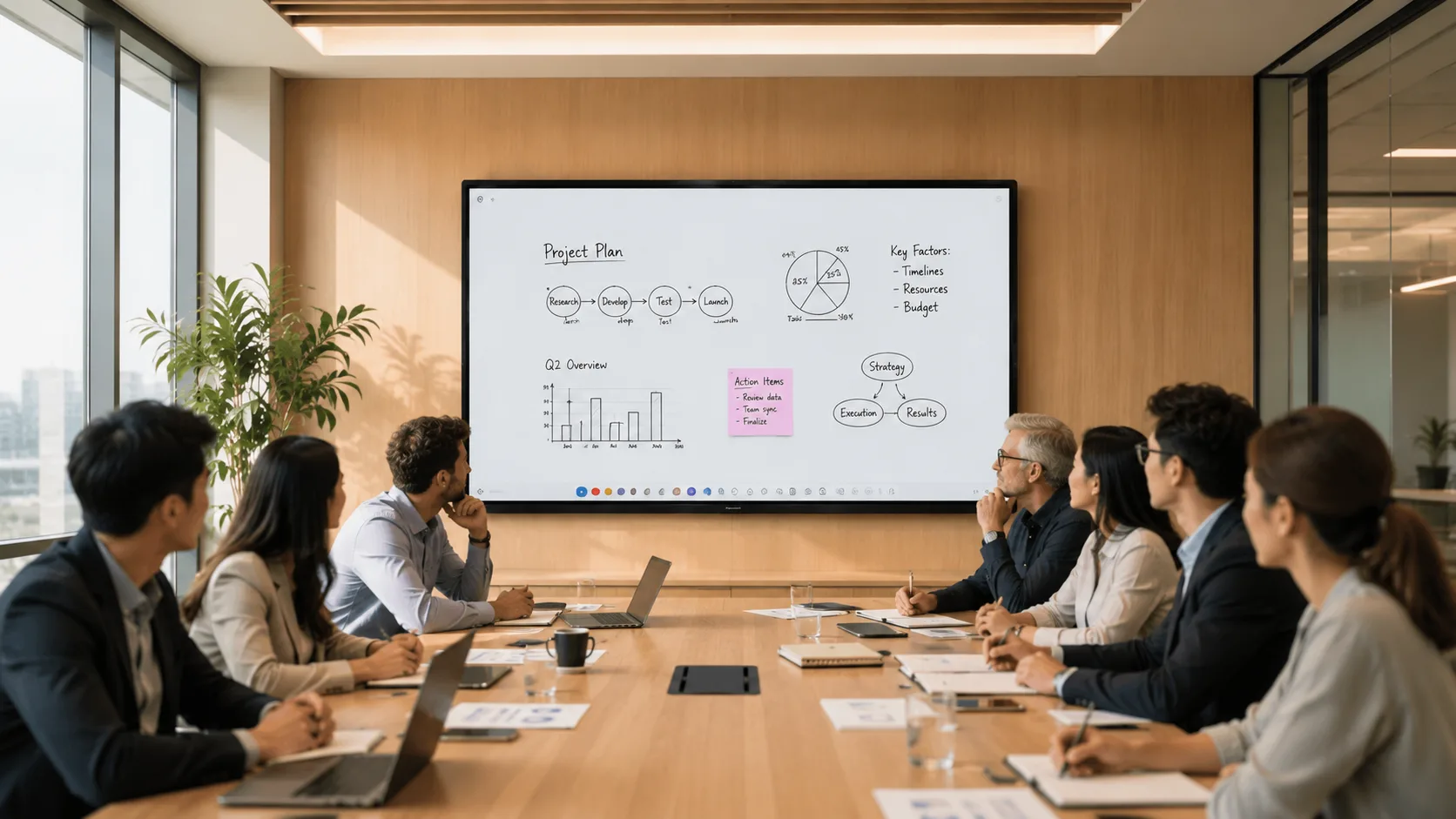
If this is your standard conference room — eight to twelve people, weekly team meetings, client presentations, video calls — the projector starts to show its age. The person at the far end of the table squints at a washed-out image while the person near the screen sees it fine. Someone spends the first five minutes of every meeting hunting for the right HDMI adapter. A 75-inch interactive flat panel solves this. The screen stays bright enough to keep the lights on. Wireless sharing means anyone connects in seconds, regardless of whether they brought a Mac, a Windows laptop, or just a phone.
If this is a boardroom or executive briefing center — a room designed to impress — you have two real options. A large interactive flat panel at 86 inches or above, or a video wall built from tiled displays for maximum visual impact. A video wall costs significantly more and needs more installation work, more power, and more ongoing maintenance. Ask yourself whether the room justifies it. For most organizations, a large IFP delivers the professionalism without the complexity. For a lobby or an investor presentation space, the video wall may be worth it.
The mistake most buyers make is starting with the product catalog instead of the room. The room tells you what it needs.
The Three Things Nobody Thinks About Until a Real Meeting Starts
Once you know the size, the harder questions are the ones that do not appear on a spec sheet — until someone points at the screen in a real meeting and says "I cannot see anything."
Glare. Walk into your meeting room at the time of day when the sun hits the windows and the ceiling lights are on. If you buy a display with standard glossy glass, that screen turns into a mirror. Everyone sees the light fixtures, not the presentation. Etched anti-glare glass costs more but the treatment is part of the glass itself — it lasts the life of the panel, unlike spray-on coatings that wear thin over time. Skip this and every meeting starts with someone adjusting the blinds.
Touch. Infrared touch uses LED beams across the screen and registers anything that breaks them — a finger, a stylus, a pointer. It handles multiple people writing at the same time and costs less, especially at larger sizes. Capacitive touch feels like a smartphone screen — smooth, pinch-to-zoom — but it costs more and only responds to bare fingers or specialty pens. For most conference rooms, infrared is the practical choice. But if your team spends half the meeting around a digital whiteboard, capacitive may be worth the upgrade. The point is to decide before you buy, not after.
Wireless sharing. If your display only supports one casting protocol, someone will walk into the meeting with a device it does not cover and that meeting starts late. Look for a panel that handles AirPlay, Google Cast, and Miracast at the same time so the device brand does not matter. Take LonTon as an example: as a professional manufacturer, our panels come with the EShare app pre-installed, covering wireless sharing across Windows, macOS, Android, and iOS. A visitor walks in, scans a QR code, and their screen is on the wall. No cable hunt, no adapter apology. When multiple people need to share in the same meeting, they pass the screen, not a cable.
These three things — glare, touch, and wireless — are what separate a display that gets used every meeting from one that makes people groan when they see that room on their calendar.
A Display Solution Built for Your Conference Room
LonTon, a professional manufacturer of interactive flat panels since 2005, builds conference room display solution setups in the sizes meeting rooms actually need — 55-inch through 86-inch and larger — with both infrared and capacitive touch options. The panels come with EShare pre-installed for multi-device wireless sharing. The configuration adapts to your space: wall mount or mobile stand, built-in audio or external speaker arrays, camera options depending on your video call setup.
If you are outfitting one conference room or a whole floor, we are happy to help you choose a display that fits your rooms and your workflow. Tell us your room dimensions, your seating layout, and how your team runs meetings, and we will recommend the right conference room display solution for your space. Click the inquiry button below.

