
 English
Classroom TV vs Interactive Flat Panel: What Schools Should Buy
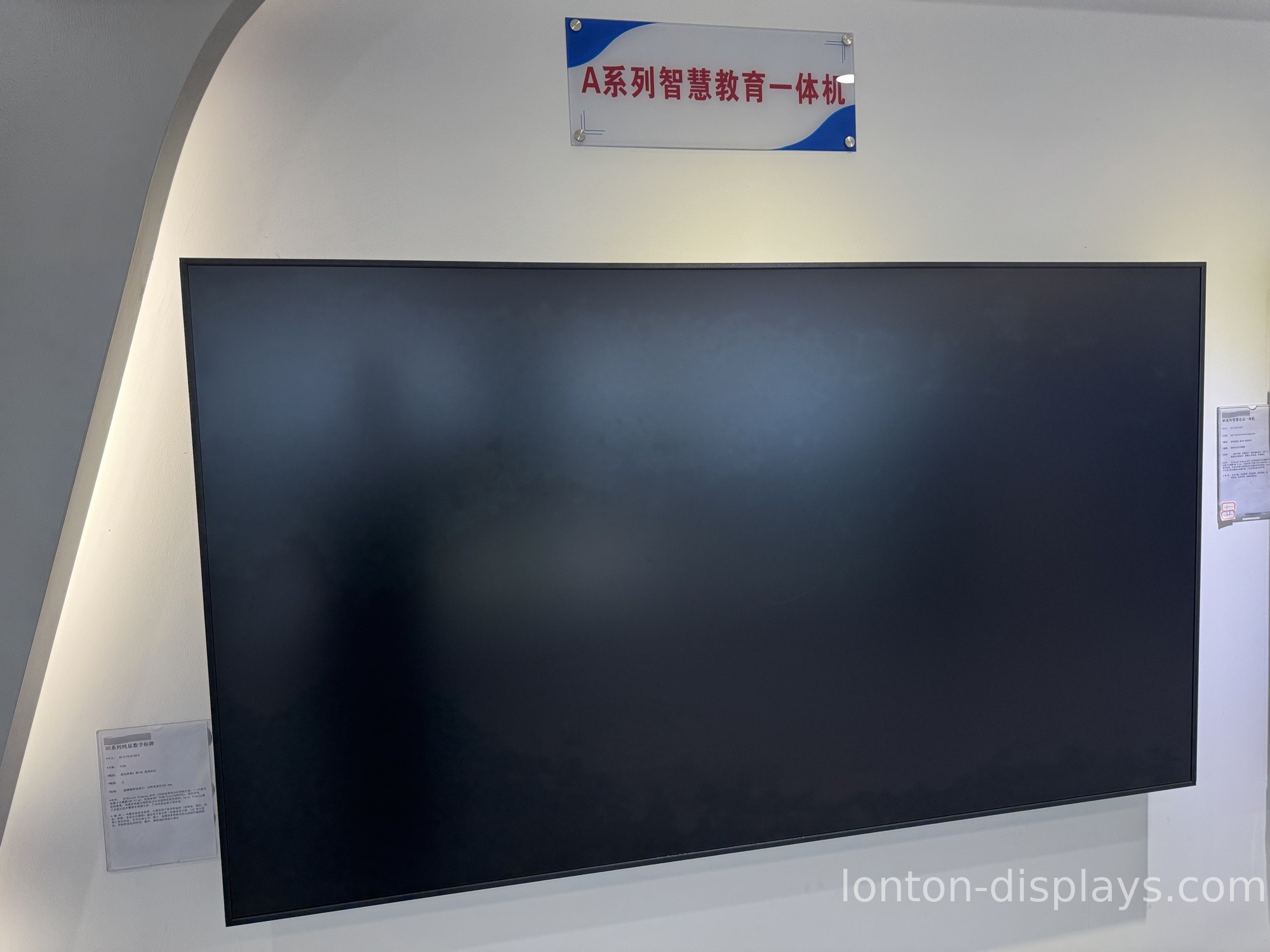
The budget conversation usually goes like this. A classroom needs a big screen. Somebody checks the price of a 75-inch TV, sees it's about half what an interactive flat panel costs, and the decision makes itself. Six months later the TV is still bolted to the wall, but nobody teaches on it. The screen has a scratch from a misplaced chair, the remote is taped to the cart, and the teacher has gone back to the whiteboard.
That's the difference between a display built to be watched and one built to be used. Here's what actually separates the two, and why it matters for a school budget.
A TV is built for watching. Teaching needs writing.
A classroom TV does one thing: it shows a picture. That's fine for a movie day or a slideshow. But the moment a teacher wants to underline a sentence, circle a number, or have a student walk up and work a problem, the TV just sits there. You'd need a separate digitizer, a separate stylus, and software to tie them together — and by then you've spent the money you were trying to save.
An interactive flat panel has the touch layer built in. 40 points of infrared touch means a whole group can write at the same time, not one finger at a time. The teacher and two or three students can be up there together, marking up the same diagram.
Consumer glass doesn't survive a classroom.
Here's a test. Take the TV you're considering and press a fingernail into the screen. Now imagine 30 kids doing that every day, plus the occasional backpack zipper and a chair that gets pushed too close.
Consumer TVs use glass designed for living-room viewing — clean, but soft and reflective. Classroom interactive panels use tempered glass rated to MOHS 7 hardness, so a key or a ring doesn't leave a mark. It's also anti-glare, which matters more than people expect: classroom lights hit a glossy TV and you get a mirror, not a lesson. A 350 cd/m² panel with anti-glare coating stays readable from the back row.
The software gap is the expensive one.
A TV runs a media operating system. You plug in a laptop and you're done — that's the whole feature set. An interactive flat panel runs Android 15 out of the box with a real whiteboard app, so you can write, save, and share a lesson without connecting anything. It casts from a laptop, tablet, or phone wirelessly over WiFi 6. And if a school is standardized on Windows, there's an OPS slot for a Windows 11 PC that slides in and disappears.
This is the part that's easy to miss on a spec sheet. The hardware looks similar. It's what you can do with it that costs — or saves — real money.
Warranty and support are different worlds.
When a consumer TV breaks, you're dealing with a consumer-electronics warranty. It wasn't written for a classroom, and "teaching" isn't a covered use case. When an interactive flat panel from a factory like Lonton ships, it carries a 2-year warranty and is built for commercial duty cycles — left on all day, touched constantly, mounted and moved.
What classroom-grade actually costs
Lonton has been building interactive flat panels since 2005, out of a 100,000 m² facility with 15 production lines and capacity for over 10,400 units a month. Because you're buying factory-direct, a 65-inch panel for a small classroom or a 110-inch panel for a lecture hall lands at a price that makes the "just buy a TV" shortcut look less clever. Sizes run from 55 inches up, and MOQ starts at 5 units, so a school can order exactly what it needs — with CE, FCC, and RoHS certification already in place, and OEM branding available if you're a district or a reseller.
| Consumer TV | Interactive Flat Panel | |
|---|---|---|
| Touch | None | 40-point infrared |
| Glass | Glossy, soft | Anti-glare, MOHS 7 |
| Brightness | Varies | 350 cd/m² |
| Writing | No | Built-in whiteboard |
| System | Media OS | Android 15 + optional Win11 OPS |
| Duty cycle | Home use | All-day classroom |
| Warranty | Consumer | 2-year commercial |
If your school is deciding between a classroom TV and an interactive flat panel, don't guess on the spec sheet. Tell us how many rooms you're outfitting and what size each one needs, and we'll send a factory-direct quote with the right panel for each space.
Before you buy, it's worth reading how an interactive flat panel compares to a projector too — that decision usually comes up at the same time.
FAQ
Can I just use a regular TV with a Chromecast or Apple TV?
For playing video, yes. But casting doesn't give you touch, and without touch you can't write or annotate. You'd still need a separate way for teachers and students to interact with the content.
How many people can write on an interactive flat panel at once?
With 40-point infrared touch, several students can write simultaneously — which is exactly why group work at the board works.
What size do we need for a classroom of 30?
For a standard 30-seat classroom, 75" or 86" is the usual range. Small rooms and huddle-style learning spaces work with 65"; lecture halls go up to 98"–110".
Does it come with teaching software?
The panel ships with Android 15 and a built-in whiteboard app. Lonton also supports OEM software bundles and an optional Windows 11 OPS module for schools standardized on Windows.
What's the minimum order for a school?
MOQ is 5 units, which suits most single-school or district rollouts.

