
 English
Preschool Interactive Whiteboard Buying Guide (2026)
A preschool classroom is not a smaller version of a high school classroom. The kids are three to five years old — they are shorter, they press harder, their attention spans are minutes long, and everything you put in front of them has to be safe and simple. That changes what you should look for in an interactive whiteboard. This guide covers the features that actually matter for preschool, so you do not overpay for things a five-year-old will never use.
Why a preschool interactive whiteboard is different
Three things set a preschool board apart from the one you would buy for an office or a high school:
- Safety comes first. The board will be touched, smacked, and occasionally leaned on. It needs tempered, scratch-resistant glass and a mounting height a child can reach without climbing.
- Several kids at once. Preschool is group time. You want a board that accepts multiple touches at the same time, not one that only reads a single finger.
- Software that is genuinely simple. A preschooler cannot navigate menus. The board should open straight into drawing, stories, or songs.
What size fits a preschool classroom
For most preschool rooms, 65 to 75 inches is the sweet spot. Anything larger is harder to mount low enough for small children and wastes space in a room that is usually compact. The number that matters more than the diagonal is the mounting height: the board should sit low enough that a three-year-old can reach the top of the screen without standing on a chair.
A 65-inch board mounted at the right height works better than an 86-inch board mounted too high for the kids who are supposed to use it. For a full breakdown on matching size to a room, see our guide on what size interactive display a classroom needs.
Features that matter for young kids
You can ignore most of the spec sheet. These four are the ones that make a real difference in a preschool room:
- Multi-touch. Look for infrared touch with at least 40 simultaneous points. It lets a group of kids draw and sort together instead of taking turns one at a time.
- Scratch-resistant glass. Kids press hard and use anything in reach. Tempered glass with a MOHS 7 hardness rating survives what a preschool throws at it.
- Anti-glare surface. Young children sit close to the screen, and glare makes them squint and lose interest. An anti-glare coating keeps the picture clear from any seat.
- Eye safety. Flicker-free backlighting and a blue-light filter matter more for developing eyes than for adults. If a board does not mention these, ask.
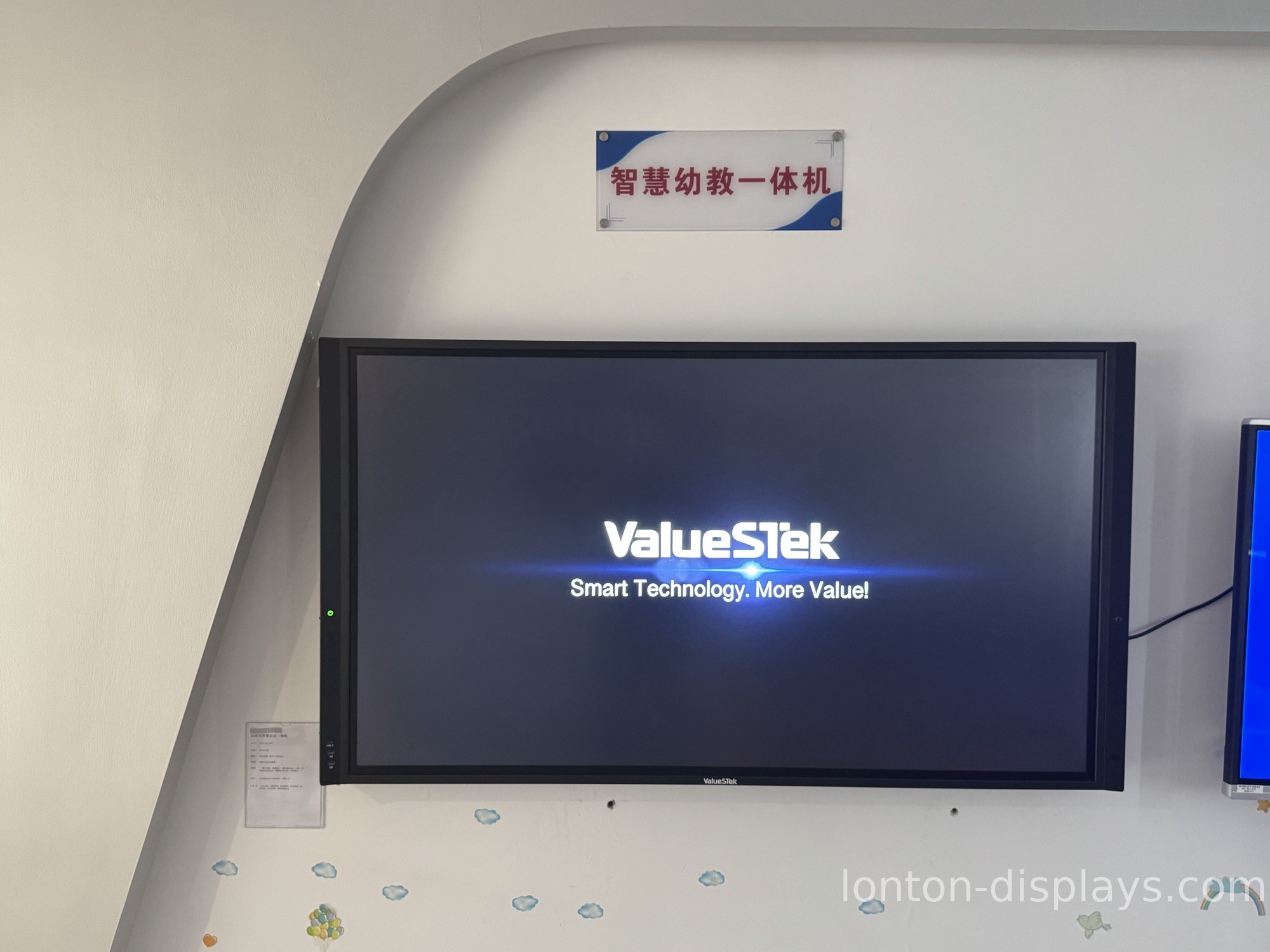
Safety and durability
A preschool board takes more abuse than any other screen in the school. The glass has to hold up to pencils, toys, and the occasional juice spill, and the frame needs rounded edges so a running child cannot catch a corner. Beyond the screen, think about the stand or wall mount — a board that wobbles when kids lean on it is a safety problem, not just an annoyance.
Two questions separate a board built for preschool from a board that is simply labeled for it: what is the glass hardness rating, and how is the unit mounted. If a supplier cannot answer both, keep looking.
Software and content for preschool
The best preschool whiteboard is one a teacher can start using on the first day. It should launch into simple tools — a whiteboard, a story viewer, a song player — without a training session. If the software requires a login, a settings menu, or a manual to reach the drawing screen, it is too complicated for the room it is going into.
Look for a board that runs standard classroom apps and, ideally, a version of Android that schools already know, so your IT staff is not learning a new system just for the preschool wing.
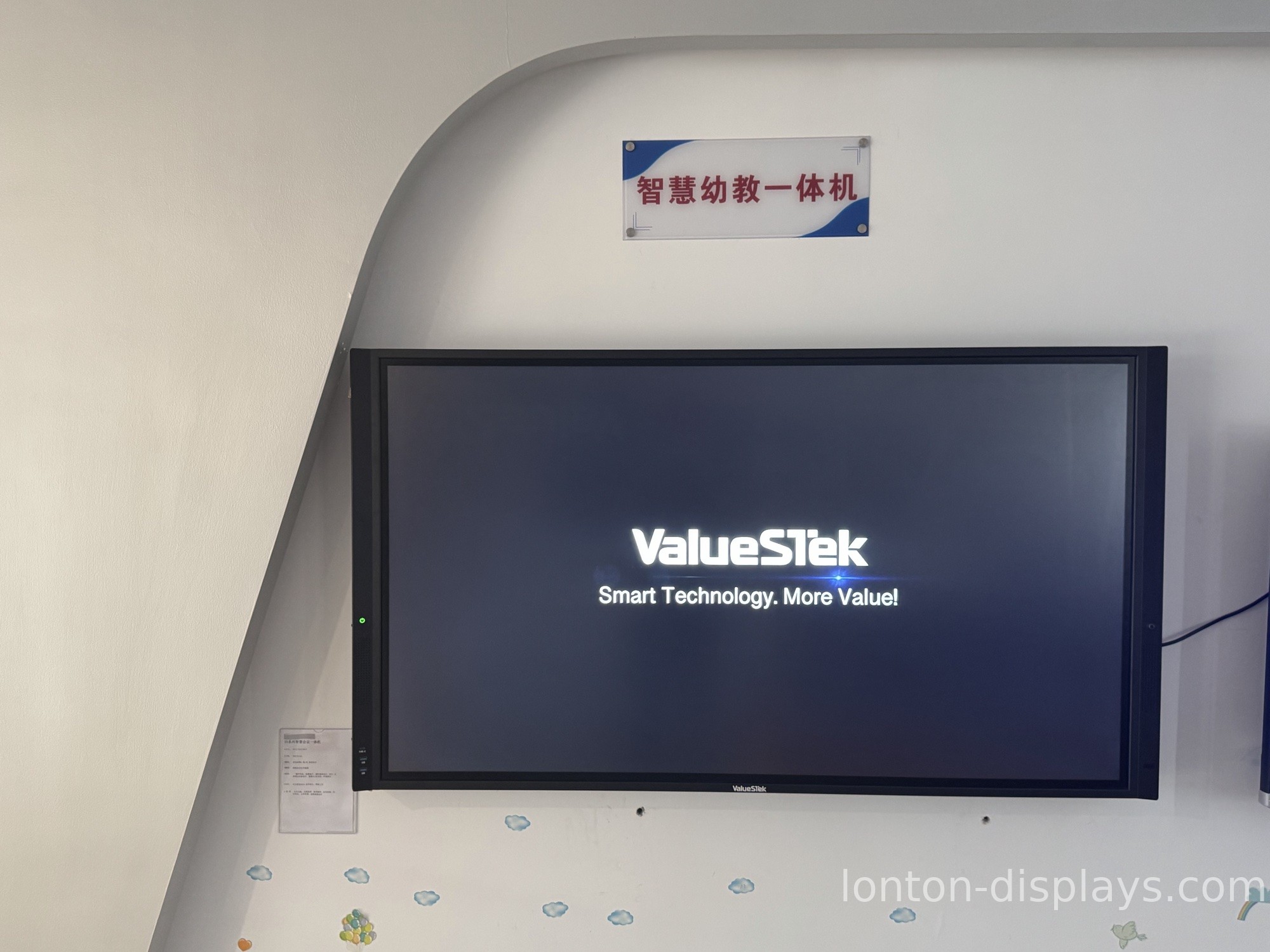
How Lonton builds preschool whiteboards
Lonton has manufactured interactive flat panels since 2005, and the preschool boards are built on the same line as the education panels used in K-12 and corporate classrooms. Sizes run 65 to 110 inches, every unit uses 40-point infrared touch and MOHS 7 anti-glare tempered glass, and the panels are built around Android 15 with BOE and CSOT screens. The boards carry ISO 9001, CE, FCC, and RoHS certification, and we ship factory-direct with OEM branding available — your logo on the bezel, the boot screen, and the packaging.
Because we are the manufacturer, not a reseller, you can order a small batch for one preschool or a full rollout for a chain, with a five-unit MOQ and a 15–25 day lead time. For a deeper look at the touch technology that makes group drawing work, see our guide on how many touch points a smart board needs.
What to ask a supplier before you buy
When you are comparing preschool interactive whiteboards, skip the marketing and ask for four numbers:
- What is the glass hardness rating? You want MOHS 7 tempered glass or better.
- How many simultaneous touch points? For preschool, 40 points means a group can use it together.
- Does the backlight have a flicker-free and blue-light rating?
- What is the warranty, and who handles after-sales in your region?
A supplier who answers these directly is selling you a real product. One who changes the subject is selling you a spec sheet.
Get a factory-direct quote
If you are outfitting a preschool — a single classroom or a whole network — tell us how many rooms and what sizes you need, and we will send a factory-direct quote. We can also arrange a video tour of the production line so you can see the boards being built.
Contact us or browse our interactive flat panels.
FAQ
What size interactive whiteboard is best for a preschool?
Sixty-five to 75 inches is the right range for most preschool rooms. The mounting height matters more than the diagonal — the board should sit low enough that a three-year-old can reach the top without climbing.
How many touch points does a preschool board need?
At least 40 simultaneous touch points. Preschool is group activity time, and multi-touch lets several kids draw, sort, and play together instead of waiting for turns.
Are interactive whiteboards safe for young children's eyes?
Look for a flicker-free backlight and a blue-light filter. These features reduce eye strain, which matters more for developing eyes than it does for adults.
What is the difference between a preschool whiteboard and a regular smart board?
The hardware is often similar; the difference is in safety and simplicity. A preschool board needs scratch-resistant glass, rounded edges, a low mounting height, and software simple enough for a child to use without a training session.

