
 English
What Software Comes with a Smart Board?
The software that comes with a smart board depends on the manufacturer, but there's a core set of tools you should expect as standard.
First, a whiteboard application. This lets you write, draw, and annotate directly on the screen with your finger or a stylus, just like a physical whiteboard — but with the ability to save your work, share it, and pull in images or documents as background layers. Some boards include multiple whiteboard apps optimized for different use cases.
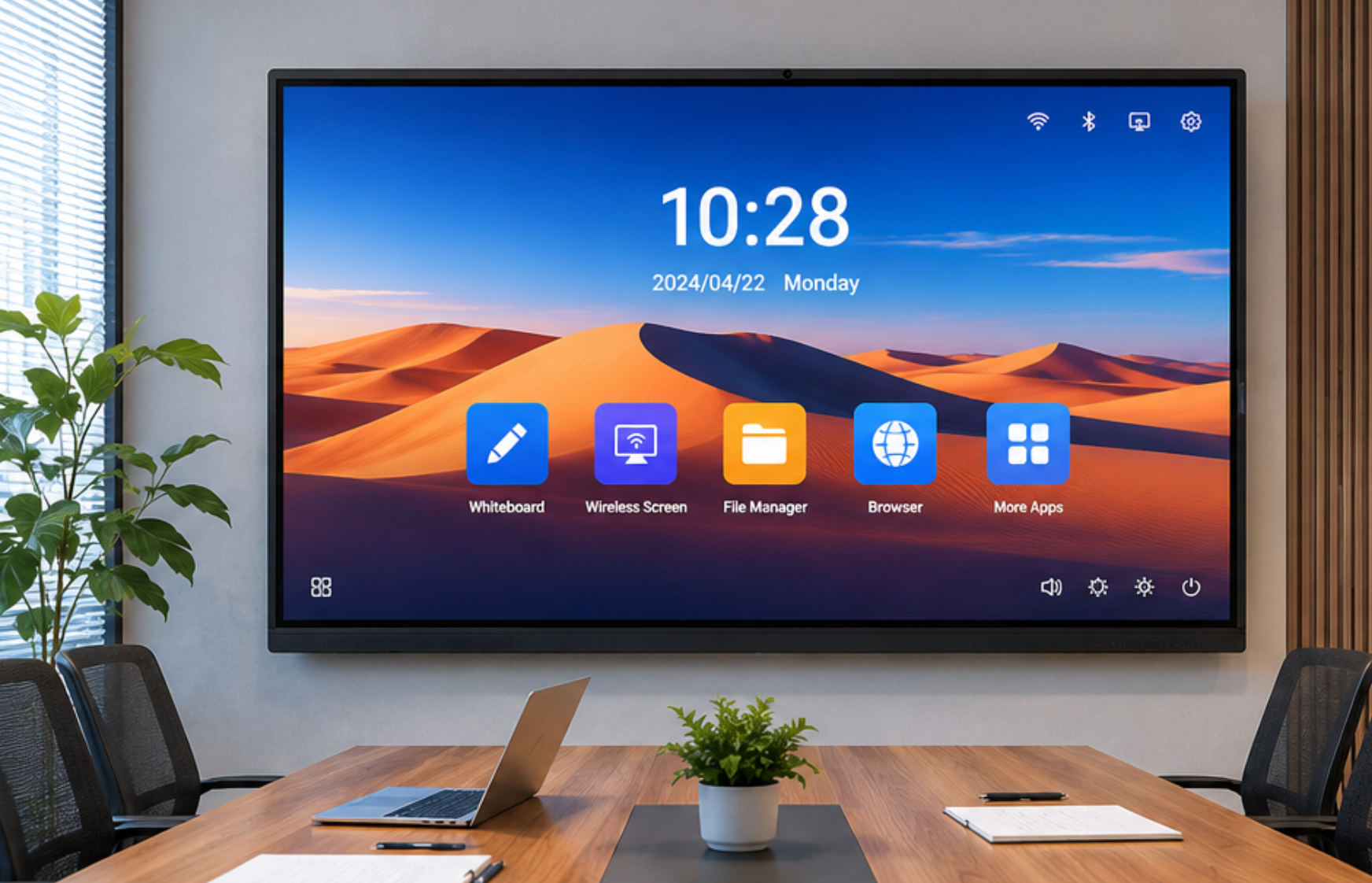
Second, wireless screen sharing is built in. The board can receive screen mirroring from a laptop, tablet, or phone through AirPlay, Google Cast, or Miracast. Anyone who walks into the room can share their screen without hunting for a cable or a dongle. Switching presenters takes seconds — marketing finishes their deck, engineering taps to share their sprint board, and nobody touches a cable.
Third, a web browser. The built-in Android OS includes a browser designed for a large touchscreen display. You can pull up websites, search for information, access cloud-based tools like Google Docs — the smart board software foundation means you can get real work done without connecting a laptop.

Beyond these three core tools, most boards include a file manager for accessing documents from a USB drive, an annotation overlay that lets you write on top of any content source including a connected laptop, and access to an app store for installing additional software like Zoom, Microsoft Teams, or educational apps.
As a professional manufacturer, LonTon pre-installs all of this and ships every interactive flat panel ready to use straight out of the box. You mount it, you power it on, and your meeting room is functional. What you install after that depends on how your team works — but the software that comes with a smart board gives you everything you need to run a meeting on day one.

