English
Do Smart Boards Need a Computer?
The short answer: no. The question do smart boards need a computer comes up because most people picture a display as just a screen — something passive that needs a PC behind it. An interactive flat panel is different. Modern smart boards come with a built-in Android operating system that handles whiteboarding, wireless screen sharing, web browsing, and video conferencing apps right out of the box. You plug the board into a power outlet, connect to WiFi, and it is ready to use — no PC required.
That said, some meeting rooms benefit from adding a computer. If your team relies on Windows-only software, needs full Microsoft Office with all desktop features, or runs specialized applications that do not have Android versions, you can add a Windows OPS module. This slides into a slot on the back of the board and turns it into a full Windows PC. The board can switch between Android and Windows modes with a single tap. So when someone asks do smart boards need a computer, the honest answer is: not by default, but the option is there if your workflow demands it.
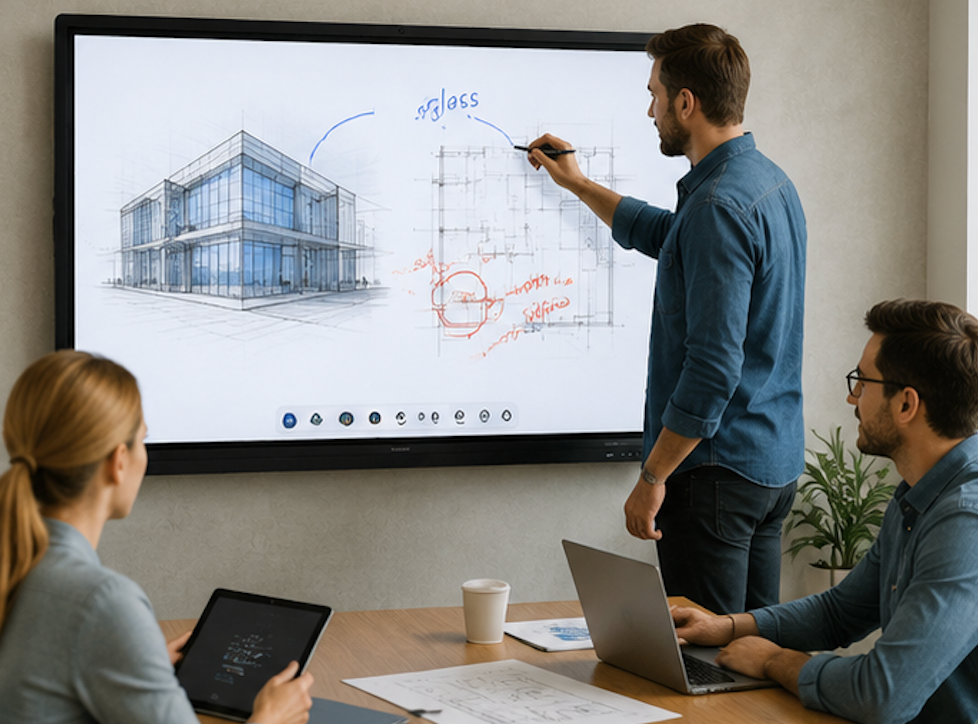
For most daily use — presentations, whiteboarding, casting from a laptop, and running Zoom or Teams — the built-in Android system handles everything. The external computer is an option, not a requirement. If you are buying boards for a school or office where you want the simplest possible setup, the built-in Android is usually the right answer. And that is really the question behind the question when people ask do smart boards need a computer — they are not asking about ports and processors, they are asking whether the board can stand on its own. It can.
Trying to figure out whether your rooms need Android alone or Android plus Windows? We can help. LonTon, as a professional manufacturer, has been helping schools and offices spec their interactive flat panels since 2005 — no guesswork, just what works for your setup.