
 English
What Size Smart Board Do You Need? 55 65 75 86 Inch Guide (2026)
If you are outfitting a meeting room or classroom, you have probably done the obvious steps already. You measured the wall. You counted the seats. You checked the budget. And now you are staring at four numbers — 55, 65, 75, 86 — and none of them tells you which one is right for your room.
A spec sheet will not give you the answer. The room will. The way to choose smart board size 55 65 75 86 is to match the inches to what actually happens in your space — not to a chart on a website.
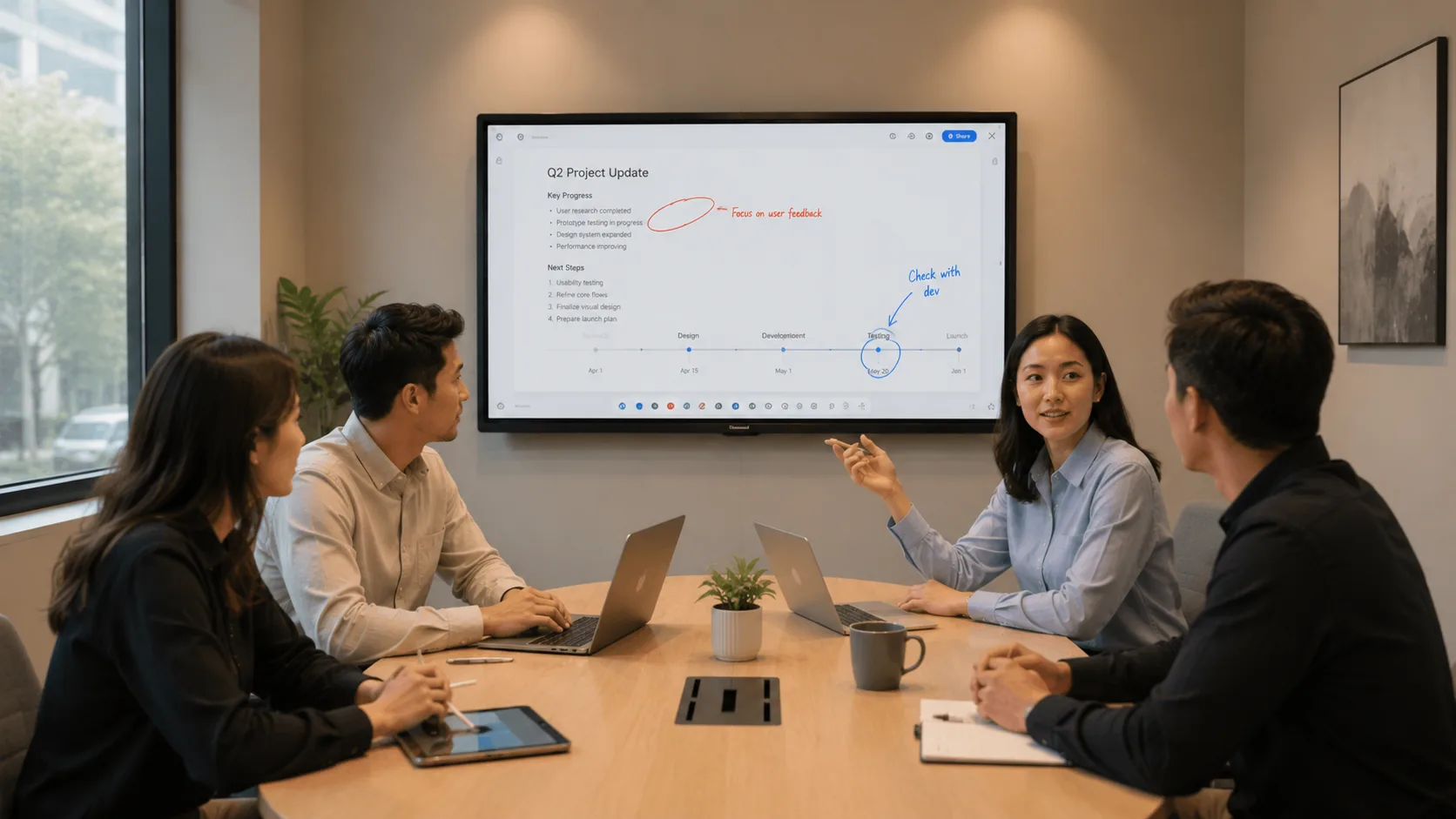
55 Inch: The Huddle Room Size
A 55-inch smart board fits a room where four to six people meet face to face. Huddle rooms, small breakout spaces, private offices used for one-on-one reviews. The screen sits close enough that everyone reads text at a glance, and the panel does not overwhelm a wall that is already tight on space.
LonTon builds 55-inch panels with the same touch technology and wireless sharing as its larger displays — infrared and capacitive both available. A small room does not mean a stripped-down product, just a smaller panel with the same core capabilities.
65 Inch: The Small-to-Medium Room Sweet Spot
A 65-inch display works for rooms seating six to ten people. A compact conference room, a small classroom, a training space where the furthest seat is not too far from the screen. You get a noticeably larger canvas than 55 inches without the jump in cost that comes with 75 and above.
This is the size most buyers land on when they are upgrading from a projector and want something bigger than a television but are not ready to commit to a 75-inch panel. It is a safe choice — but only if your room actually fits the description. Put a 65-inch panel in a standard classroom and the back row will squint at small text all semester.

75 Inch: The Standard Conference Room and Classroom
If your room seats eight to sixteen people — a standard conference room, a typical K-12 classroom, a corporate training center — 75 inches is where the math works. The person at the far end of the table sees the same content as the person next to the screen. Text stays readable from every seat.
This is the most common size for a reason. It handles presentations, video calls, whiteboarding, and multi-person wireless sharing without anyone leaning forward. When we at LonTon talk to buyers who are unsure, 75 inches is often where the conversation lands — not because it is the default, but because it genuinely covers the most common room layouts. If you are trying to choose smart board size 55 65 75 86 for a standard room, start at 75 and work outward.
86 Inch: The Boardroom and Large Space Size
An 86-inch smart board is for rooms where the screen needs to command attention. A boardroom seating twelve to twenty. A lecture hall. A training auditorium. Any space where the display is the focal point and someone in the back row is sitting far from the wall.
At this size, 4K resolution stops being an upgrade and becomes the baseline. A lower-resolution panel at 86 inches reveals its pixel grid to anyone sitting close. LonTon offers 86-inch panels in both infrared and capacitive touch, with configurations built around your room — wall mount or mobile stand, camera options, built-in or external audio — rather than a fixed SKU you have to adapt to.
One thing to know: the jump from 75 to 86 inches is not a linear price increase. The display panel, the backlight, the packaging, the shipping — all scale with the diagonal. If your room genuinely needs 86 inches, the investment makes sense. If 75 inches covers your space, the extra eleven inches may cost more than they add to the experience.
The Decision Is Simpler Than It Looks
For most buyers, the choose smart board size 55 65 75 86 question starts with one honest measurement: the distance from the screen to the furthest seat. Divide that number in feet by two, and that is roughly the screen diagonal in inches you need. A shorter room points toward a 55 or 65. A deeper room points toward a 75 or 86.
If you are still unsure, LonTon can help you decide. Tell us your room dimensions, how many people will use the board, and what kind of meetings or lessons happen in that space. We will recommend the right size and configuration — not a boilerplate answer, but a recommendation based on how your room actually works. Click the inquiry button and we will talk through your setup.

