
 English
Smart Conference Rooms: What You Need to Build One (2026)
The global interactive display market was valued at over $14 billion in 2023, and industry analysts project it to grow at a compound annual rate above 7% through the end of the decade. Behind that number is a straightforward shift: companies, schools, and government organizations are replacing projectors and traditional whiteboards with interactive flat panels at an accelerating pace. The meeting room that worked five years ago — a projector on the ceiling, a whiteboard on the wall, a speakerphone on the table — increasingly feels like it belongs to a different era.
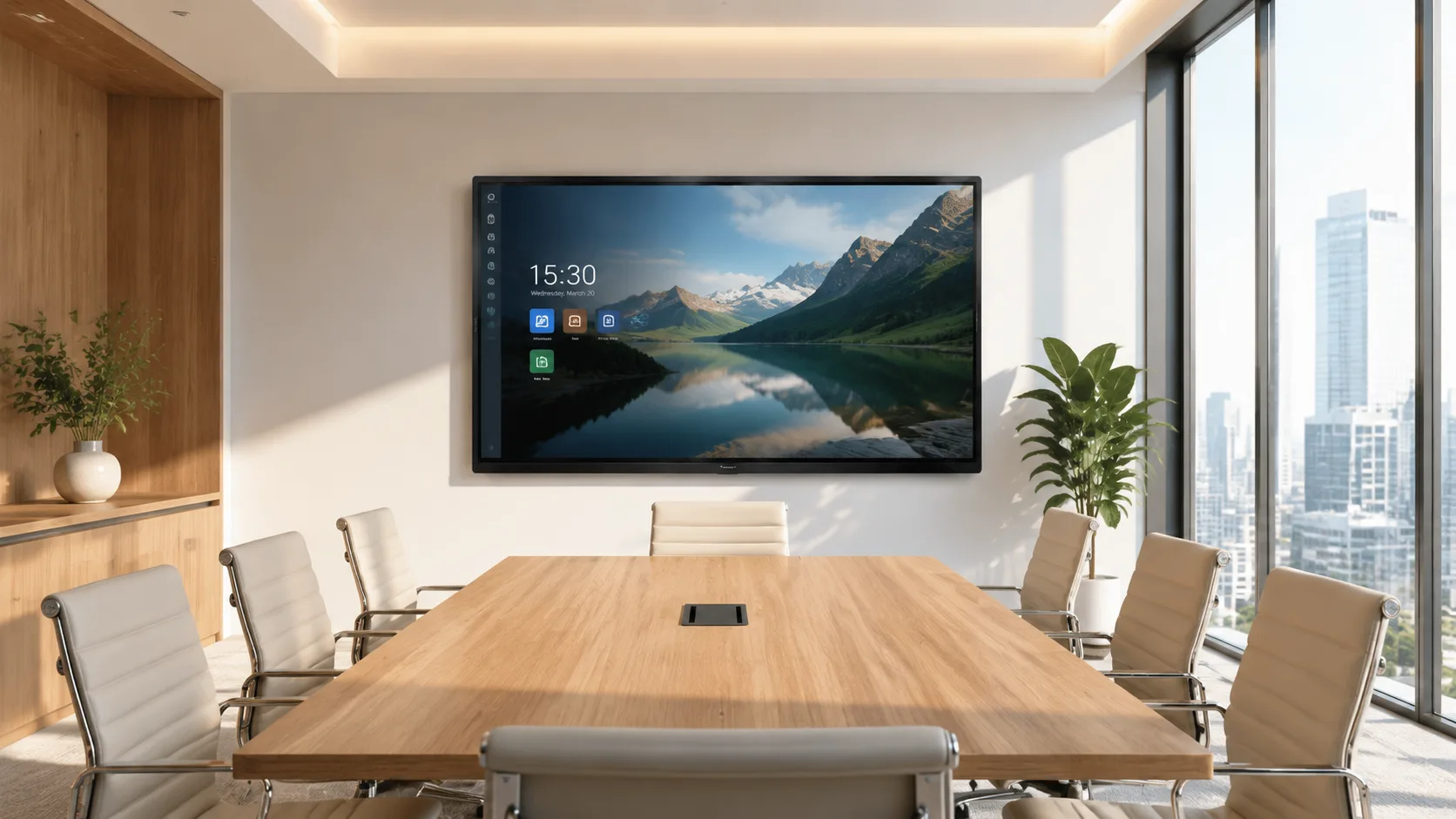
If you are looking to upgrade your meeting rooms and make them more intelligent, an interactive flat panel is one of the most important components in that transformation. It is the single piece of hardware that everyone in the room sees, touches, and interacts with. Get this right, and the rest of the room falls into place around it. A smart conference room starts here.
Why an Interactive Flat Panel Matters
An interactive flat panel makes a meeting room smarter because it consolidates several devices into one. Instead of a projector, a projection screen, a whiteboard, a dedicated computer, a webcam, and a speakerphone — each requiring its own cable, its own setup, its own troubleshooting — one screen handles all of it. Take LonTon as an example. As a professional manufacturer of interactive flat panels since 2005, LonTon builds panels that integrate the display, the touch sensor, the built-in computing, and the wireless screen sharing into a single unit. You walk into the room, touch the screen, and the meeting begins. No separate components to connect. No projector bulb to replace. No calibration routine that eats the first five minutes of every meeting.
Wireless Sharing and Video Conferencing
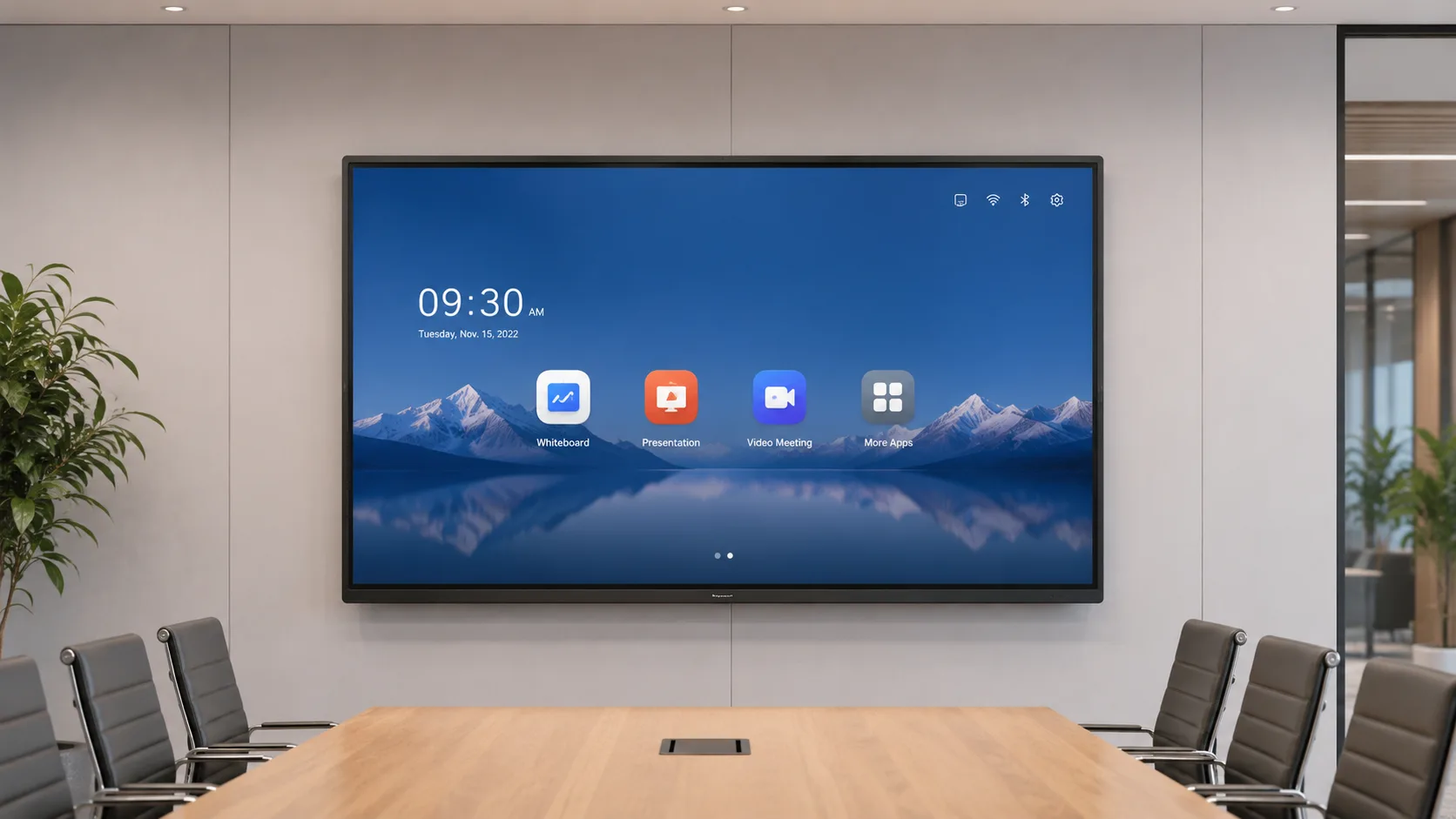
Wireless screen sharing is the feature that most directly changes how a meeting feels. LonTon panels come with the EShare app pre-installed, supporting AirPlay, Google Cast, and Miracast simultaneously. Someone walks in with a MacBook, a colleague connects a Windows laptop, a guest shares from an iPhone — the screen appears without a cable handoff. You scan a QR code and your device connects. Multiple people can share their screens in the same meeting, switching presenters without passing a cable around the table. This alone removes the most common friction point in a traditional meeting room.
Video conferencing runs directly on the panel. Most Android-based interactive flat panels support Zoom, Microsoft Teams, and Google Meet natively — no separate computer required. The panel's built-in speakers fill a standard meeting room, and camera options are configurable depending on the room size. For larger spaces or rooms with difficult acoustics, external speaker and microphone arrays can be added. The standard that matters: a visitor who has never been in the room before walks in, joins a video call, and participates without help.

What to Look for When Choosing
When you are choosing an interactive flat panel for your conference room, focus on the factors that affect daily use rather than chasing specification numbers. Screen size should match your room — a 55-inch to 65-inch panel for huddle rooms, 75-inch for standard conference rooms seating eight to twelve, 86-inch or larger for boardrooms. Touch technology: infrared handles multi-user annotation, works with any object, and costs less at larger sizes, making it the practical choice for most meeting rooms. Look for anti-glare glass — standard glossy screens turn into mirrors under ceiling lights. And verify that the wireless sharing covers every device your team actually uses, not just one platform.
LonTon, a professional manufacturer since 2005, builds displays across the full size range with both infrared and capacitive touch options. The panels come with EShare pre-installed for multi-device wireless sharing. The configuration follows your rooms — wall mount or mobile stand, built-in audio or external speakers, camera options depending on your video call needs. You tell us your room dimensions, your seating layout, and how your team runs meetings. We put together a setup that fits.
If you are outfitting one meeting room or an entire floor, we are happy to help you build a meeting space that works the way your team actually works. Tell us about your rooms and we will recommend a configuration that makes your meetings more efficient, more connected, and more productive. Click the inquiry button below and we will walk through what a smart conference room setup looks like for your space.

