
 English
You're looking at a large screen mounted on the wall. You can write on it with your finger. You can swipe a PowerPoint to the next slide. You can pull up a calendar on the screen and glance at today's schedule. You think for a minute. One question sits in your head — what is this thing actually called? Some people call it a smart TV. Some call it an electronic whiteboard. Some just say "that big screen." Truth is, it has one unified name: interactive whiteboard. But the name doesn't matter. What matters — what is it, really.
What is it, really?
One sentence: an interactive whiteboard is a touchscreen, a computer, and conferencing software built into a single machine.
It's not a projector throwing an image onto a wall. It doesn't need the lights off. You stand in front of the screen and operate it with your fingers — write, flip pages, open files, start a video call — pretty much like using your phone, except this screen is 55 to 98 inches. A projector is "light thrown out." An interactive whiteboard is "the screen itself lighting up." That's the fundamental difference. And that difference answers the question you had the first time you saw one — why does it respond the moment your finger touches it, even standing right next to the screen? Because it's not a passive cloth. It's an active display device.
The interactive whiteboard also has a more formal name — interactive flat panel, or IFP for short. In some contexts it's called an interactive whiteboard. Three names, one category.
How does it work?
Break it into three parts.
Touch layer. The outermost layer of the screen — its job is to sense your finger or stylus. Infrared touch uses a row of infrared beams along the screen bezel. Your finger blocks the light, and the system knows the position. Capacitive touch uses electrical field sensing, same as your phone. Finger touches, it responds. Both technologies have their strengths. Which one you pick depends on your use case — classroom or meeting room.
System. There's an operating system running inside the screen. Most units ship with Android — install apps, connect to Wi-Fi, same logic as your phone. Some support a Windows module. Plug it in, and it's a full computer. Power on, tap an app, start working — no need to hook up a separate laptop.
Display panel. That's the big screen itself. 4K resolution. LED backlight. It doesn't care about ambient light — lights on, curtains open, you can still see clearly. Far brighter than a projector. No more meeting in the dark in broad daylight.
Three things combined into one — that's an interactive whiteboard. Not three devices pieced together. They come in one body from the factory. You get it into your meeting room, mount it on the wall, plug in the power, turn it on — ready.
If you want to figure out whether infrared or capacitive is the right pick for you, read this: Infrared vs Capacitive Touch: Which One Do You Need?
What can you do with it?
Meeting rooms. The most common scenario. Walk in to start a meeting. One tap on the screen launches a video call. Someone joins remotely. You share an Excel spreadsheet on your screen, and the other side sees in real time which cell you're editing. No cables. No focusing. No waiting for the projector to warm up. Meeting ends — the notes written on the whiteboard get saved to your phone with a QR code scan. The whole flow takes three steps: power on, tap an app, start.
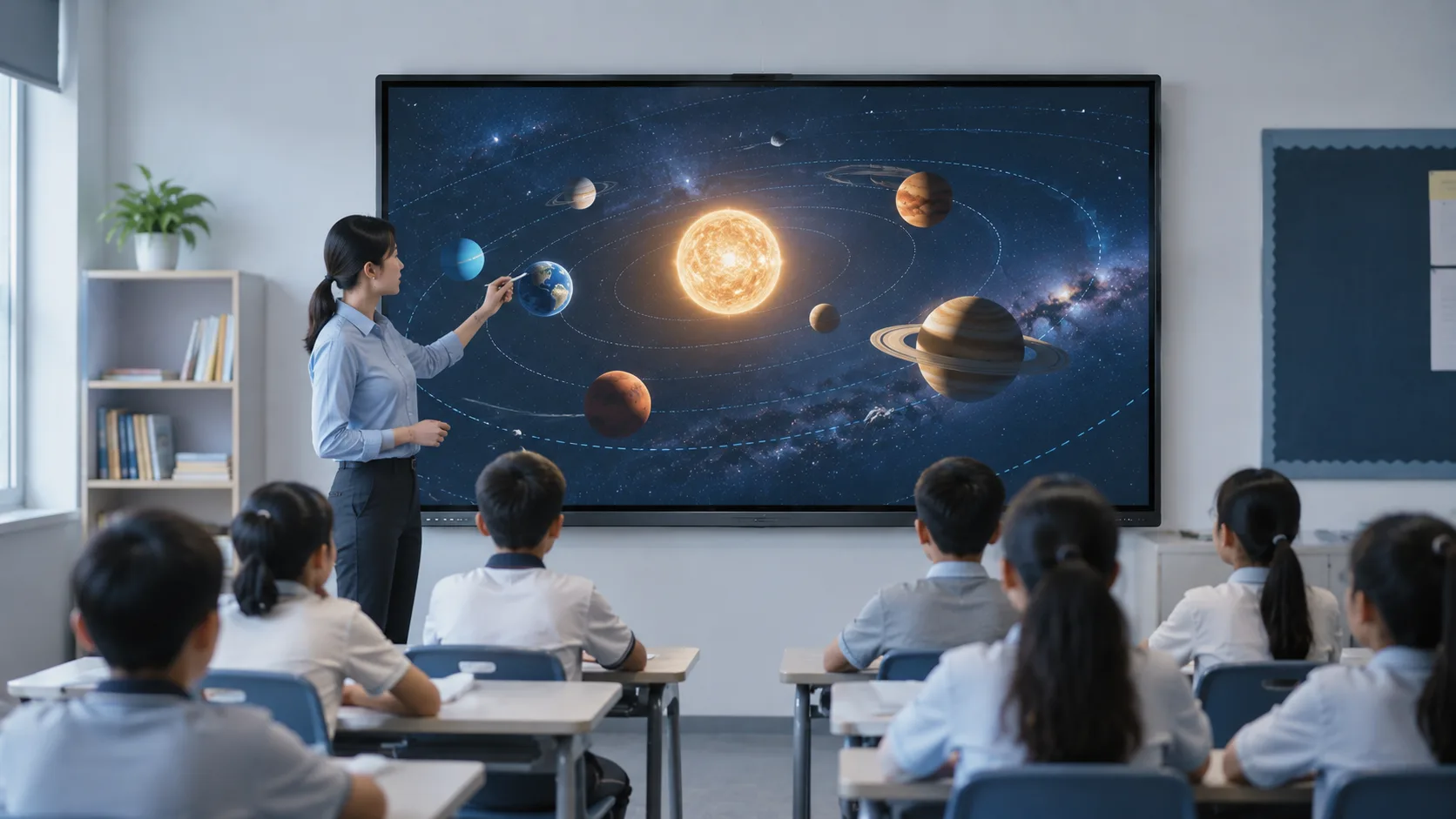
Classrooms. The teacher stands at the screen writing, drawing, playing videos. Students can walk up and interact — solve a problem, draw a line, drag an answer into place. No turning their back to the blackboard. No chalk dust. One student gets it right, the entire class sees the feedback on-screen. It's called collaborative learning. The interactive whiteboard is that table.
Government and corporate showrooms. Visitors come through. The screen presents the proposal. Building plans go up — pinch to zoom. Engineering plans get annotated with markups right on the screen. Far more direct than spreading a stack of printouts across a table.
Remote collaboration. Two cities. Two meeting rooms. Two screens. You're writing in Shanghai. A colleague in Shenzhen sees the same screen. They edit a line on their side. Your screen updates in sync. Not sharing a PowerPoint — it's the same whiteboard, being used by both sides at the same time.
Behind all these scenarios is one common thread: the interactive whiteboard turns "watching a screen" into "using a screen."In the projector era, you were a spectator. On an interactive whiteboard, you're the operator. The gap isn't small — it's a completely different experience.
How is it different from a projector + whiteboard?
You know what meetings used to look like. Turn on the projector. Close the curtains. Wait for the lamp to warm up. Adjust the focus. Connect the laptop. Midway through, sunlight slips through a gap in the curtain — half the image washes out. Meeting ends. You snap a photo of the whiteboard notes with your phone. The photo comes out blurry. Next week you look at it and have no idea what was written.
An interactive whiteboard pulls you out of that routine.
Lights on, still visible. Projectors hate light. 3,000 to 4,000 lumens is already considered high. An interactive whiteboard runs at 350 to 450 nits. Lights on, no direct sunlight hitting the screen — you can see everything clearly. Running a meeting without turning off the lights. That alone says something — this room is for getting work done, not for watching a movie.
No laptop required. The built-in system runs apps directly. You need to show a PowerPoint — plug a USB drive into the side of the screen, or open the attachment from your email. No booting up a laptop first. No HDMI cable. No making sure the projector switched to the right input. One fewer step is one fewer thing that can go wrong.
Write. Save. A regular whiteboard fills up, gets erased. An interactive whiteboard — what you write gets saved as a PDF or an image. Scan a QR code, take it with you. Meeting notes used to rely on a photo. Now they rely on a scan. That photo you took? You probably never open it again. That file on your phone — you can pull it up before the next meeting.
No focus drift. A projector lamp ages after half a year. The image gets dimmer and dimmer. An interactive whiteboard uses LED backlight. Brightness fades slowly. Normal use over 5 to 8 years — picture quality doesn't noticeably change.
One sentence to sum up the gap: projector + whiteboard is "watch + write." Interactive whiteboard is "watch + write + save + connect." Two more things. Way fewer headaches.
Figuring out what an interactive whiteboard is — that's just the starting point. The next step isn't comparing specs. It's not comparing brands. It's figuring out what fits your room.
What fits your room?
How big is your meeting room? How many people? Using it for meetings, teaching, or display? Can the wall take a mount? What's the lighting like?
These questions sound simple. But every interactive whiteboard starts getting spec'd from exactly these questions. Get the match wrong, and it's not that the machine doesn't work — it's that your room and the machine don't fit each other.
Tell us your room setup and use case. We'll put together a configuration that fits, based on real requirements — no blind recommendations. Haven't seen the product in person? No problem — we can set up a video walkthrough. One person takes you through the whole thing, from power-on to whiteboard to video call. You watch live, ask questions on the spot.

