If you're still using a projector, this is probably what it looks like. Walk into the meeting room. Turn on the projector. Wait for the lamp to warm up. Use those two minutes to close the curtains. Come back, plug in the laptop, switch the input signal. The picture comes up. Start presenting the slides. Halfway through, sunlight leaks through a gap in the curtain — a patch of light hits some part of the screen. Nobody mentions it. But everyone's eyes just skip over whatever that patch of light lands on.
Meeting ends. The whiteboard has a diagram drawn on it, notes filling up most of the space. Everyone takes out their phone and snaps a photo. Next time they need it, they open the photo gallery, scroll past screen after screen to find it.
This doesn't necessarily feel annoying. Because you're used to it. But used to it doesn't mean there's no problem.
This article is a projector vs interactive whiteboard comparison — side by side, point by point. By the end, you can decide for yourself which one fits you better.
Light
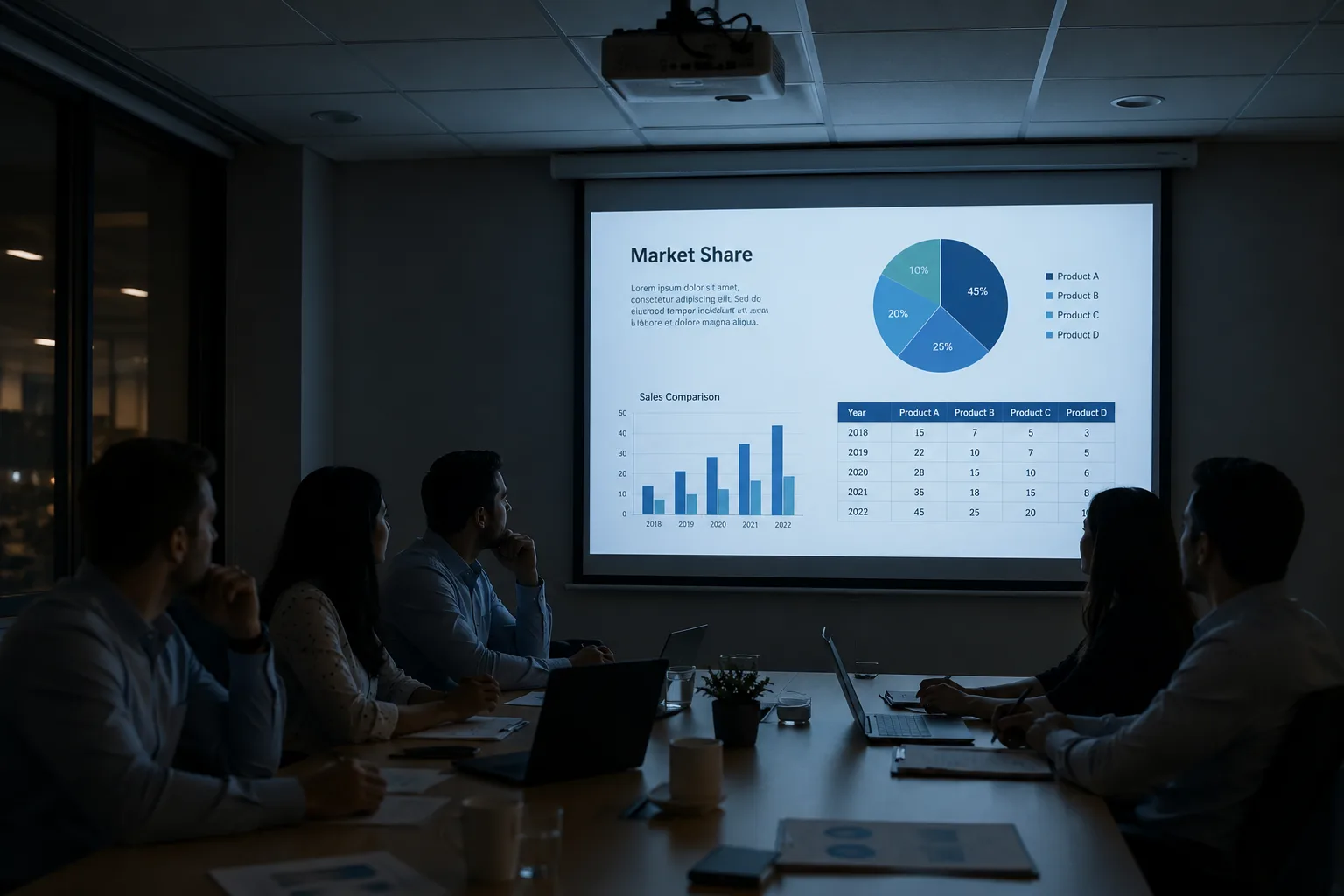
Projectors hate light. It's a physical limit — the beam the lamp throws out fights against ambient light. A bit of strong sun, and daytime meetings mean closing the curtains. Some meeting rooms don't even have curtains, just blinds — worse. The image gets sliced into stripes.
With a projector, turn the lights on and contrast drops by half. Slides with smaller text — people in the back can't read them.
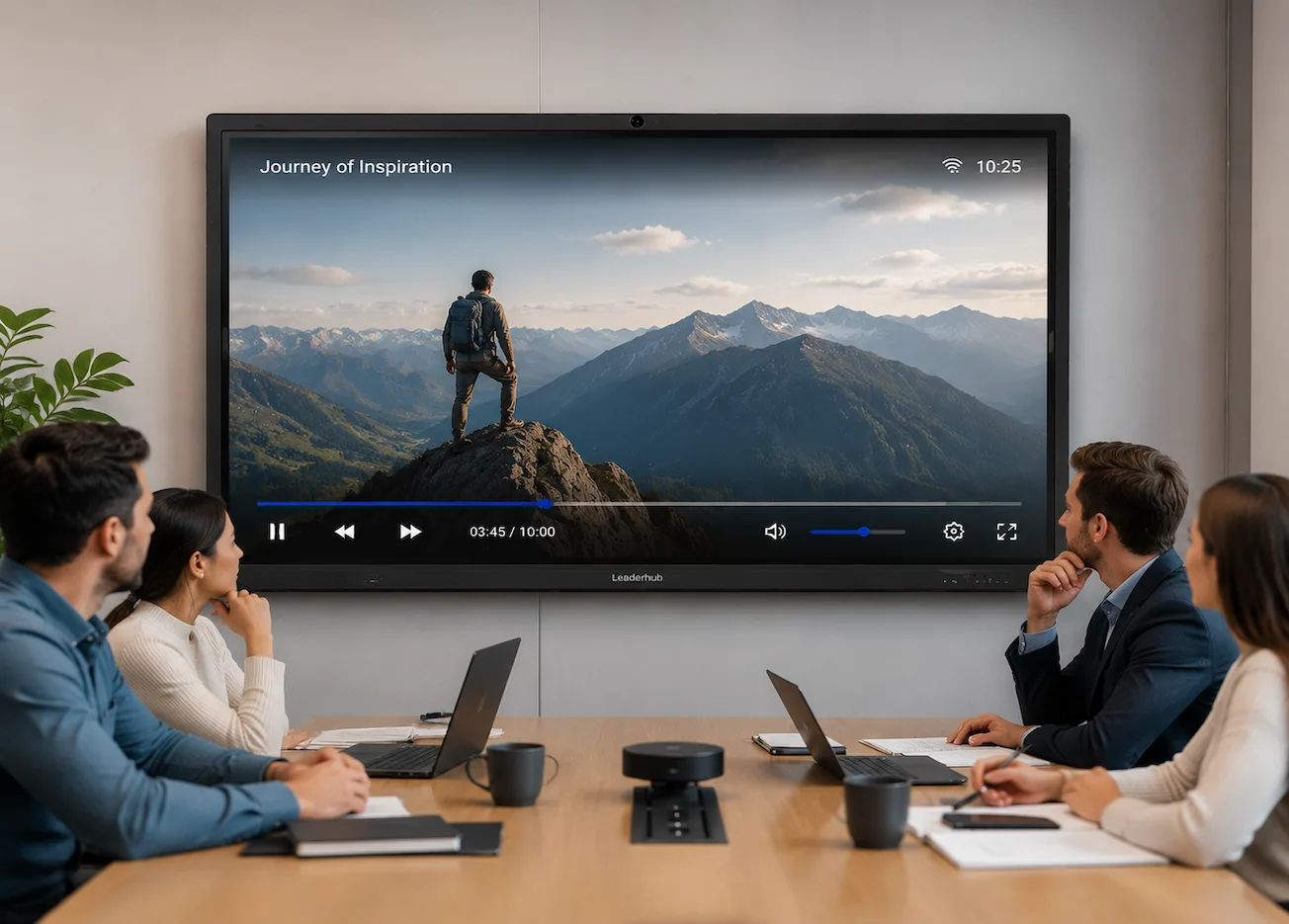
An interactive whiteboard is the screen itself lighting up. LED backlight. Lights on, curtains open — you can see it clearly. Not barely clear. Normal clear. People in the back don't squint. People in the front don't lean in.
This says something on its own: a projector meeting room runs on movie logic — dark room, focus on the picture. An interactive whiteboard meeting room runs on work logic — bright, write when you need to write, read when you need to read.
Startup
A projector, from pressing the power button to a stable picture, takes a minute minimum. Some take two. This process is called warm-up — the lamp needs time to reach operating temperature. In between, there's nothing you can do. Just wait.
Warm-up done, picture up, now you need to adjust the focus. The projector gets bumped once, the focus needs redoing. Someone cleaning the meeting room nudges it — next meeting, the edges of the image are blurry.
An interactive whiteboard — press the power button, into the system in about ten seconds. Like turning on a phone. No waiting. No adjusting. Mount it, calibrate once, it stays put from then on.
A minute doesn't sound like much. But do the math: 200 meetings a year, one extra minute per meeting waiting on warm-up — that's over three hours. You could do something better with three hours.
Cables
A projector, on its own, does nothing. It's just "thrown light." No operating system inside. No storage. It can't open a file by itself. You have to feed it a signal source — and in most cases, that means your laptop.
What does connecting a laptop actually mean? One, your computer has to be powered on. Two, find an HDMI cable. Three, make sure the projector is switched to the right input. Miss one step, no picture.
An interactive whiteboard runs an Android system inside. Copy the PowerPoint file onto a USB drive, plug it into the side of the screen, tap to open. Or log into your email and open the attachment directly. No need to unplug your laptop from your desk and carry it into the meeting room.
Some meeting rooms have a classic scene: the last meeting ends, someone unplugs their laptop, but the cable gets yanked out of place. The next group walks in — the cable won't reach. An interactive whiteboard doesn't have this problem. When you're not using it, it doesn't need you. When you are using it, it doesn't care what device you bring.
Writing and saving
A regular whiteboard has only one fate: fill it up, erase it. While you were writing, you drew a flowchart on it, jotted three key points off to the side, sketched an arrow in the corner. Meeting ends. Erased. You snapped a photo — and you know, deep down, that photo will probably never be opened again. Because your phone already has over eight thousand photos in it. Finding that one takes resolve.
With an interactive whiteboard, when you're done writing, tap save. The page generates a QR code. Scan it, and it goes straight to your phone. Saved as a PDF or an image — clear, straight, not crooked. Before the next meeting, open the folder on your phone and it's right there. Meeting records went from taking a photo to scanning a code. This isn't a small convenience. It's the difference between something that will probably never be looked at again and something that probably will. A blurry photo — you won't open it twice. A PDF sitting in a folder — you'll pull it up again and again.
Picture fade
A projector lamp is a consumable. The manufacturer rates it at 3,000 to 5,000 hours, but in real use the brightness keeps dropping the entire time — not a sudden failure at some point, just dimmer, bit by bit. After half a year, you start feeling like the image isn't as bright as before. After a year, daytime meetings — you don't really dare turn the lights on anymore. After two years, the cost of a replacement lamp plus the labor is nearly enough to buy half a new unit.
This process is gradual. You don't walk into a meeting every day thinking, "It's a little dimmer today." But the moment you replace the lamp, you realize — all those meetings before, you'd been watching in a darkroom.
An interactive whiteboard uses LED backlight. No lamp. LEDs last long, fade slowly. Normal use over 5 to 8 years — the picture quality won't change in any way you can perceive.
The point isn't which one stays bright longer. It's which one saves you from hassle longer over the lifecycle of your meeting room. A projector's maintenance is something you do on a schedule. An interactive whiteboard's maintenance barely exists.
Remote meetings
A projector only solves the "seeing" part. It can't hear. It can't speak. You want to run a video call — connect a separate camera, set up a separate microphone and speaker. The camera clips onto the top of the projection screen, angled downward. The microphone sits in the middle of the table. Someone's too far away, the other side can't hear them clearly.
This isn't the projector's fault. The projector was never meant to handle this. The problem is — with all these pieces added together, every meeting you have to check more than one device. You need to confirm the picture is bright enough, the camera isn't tilted, the microphone isn't muted. One more device, one more variable to check before the meeting even starts.
An interactive whiteboard usually has a built-in camera and microphone array. One tap to start a video call. Screen sharing, whiteboard annotation, remote collaboration — all done on the same device. You don't have to make sure every peripheral is working — because most of the peripherals are already inside the machine.
Real meetings
Forget the specs. Look at the scenarios.
Four-person weekly catch-up. Small room. Short meeting. Everyone takes turns running through updates. A projector plus whiteboard is perfectly fine. You don't need an interactive whiteboard for this kind of meeting. But if this room gets used a lot — people in and out every day — then the time saved on cables and waiting with an interactive whiteboard adds up fast.
Ten-person cross-department meeting, with remote colleagues dialing in. Some people stand and present. Some sit and chime in. Remote people join the call. The screen needs to be shared. Everyone needs to hear everyone clearly. In this scenario, the projector starts to struggle — cables, input switching, separate external devices. Stack a few variables together, and the odds of something going wrong go up. The all-in-one advantage of the interactive whiteboard starts to matter.
Client visit, showroom demo. Lights off, curtains drawn, waiting for warm-up — no big deal in your regular meetings. But when a client is sitting there in front of you, waiting to see — every second feels long. An interactive whiteboard keeps the lights on, powers up instantly, swipe and zoom with your fingers. The client doesn't see you fiddling with equipment. They see the proposal go straight up on the screen-Decent.
Classroom, six periods a day. The projector is fine in the first morning period. By the last period of the afternoon, the lamp has been running four or five hours — the picture is going gray. The teacher fills the blackboard. Bell rings, it gets erased. The next teacher rewrites everything. An interactive whiteboard — lights stay on, no fade, write, flip the page, save. End of the day, neither the teacher nor the students are worn out by the equipment.
Cost — count five years, not the sticker price.
Projectors are cheap. The sticker price is a third of an interactive whiteboard at the same size, or even less. That's the number you see right away.
What's not on the sticker? Lamps. One projector will need its lamp replaced two or three times over five years. Each replacement — the lamp itself plus labor. Doesn't seem like much at first. Adds up to something real. Then there's your own time. Every meeting — cables, setup, snapping photos for the record. Each action on its own is nothing. Two hundred of them stacked together is not zero.
An interactive whiteboard has a high sticker price. But over five years — no lamps, no calibration fees, no time lost to photo saving, no awkward fumbling in front of a client.
The question shouldn't be "which one is cheaper." Cheap is the sticker price. Total cost is the sticker price plus five years of use. The real question in any projector or interactive whiteboard decision isn't "which is cheaper."
Few meetings, no outsiders — a projector is enough. Lots of meetings, outsiders coming through — the total cost of an interactive whiteboard is probably lower than you think.
Quick judgment — three signals.
Three signals. One shows up, it's time to start thinking about switching.
1. The projector lamp is nearing the end of its life. The money and time it takes to replace a lamp is enough reason to redo the five-year total cost calculation. At that point, it's not a repair question anymore — it's a route choice.
2. Remote video calls are happening more often. Last year it was two or three times a month. Now it's two or three times a week. That separate camera and microphone setup has become a weekly headache. Not unusable — but no longer viable as the solution.
3. Outsiders walk in. Clients. Partners. Distributors. They walk into your meeting room and see you turning off the lights, closing the curtains, waiting for warm-up. You don't need to say a word — they've already formed an impression. An interactive whiteboard isn't about looking good. It's about making demos and presentations feel natural, instead of turning them into an equipment setup session.
You've now seen the projector vs interactive whiteboard differences laid out. There's only one question left: which one fits your room.
That answer isn't on this page. It's in your meeting room.
Tell us: how big is the room? How many people use it? How many meetings a year? Are remote calls frequent? Do clients ever walk in?
We'll judge based on your actual situation — if it's not worth switching, we'll tell you not to. If it is, we'll tell you it is. No blind recommendations. Haven't seen the product in person? No problem. We'll set up a video walkthrough — one person takes you from power-on to whiteboard to video call, you watch live, ask questions on the spot.

 English