
 English
What Is an Interactive Whiteboard? A Simple Definition (2026)
You have probably seen one and wondered what to call it. A big screen on a meeting room wall. Someone walks up, touches it, writes on it like a whiteboard. No projector hanging from the ceiling. No cables snaking across the table. If you are here, you want the name for that thing — and a straight answer about what it actually does.
An interactive whiteboard definition is simpler than most websites make it sound. It is a large touchscreen display — think of a giant tablet mounted on a wall or a mobile stand. You can write on it with a finger or a stylus, connect your laptop wirelessly, run video calls, and save whatever you wrote. One device replaces a projector, a whiteboard, a computer, a speaker, and a webcam.
How is that different from a regular whiteboard and a projector? A regular whiteboard is a passive surface. You write on it with markers. You erase it. The content lives and dies on that board. A projector throws an image onto a screen or a wall, but you cannot touch it — you can only watch it. And you usually need to dim the lights to see anything. That is the gap the interactive whiteboard definition fills: a surface you can touch, write on, and share from, without turning the room into a cave.
An interactive whiteboard is the opposite. You touch it. You write on it. The room lights stay on. The image stays bright and readable from across the room. When the meeting or the lesson ends, you save the annotated file — notes, diagrams, everything — and send it to whoever needs it. Nothing gets erased unless you choose to erase it.
So where do you see these? Conference rooms are the most common spot. A team walks in, the screen is on, someone shares their laptop wirelessly, and the meeting starts. Classrooms are the other big one — a teacher writes on the board, a student walks up and solves a problem, the class watches. Training centers, government offices, hospital meeting rooms — any space where people need to see content together and occasionally interact with it. LonTon builds interactive whiteboards for all these spaces, from huddle rooms to lecture halls.
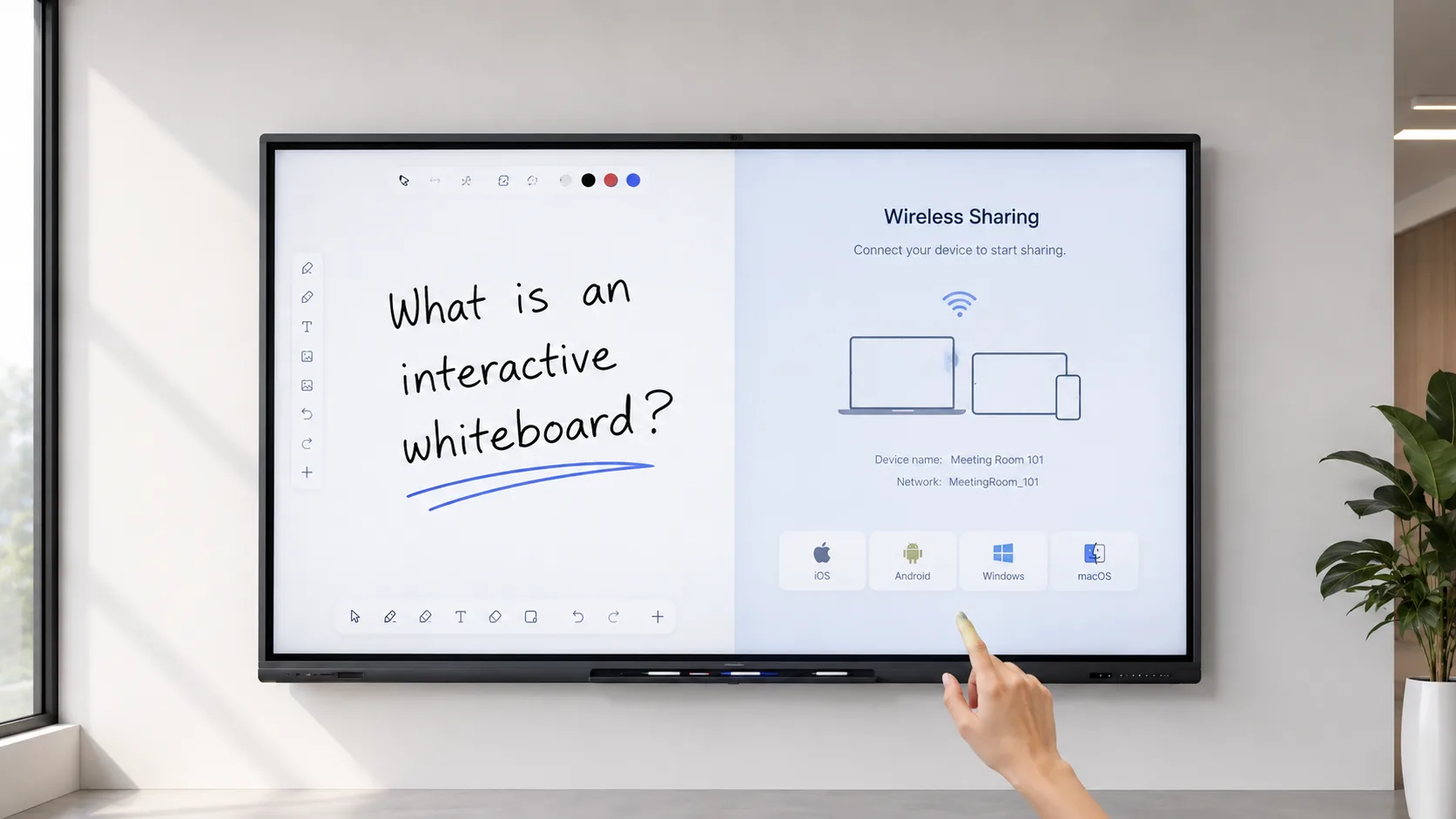
The interactive whiteboard definition that actually helps you is the practical one: does it fit your room, does it work with your devices, do people use it. If you are trying to figure that out, the easiest way is to ask someone who builds them. LonTon has been making interactive whiteboards for conference rooms and classrooms for years — sizes from 55 to 86 inches and beyond, infrared or capacitive touch, wireless sharing that covers any device. Tell us about your room and what you need the board to do. We will tell you what makes sense. Click the button and let us talk.

