
 English
Interactive Whiteboard Features That Actually Matter (2026)
Every interactive whiteboard comes with a feature list. Most of them are long. Some of them sound impressive. A few of them you will use every day. The rest you will forget exist after the first week.
The interactive whiteboard features worth paying attention to are the ones that remove friction — the small things that eat into meeting time, lesson time, and patience. Here is where to focus.
Wireless screen sharing is the feature that changes how a room runs. A whiteboard that supports AirPlay, Google Cast, and Miracast simultaneously means anyone connects in seconds — Mac, Windows, phone, tablet. If the board only handles one protocol, someone in every meeting will need an adapter they do not have. LonTon ships its boards with EShare pre-installed, covering all three so the device brand does not matter. If you want to learn more about LonTon’s products, please explore LonTon interactive whiteboards.
Touch responsiveness matters more than touch technology on paper. A board that registers a finger, a stylus, and a palm rejection at the same time lets multiple people write simultaneously. Lag is the real enemy — if the ink trails behind your hand, people stop using the board after the novelty wears off. Test this in person before you buy.
Multi-device sharing lets several people put their screens on the board at once without passing a cable. In a meeting, someone shows a spreadsheet while a colleague shares a design file. In a classroom, a teacher displays a lesson while a student casts their project from a tablet. If the board only supports one device at a time, the room defaults back to one person controlling everything — and half the interactive whiteboard features go unused.
Annotation across any content type — a PDF, a web page, a video paused mid-frame — means you write directly on whatever is on screen. You circle a paragraph in a contract. You highlight a number on a chart. You draw over a paused video to point out a detail. The annotation layer saves as a file you can share after the meeting. Without this, the whiteboard is just a big screen with a separate whiteboard next to it.
Built-in speakers and a camera or camera-ready slot turn the board into a video conferencing endpoint. No external webcam to set up. No separate speakerphone on the table. One device on the wall handles the display, the audio, and the call. For huddle rooms and small conference rooms, this simplifies the room to a single piece of hardware. For larger spaces, external audio may still be needed.
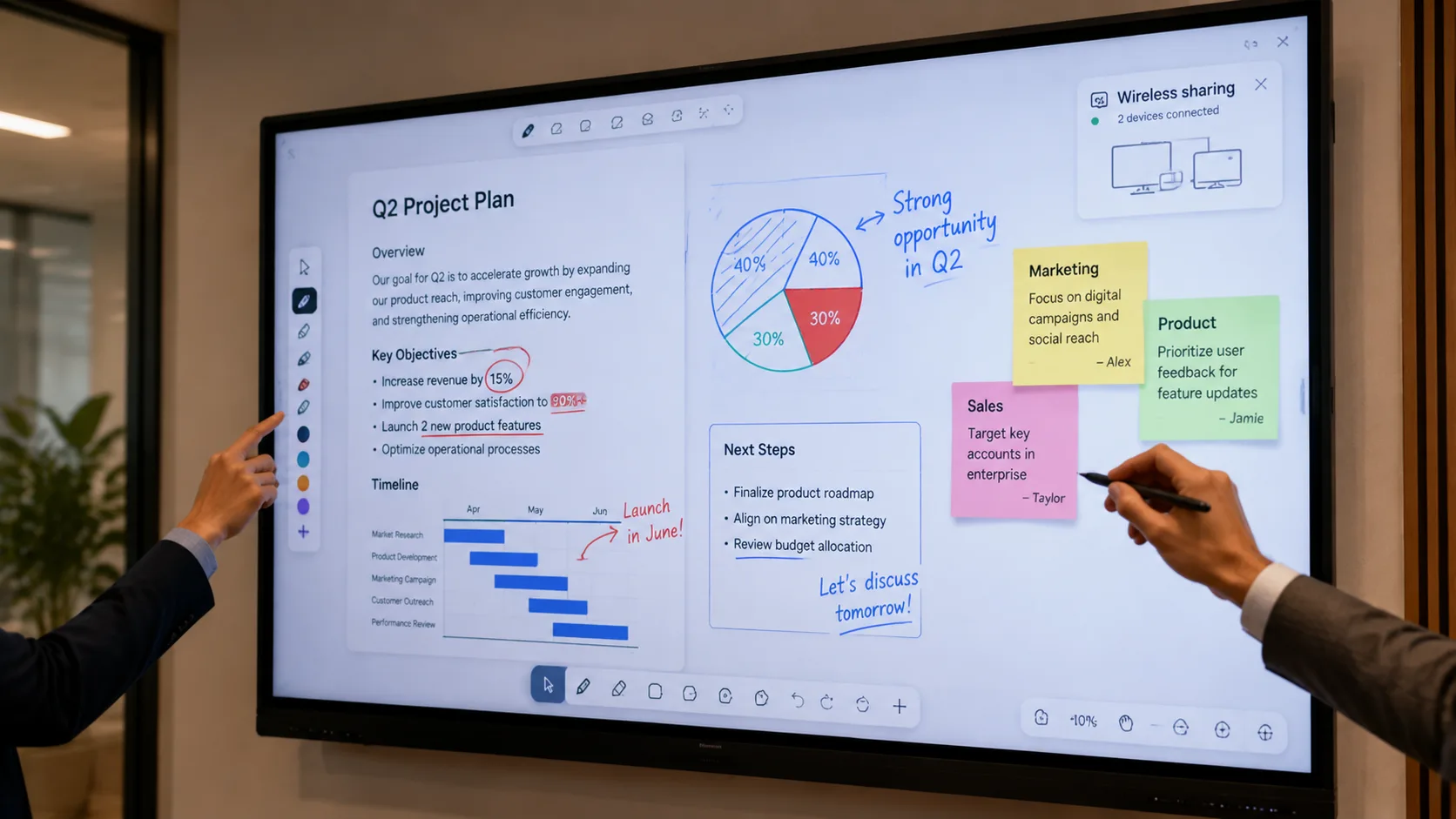
The interactive whiteboard features that matter are not the ones that fill a spec sheet. They are the ones that make the board the first thing people use when they walk into the room — wireless sharing that works with any device, touch that keeps up with your hand, annotation that saves and shares. As a manufacturer, LonTon builds its boards that way, with EShare covering AirPlay, Google Cast, and Miracast, infrared and capacitive touch options, and tools that annotate on anything on screen. Tell us about your meeting rooms or classrooms and we will recommend a configuration that fits. Click the button below, and we will be happy to assist you.

