
 English
Hi, I’m your professional buying consultant, here to help you find the right display solution for your project.
As we all know, when choosing a interactive whiteboard for a school classroom, price and screen size are important, but they should not be the only factors. Buyers also need to consider functionality, ease of use, classroom compatibility, durability, and how the display supports daily teaching activities. By looking at these factors together and matching them with real classroom needs, schools can select the best interactive whiteboard solution.
This article will cover the topic through the following key sections:
What is interactive whiteboard?<Why classrooms need interactive whiteboards ?<Key features of the best interactive whiteboards<LONTON’s teaching scenario solutions
一、What is the interactive whiteboard for classroom?
Interactive whiteboard for classroom is not a normal traditional whiteboard. It is an all-in-one smart teaching device that integrates whiteboard, display, computer, touch writing and interactive teaching functions. You can think of it as a giant smartphone.

What can the interactive whiteboard do?
Touch Writing:Teachers can write, draw and erase directly on the screen with fingers or a stylus; Display Teaching Materials: teacher can show the PPT, PDF, Word, images, videos, web pages and digital textbooks; Annotation: you can directly annotate key points on courseware, images, web pages and documents; Wireless Screen Sharing: it enables teachers to cast content wirelessly from computers, tablets or mobile phones to the large screen; Student Interaction: students can come to the front to answer questions, drag objects, write and take part in interactive exercises; Save Classroom Notes: class notes and annotations can be saved for review and sharing after class.
二、Why classrooms need interactive whiteboards ?
Classrooms need interactive whiteboards because they help teachers present lessons more clearly, engage students more actively, save teaching content, and create a more interactive learning environment. Compared with traditional whiteboards or projectors, interactive whiteboards combine writing, display, annotation, multimedia, and collaboration tools into one smart classroom solution.
三、Key features of the best interactive whiteboards
Here are the key features of premium interactive whiteboards: they feature a large 4K display for clear teaching, deliver smooth touch writing and annotation, support multi-touch for student interaction, enable wireless screen sharing, and allow easy content saving and sharing. Equipped with built-in Android or Windows systems and anti-glare glass for comfortable viewing, these boards also boast a durable design to withstand daily classroom use.
四、What factors should you consider when choosing an interactive whiteboard for classrooms?
Below are the key decisive factors buyers typically focus on. First, select a properly sized interactive panel that matches your classroom space for the best viewing experience. Second, check if it have eye-care functions, which is essential for both teachers and students during long hours of use. Third, ensure it supports diverse interactive functions to boost classroom engagement and capture students’ attention. Fourth, verify compatibility with wireless screen casting from mobile phones, tablets and computers for convenient content presentation. Fifth, confirm the ability to quickly save and share class records to keep important notes intact. Sixth, find out whether the supplier offers ODM and OEM services to customize products for different needs. Seventh, inquire about after-sales installation and maintenance support to cut long-term costs. Lastly, check if complete supporting solutions are provided to save time and reduce decision-making difficulty.
An interactive whiteboard with these features can be considered a good whiteboard for modern classrooms.
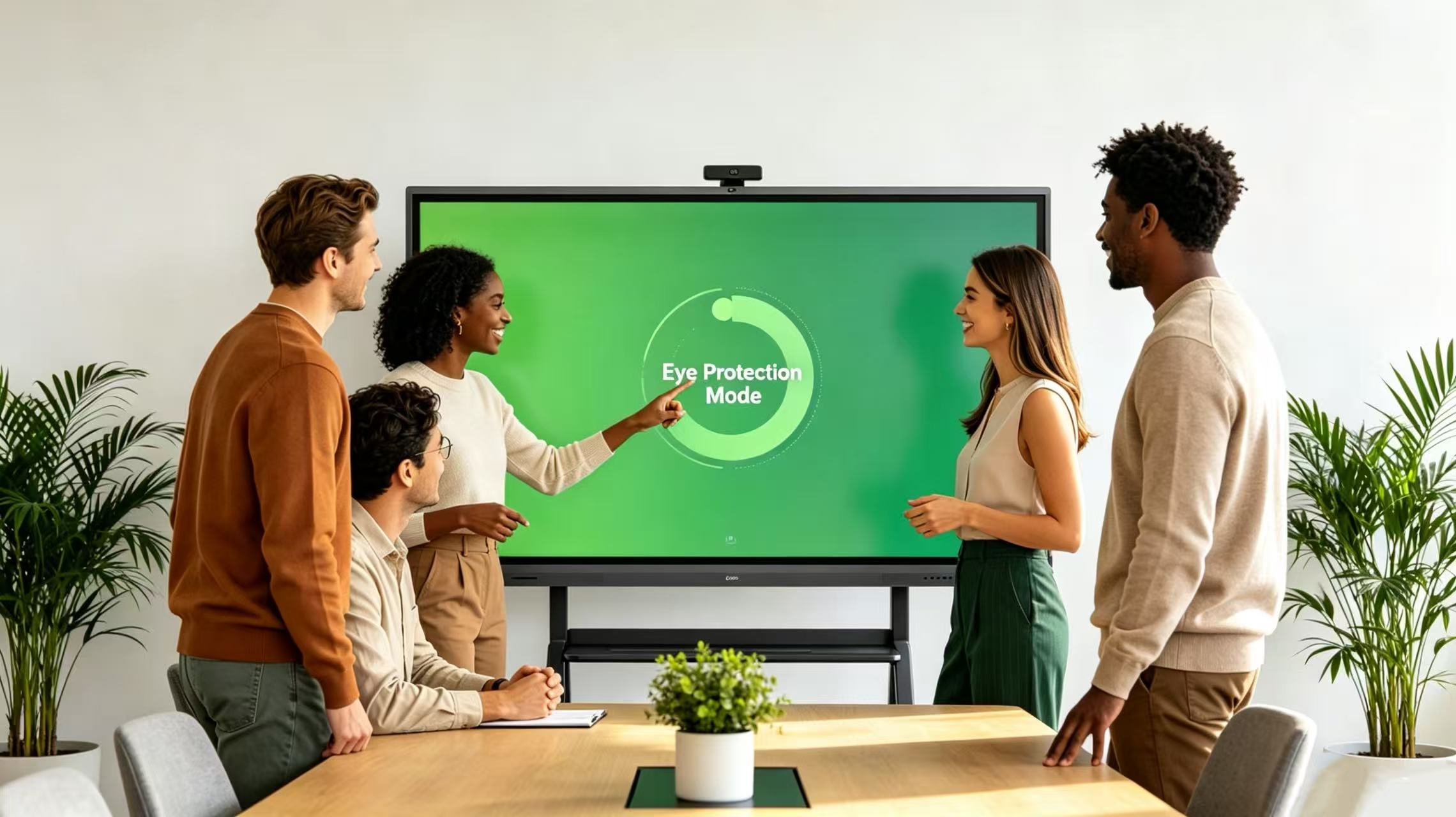
As a menufacturer-LonTon's interactive whiteboards are designed for modern classroom teaching, digital learning, and student collaboration. With 4K UHD resolution, smooth infrared touch, anti-glare glass, wireless screen sharing, Android system, and multiple size options from 65 inches to 110 inches, LONTON provides reliable interactive display solutions for schools, training centers, and education projects.
Our classroom interactive flat panels support multi-touch writing, document annotation, content sharing, and flexible teaching applications. As a factory-direct interactive display manufacturer, LONTON also supports OEM/ODM customization, bulk orders, and project-based solutions for global education partners.
What Size Interactive WhiteboardIs Best for a Classroom?
| Classroom Type | Recommended Size |
| Small classroom | 65-inch |
| Standard classroom | 75-inch or 86-inch |
| Large classroom | 86-inch or 98-inch |
| Lecture room / training room | 98-inch or 110-inch |
The Problems LonTon Solved
Interactive whiteboards make classroom content clearer and more intuitive by supporting PPT, PDF, images, videos, webpages and digital textbooks, far surpassing traditional handwritten whiteboards. LonTon’s ultra HD screens feature anti-glare, anti-reflection design and eye protection mode to safeguard eyesight for all users. They greatly boost student engagement, allowing learners to write, drag elements, answer questions and add annotations directly on screen, which works perfectly for interactive lessons, group discussions and in-class exercises. Teachers can mark key points on courseware in real time without constantly switching between computers, projectors, whiteboards and textbooks for higher teaching efficiency. Unlike regular whiteboards where content is erased permanently, this device saves all blackboard notes, annotations and teaching materials for post-class review and sharing. It also enables wireless screen casting from computers, tablets and mobile phones to eliminate messy cables and streamline lessons. Integrating display, whiteboard, computer, projection, audio, touch writing and collaboration tools all in one, the interactive whiteboard is an ideal choice for modern smart classrooms and digital teaching.
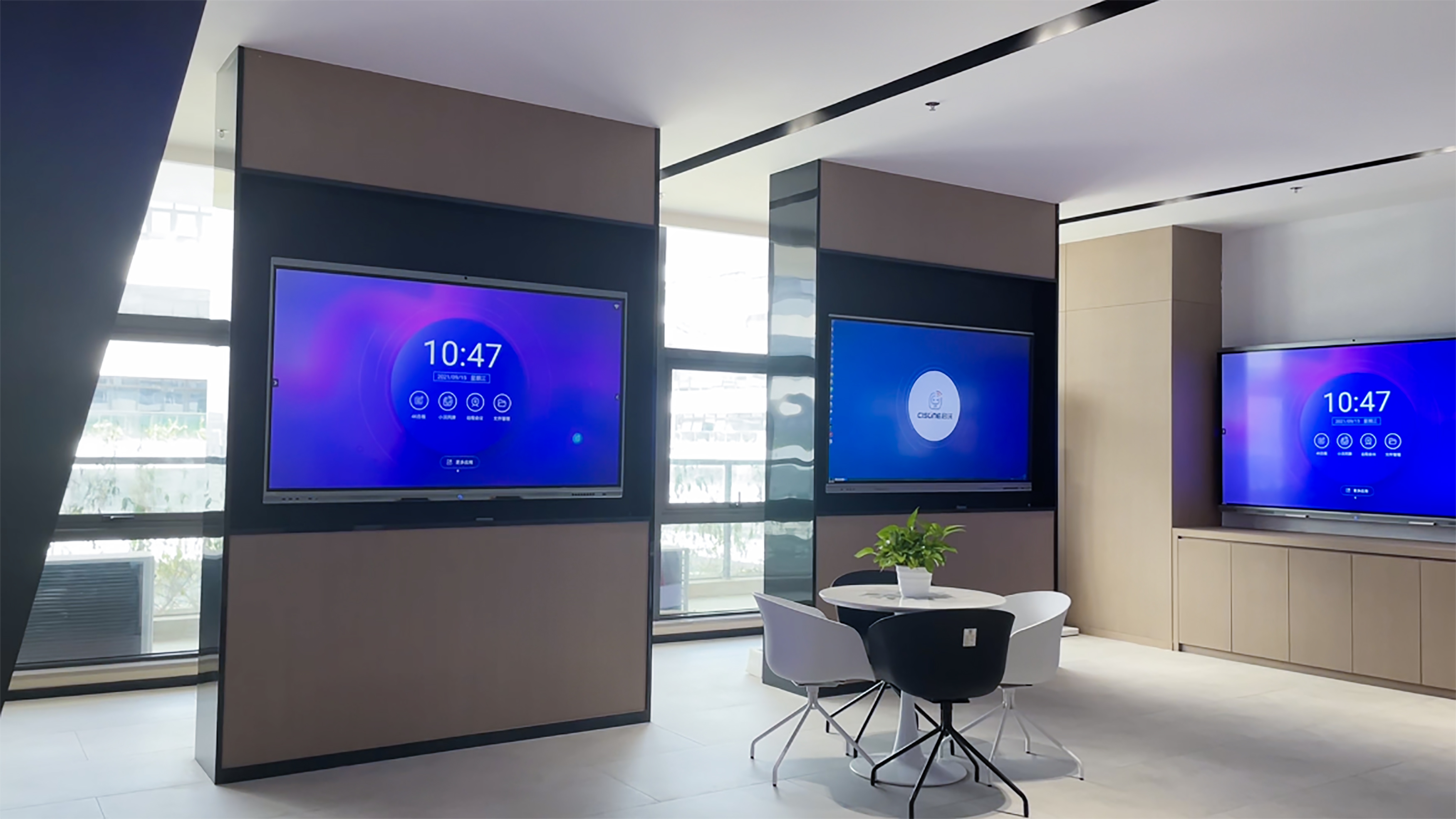
The best interactive whiteboard for classrooms should help teachers present lessons clearly, write smoothly, engage students, share digital content, and save teaching materials more efficiently. For schools looking to upgrade classroom technology, an interactive whiteboard with 4K display, smooth touch writing, wireless screen sharing, anti-glare glass, and reliable hardware can be a smart long-term investment. LonTon provides interactive whiteboard solutions for classrooms, training centers, and education projects, with multiple sizes and OEM/ODM customization available for global partners.
Click here learn more about our Interactive Flat Panel Display.

